Desert Online General Trading LLC
Dubai, United Arab Emirates
Desert Online General Trading LLC
Dubai, United Arab Emirates

🎨 Draw Your Dreams into Reality!
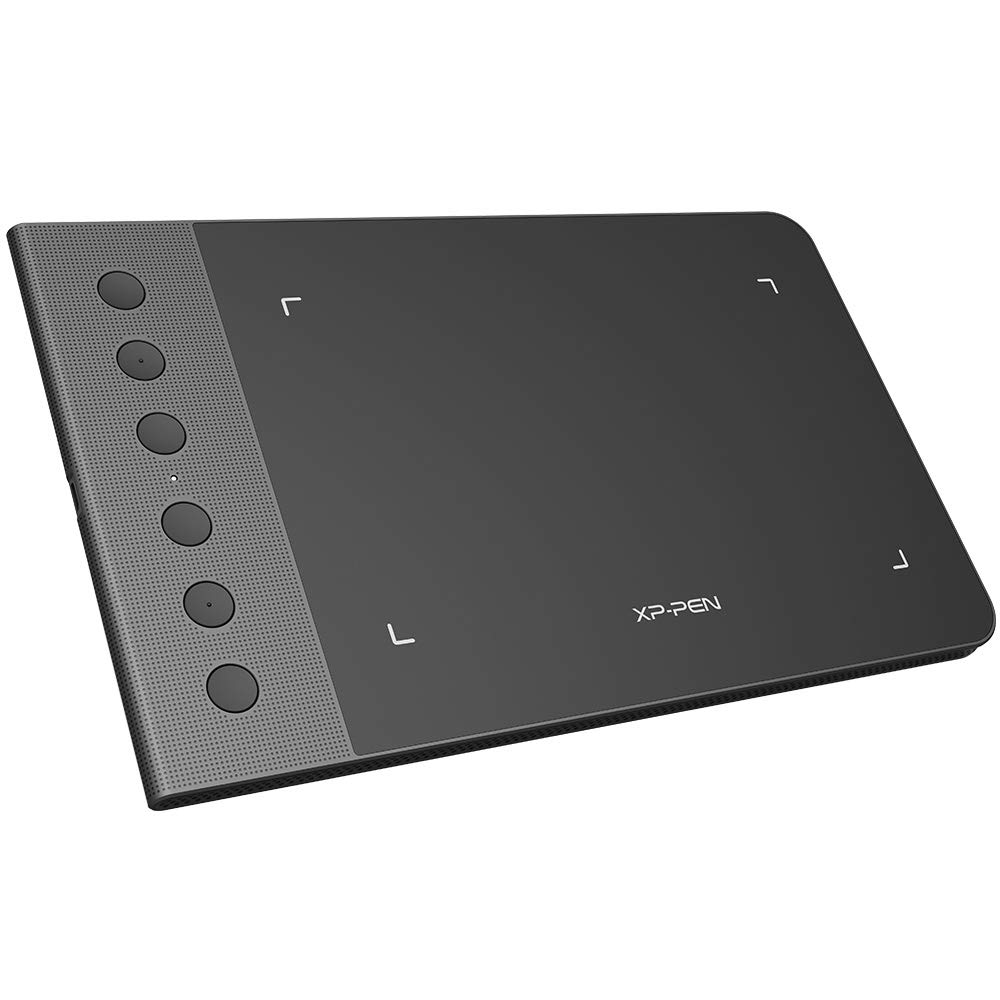
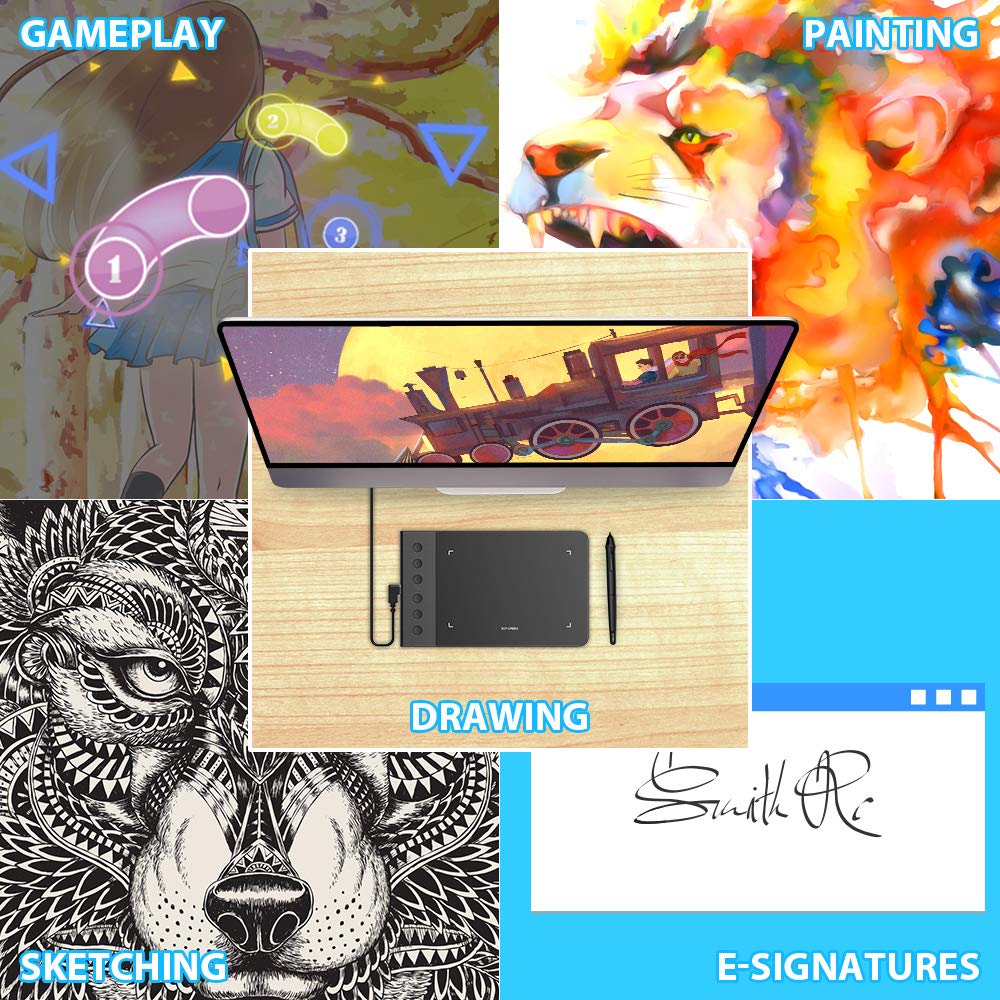
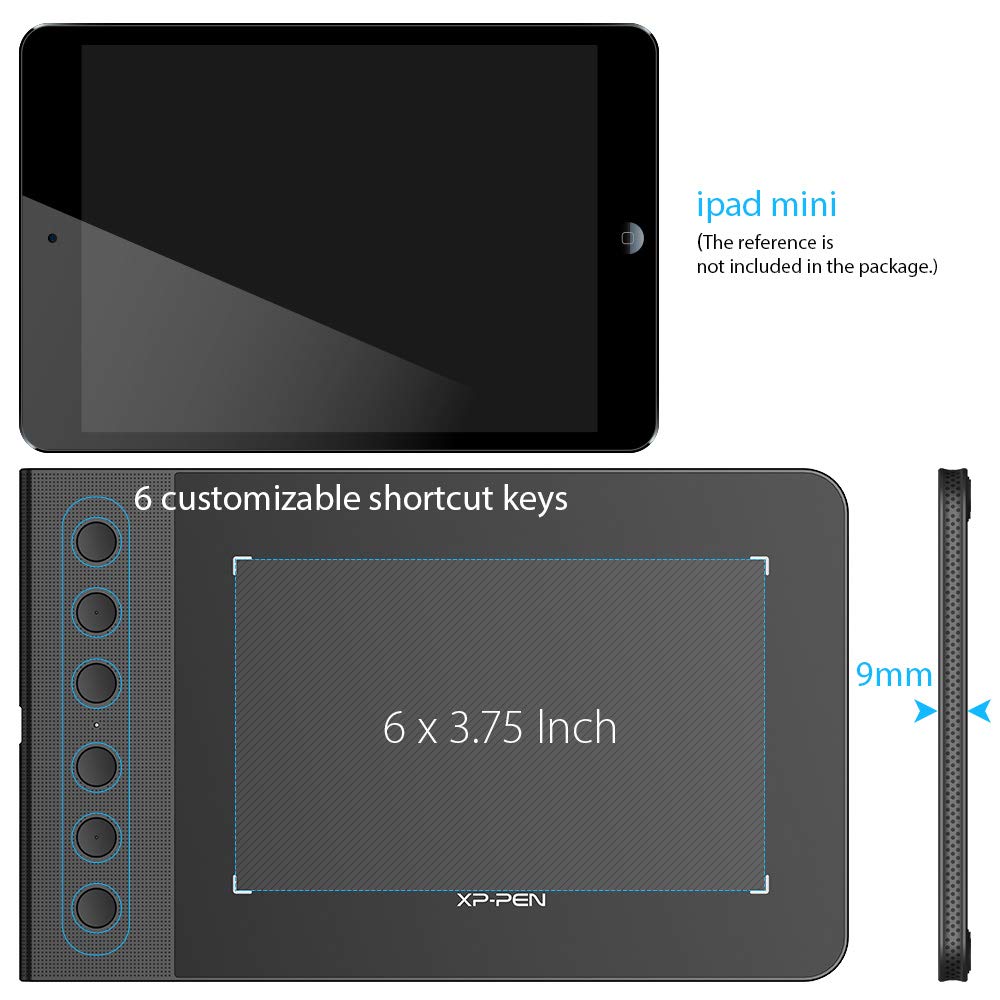
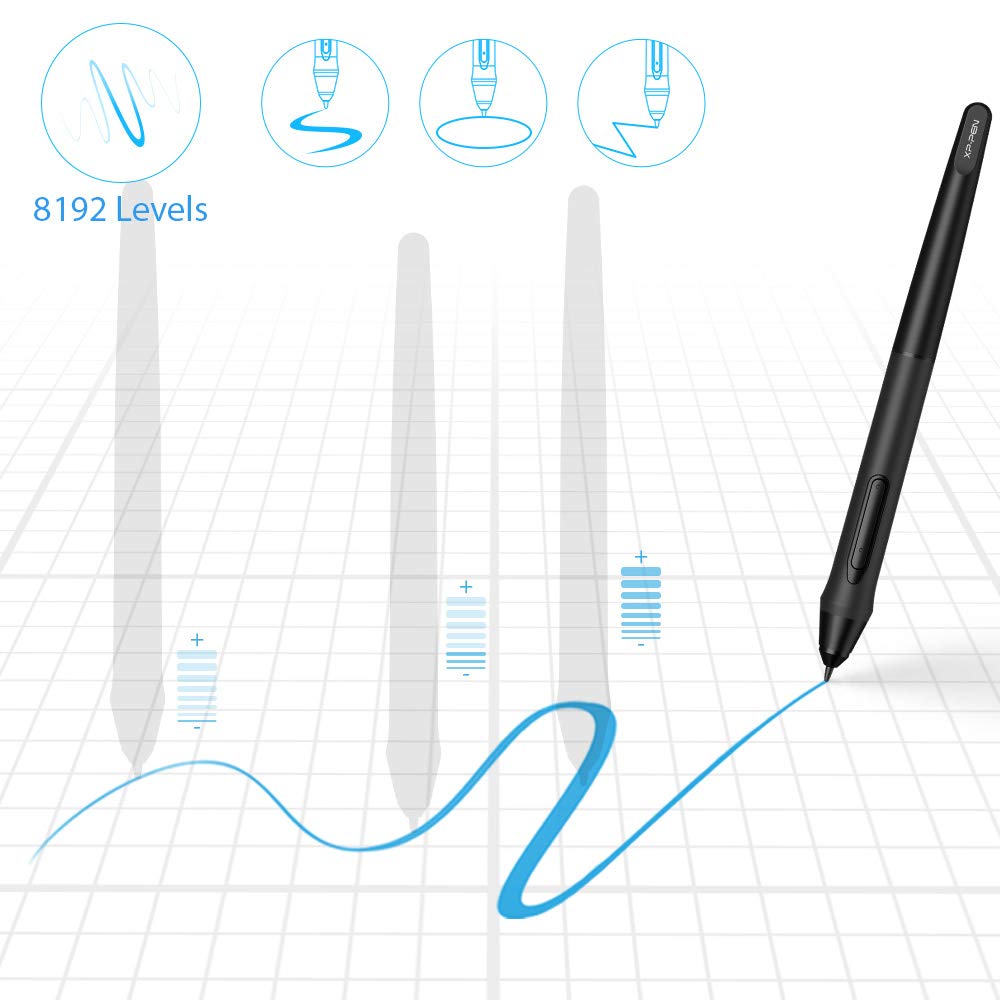
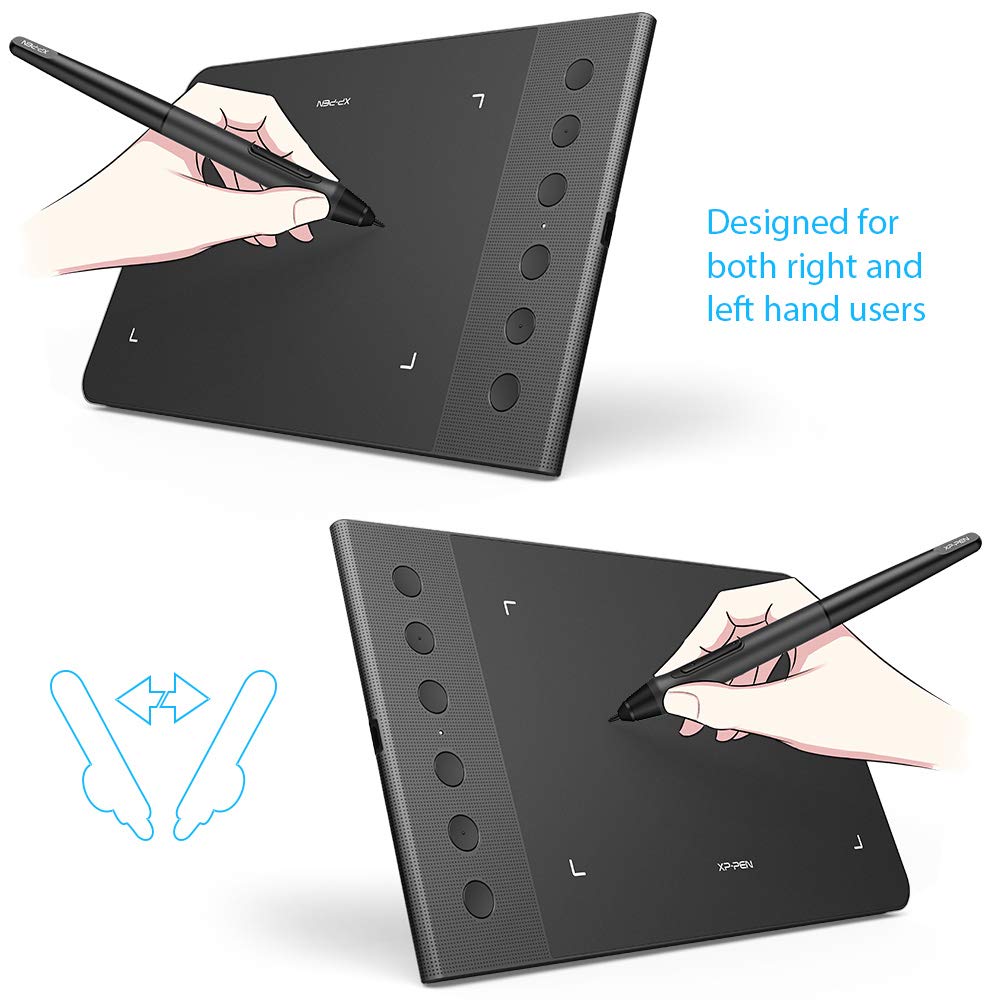
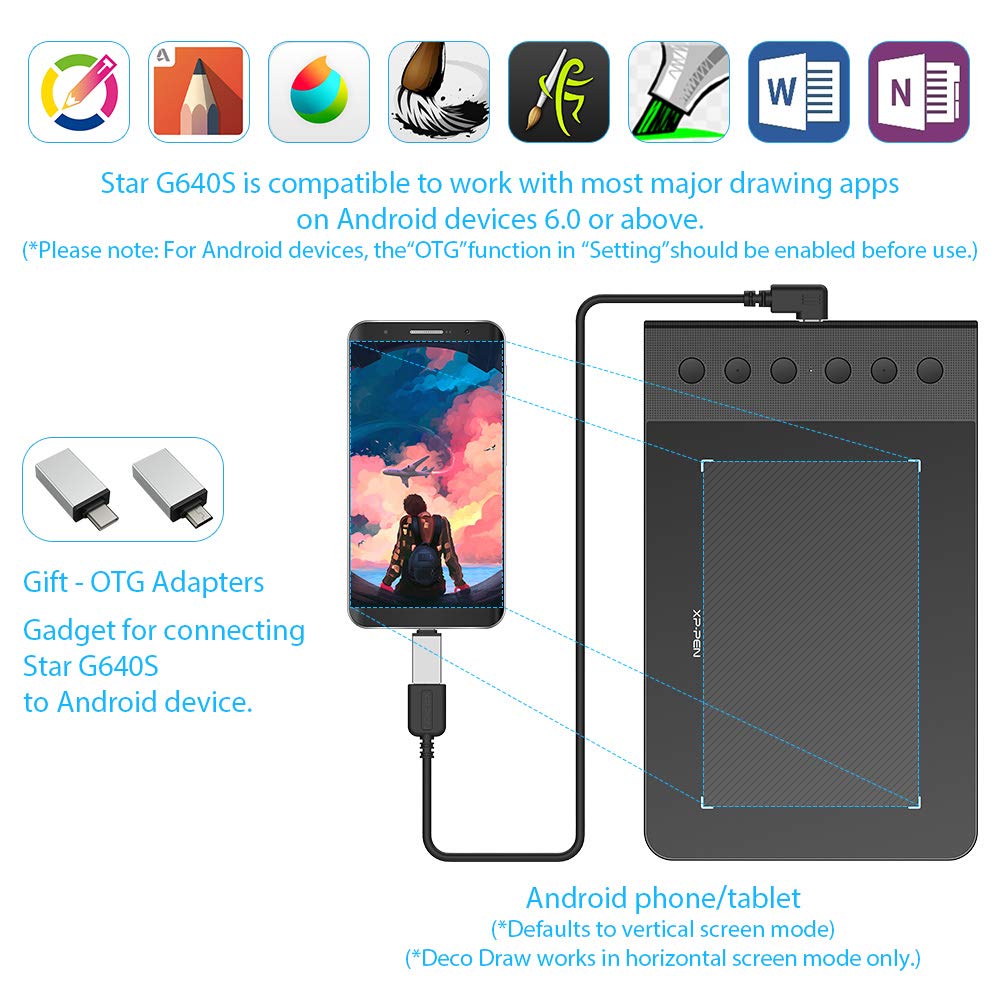
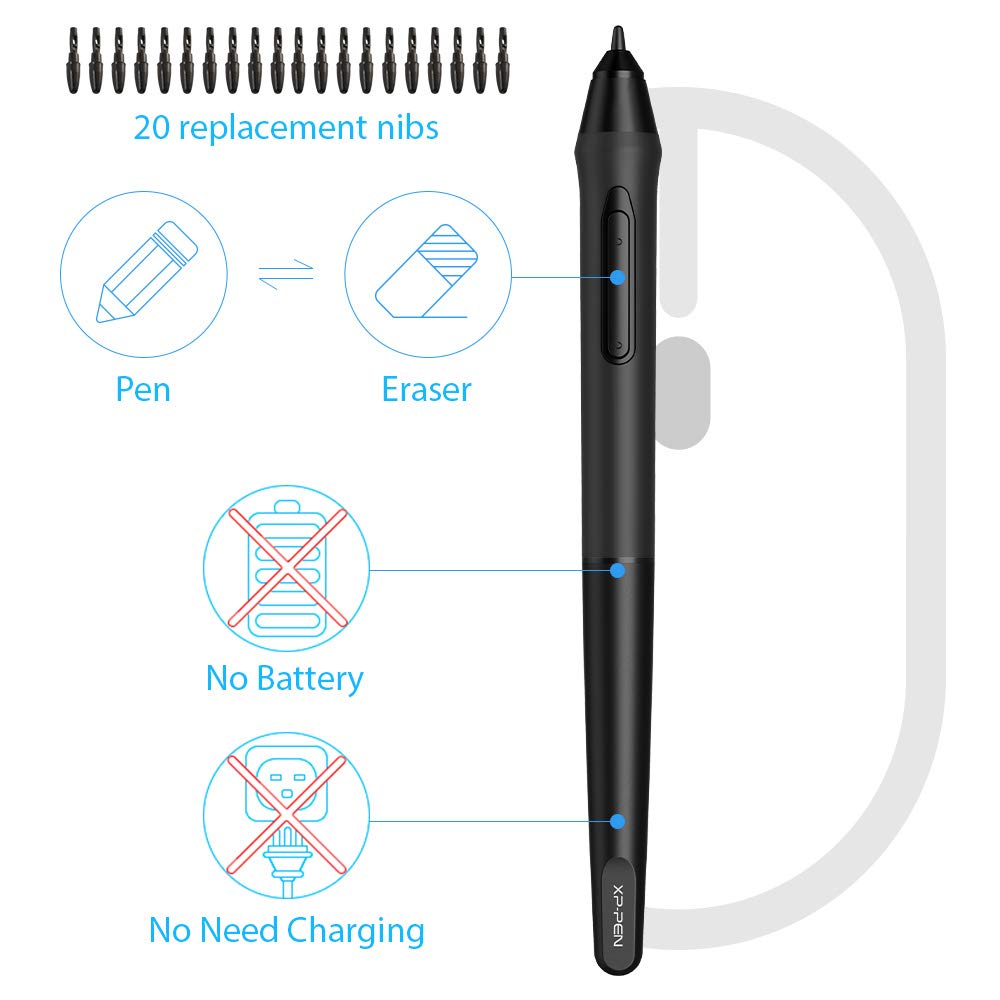
The XP-PEN G640S Graphics Pen Tablet is a versatile digital drawing tool featuring a 6x4 inch active area, 8192 levels of pressure sensitivity, and compatibility with multiple operating systems including Android, Mac, and Windows. With a battery-free stylus and customizable hotkeys, it’s designed for artists and professionals seeking precision and portability.


| Color | StarG640S |
| Active Surface Area | 6 inches x 4 inches |
| Item Dimensions L x W | 6.3"L x 10.2"W |
| Item Weight | 550 Grams |
| Screen Size | 6 Inches |
| Specific Uses For Product | Online Teaching/E-Learning/Remote working/Digital drawing/Web-conference |
| Compatible Devices | Windows 7 (or later), Mac OS X 10.10 (or later), Android 6.0 (or later), Chrome OS 88 (or later) |
| Native Resolution | 1920x1080 |
| Operating System | Windows 7 & above, Android 6.0 and above, MacOS 10.12 or later |
| Additional Features | Drawing/learing/working |
| Connectivity Technology | USB |
| Pressure Sensitivity | 8192 Levels |
M**E
good drawing tablet
love the graphic tablet and is good size and easy to use and it has good sensitivty and look great
E**
Pretty good!
I had another tablet from another brand before which didn't have a battery-free pen and I can say this is like the best feature! It's super cool not having to worry about the corrosion from the battery if you leave the pen some months without use.It works like a charm, the area is very adequate, I don't feel like I run out of space when drawing, some minor cons on the overall product are.1- It gets scratched, very scratched after some time, but this doesn't affect the usability, it still performs as new and sensibility is the same, it's just some visual stuff.2- The driver interface could be a bit more user friendly I think.I think these are the only cons, as you see, pretty small stuff which doesn't really affect how you draw on it. I've been using it for a year I think now, and wanted to write a review just now.Worth the money!
N**A
It’s a great tablet but....
It’s amazing to draw on especially for beginners but what can I say.... it drags and it’s so fking annoying if I draw for to long it just starts dragging itself for absolutely no reason and in this drag you cannot control the pen and the only way to get it to stop is to restart my laptop otherwise it’s great awesome respond speed it’s very smooth and has a big surface to draw on it feels a little weakish sometimes but I can’t get over the annoying drag otherwise this tablet would be perfect
H**E
Stop squiggly/wavy lines now with this!
I've been on and off with drawing/painting. Growing up, I always took art classes and as long as the assignments didn't bore me, I did well. Out of school, I didn't do any art for nearly a decade, until I discovered Art Academy on Wii U. I followed the Art Academy series until Nintendo shut down Miiverse. I moved to Discord for sharing art with friends, and discovered Ibis Paint X.I really like Ibis, but there's been one issue haunting me. Any time and way I try to draw diagonal lines, the software makes the lines squiggly, or wavy. I'm not going to lie and say my hand is completely steady during drawing, but the waviness of diagonal lines was horrible. As time went on, I drew less and less, hating the fact that any line that went diagonal, even a curve, would get wavy.I know this happens to others, I've read about it on the Internet. I've spent the last half year trying different ways to resolve it. Different tablets, low end and high end, on different versions of Android. Different styluses, passive and powered. ABSOLUTELY NOTHING HELPED. I even tried to reach out to the makers of Ibis Paint X for help. They tried, but couldn't.To shorten the story a bit, I somehow stumbled across this tablet, as I looked for alternatives other than dumping $550 on a Galaxy Tab S6 or buying a new PC tablet and software to draw on my laptop.For only $40, THIS STOPPED MY WAVY/SQUIGGLY LINE PROBLEM!!You might be saying, ONLY $40? To draw on a tablet? That's a lot! Remember, I was about to cough up for a high end Samsung tablet, which I don't really need, or a PC tablet for my laptop, which can't be moved since I use it for recording music. So for me, this little guy was perfect.I apologize for my long story, but that's how stoked I am to have found a solution to my dilemma. Now, onto my impressions about this tablet.Obviously, I don't have any issues with wavy lines using this. As if writing this, I've only used this with my six year old Huawei tablet, which is running Android 7.0, but I have a couple of other tablets to try this out on. The tablet was plug and play. I connected it to my Huawei, started Ibis, and started drawing. That easy.For Ibis, I don't see an option to use the four shortcut buttons on the tablet, which is a bit of bummer but doesn't upset me. You have a short list of presets to assign to the two buttons on the stylus, which feels good in my hand (I'm a lefty, and wear a size 9 Large glove). Using this tablet causes a PC style arrow cursor to show on my tablet screen. While some may not like it, I do, since the tablet tracks the stylus even when you hover the stylus tip very close to the tablet without touching it. It's easy to see where you're going to touch down.I intend to update this review as time goes on and I get to spend more time on this, on different devices. I'll have to get some screenshots of the problem I described in my story as well, so others can see the difference this makes. For now, I am ecstatic about this device and hope it lasts me for many years! Back to art I go!UPDATE: I've added some screenshots to this review and will share my experience having had this tablet for a couple of years now. Four out of the five screenshots are original art by me that was done using this graphics tablet.Take a look at the screenshot with the three pairs of lines. This is an illustration of the issue that this tablet fixed. The first set of lines labeled "ruler" were drawn using Ibis Paint's ruler function, which forces perfectly straight lines. The second set of lines illustrates the issue I was having. See how wobbly the lines are? I won't lie and say I have a perfectly steady hand, but this wobble in my lines is what made me stop doing art for so long. Finally, the third trio of lines at the bottom were drawn by me using this tablet. Again, you can see they aren't perfectly straight but they are much less wobbly than lines I drew via a stylus directly my Huawei tablet's screen.I've done A LOT of art using this tablet and have used up four stylus nibs. While this tablet's surface looks horribly scratched and scuffed, and has seen some moderate abuse from me taking this along with a Dragon brand tablet to work to doodle on breaks, it's drawing surface feels smooth to the touch and it has worked with every single tablet and PC I've connected it to.As mentioned in the initial review, I have a laptop that basically is living as a desktop PC. Said laptop is connected to a 32" TV, so it kinda felt like I didn't have enough space to move on this tablet when I connected it to the laptop. In the end, I wound up getting a bigger tablet from XP-Pen, which I'm very happy with as well and keep as a dedicated surface for my laptop.All in all I'm still very happy with both of my XP-Pen tablets, and am very happy that despite the heavy use and occasional abuse, this particular tablet still works like a champ!
R**R
Great start up tablet!
I was in the market for a entry level pad for casual use and with the overwhelming amount of options in the market it came down to bang for the buck. After some research I narrowed it down to the g640s. I was pleasantly surprised with the build quality and functionality of the unit. The driver app is relatively simple but it can be quite complex. It also comes with additional nibs which is also good. My only complaint is the lack of a usb c. Overall, i'm happy with the device and would recommend it.
A**A
Muy comodo de usar.
Tuve la oportunidad de comprar vas tabletas gráficas, me gustó mucho la calidad del producto, ya que es de fácil uso y la comodidad al usarlo.
A**R
Good tablet, but drivers are absolutely garbage
None of the drivers from XP-PEN's website are working properly for this. Exporting config simply doesn't work, so on each computer boot up I have to re-do my settings. Then I unplugged it, and now the driver doesn't discover it at all, no matter which port I try. Funny thing is Windows actually recognizes this device by name, but the stupid driver does not.
S**Y
Great for Notes in Class, Highly Recommend
Pros:- never need to charge- portable- Affordable- Buttons are awesome for shortcuts- Used with One Note it's great for notes in class- Plug n play with no driver installationCons:- Tracking surface isn't crazy durable but it's definitely good enough- Sometimes stops tracking properly and needs to be unplugged and plugged in againOverall its a great tablet and perfect affordable way to take digital notes on a mac or other nontouchscreen laptop in class. Highly recommend!
Trustpilot
1 week ago
4 days ago
1 month ago
4 days ago