
DOWNLOAD THE APP


Customer Services
Copyright © 2025 Desertcart Holdings Limited
DOWNLOAD THE APP

🎮 Dominate the game with speed, style, and stunning visuals — the future of gaming monitors is here!
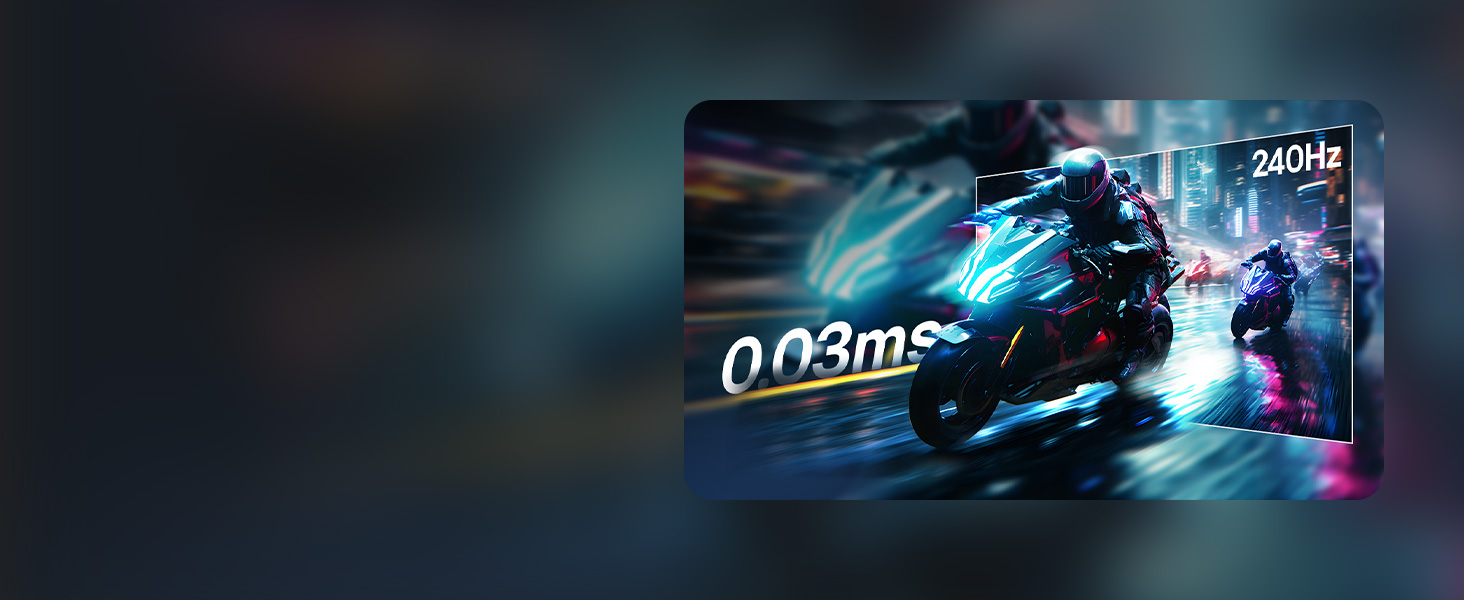
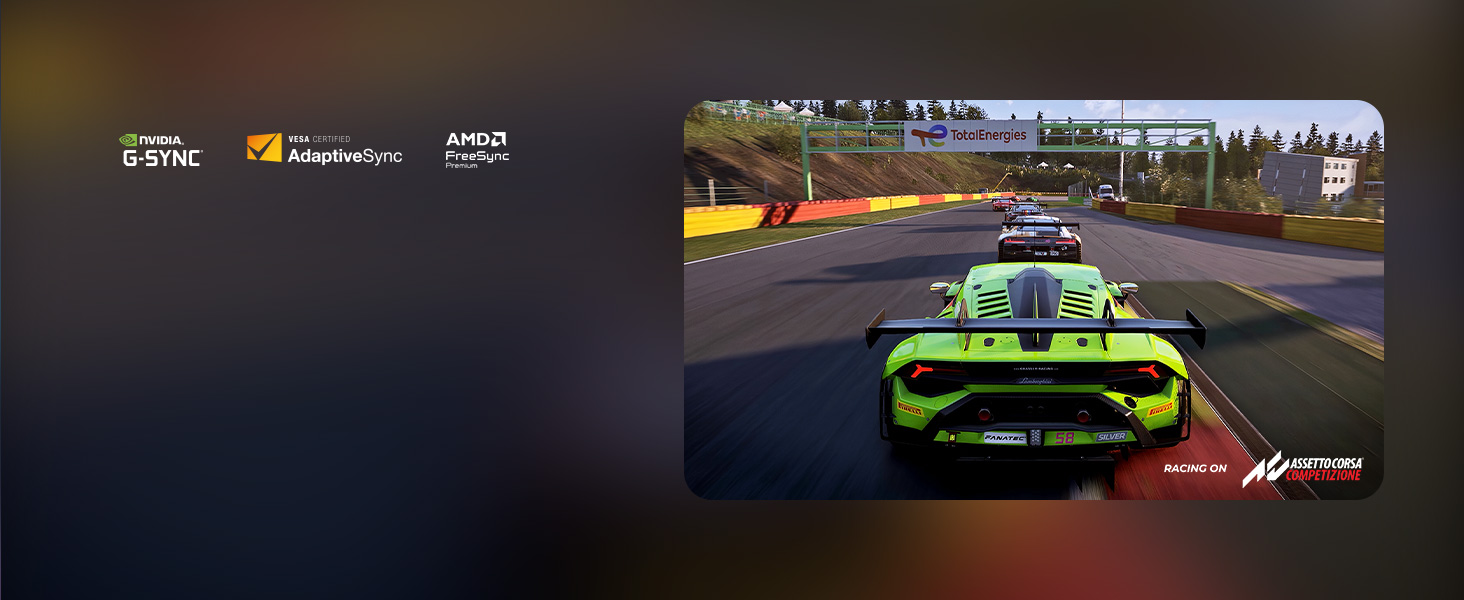
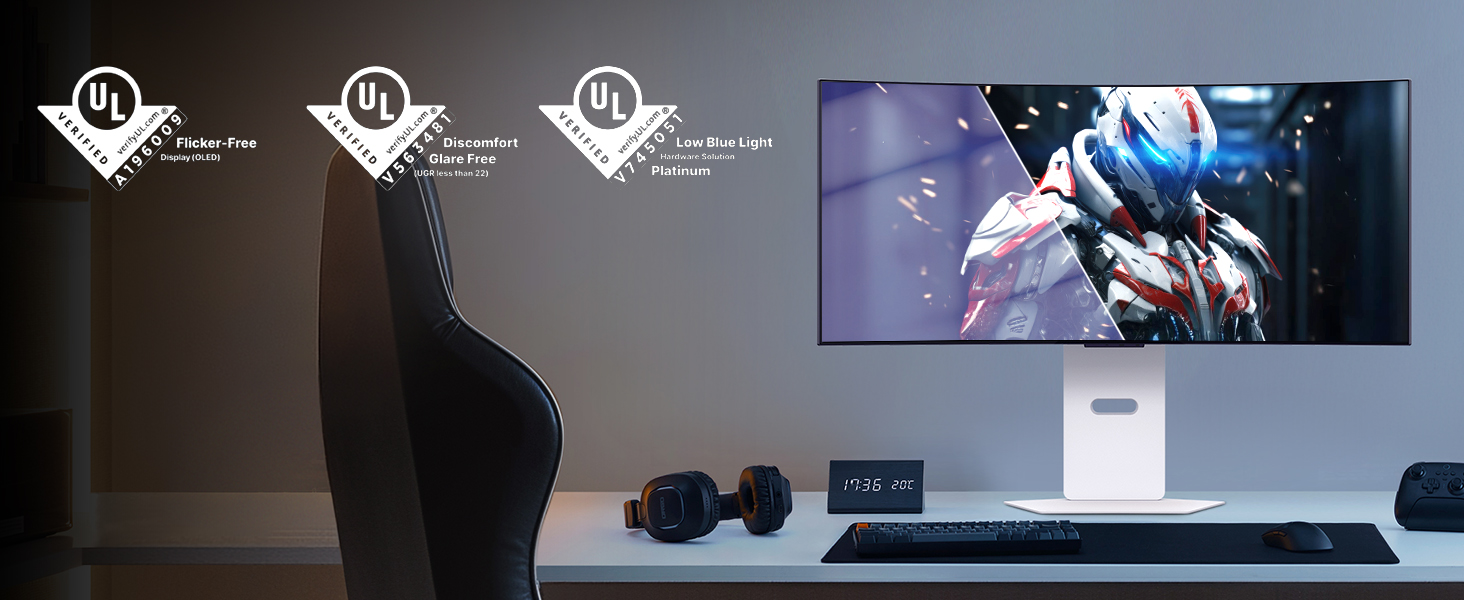
The LG 39GX90SA-W is a 39-inch curved OLED gaming monitor featuring a blazing 240Hz refresh rate and ultra-fast 0.03ms response time for seamless, lag-free gameplay. Its steep 800R curve and 98.5% DCI-P3 color coverage deliver immersive, vibrant visuals with deep blacks and brilliant highlights. Equipped with AMD FreeSync Premium and NVIDIA G-SYNC compatibility, it ensures tear-free performance across PC and consoles. The built-in webOS platform offers direct access to popular streaming and cloud gaming services, while AI-powered picture and sound enhancements customize your experience. Backed by a 2-year OLED warranty and advanced panel care, this monitor is designed for serious gamers seeking cutting-edge speed, stunning image quality, and versatile entertainment in one sleek, white chassis.






| ASIN | B0F15C7JL2 |
| Best Sellers Rank | #3,010 in Electronics ( See Top 100 in Electronics ) #130 in Computer Monitors |
| Brand | LG |
| Color | White |
| Customer Reviews | 4.3 4.3 out of 5 stars (286) |
| Date First Available | March 11, 2025 |
| Item Dimensions LxWxH | 12.71 x 34.95 x 23.85 inches |
| Item Weight | 25.2 pounds |
| Item model number | 39GX90SA-W.AUS |
| Manufacturer | LG |
| Max Screen Resolution | 3440 x 1440 Pixels |
| Number of USB 3.0 Ports | 2 |
| Product Dimensions | 12.71 x 34.95 x 23.85 inches |
| Screen Resolution | 3440x1440 |
| Series | 39GX90SA-W.AUS |
| Standing screen display size | 39 Inches |
D**R
Best Monitor of the Year
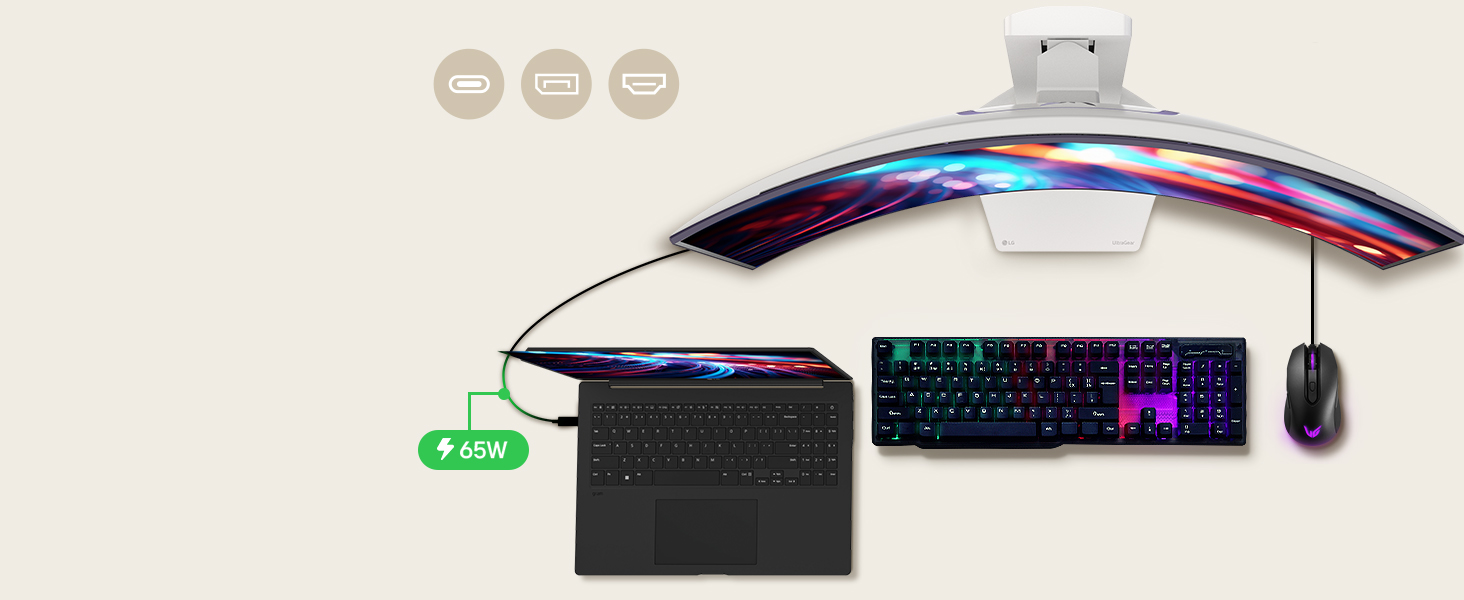
This monitor is freaking awesome! If you’ve seen the first Incredibles where Mr. Incredible sneaks into Syndrome’s Computer? This monitor feels like that. A Goliath monitor. It’s insanely spacious. The 5K2K resolution is beautiful. Colors are beautiful, bright, and accurate on that OLED display. It’s expensive, but worth it. I use the USB-C cable for my Mac, and the DisplayPort for my PC. All working seamlessly. This is definitely the monitor to get. Insanely smooth too with the high refresh rate.
A**Z
Absolutely phenomenal!
First off, the curve is VERY aggressive! However, once you sit in front of it, it's nowhere near as bad as you may think. I have yet to try this on PC; it works mostly great on console. You do have to tweak some annoying settings to get it to register HDR and may have to manually adjust the picture quality but it is very worth it! You can either have the image stretched or cut it down to 16:9. I personally recommened the stretched ratio since it doesn't look as terrible as one might think. In some game, however, it is very noticable and should be switched to 16:9 instead of 21:9. The colors and brightness are beautiful, especially in dark rooms. The high refresh rate makes gameplay look simply stunning and easily worth the discounted price. While the original price is crazy, the cut down price makes this monitor a MUST if you want to get into wide screen monitors! The response time feels practically instant compared to other monitors I've used. The height can also be adjusted to very high or average, which helps a lot. Overall, I give this monitor a 9/10; one point is taken off due to the original full price. But if that doesn't bother you, go for it! 2026 Update: Still an amazing monitor! Again, the price is pretty difficult but it is most definitely worth it!
F**R
Best monitor available.
This is the best OLED monitor available right now. The width, resolution, and curve combine to make it incredibly immersive. I'm a sysadmin and network engineer and this monitor can have so many SSH sessions open at once. Refresh rate at full resolution is 165 with G-sync which is pretty good as it is hard to run most modern games faster at 5k2k. The integrated speakers are very good and become my primary ones. They get incredibly loud and I have them set to 50% max in the monitor config.
T**.
Blows me Away But Has Problems
First let me start off by saying congratulations if you are reading this review. You are looking at a product that is truly something special. A 1700$ monitor is pretty wild when you think about it. Personally, I can't afford it but I bought it anyway. Why you might ask? Because I only buy the best for myself despite being low income. I felt this monitor would be keystone to the PC I built in November where again, I spared no expense. My initial reaction to this monitor was dear God please don't let me break it taking it out of the box. The screen bezel is very small and you dont want to be wrapping your fingers around this monitor. Bad things will happen. Once I read the extremely vague and poorly translated instructions(More on this topic later) I had the monitor on the desk without having anything bad happen. I felt lucky this was the case. The way this thing was packaged felt like an accident waiting to happen. But I digress. On to the good stuff. The monitor is absolutely stunning and beautiful and almost every imaginable way. Visually it has me looking up from my pillow at night thinking "Damn Daniel." Once properly set up I soon realized I was dealing with a huge leap forward in picture quality and color representation from my nearly 13 year old 1080p BEN Q monitor. I mean...Que Owen Wilson Voice here..."WOW" Its gorgeous. Gaming has been super fun on this bad boy (Or girl) not sure what the monitor identifies as. Personally I believe the finest things in life are female. Like a ferarri. Ya that's right. This thing is a Ferrari of monitors compared to the Lexus I had been using for so long. But I feel there's some things I'm a little worried about. Here are some of my negative things to say and this is why it's not a perfect 5 stars. The documentation with the monitor seems very lacking. I didn't find a real owners manual explaining things in great detail. I even looked online and that also wasn't anything impressive or super helpful. I'm trying to better understand what it means to own an OLED. A type of screen known for it's issues with Burn in. That's right. The documentation is vague and unhelpful when it comes to burn in. They have no problem saying they won't cover burn in with their warranty but it's ok for the consumer to drop nearly 2 grand on something with a user manual translated by God only knows. LG your "Long periods of time" advice for preventing burn in is very vague in my opinion. You should also offer burn in protection. Im not talking about the obvious situations. I dont expect to have a monitor replaced if I freeze frame on Pedro Pascals face for 12 hours and it destroys the screen. But this is a gaming monitor. I dont play a single game that does not have static HUD elements present. These are objects which do not move or go away during play. How long until one of these in game elements damages my gaming monitor? I only have a vague answer for that. Big Problem. Additionally is seems like cleaning this thing is going to be interesting. The monitor has technologies for keeping it healthy, but again; The information on them and how often they should be run is pretty vague in my opinion. In closing, this is a fantastic product that I have my fingers crossed that it works out to my expectations. So far is has only impressed and changed my opinion completely on curved displays and 1440p resolution gaming. I hope if you order one it comes in good condition. My box was a little banged up and that had me worried but alas all is well so far. Only time will tell whether I made a good choice in going with an OLED or if I have doomed myself by spending so much on a monitor that wont make it 13 years like my 600$ LCD. To anyone who braves the water and buys one I wish you all the luck. Fly safe.
A**M
Initially received the monitor with severe panel artifacts (second time experiencing this with LG). Almost returned it again, but Pixel Cleaning in the monitor settings fixed it completely. Works great now, but be aware of this issue before buying. For a premium LG monitor, it shouldn’t be like this out of the box.
C**D
This monitor is incredible, the image quality and detail are amazing. At first I had vertical lines on the screen but I did the recommended settings another reviewer posted here and ran the builtin image clean on the monitor and the monitor display was on a whole new level. It will blow your mind when it’s setup right.
M**A
The title image and description is not what it says. This is 2K not 5K its 3440 and its totally misleading.
M**E
This is NOT the 5k2k version of this monitor, like the images and description suggests. It is the older 1440p version. The model number is the only thing that is correct in the description and again matches the older model NOT the 5k2k version.
T**O
I see a few people saying this monitor looks washed out or faded out of the box but that’s just LG playing it safe for VESA compliance. It’s calibrated to pass certification, not to wow you. Here’s what you need to do the moment you unbox it for HDR On the hardware side (monitor settings) Gamer 1 profile Change Black Stabilizer to 25-30. The default is 50, and it makes everything look flat and hazy. Set Brightness to 100 and Peak Brightness to High. Sharpness : 50 Run the Windows HDR Calibration Tool. Minimum Luminance :0 Max luminance :1260 Full Frame Luminance: 270 (Optional): Run a manual screen refresh once if you notice banding out of the box. If you want more visual punch, switch to Gamer 2. but personally, I find it too oversaturated. Gamer 1, with the tweaks above, gives you clean contrast, natural skin tones, and sharp text clarity without sacrificing realism. After calibration, this panel looks stunning. The 800R curve is immersive... sit about 31 inches (80 cm) away for the best experience. Too close = eye strain, too far = immersion breaks. I came from a Samsung G9 OLED, and at first this didn’t look as punchy. But once I made these changes? It won me over. And unlike my G9, which failed just after the warranty expired, I feel much more confident with LG’s build. If you’re hesitant or waiting for Black Friday I got mine on Prime Day, and I have zero regrets.
Trustpilot
3 weeks ago
4 days ago