
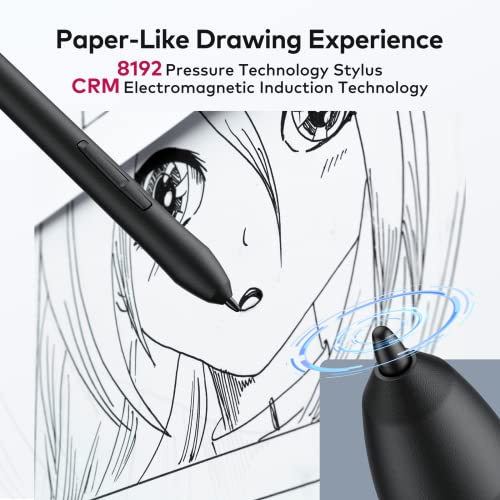

🎨 Unlock your creative flow with precision and power!
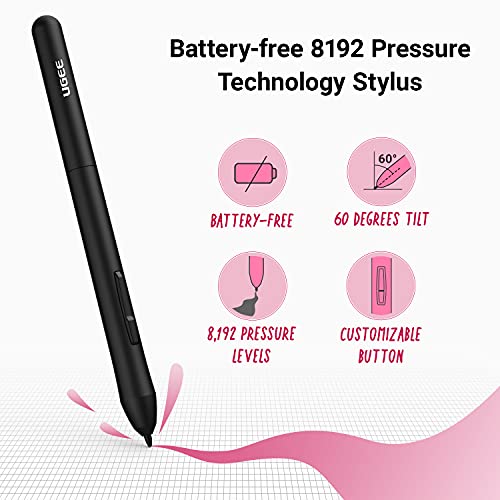
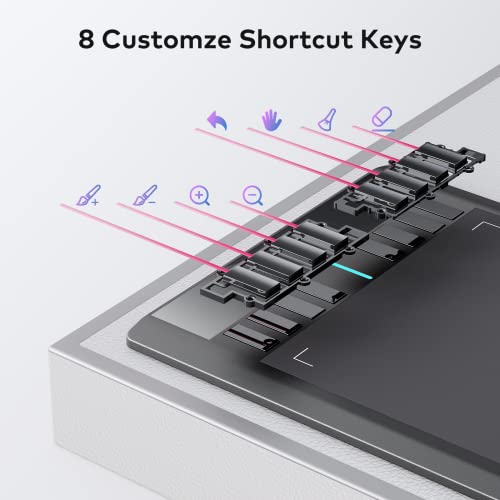
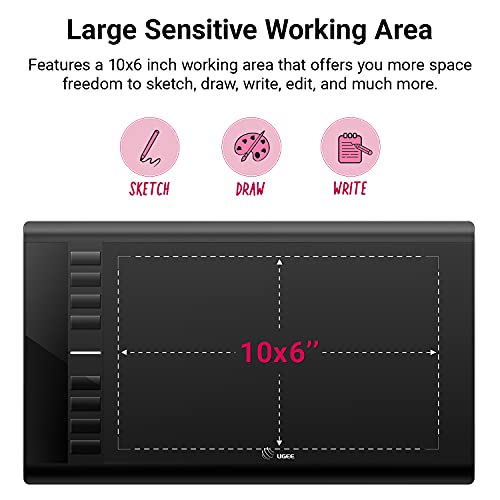
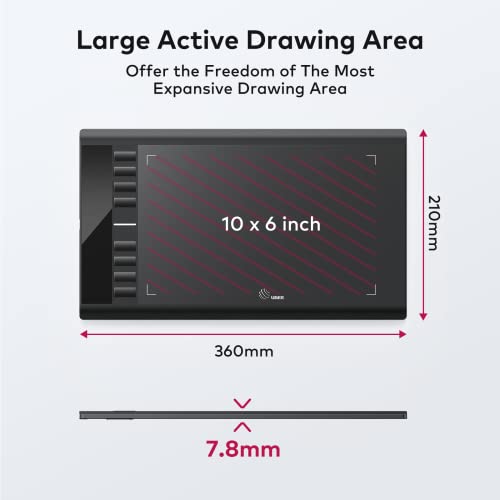
The UGEE M708 V3 is a professional-grade 10 x 6 inch drawing tablet featuring 8192 levels of pen pressure sensitivity and 8 customizable shortcut keys. Compatible with major operating systems and popular design software, it offers a battery-free stylus with tilt recognition for natural, paper-like drawing experiences. Ideal for digital artists, educators, and multitasking pros seeking enhanced productivity and creative freedom.


| ASIN | B092VMPXY6 |
| Batteries Included | No |
| Batteries Required | No |
| Brand | Ugee |
| Compatible Devices | Desktop, Laptop, Tablet |
| Connector Type | USB |
| Country of Origin | USA |
| Customer Reviews | 4.6 4.6 out of 5 stars (1,803) |
| Date First Available | 31 August 2024 |
| Device interface - primary | Touchscreen with Stylus Support |
| Display Type | LCD |
| Does it contain liquid? | No |
| Hardware Interface | USB |
| Item Dimensions LxWxH | 37.6 x 22.9 x 4.6 Centimeters |
| Item Weight | 703 g |
| Item model number | M708 |
| Manufacturer | UGEE |
| Model | M708 |
| Model Name | M708 |
| Mounting Hardware | Digital Pen |
| Number of items | 1 |
| Operating System | Windows 7/8/10/11, Mac OS 10.10, Android 6.0, Chrome 88, Linux or superior |
| Product Dimensions | 37.59 x 22.86 x 4.57 cm; 703.07 g |
| Screen Resolution | 8192 levels of pressure sensitivity |
| Special Features | 8192-level high pressure sensitivity, compatibility with various operating systems and software, 8 customizable shortcut keys |
| Standing screen display size | 1E+1 Inches |
| Voltage | 0.01 Volts |
裕**二
安いけどちゃんと使える
G**S
A4 formaat zeer goed wat grootte betreft
V**L
Ich liebe es so sehr! Perfekt für Digi-Art!!! Nur zu empfehlen! Macht sehr viel Spaß
R**O
I've worked with digital photo and image editing for a while, at a very basic level. I was looking for a simple pen and tablet to work on some more detailed stuff, and this works well. The sensitivity at the lower pressure levels seems, a bit inconstant, and hovering over the pad sometimes doesn't register unless I'm right on it. Which has caused me a few errors. But it's manageable. I didn't expect the 8 hot keys to feel so limited until I started using it more. Though there are many options and ways around that so it's not a big deal. The software is reasonably easy to use and setup hot keys for. I use GIMP primarily and I can use the major tools I need with these keys. Conversely, I was worried the lack of a screen would make it hard to use, but after a few minutes, it feels pretty natural to look at a screen while my hand words on the tablet. Perhaps if I was working on much more precise elements, it might be an issue. But for what I'm doing, it's fine. I'm able to what I wanted with this tablet, and the price is very reasonable for what it is. I think this is a perfect entry level device for someone just starting out looking to "dabble" in digital/computer art.
D**Y
Mooi ding werkt prima.
Trustpilot
2 months ago
1 month ago