We remain fully operational. Our teams are working around the clock to ensure your deliveries continue safely.

DOWNLOAD THE APP


Customer Services
Copyright © 2025 Desertcart Holdings Limited
DOWNLOAD THE APP
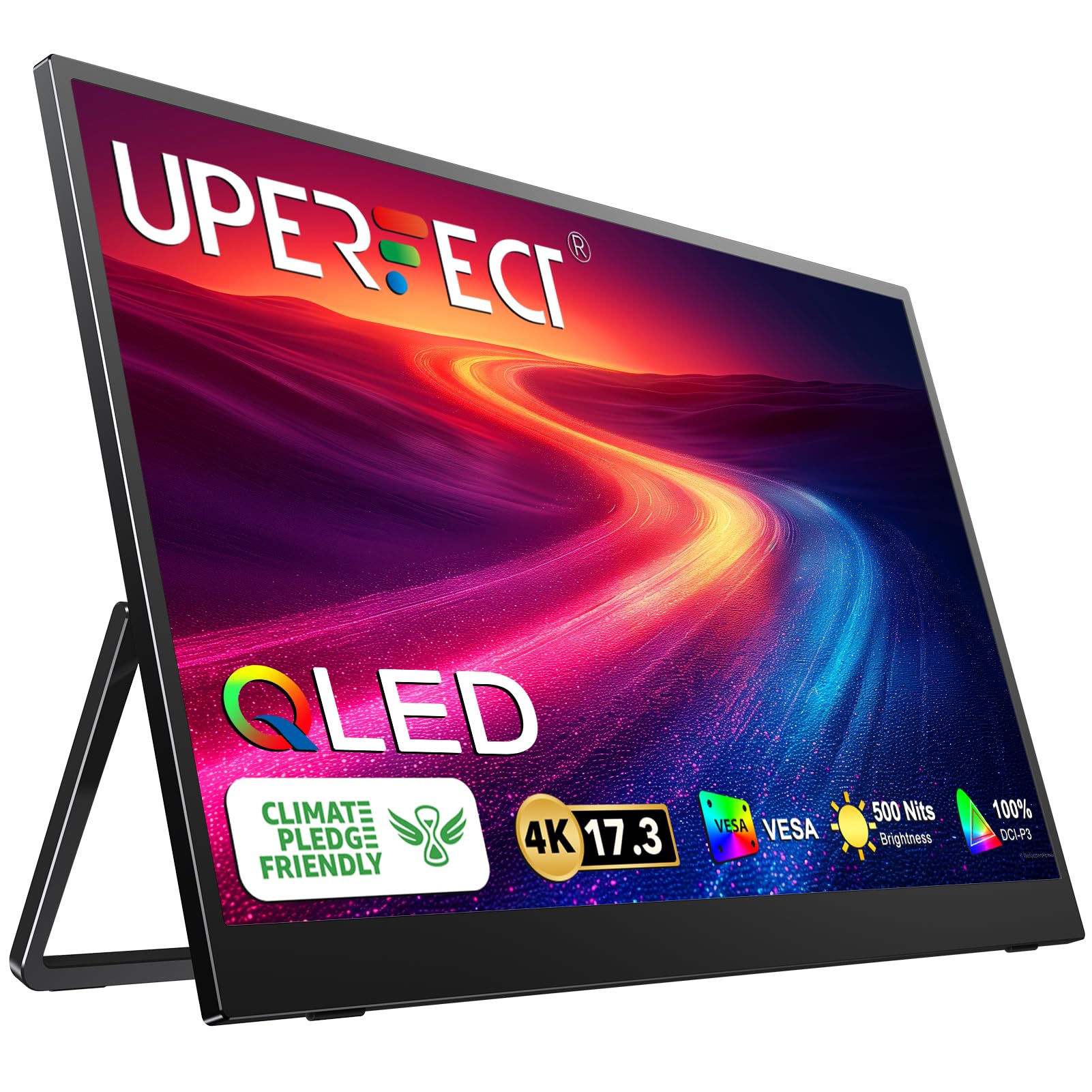
🚀 Elevate your workspace anywhere with ultra-crisp 4K clarity!
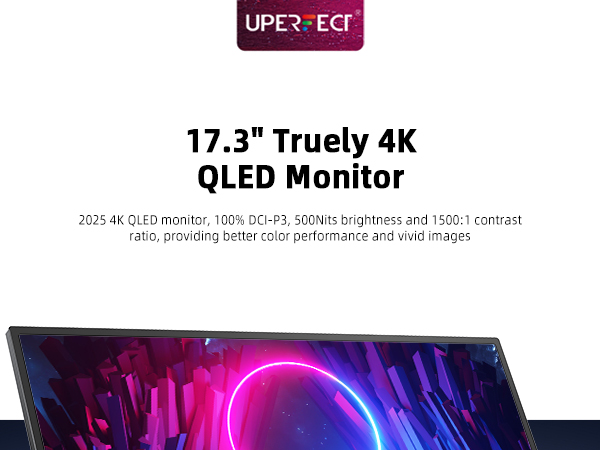
The Uperfect Portable Monitor UGame J5 features a 17.3-inch 3840x2160 4K UHD display at 60Hz, delivering exceptional image quality comparable to premium laptop screens. It supports USB-C power and video input for a streamlined, cable-minimal setup, weighs just 1.99 kg for easy portability, and offers versatile portrait and landscape modes. Ideal for professionals seeking a high-res, travel-friendly second screen compatible with MacBook Pro, Windows laptops, and HDMI devices.




| ASIN | B0CQN3SX4Q |
| Are Batteries Included | No |
| Brand | UPERFECT |
| Color | Black |
| Customer Reviews | 4.5 4.5 out of 5 stars (72) |
| Date First Available | 2 October 2024 |
| Item Weight | 1.99 Kilograms |
| Item model number | M173J05 |
| Manufacturer | Uperfect |
| Number of HDMI Ports | 1 |
| Product Dimensions | 53.34 x 40.64 x 10.16 cm; 1.99 kg |
| Resolution | 3840 x 2160 |
| Screen Resolution | 3840x2160 |
| Series | UGame J5 |
| Standing screen display size | 17.3 Inches |
G**A
We have a lot of Apple products and their displays are pretty great. As Steve would have said, insanely great. Since I travel and work I wanted a good monitor to supplement the screen on my MacBook Pro and bought this. Quite honestly, the display quality of this monitor is outstanding. I would say it's comparable to the display on my MacBook Pro. It's that good. I had been using my iPad Pro as a second display but it only works in landscape - this being an HDMI monitor it also works in portrait mode which is helpful as I'm a writer. It's also larger than the iPad Pro's display. Further, you can power the monitor from the USB C ports on the Mac so it makes it even more portable. My one gripe is that I like the monitor's brightness setting at their "5." But if there's ever a power interruption it automatically resets to "0." This happens several times a day. If the company had just made this setting be able to be remembered by the monitor, this would absolutely be a 10 out of 10. The combination of convenience, image quality and portability make this an outstanding companion to the MacBook Pro with the minor exception of this one annoyance. But I'll take it, especially at the price I paid!
J**S
Updated because UPERFECT contacted me and sent me a case. Original review: Monitor is fine but it DOES NOT COME WITH A LEATHER CASE as the description says. The monitor is a little slim and a little flimsy but I wanted a compact one so I'm not complaining, just pointing that out. You have to expect that if you get something that is 4K but only a few mm thick. It is easy to connect - just make sure you use a port that can produce both power and video. If you do, it works fine. The monitor is very light so it is very easy to carry in a backpack. It fits (albeit barely) in my laptop bag, so that's perfect. It worked just fine on my Windows 11 laptop.
B**R
Solid product so far. The screen is sharp and bright. I've seen a review or two say this is not true 4k. I'm not sure what their setup was, but attached to my Dell Precision 7560, it is definitely 3840 x 2160. It comes through in that resolution with both the USB-C and HDMI Connectors. A note on the 17.3" display: While the description says a case is included in the package, it's referring to a magnetic smart-case which DOES NOT come with this model, due to its having a built-in kickstand already. Tech support told me they are aware of the issue but Amazon won't let them change it for some reason or something like that. They promptly sent me a case anyway though. So good on them. My only qualm with this display is that I can't get it to work at brightness level 10. When I try, the display turns off for a few seconds, then it comes on and stays on for a few seconds, then off again, rinse and repeat. Tech support told me the monitor can't do both signal and power with the same cord (IMPORTANT NOTE: THIS IS NOT STRICTLY TRUE - SEE BELOW), so I plugged it into the wall. It ran at full brightness for a while longer then, but eventually got back to having that problem again. I'm still giving it 5 stars because I have no need of running it at that level of brightness. 6 is good enough for me. It's unclear what the deal is with using power and signal on the same cord. I've been doing it for several days now and haven't had a problem so long as I've got the brightness where it's at. Tech support had mentioned they "recommend using an external power source during use to ensure the monitor has enough power for normal operation and to extend its lifespan, although it can still be used without an extra power connection." So I'm not sure if running it this way will cause trouble down the line. For now, I plan to keep it plugged in at my desk and only do combined signal and power when I'm out and about.
B**N
I bought this to use as an extended external monitor for a 16" MacBook M4 Max with the nanotextured display. The previous 1920x1080 portable display I had was of too low of quality and resolution to be useful. This Uperfect monitor is a major step up. The image quality is close to the quality of the MacBook's built-in display. From a viewing distance of about 30 inches away from the screen, I don't notice a major difference in brightness and sharpness, which I found surprising. The Macbook nanotextured display is less reflective however.; still the Uperfect is perfectly adequate in bright settings. The Uperfect monitor sits to the side of the MacBook in a vertical orientation for document reading. It and the internal monitor are set to 'More Space' in System Settings. I directly measured the size of a window on both monitors and the vertical and horizontal dimensions are nearly identical. NOTE: The integrated stand in the UPerfect monitor was designed for horizontal orientation; however it can be used in a vertical orientation but will be less stable. I rest the monitor against something for better stability. Also, the cables plug in the side so you will have the connections at the top of the monitor, which is little unsightly, but doesn't affect usability. In horizontal mode, these issues are less pronounced of course. As a side note, in horizontal mode the usable vertical portion of the screen is 8.5", nearly matching the 8.75" of the Macbook's which makes dragging windows across seamless. I connect the monitor to the MacBook using the included HDMI to mini HDMI cable and power it with a separate USB-C adapter. Overall, this was a good purchase. I've even taken the monitor along for travel using the padded case it comes with.
C**D
The first thing that stands out is the clarity. The 4K resolution on a 17.3 inch panel creates an incredibly sharp image. Text looks razor crisp. Spreadsheets are clean and easy to read. Design work shows fine detail without any fuzziness or blur. Even small fonts stay smooth and defined. You can genuinely see the difference the moment it powers on. The QLED panel takes it to another level. Colors are rich and accurate without looking oversaturated. Whites are bright and clean. Blacks have depth. The 100 percent DCI P3 coverage makes photos and video content look vibrant and true to life. If you care about visual precision, this display delivers. Brightness is another highlight. At 500 nits, it holds up beautifully in bright rooms and near windows. There is no washed out look. Everything remains clear and punchy. That makes it perfect for travel, office use, or working from different locations throughout the day. The pixel density on a 17.3 inch 4K screen makes multitasking a dream. You can comfortably run multiple windows side by side without sacrificing sharpness. For productivity, it feels like carrying a high end desktop display in a portable format. Build quality feels solid and premium. The stand is stable and simple to use. The dual Type C ports and HDMI make connectivity effortless. Plug in and it works. No frustration. If clarity matters to you, this monitor stands out. The sharpness, brightness, and color accuracy create a viewing experience that feels clean, precise, and professional. It is one of those products that instantly raises your standard for what a portable display should look like.
Trustpilot
1 month ago
2 weeks ago