
DOWNLOAD THE APP


Customer Services
Copyright © 2025 Desertcart Holdings Limited
DOWNLOAD THE APP

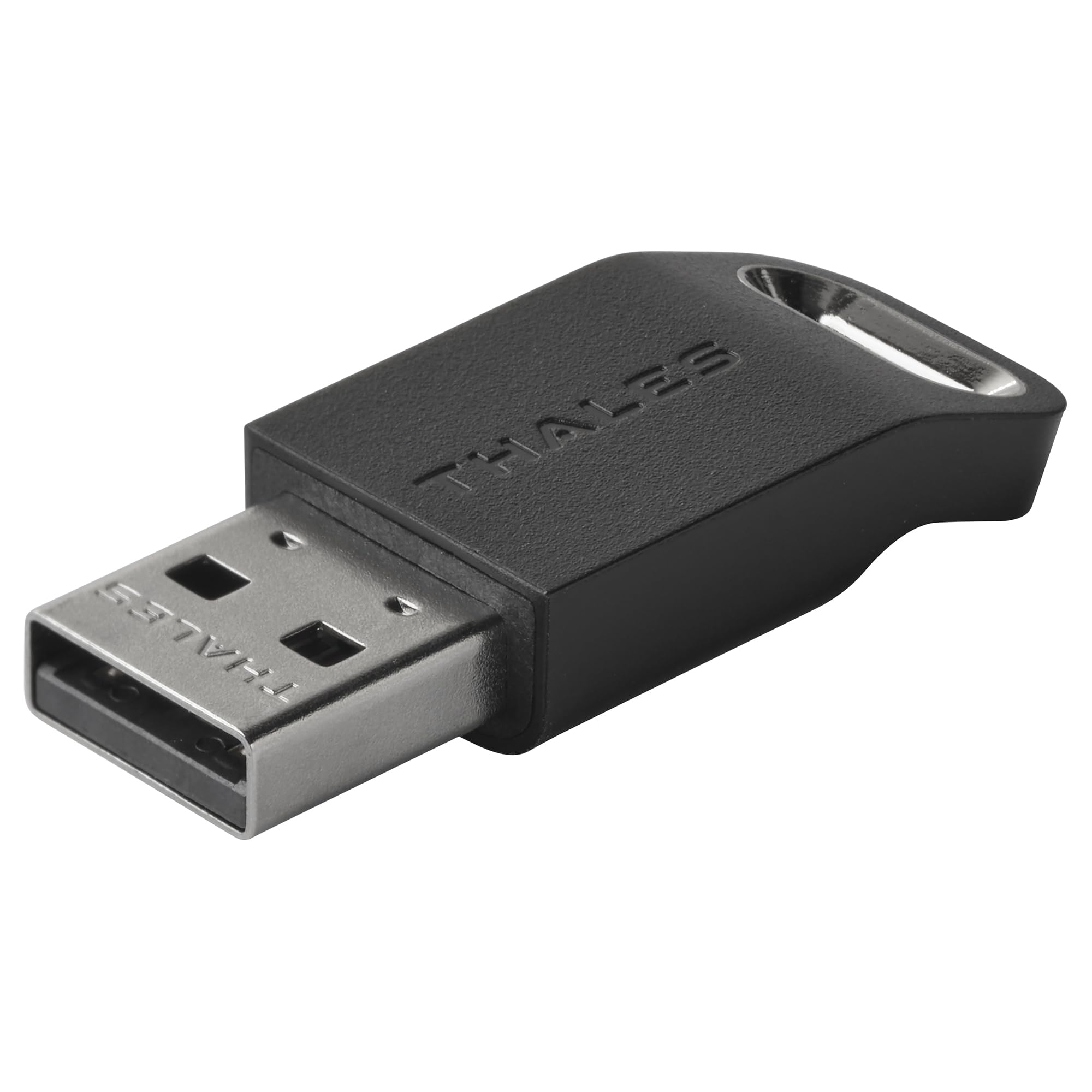

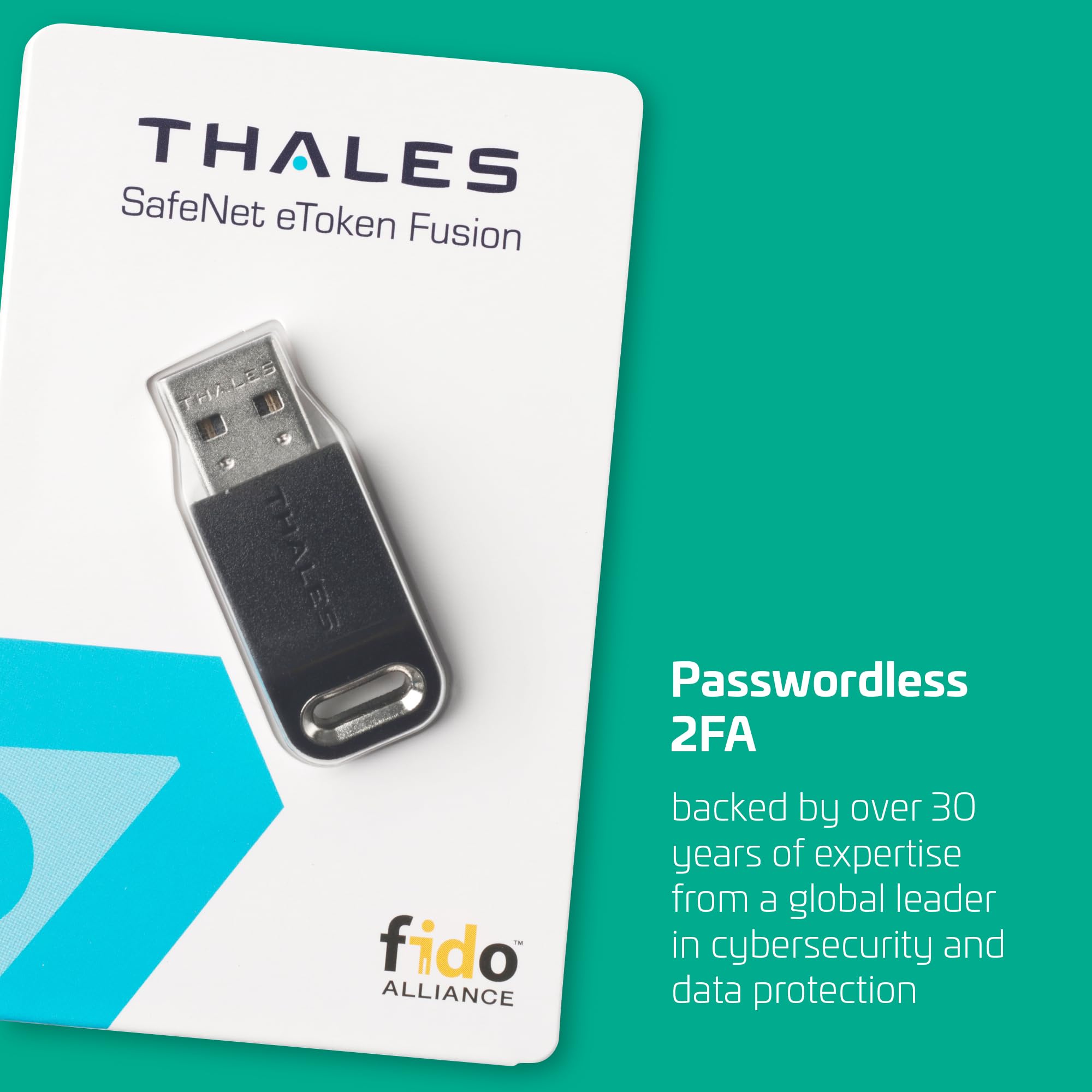


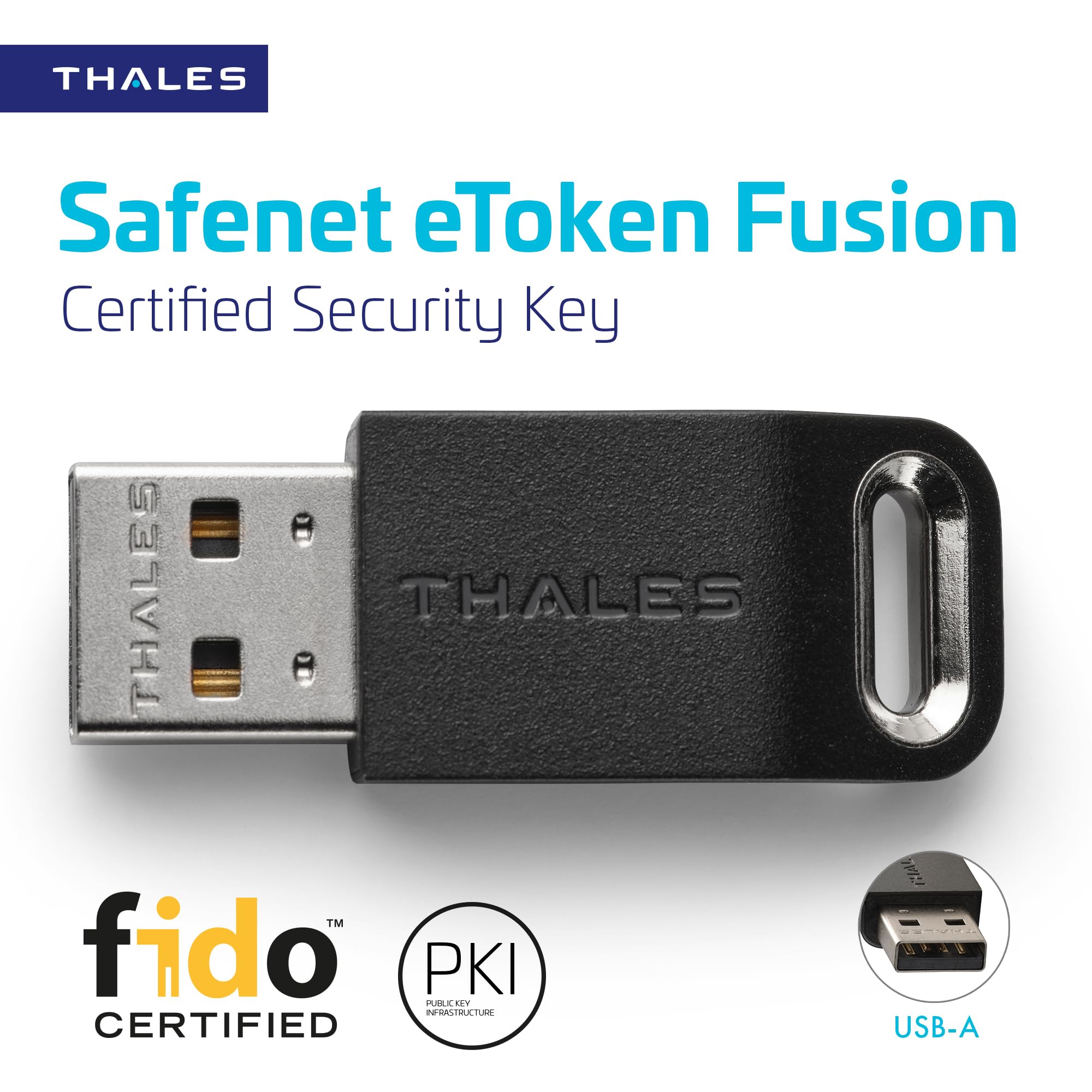

🔑 Elevate your digital fortress with passwordless power!
The Thales SafeNet eToken Fusion is a FIDO2 and U2F certified USB-A security key that merges PKI digital certificates with phishing-resistant FIDO2 authentication. Designed for professionals demanding robust, passwordless access, it supports Windows and Linux platforms, enabling secure logins to web apps and desktops. Its durable, tamper-resistant build and sensitive presence detector ensure reliable, user-friendly multi-factor authentication, making it an essential tool for safeguarding personal and enterprise accounts against cyber threats.
| ASIN | B0CVXKBYWT |
| Guaranteed software updates until | unknown |
| Item model number | 909-000289-001 |
| Manufacturer | THALES |
| Product Dimensions | 4.08 x 1.6 x 0.8 cm; 20 g |
J**Y
Love these devices, they act like both a fido2(passkey) device as well as a pki (emulated smart card) device. The usbc version gets alot more use because I keep it on my keys with a usbc to usba adapter attached. I keep my code signing certs on the pki side as well as lock all of my servers down with pki certs. The fido2 side is great for the security keys/passkeys for website logins. Yeah its an extra step to plugin to my phone/computer but it is alot more secure than passkeys stored in password managers that themselves can be easily accessed.
S**S
This security key seems to be offered on the assumption that you know what it is and how to use it. There are no instructions provided, and the QR code on the back just points you to a marketing page on Thales' website. Not a problem for the tech-savvy, but just be aware that you're largely on your own here. Fortunately, Windows 11 already has built-in support for configuring and/or resetting a PIN on the device. Web passkeys work as expected, simply a matter of typing your passcode and touching the metal part of the security key. Desktop authentication also is possible on work and school accounts, but Microsoft has yet to enable that functionality for personal logins. Of course, that's no fault of Thales or of this product. This key doesn't support NFC, nor does it come with a USB-C adapter, so it's best suited for use with desktops and laptops, rather than phones or tablets. The device feels physically robust, and FIDO2 certification ensures proper functionality. All in all, this security key is pretty basic but gets the job done for those who know how to use it.
J**W
This security key provides top-notch protection for digital access. It’s FIDO2-certified, offering phishing resistance for peace of mind. The USB-A design is straightforward, and it integrates seamlessly with both desktop and web applications. A dependable choice for enhanced authentication.
N**G
Works great. The coating is super easy to scratch, but it's a functional key. Been using it for Windows login and it's doing its job.
W**E
In Windows 11, if you go to Settings -> Accounts -> Sign-in options, you'll see "Security Key". You should just need to select that, and it will guide you through the setup. It's that easy! You may need a USB-Extension cable though as to actually authenticate with it, you're asked to touch the key, so if your PC is on the floor under your desk like mine, that is easier said than done. I solved this by just getting a USB extension cable and ran it up to the top of my desk, so now when prompted, it's within arm's reach. Very happy with it so far, 0 issues!
Trustpilot
2 months ago
2 weeks ago