Desert Online General Trading LLC
Dubai, United Arab Emirates
Desert Online General Trading LLC
Dubai, United Arab Emirates




✨ Navigate with precision, style, and speed—because your desk deserves the best 🖱️
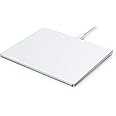
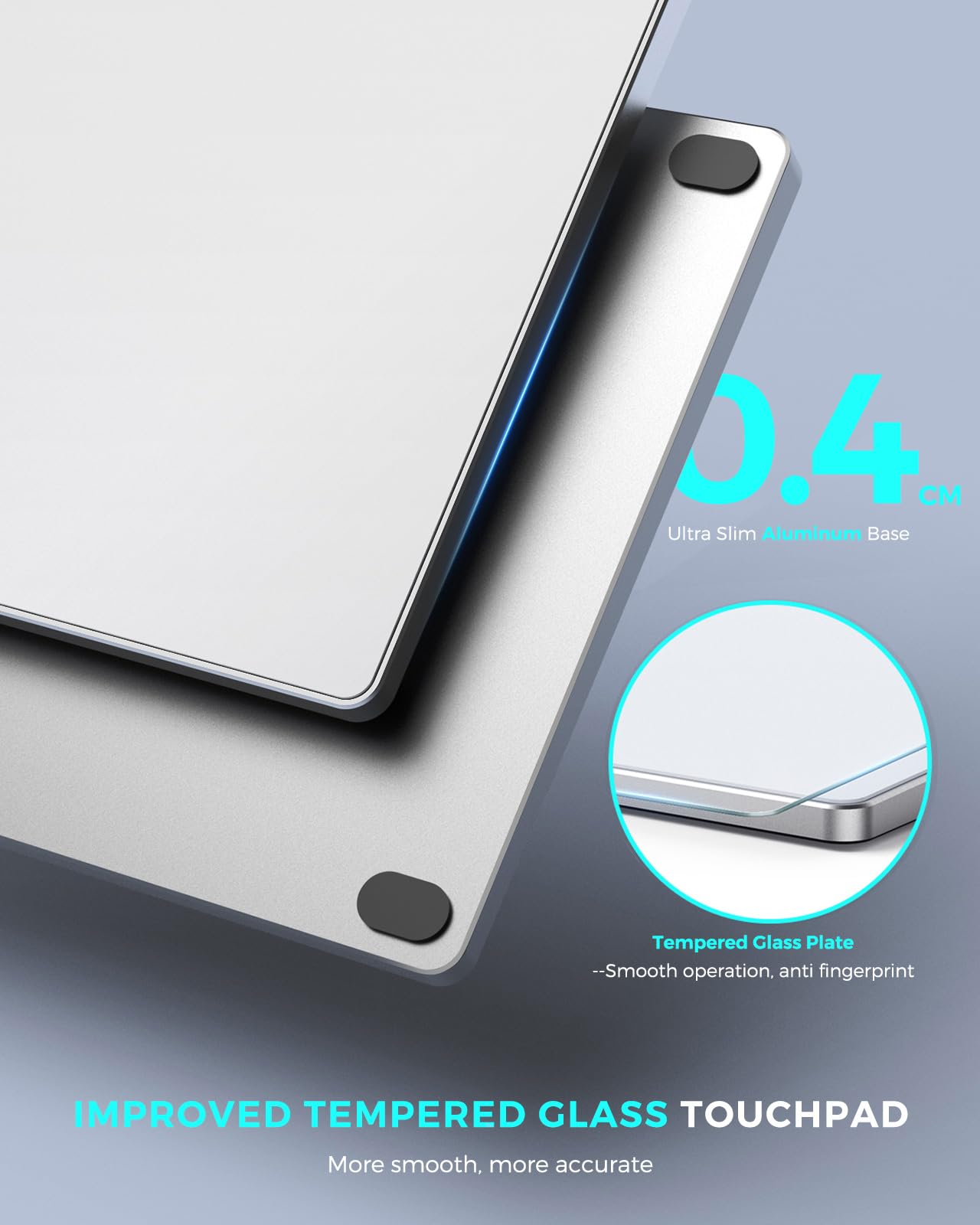
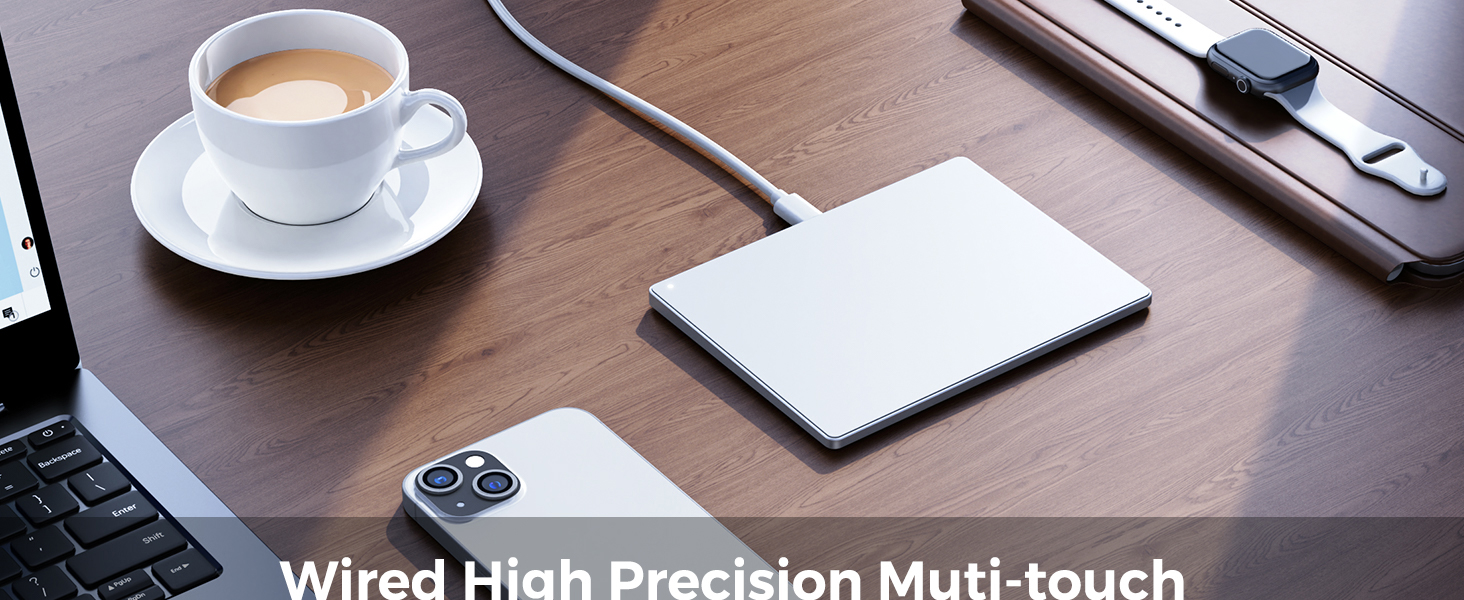
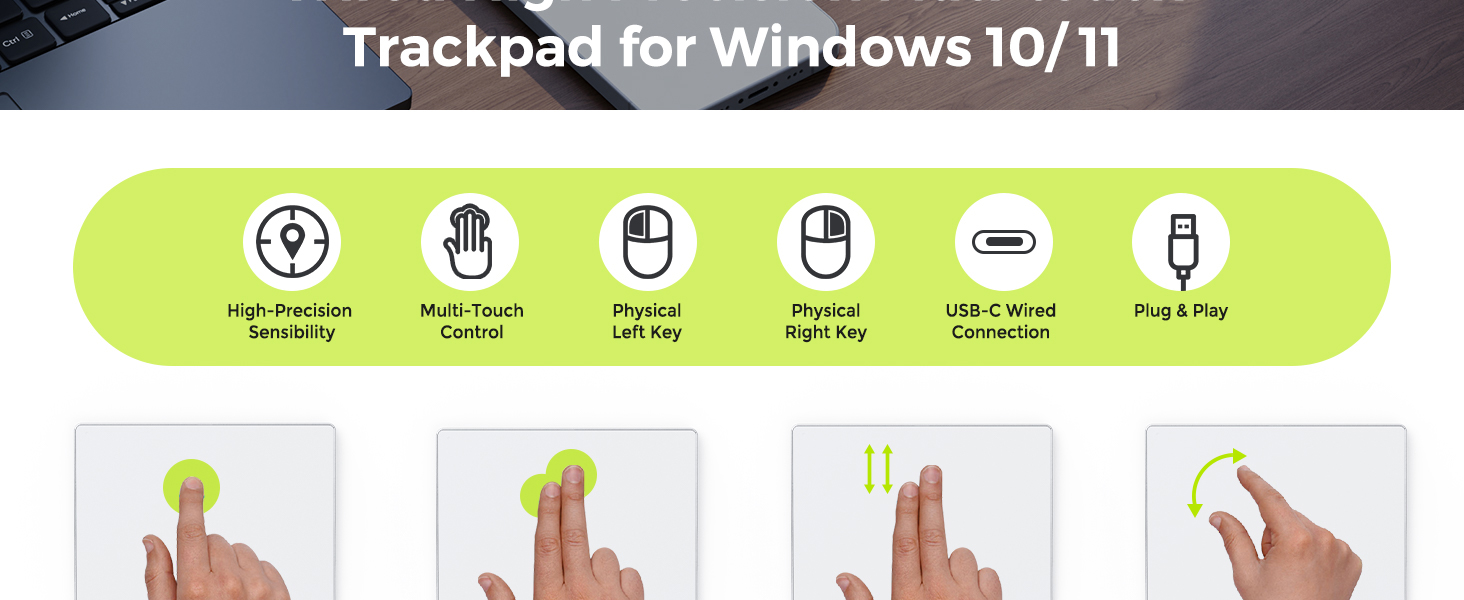
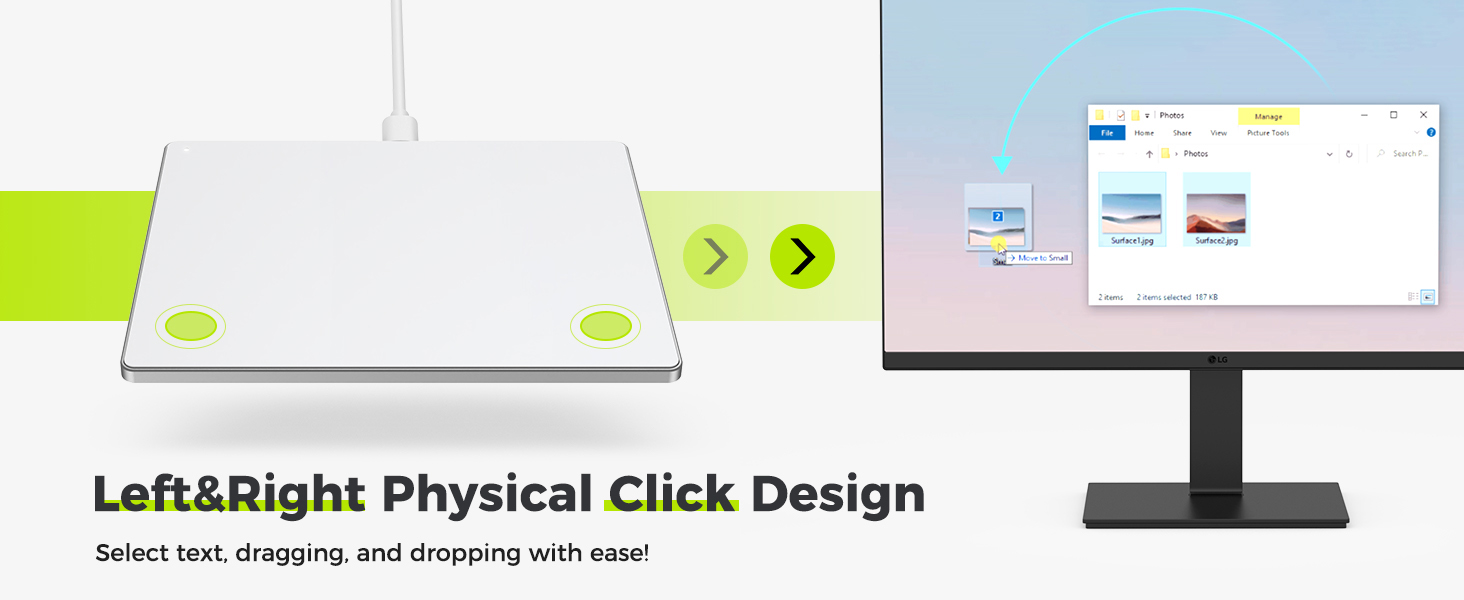
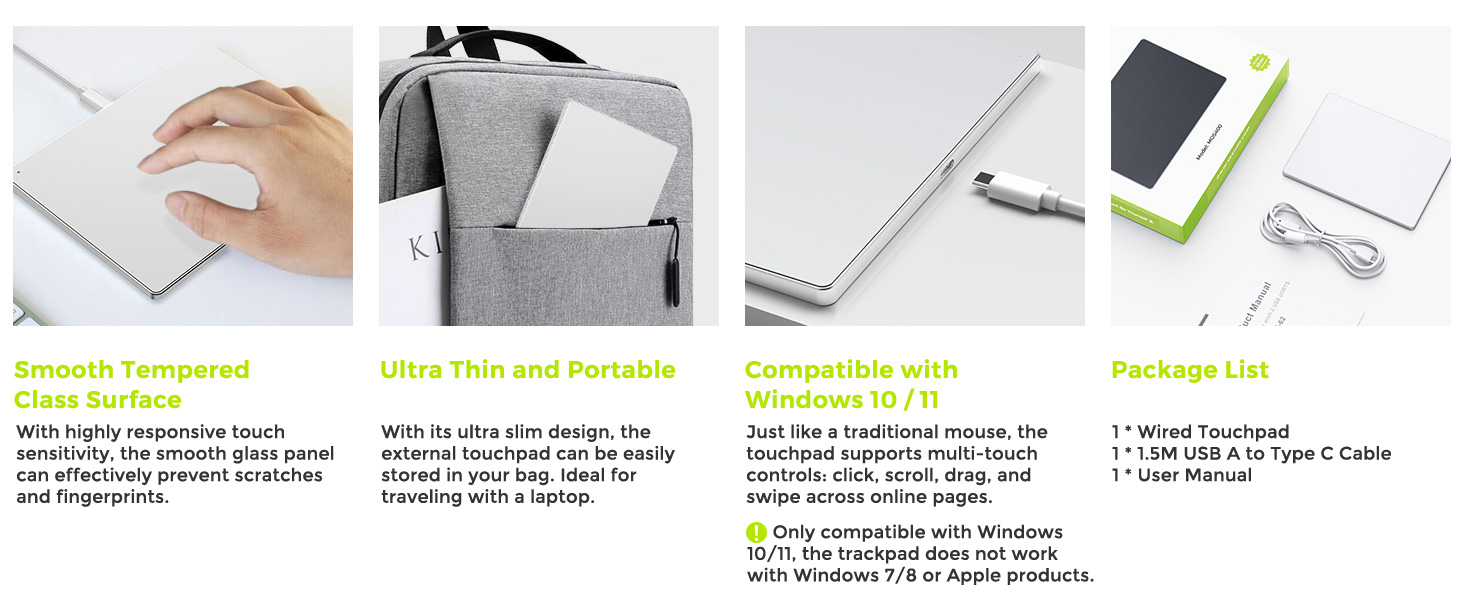
The Seenda Multi-Touch Trackpad features a 6.3-inch tempered glass surface with high-precision multi-touch support for up to four fingers. Its ultra-slim 0.16-inch aluminum body offers stability and style, while dual physical buttons enhance control. Plug-and-play USB-C connectivity ensures hassle-free setup on Windows 10/11 PCs and laptops, delivering smooth, responsive navigation with broad gesture compatibility.

J**O
Great trackpad.
Excellent trackpad for the money. Just works under linux unlike an apple trackpad which is larger, but requires kernel hacks. The physical buttons are really nice to have.
A**N
Good accessory for a docking station
I find myself using the mouse and this touchpad for different purposes throughout the day. While working form home there are times where I'm scrolling and the wheel on the mouse is jumpy but using the touchpad is easy to go down little by little in the document to read. Other times when I need to quickly copy and paste or highlight or select large areas I'll grab the mouse. The touchpad does plug in to usb on your computer and is quickly found and drivers loaded. The surface is smooth and has no real texture to drag on your finger. The button is easy to press and has a solid thump to it and isn't soft and makes you question if it was pressed. Multi touch works as specified but I do have to keep the manual around because changing from mac to pc, I don't remember the differences between them.
A**R
Do not buy this item.
This pad is imprecise and it either makes the windows go crazy on its own, or it makes you tap forcefully and repeatedly to obtain no response. Having had other brands before *the wacom was the best but it's been discontinued), i can say this is the worst. It is also too small. Unfortunately the window to return is very short (I am three days over it), but I have gotten terrible pain above my index finger, and the whole purpose of buying this is to avoid the stress in the nerve above the thumb caused by the usual mouse. I wished the company would allow me to return this.
L**N
Useful addition
A little awkward using the front buttons but nice addition to my pc
S**2
Awesome Mousepad!
OMG! This mousepad is so awesome! :) It is so much fun to use at work and my hand doesn't ache from using it like a regular or ergonomic mouse...
M**Y
Nice but...
I'll start with the pros:1. This trackpad has a really sleek-looking design with a nice light purple color. (I would keep it just for this reason alone, but...)2. It has a solid build but is still lightweight enough to travel with.3. It connected so seamlessly with my Pixel Slate tablet even though it says Windows compatibility.4. This trackpad has great scrolling capability - really smooth and great speed!Now for the cons:1. Sensitivity is inconsistent across the trackpad and as someone mentioned, it has "'dead zones' where it will not read your finger and thus will produce skips and jumps in mouse movement."2. The cursor will most often have a mind of its own and go where I don't intend for it to go. For example, if I want to x out of a tab, it will either go too far from the x or it will take too long to even get to the x. It's as if the cursor makes tiny misjudgments in direction and moves either slightly above, below, or to the side of where I actually aim the cursor.3. Also, if I want to highlight text for instance, it will randomly stop highlighting and I have to try multiple times to catch the whole phrase I want to copy.4. The light tap feature is also inconsistent. I just end up pressing really firmly on the click button which is annoying, especially for me. By nature, I automatically have a gentle touch, so even when I do intend to click down, it won't sense my touch.Overall the style is beautiful, the size is convenient even for travel, and the connectivity is fast and seamless. But the overall functionality is really lacking, and without functionality, you have a very expensive purple glass coaster. I am returning this.
M**.
Works nice, easy setup
I've been using a touch pad for years. The previous one is nearly identical to this one. I liked that one but the surface coating was beginning to fail. I plugged this one in and only the cursor speed was a bit different. Adjusted that and everything else seems to be the same and is working. The glass surface has less resistance to movement. It took 5 minutes to get used to that. I like it so far.
T**.
Part of my EDC
Great mouse. I use it with a split keyboard when I travel. Slides into case of voyager nicely. Also great as aid when showing someone design models. Everyone knows phone controls so it's nice to offer that on models.
Trustpilot
3 weeks ago
4 days ago