
DOWNLOAD THE APP


Customer Services
Copyright © 2025 Desertcart Holdings Limited
DOWNLOAD THE APP
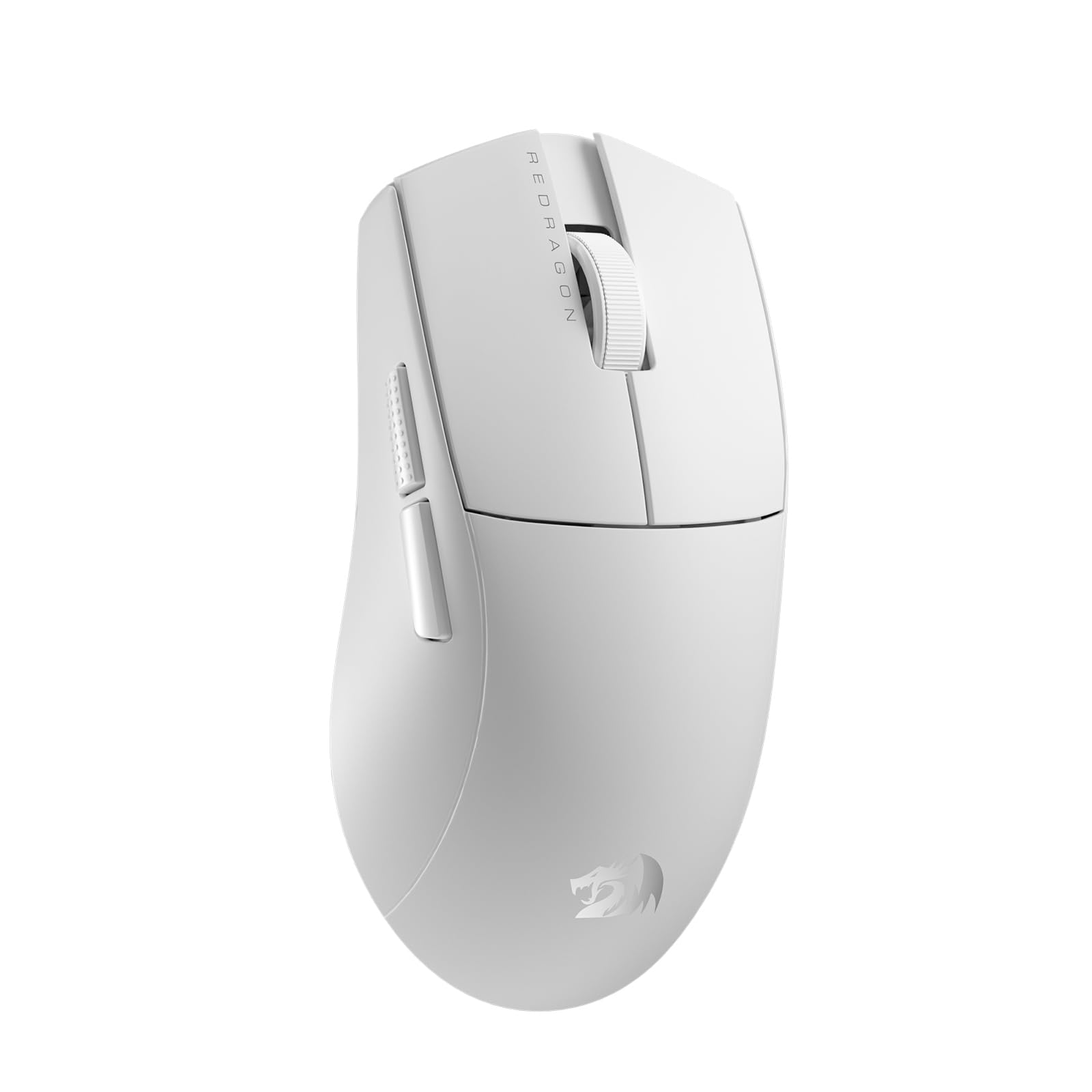
🎮 Elevate your game with precision, speed, and style — don’t just play, dominate!
The Redragon M916 PRO is a cutting-edge wireless gaming mouse featuring an ultra-light 55g build, an industry-leading 26,000 DPI optical sensor, and versatile 3-mode connectivity (Bluetooth, 2.4GHz wireless, and wired). Its ergonomic design ensures comfort during long sessions, while fully programmable buttons and dedicated software empower users to customize every click for peak performance in gaming and productivity.


| ASIN | B0CPXYQTPF |
| Additional Features | Ergonomic natural grip design, fully programmable buttons |
| Antenna Location | Gaming |
| Are Batteries Included | Yes |
| Are Batteries Required | No |
| Battery Average Life | 150 Hours |
| Best Sellers Rank | #3,362 in Videogames ( See Top 100 in Videogames ) #164 in PC Gaming Mice |
| Brand | Redragon |
| Built-In Media | Type C cable, converter, receiver, sticker, user manual |
| Button Quantity | 5 |
| Color | White |
| Colour | White |
| Compatible Devices | Laptop, Personal Computer |
| Connectivity Technology | Wired, Wireless |
| Connectivity technology | Wired, Wireless |
| Customer Reviews | 4.6 out of 5 stars 309 Reviews |
| Embellishment Feature | LED |
| Enclosure Material | Plastic |
| Finish | Rubberized |
| Hand Orientation | Right |
| Hardware Platform | Laptop, Personal Computer |
| Item Weight | 49 Grams |
| Manufacturer | Redragon |
| Model Name | M916 PRO |
| Model Number | M916 |
| Mouse Maximum Sensitivity | 26000 Dots per Inch |
| Movement Detection | Optical, Laser |
| Movement detection technology | Optical , Laser |
| Number of Batteries | 1 Lithium Polymer batteries required. (included) |
| Number of buttons | 5 |
| Operating System | Windows 10, Windows 8 |
| Power Source | Battery Powered |
| Range | 2.4 GHz |
| Special features | Ergonomic natural grip design, fully programmable buttons |
| Style Name | Ergonomic |
| Theme | Video Game |
| Unit Count | 1 Count |
M**H
Just one important thing for macroes
There is no extra button at the bottom that you can map out the left click in case you want a macro for the left button like trigger fire or no recoil You have to sacrifice one other button to map left click . I’m mapping the left click to dpi button at the bottom of my razer viper pro mouse but this one doesn’t have an extra button but for the money I must say it is close to razer for the practice
Trustpilot
5 days ago
2 weeks ago