
DOWNLOAD THE APP


Customer Services
Copyright © 2025 Desertcart Holdings Limited
DOWNLOAD THE APP
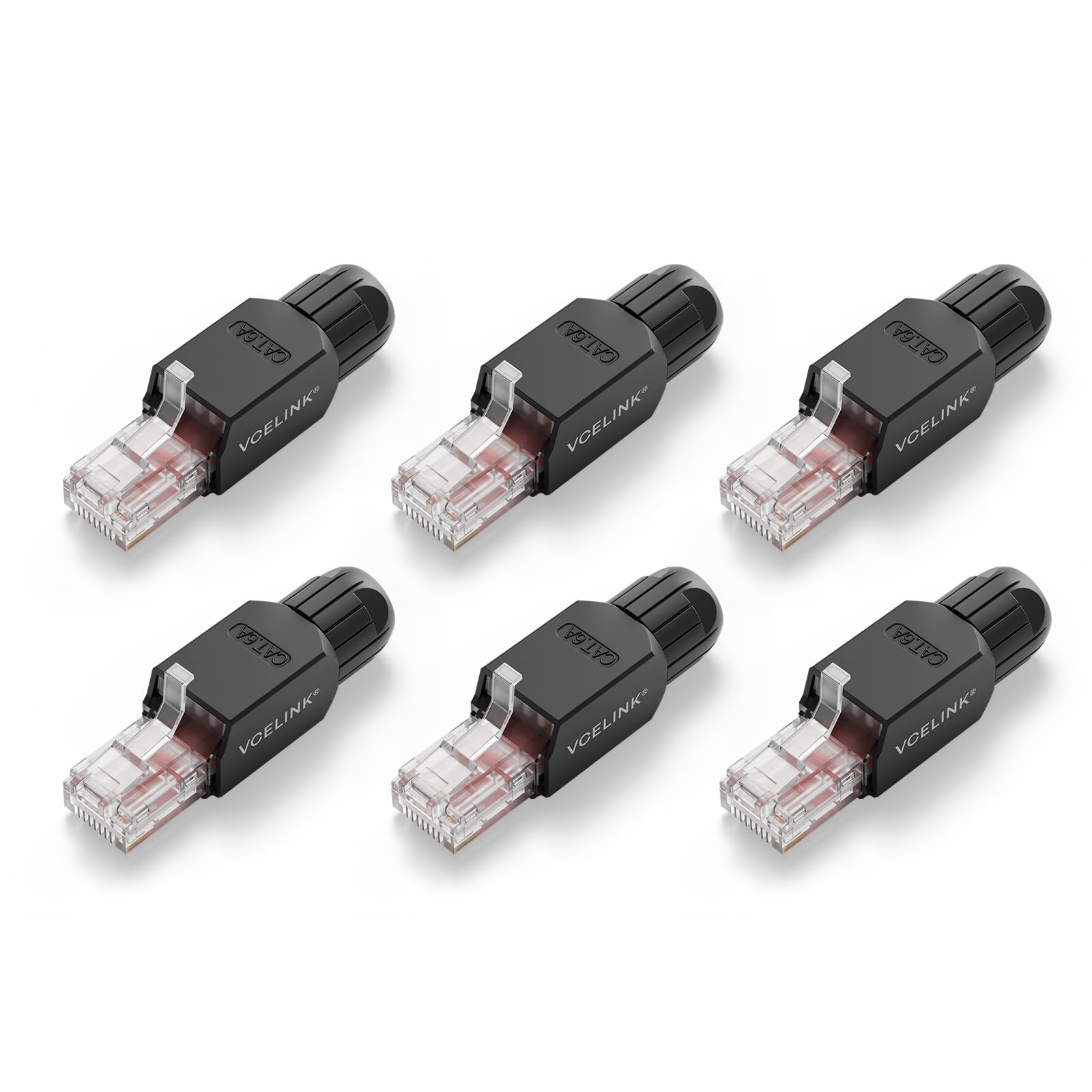
🚀 Connect faster, smarter, and tool-free—networking just got a major upgrade!
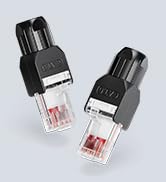
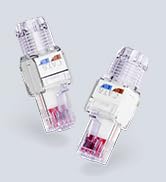
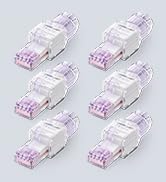
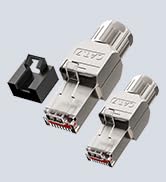
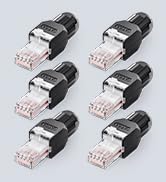
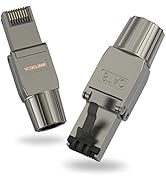
The VCELINK RJ45 Tool-Free CAT6A Connector is a premium modular plug designed for 23-26 AWG CAT6A/6 cables, enabling quick, tool-less installation. Featuring gold-plated contacts for up to 10Gbps transmission speeds and a secure strain relief boot for stable connections, this 6-pack is ideal for professionals and DIYers seeking efficient, reliable network setups.









| ASIN | B0CF1B9ZFC |
| Best Sellers Rank | #88,079 in Computers ( See Top 100 in Computers ) #512 in Cat 6 Ethernet Cables |
| Item model number | KJ22BK-6A-6P-CA |
| Manufacturer | VCELINK |
| Product Dimensions | 5.31 x 1.45 x 1.32 cm; 36.29 g |
C**T
These function like traditional RJ45 ends, but are easier. They cost a little more than traditional ends, but the ease of use is worth the difference. The quality is good. They snapped together with no issues and have been delivering 1 gig speed with no problems. Will buy again.
C**N
Pratique
R**D
An easy way to create a lan cable
A**E
Gutes Qualität.
A**D
If you need to add a connector to a CAT6/6A cable in a tight spot (in my case up a ladder and in an attic crawlspace), then these are far easier than a traditional crimped connector in my opinion. To explain: you thread the green/orange pairs straight through the plastic "comb", pull down to the top of the cable. The only trick is to make sure you have oriented the comb part to then make the blue/brown pair placement easy (after a couple of tries this becomes intuitive). The blue/brown pairs "clip" in but the green/orange ones don't, so it's important to get all of them in before you cut them flush, as the blue/brown are what holds everything in place until you clamp it down and put the boot on. So, green/orange pairs to pull the pairs tight and flush to the cable housing/core, blue/brown pairs to hold all in place, then cut flush. I found that it needs quite a bit of force to get the crimp to happen, pressing on a flat surface made it easier, pliers helps if not available. Being honest, up a ladder the first time (no pliers) I used my teeth and it worked, but not a recommended method for obvious reasons. The boot slides on easy, clicks into place, and can be removed relatively easily with a small flathead screwdriver afterward, more prying needed with flathead to undo the crimp, but if you are careful you can definitely remove and re-use in a pinch. My only caveat is that the connectors are quite "long" and the release tab on the top sticks up quite far - if you need to plug into a restricted area, like the back of a wireless AP, or somewhere with a tight turn etc. then you might need another solution. I had to remove the lock on the back, trim down the "teeth", and then use tape in one such case (Unifi AP) for example. I also had to trim the release tab slightly so it was not accidentally triggered and releasing the connector. The extra length is a consequence of the tool-less design, and the release is easy to modify, so I do not dock stars, but definitely something to be aware of before purchase.
Trustpilot
1 week ago
2 months ago