

🖼️ Turn your memories into a living gallery—share, display, and impress effortlessly!
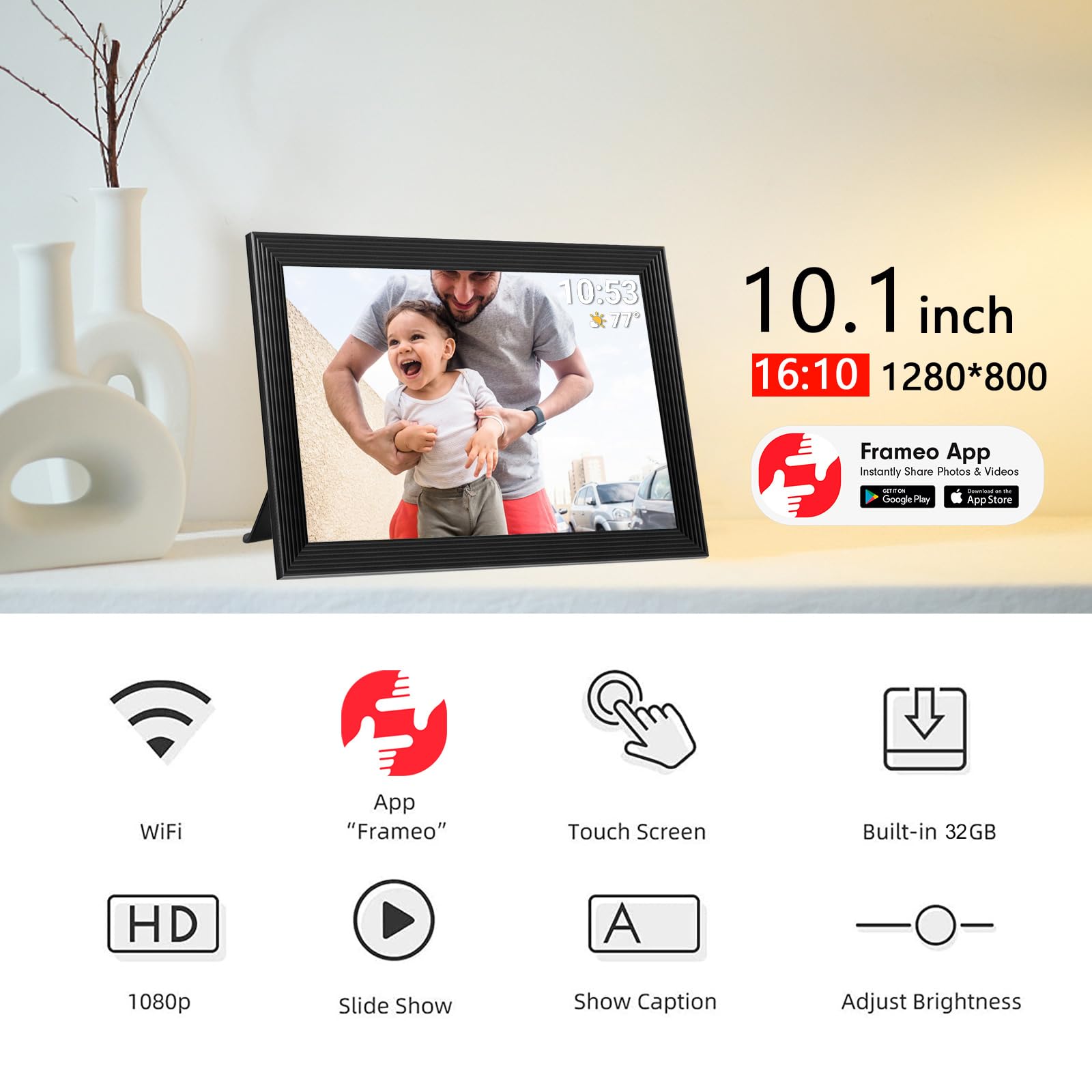
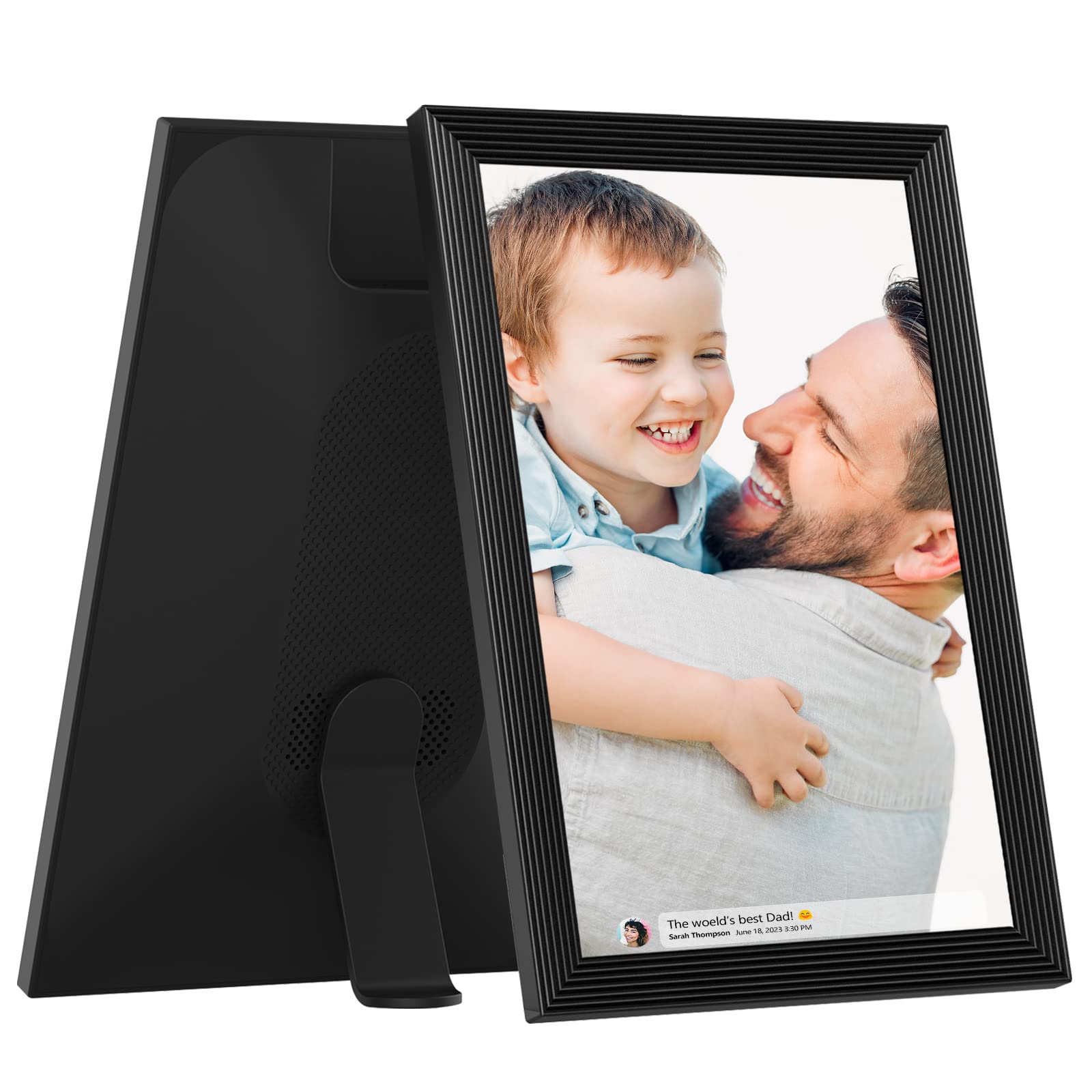
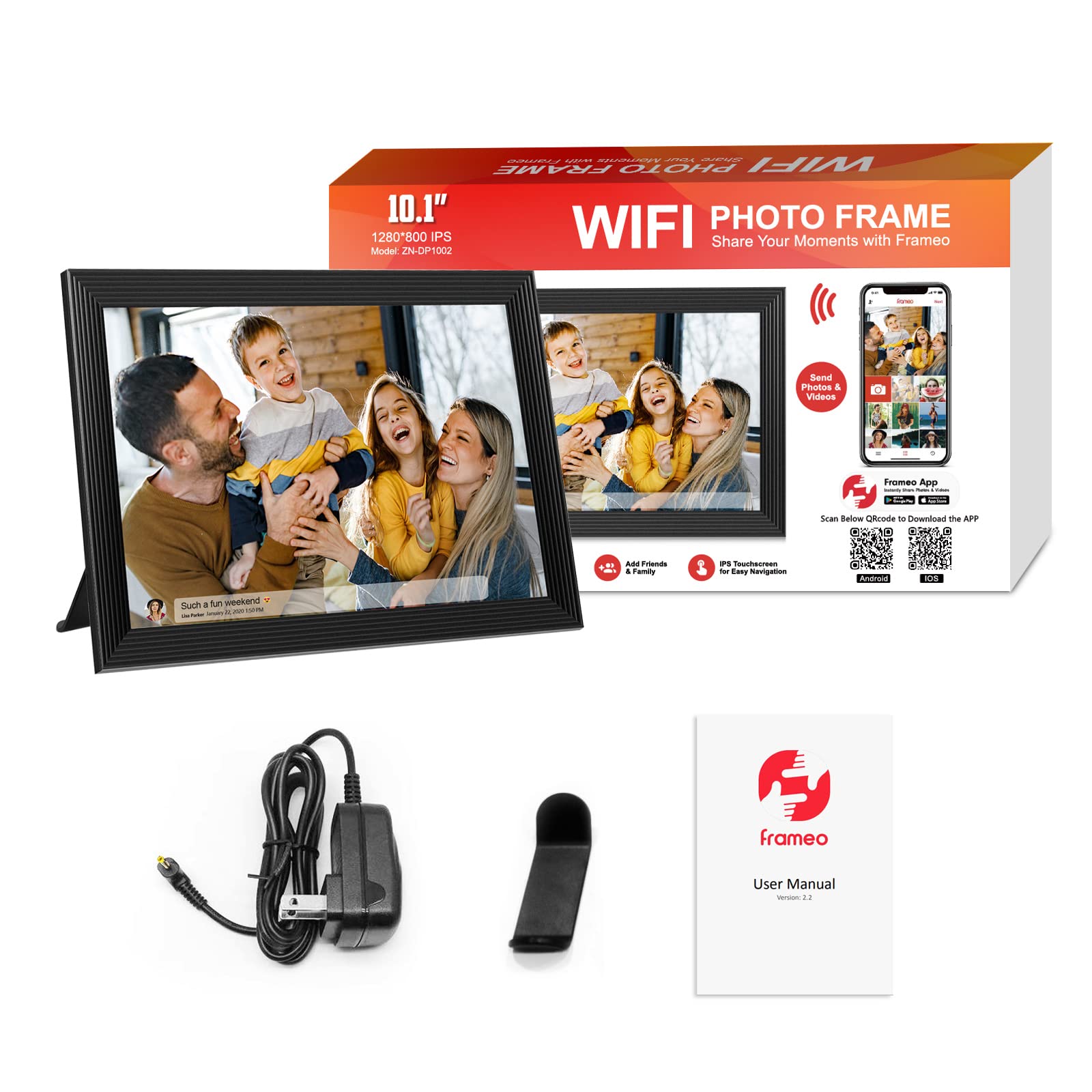
The 32GB FRAMEO 10.1” Smart WiFi Digital Photo Frame features a sharp 1280x800 IPS touchscreen with auto-rotate functionality, enabling seamless portrait or landscape viewing. With instant photo and short video sharing via the Frameo app, plus expandable storage and customizable display settings, it’s the perfect modern way to keep your cherished moments alive and connected across the globe.


L**E
The frame is as described. Straightforward setup and use.
This fame is as described. The size is nice and perfect for where I wanted to display it. It's large enough that you can easily watch the slideshow without it being overwhelming. Setup and use is straightforward and easy. The color and clarity are beautiful and the photos upload quickly. We have not added any videos yet but so far there hasn't been any reason for me to believe it will be any more difficult than adding photos or that the videos will not playback well. I'll update this review if we have any issues. Photo sharing is easy once you have added a friend(s) and it's simple enough to revoke those rights. The frame tells you who sent the photo(s) and that's nice. You can turn that feature off. The on screen display for settings etc... are straightforward. It's nice that you can choose display options for portrait or landscape, or fill the frame, adjust the timing for the slideshow etc... You can remove the time and weather from the frame. It's nice that you can set the times for sleep mode, including making the times different for different days of the week. This is handy with respect to a typical work week when you're gone most of the day but on Saturday and Sunday you're home most of the day, for example. The frame feels kind of cheap in your hands (but I said that about my first Galaxy phone too, so take it for what it's worth) but it looks very nice on display and the quality of the display/photos far outweighs that feeling. It would be nice if you didn't have to have it plugged in all the time, but on the flip side, it would be inconvenient to have to charge it regularly as well. Overall, I'm very happy with this purchase and the price was nice too. I am going to purchase a couple more for my parents - the trick will be getting them to understand how it works! lol
H**E
A Thoughtful Gift That Brings Our Family Closer!
The media could not be loaded. I got this digital photo frame as a gift for my parents, and it’s honestly one of the best things we’ve added to their home. With our family spread out in different cities, it’s been such a heartwarming way to stay connected. I can send pictures and short videos directly from my phone using the Frameo app, and within seconds, they show up on the frame in their living room.The setup was incredibly simple—even my tech-shy dad figured it out quickly. The touch screen is clear and bright, and the 10.1” size is just right—not too big, not too small. The photo quality is great, and I love that it auto-rotates depending on how it’s placed.My parents especially enjoy seeing recent pictures of their grandkids pop up throughout the day, and I’ve noticed it gives them something joyful to look forward to. The frame even shows the date, time, and weather, which they find really handy.If you're looking for a meaningful way to share memories with loved ones—especially those who aren't on social media—this frame is a beautiful and practical option. We’ve loved it so much, I’m now planning to get one for my in-laws too.
P**L
We Love It
We love this digital frame! I was worried because of negative reviews, but mine works perfectly. It arrived in perfect condition. The display is bright, crisp, and beautiful. The pictures look great on it. It was easy to setup and use, the app is really intuitive, it has lots of customization options, and the shuffle works correctly. It's easy to quickly add, remove, or adjust photos, and fun for guests to keep swiping to see all the great photos. Contrary to misunderstandings, the Frameo app is FREE--it only costs an affordable $17/year if you want to be able to upload 10+ photos at one time or backup your photos. (There is no subscription required to keep sending photos if less than 10 at a time.)
H**H
Decent frame for money.
Frame quality feels a little cheap. But, the screen is great. Pictures looks good on it, kind of grainy but not too terrible. Easy to upload pics, just pick what pictures you'd like and upload them with the app. The app is easy to navigate! Set up was easy, and timeless.
A**N
Good display, easy to use, but lacks subfolders to separate photos into useful collections
This Frameo digital frame replaced an ancient Brookstone model that I have used for 20 years. That one was only 640x480 resolution, but this new one is 1280x800. (I had to figure this out for myself, it's not detailed in the printed user manual that is otherwise very useful). I re-scale me frame images to the precise resolution of the frame, so it would be helpful if the native resolution had been noted in the user manual.The normal resolution for displays in this category of "HD" is 1280x720, so the frame must be set to not vertically stretch photos to fill the frame. If not set properly, circles will appear as ovals. It would be better to have the default set to maintain the proper aspect ratio of each image. The frame has a setting to determine how the surrounding area of a non-stretched photo will appear. The choices include black as well as a color that suits the overall tone of each photo.The setup process to send images via phone was simple and fast. I sent a sample photo from my phone and it appeared in the frame in just a few seconds.I then connected the frame to my computer via USB so I could transfer my screensaver folders. I copied my screensaver folders into a top level older named DCIM as noted in the user manual. I was pleased that the multi-Gb transfer moved very quickly. But then my disappointment began.Turns out that although the frame has 32G of memory, ALL of the photos to be viewed must be stored in the single top level folder DCIM. I have thousands of photos in my collection, separated into folders based on people, places, events, etc. My ancient Brookstone frame could display all the photos in all subfolders, or from only one subfolder. This new Frameo frame can hold images in subfolders, but they can't be viewed unless moved into the main image folder using a USB connection to a computer. To me, having 32G of photos in one huge folder is a very poor design choice.Also, although the frame supports an external SD card, the frame cannot display images directly from the card. The image files must be transferred from the SD into internal memory. My old Brookstone supported image display directly from everal types of external memory, including SD and USB sticks. So having a few USB sticks with images for specific occasions was a simple and low cost solution. But with the Frameo, manual transfer of external images is required every time they are used.I know enough about small computers and programming to appreciate how little effort it would take to design the frame to use subfolders and or external memory. I contacted the company and received a prompt response explaining that subfolders are not available but would be a useful update. I doubt it will happen, but maybe one day a firmware update will provide what I consider to be a basic feature for a 32GB digital photo frame.Otherwise, it's a nice frame considering the low cost. But with a few tweaks it could be much better.
Trustpilot
2 weeks ago
5 days ago