
DOWNLOAD THE APP


Customer Services
Copyright © 2025 Desertcart Holdings Limited
DOWNLOAD THE APP

🚀 Elevate your workspace with cinematic clarity and speed!
The Dell UltraSharp U3423WE is a 34.1-inch curved WQHD monitor featuring a 3440x1440 resolution and 21:9 aspect ratio, designed for enhanced productivity and immersive viewing. It boasts a rapid 5 ms response time, 300 nit brightness with WLED backlighting, and versatile connectivity options including USB Type-C and HDMI, making it ideal for professionals seeking a sleek, high-performance display.
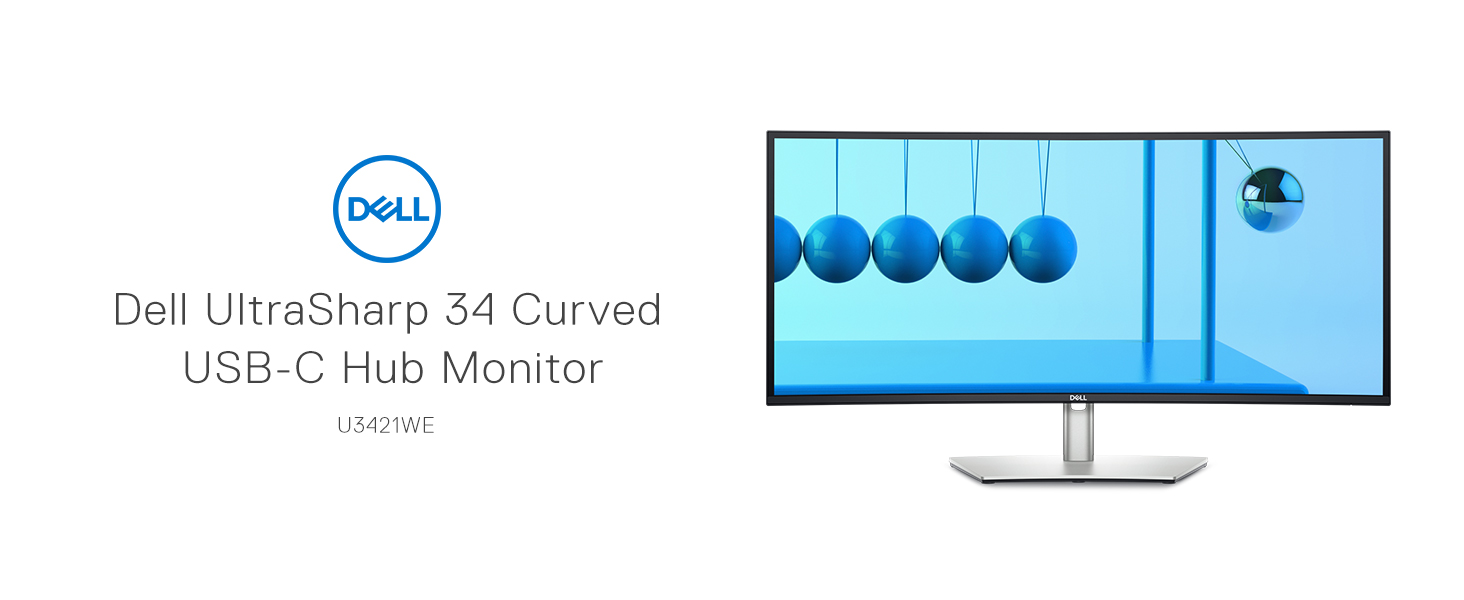


| Standing screen display size | 34.1 Inches |
| Screen Resolution | 3440x1440 |
| Max Screen Resolution | 3440 x 1440 Pixels |
| Number of USB 3.0 Ports | 8 |
| Brand | Dell |
| Series | UltraSharp |
| Item model number | U3423WE |
| Item Weight | 29 pounds |
| Product Dimensions | 2.3 x 32 x 14.1 inches |
| Item Dimensions LxWxH | 2.3 x 32 x 14.1 inches |
| Color | Information Not Available |
| Number of Processors | 1 |
| Manufacturer | Dell Computers |
| ASIN | B0BJZ3YNN5 |
| Date First Available | October 20, 2022 |
D**L
Lots of multitasking room.
Excellent monitor. Lots of room for multitasking. I love the aspect ratio and size of this monitor, and has crisp text and accurate images and color. The stand on this monitor is really nice too. Lots of adjustments. Add a 27" Dell Ultrasharp Monitor to it and you have a complete desktop!
D**R
.
great monitor
T**N
Exceptional Clarity and Performance for MacBook Air M1
I recently purchased the Dell UltraSharp U3423WE 34.1" WQHD Curved Screen WLED LCD Monitor, and I couldn't be more thrilled with my choice. Hooking it up to my MacBook Air M1 was a breeze, and the results have been phenomenal.The speakers on this monitor are truly remarkable, delivering clear and crisp sound that enhances my overall experience. But what truly stands out is the display quality. The color tone is nearly identical to the Mac Retina Display, which is impressive. As a web designer who also programs in PHP and Python, and engages in graphic design, the clarity and sharpness of this monitor are simply outstanding.For the price tag, the performance and quality of the Dell UltraSharp U3423WE are unbeatable. Whether you're coding, designing, or simply enjoying media, this monitor offers a superior visual experience. Highly recommended!
P**R
Don't Purchase through Solara Solutions
We ordered what was supposed to be a DELL monitor. The monitor ($600) is malfunctioning and it is not even 1 Year old. I tried to go through DELL for the warranty since the 30-day warranty through Amazon is up. DELL does not recognize the Service Tag number on the back of my monitor in there system. They said it probably is NOT a DELL monitor since the Service Tag number does not exist in their system. I contacted the seller, Solara Solutions and they said that they only warrant the monitor for 30-days. They were not very helpful. I am stuck with a $600 monitor that isn't even a year old and can't get a replacement or refund. The monitor should be warranted for at least 1-year after purchase. I think the monitor that Solara Solutions IS NOT a DELL and they are selling them as DELL Monitors. Beware of purchasing electronics and monitors through this seller.
N**E
Perfect Home OFFICE!
I can't say anything about gaming... I don't game. I use this monitor for my telework days and my home use. I have one at the work cubical and I wanted the same set up at home... which is perfect. Great sound as well. Love the idea I can have multiple computers tied to it at once and switch back and forth. Plus, it is wide enough to have two work document open side by side.
S**N
Great monitor, lousy documentation and difficult KVM set-up
this is a great performing monitor in terms of the picture quality, ease of use, reasonable weight, just great. I had a laptop I sometimes want to have a screen that is large enough with good color reproduction so having the kvm functionality that lets you quickly plug in power and video with the DP-C charging port - wow. I struggled some hours with trying to get the kvM mouse to switch and ran in circles with Dell Support. finally figured it out but will give you some caveats if you want to use this. 1) Download the proper display manager. On the Mac, I also updated the driver with a link Dell sent me. Put the Display manager on both machines that you wish to hook into the monitor. then in the KVm set up on the Display Manager software you, assuming you are hooking the upstream data only USB C-C or C-A (both work), then BE SURE to select C-2 on the setup - picture attached. Then your KVM will switch. I have a second monitor attached to the 2nd machine (a tower), and also tested this with a Mac laptop and a Windows 11 laptop. The KVM switching worked - be sure to configure a hotkey and make it the same on both machines. Hope this helps.
J**
Love it
Works great with our Apple laptop
J**N
KVM feature is the greatest
Purchased because of the integrated kvm features. The ease of switching inputs is great and sharing the mouse and keyboard is awesome. The only downside is you have to have the dell display manager installed on both computers to use the hotkeys to change from one display to the other. If you are not an admin on the machine this will be a problem.I use a dell laptop and my MacBook Pro and have no problems with integration at all.It is desired to have a higher resolution for the display so you can fit more on the screen.Picture quality is fantastic and brightness works in bright office environments.The front screen can catch a glare if sunlight hits it directly.Overall recommend for anyone working from home who wants to be able to switch between a personal computer and work computer. MUST have!!!!
Trustpilot
1 month ago
2 weeks ago