
DOWNLOAD THE APP


Customer Services
Copyright © 2025 Desertcart Holdings Limited
DOWNLOAD THE APP

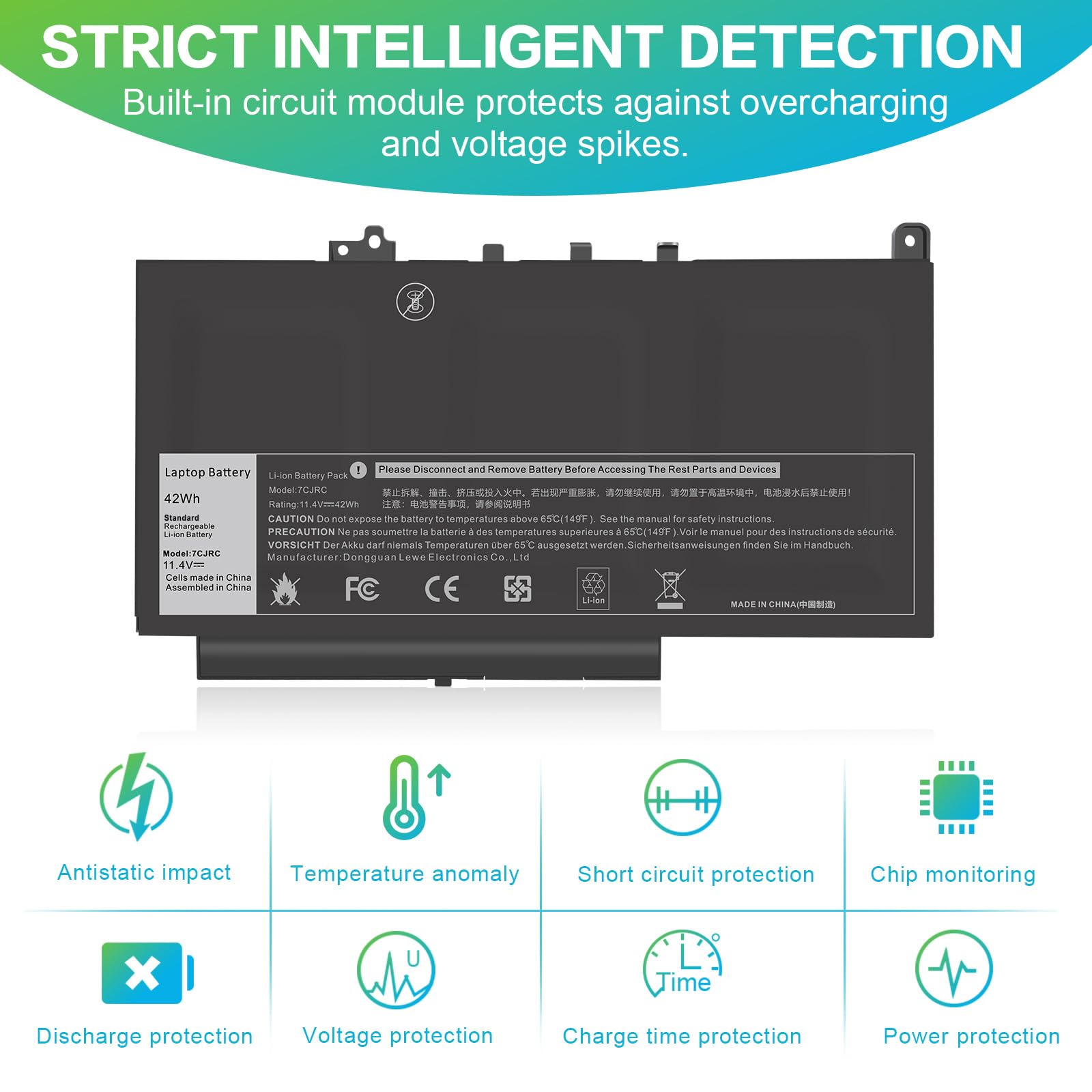

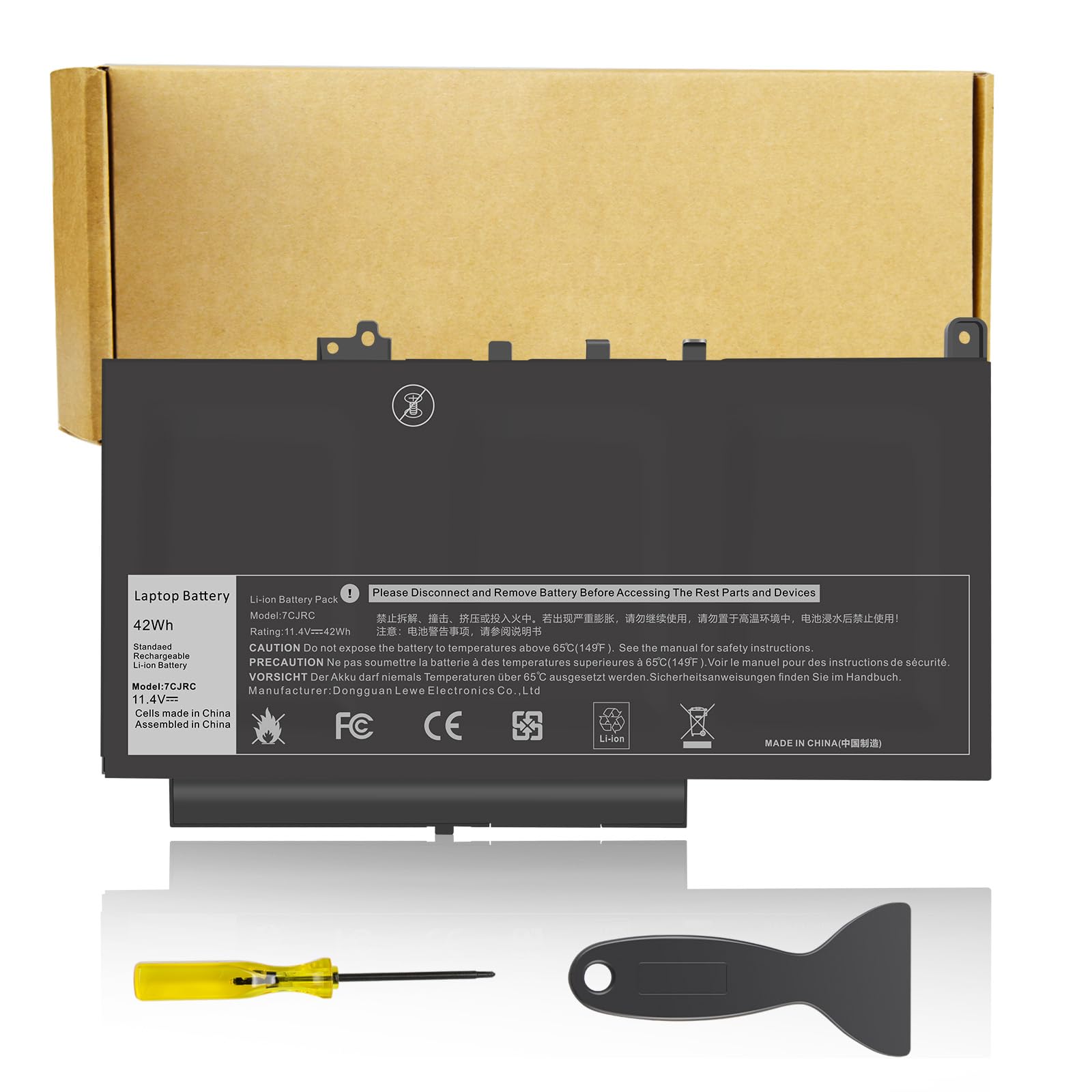
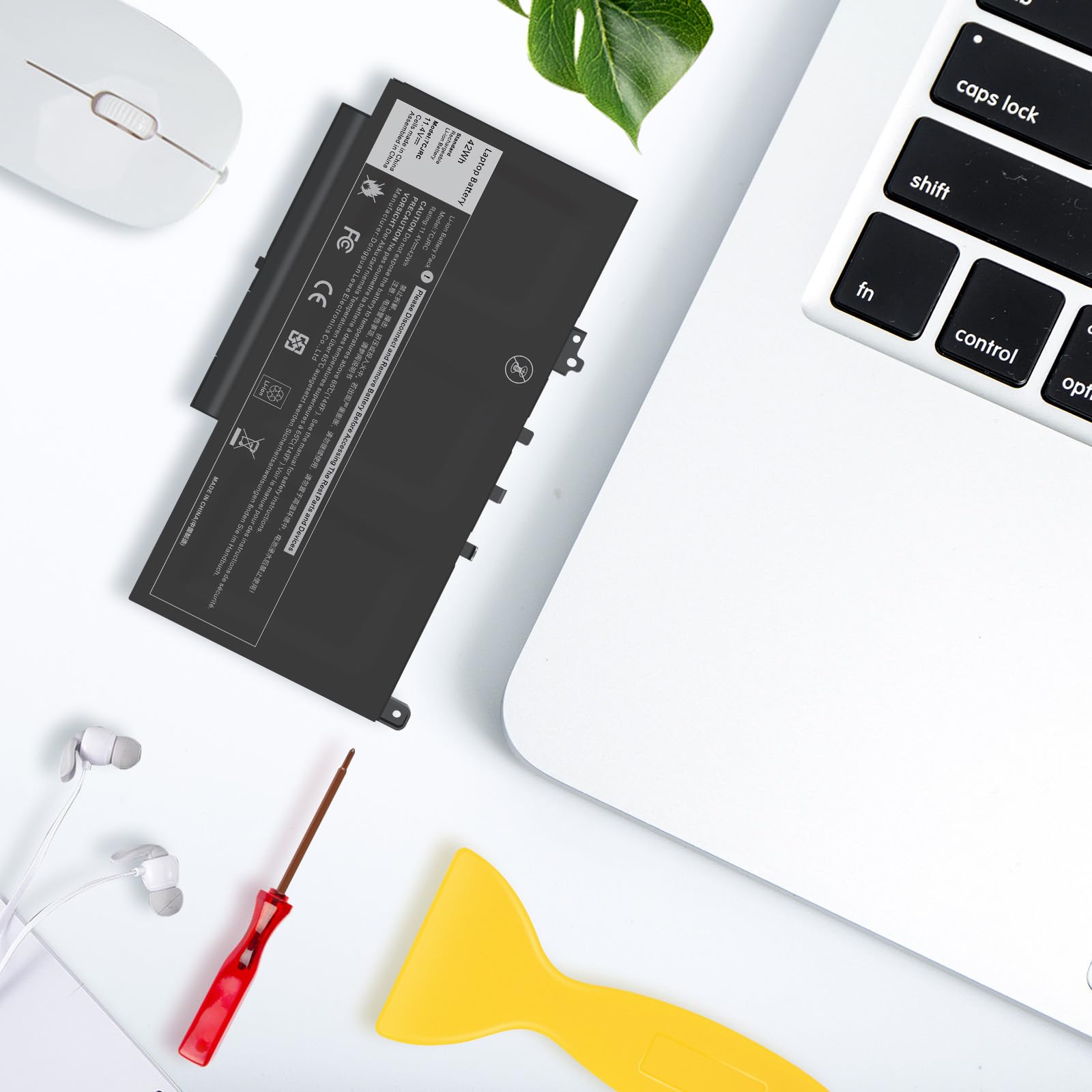
🔋 Power your productivity, stay ahead of the pack!
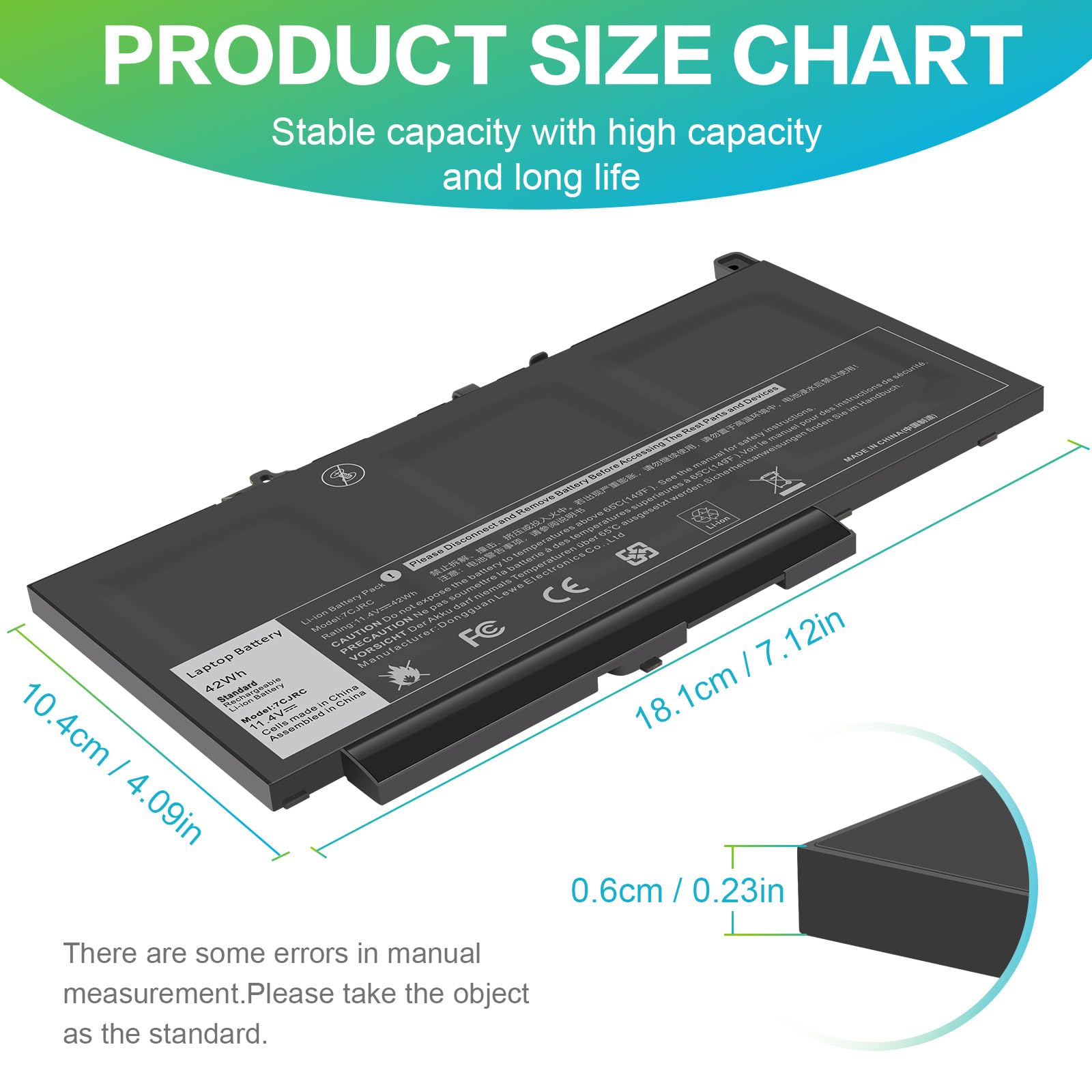
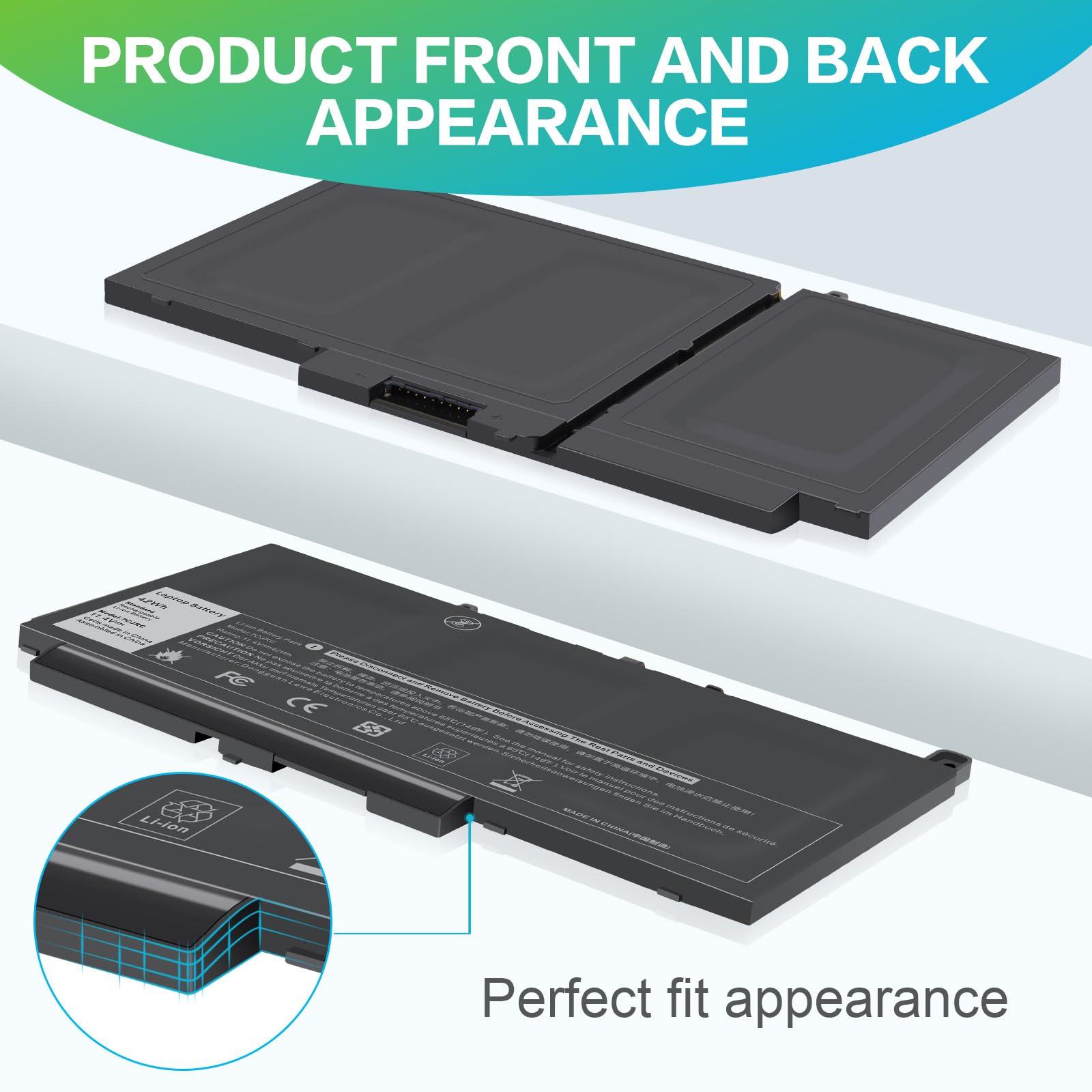
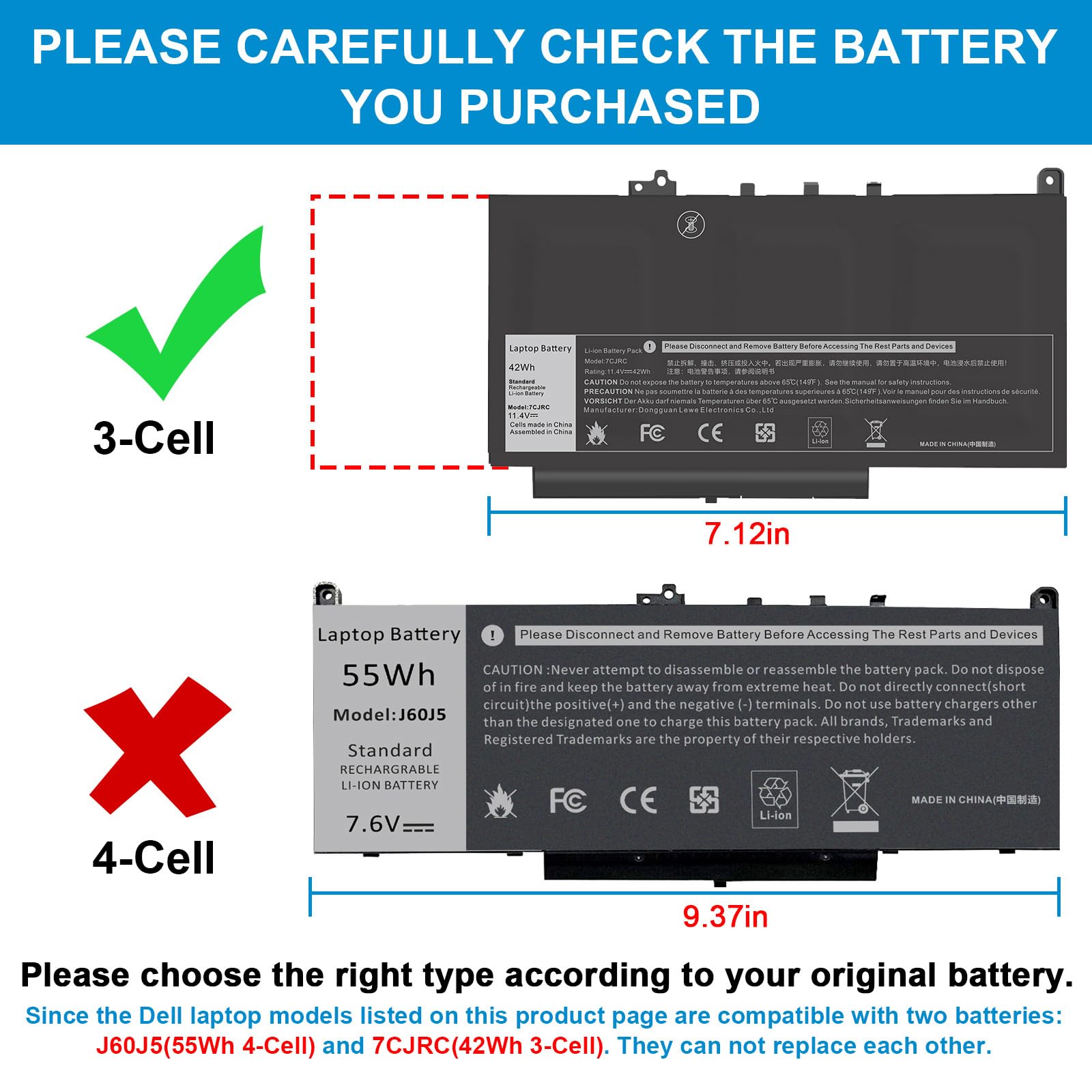
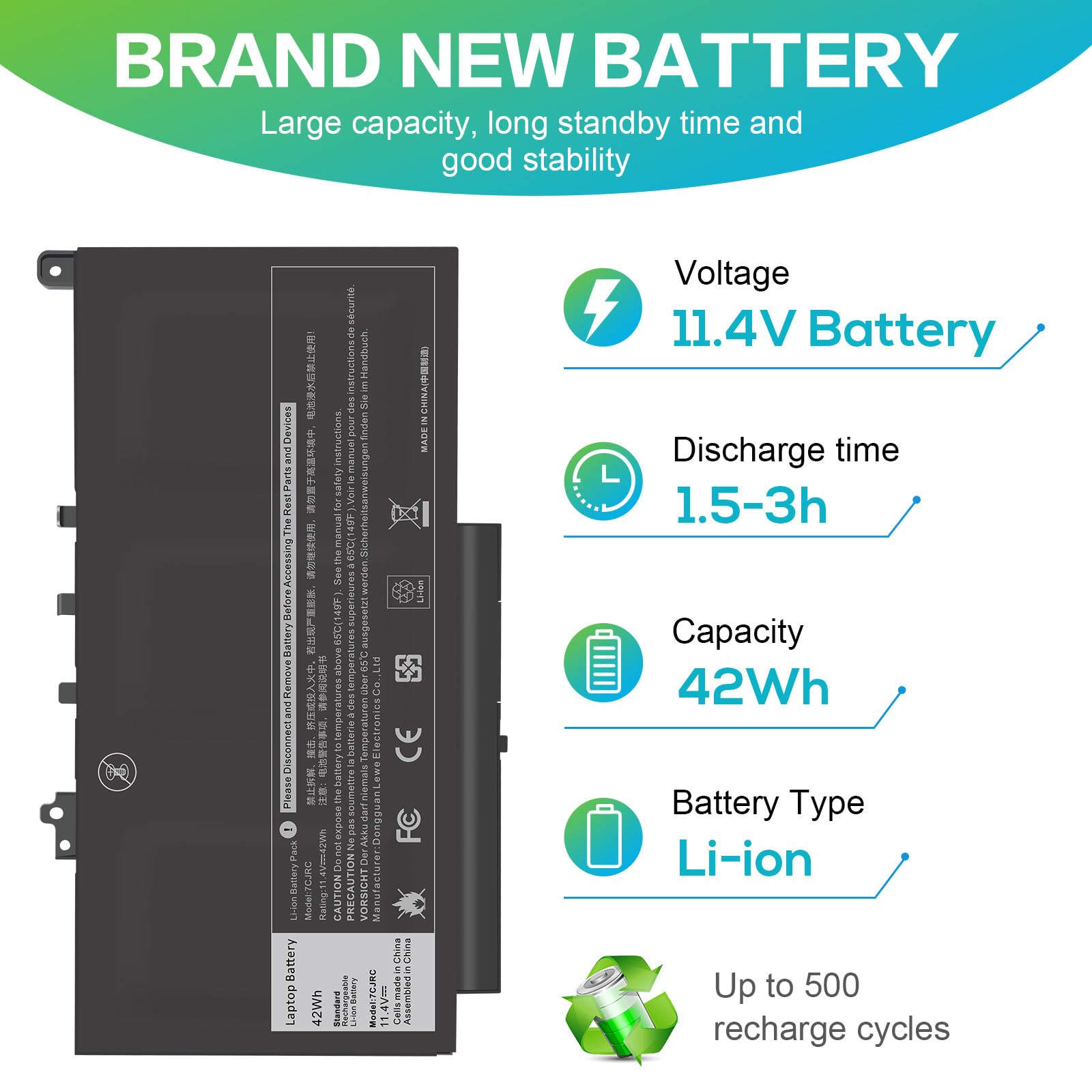
The Futurebatt 7CJRC Laptop Battery is a high-grade, 32Wh Li-ion replacement battery designed specifically for Dell Latitude 7470, 7270, E7470, and E7270 models. Featuring advanced safety protections like temperature control and auto-stop charging, it delivers reliable power with up to 500 recharge cycles. Supported by a 12-month warranty and responsive customer service, it’s the smart choice to keep your laptop running longer and stronger.


| ASIN | B0FC2MN794 |
| Batteries | 1 Lithium Polymer batteries required. (included) |
| Best Sellers Rank | #17,955 in Electronics ( See Top 100 in Electronics ) #139 in Laptop Batteries |
| Customer Reviews | 4.3 4.3 out of 5 stars (898) |
| Date First Available | June 5, 2025 |
| Item Weight | 8.8 ounces |
| Item model number | 7CJRC |
| Manufacturer | Dongguan Lewe Electronics Co., LTD |
| Package Dimensions | 9.92 x 4.88 x 1.46 inches |
D**G
OLD LAPTOPS HVE THEIR USES!
Fits perfectly. Solves a long time problem at minimal cost. Battery is purely back up, but necessary. Arrived 80% charged. Would buy again, let's hope I don't need to.
S**S
Easy to install, brought Sister's macbook back to life!
Apple is notorious for trying to keep people from upgrading or replacing their own hardware. Don't believe me? Look at modern macs that won't even let you replace the SSD. Crazy. This older macbook from the 2010-2011 era is an exception however, with really easy to access components. I've heard that some versions of mac osx are picky about the battery you install, as apple adds a chip to the battery to help manage power consumption. Whatever the reason, this battery doesn't have any issues. It has been installed in my sisters macbook over a month, took me 5 minutes to install (Seriously, all you need is a phillips screwdriver and 5 minutes). I got her the macbook second hand for $50, so I didn't want to spend a ton on a battery. That being said, I don't know what kind of battery life these things realistically got when new, but she's averaging 4-5 hours now. Pretty good! If you want to bring an old macbook back to life, this is a great choice. NOTE: It was clear the construction of the battery CASE was a bit flimsy. The plastic tabs holding it together weren't strong, and it was already splitting when I got it. I don't consider this an issue, and neither should you. The internal battery is high quality, and you'll never see the casing. This is a budget replacement item that goes inside a computer, so asthetics don't matter to me, and they shouldn't to you. That being said, I know apple tends to attract a, how do I say this.... "Picky" user. But theoretically those type of users upgraded to the newest macbook pro and ditched this thing long ago. Still worth noting. Enjoy! #PCMasterRace #AppleMakesMeCry
K**.
A much lighter battery than Apple’s.
I’ve personally installed so many of these batteries in the past, and wasn’t really feeling like doing this one too on a machine that’s 11-years old. However, I wanted to play some old 32-bit Steam games on an older MacOS, so here we are. This battery arrived in a clean box, with all the tools necessary to do the task, except one important safety tool. With that, a word of caution to anyone reading. Make sure you’re installing this battery in a place where it’s static free with an ASD grounded strap attached. If you can’t do that and want to take the gamble anyway, understand you could fry your logic board if your body issues a shock to the computer. Basically, if the air is dry and everything you touch zaps you, don’t do this install. There are no static discharge tools that comes with this battery. That out of the way, I also recommend using an empty ice cube tray or something similar to sort your screws (so you won’t lose them). When I held both batteries, I was kind of shocked over how light this replacement was. Like, pretty alarmed wondering if I bought a defective unit. But nope. It went into my Mid-2010 White Unibody MacBook with ease. The cabling this new one comes with is a bit long compared to Apple’s. So you’ll have to carefully route all that cabling before reattaching the bottom plate. If you’ve read this review this far, here’s another tip: DO NOT PLUG IN YOUR CHARGER YET!!! With Lithium Ion batteries, it’s super important to set its memory. It came charged from the factory, with slight drainage during shipping and in storage. So it may only have a fraction of its total capacity. That said, keep its trajectory point towards 0%. From there, power on the MacBook. If no power, then plug it in to see if the battery is either not connected at all, defective, or just drained to 0% anyway. When powered on, let the computer drain. I recommend all the way. Want it drained faster? Fire up Chess and set CPU vs CPU while playing a movie in the background as well as Apple Music / iTunes with the visualizer on. When it dies, plug it back in and charge to 100%. I recommend doing this 2-3 times so your battery knows what empty and full capacity is. Otherwise you can train ‘any’ lithium-ion battery to think that 50% is 0% with a erratic charging behaviors. But I’ve had this battery for a month. No complaints yet. It’s drains slowly while playing “Witcher” (one of the games I wanted to play), and lasts a long while in the computer’s sleep state.
O**F
EZ Replacement process.
Since I use this laptop so seldom, it's hard to say how well this battery replacement is working, but I was pleased at how smoothly the process of replacing it was. Most people feel a lot of angst just opening up a computer at all... Since 1995 - the year I bought my first computer - I have always tried to master as much as possible regarding repairs, maintenance, etc. Mainly, I do this because that computer had a service contract I was paying for and the service guy did not have a clue... In fact, his idea of "cleaning" was to stick a canned air nozzle in the back of the computer and pull the trigger... I said, "What the hell is that supposed to do? All you've done is redistribute the dust to the entire interior of the machine!" He admitted he wasn't Apple certified and didn't know how to properly open the case. I cancelled my contract that day. Thankfully this battery pack was pretty easy and there is good online support you can study BEFORE opening the case, if you have any concerns or apprehension.
F**K
Good value
Replacement for the original one. Installed and charged. So far working well. Would buy again.
J**T
Lenovo laptop battery
Battery was easy to remove and replace. Just make sure the connector is pushed fully in to connector cable. Charged and showed 98% life.
J**H
DEAD After 3 Charging Cycles!
Horrible! I ordered this in March just recently installed it for it to only last three charge cycles and now it’s dead. Drained really fast too! Only held the charge for about two hours.
K**.
Great battery but might lose foot pad
Bought the 01AV427 model for my Thinkpad. Battery has been working great. The one thing to keep in mind is that the rubber foot pads on the extended size batteries are not attached very well. I already had one come off and now the laptop is a little wobbly. I will have to find something to replace the foot pad with.
Trustpilot
2 months ago
4 days ago