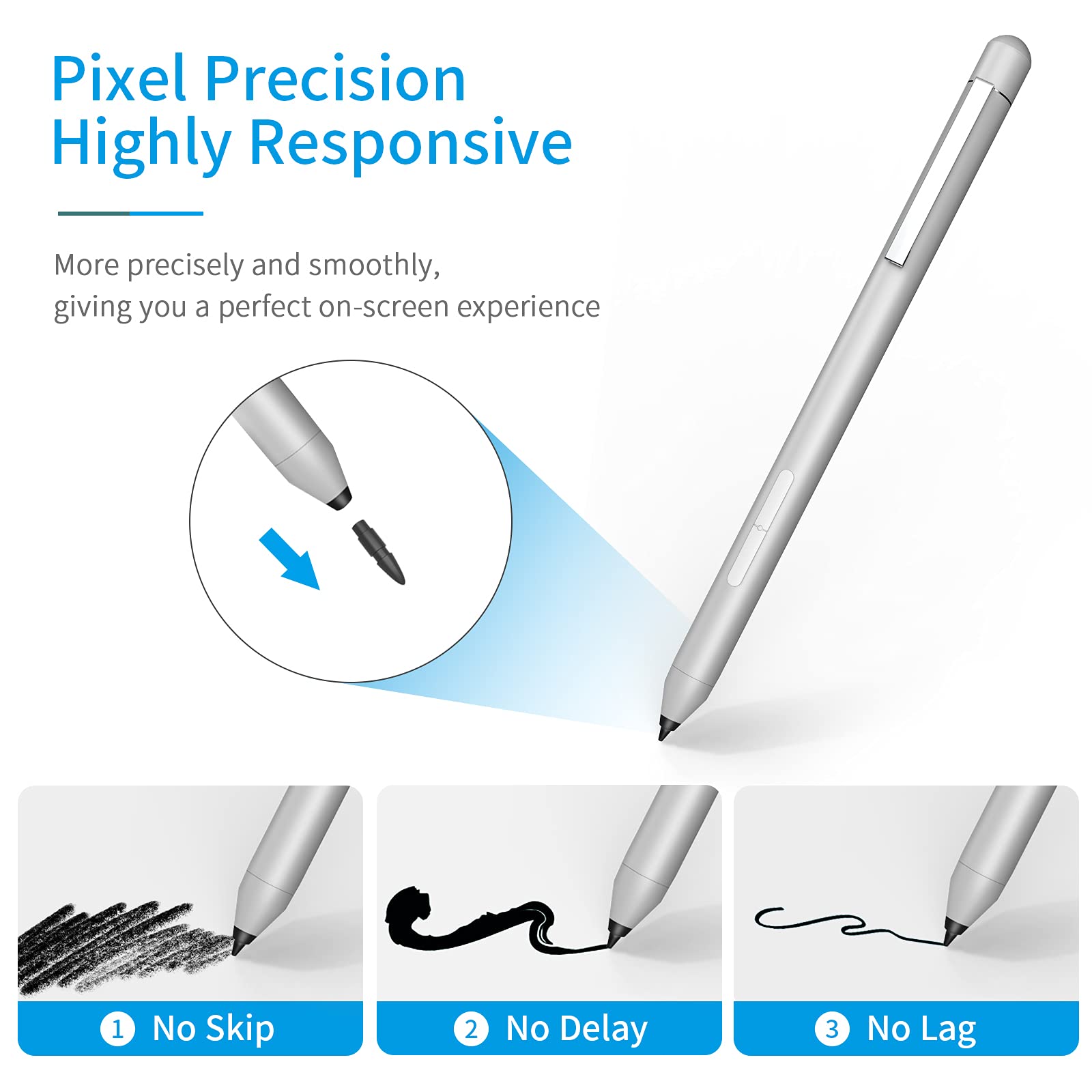


✍️ Elevate your Dell experience—write, draw, and create without limits!
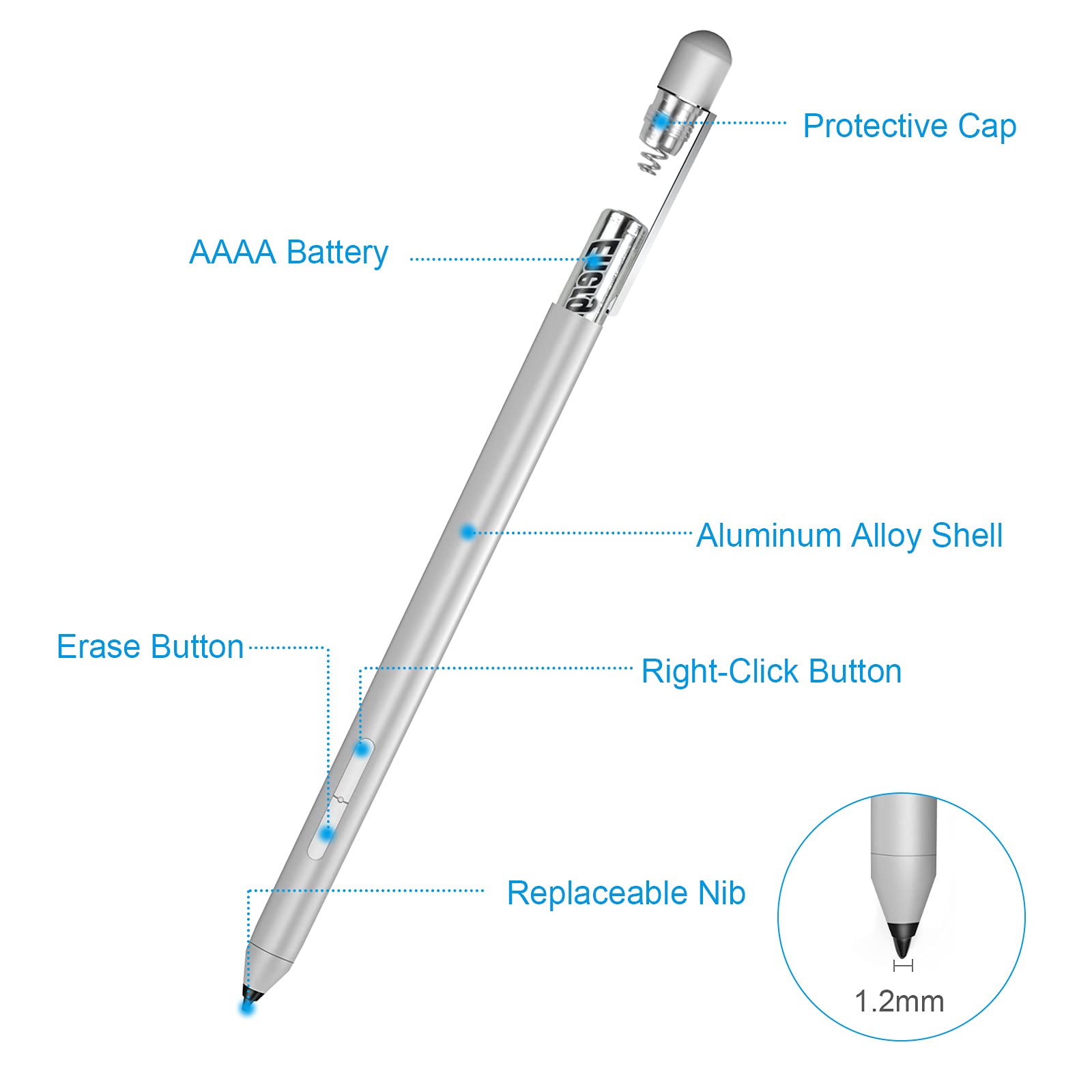
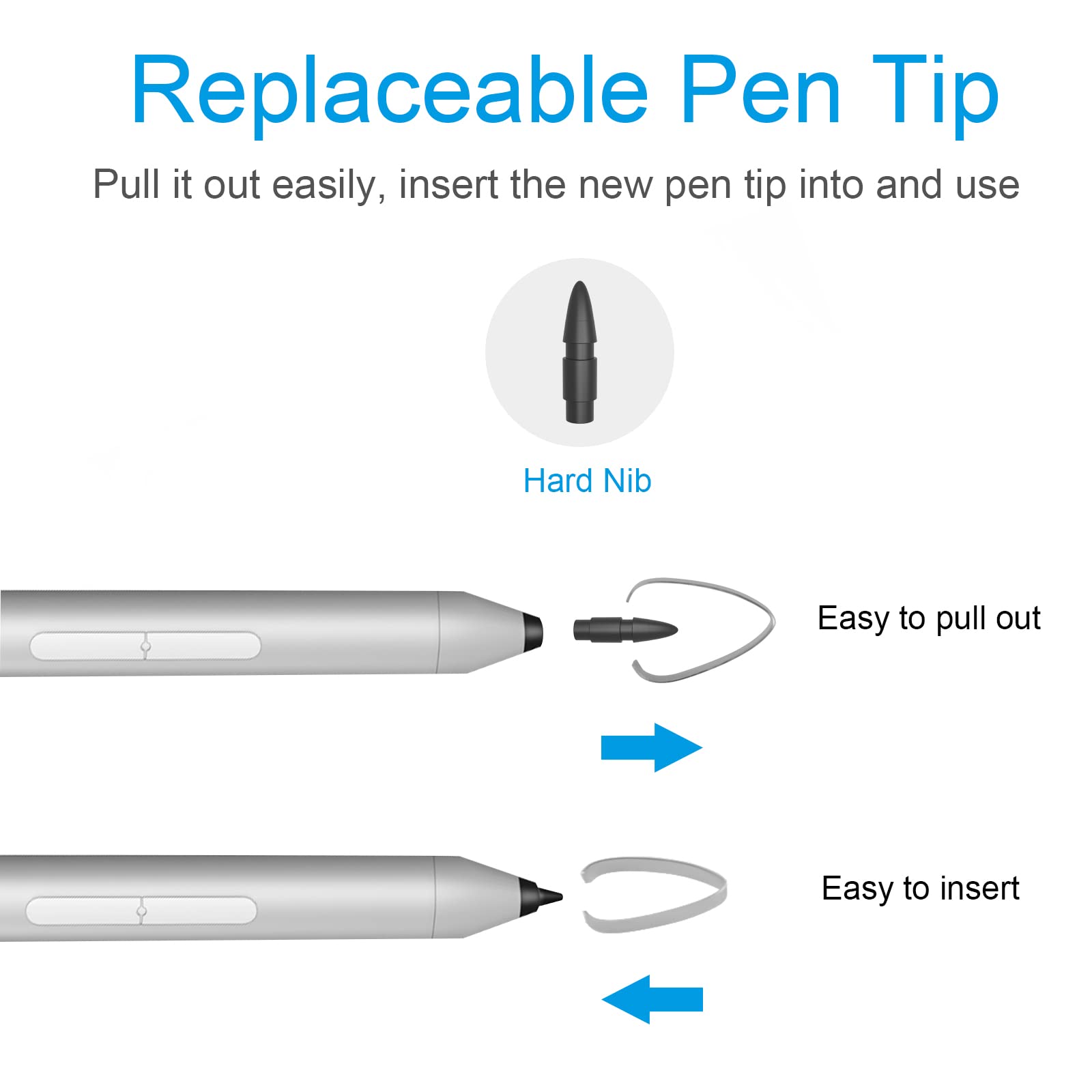
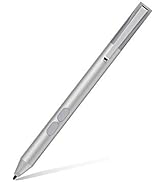
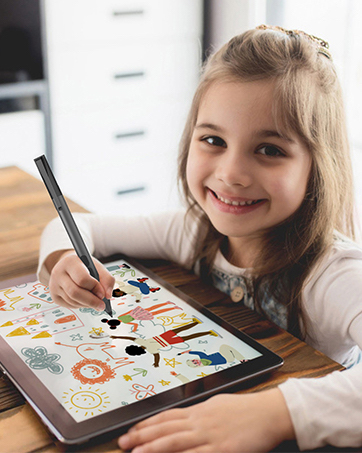
The tesha Active Pen is a high-performance stylus designed specifically for select Dell Inspiron and Latitude laptops. Featuring 1024 levels of pressure sensitivity, palm rejection, and multi-function buttons, it offers a natural writing and drawing experience. Powered by a long-lasting AAAA battery with over 2500 hours of use, it delivers excellent value without compromising on quality. Compatible with numerous Dell models, it comes with replaceable tips and a 24-month warranty, making it the smart choice for professionals and creatives seeking precision and reliability.









| ASIN | B09F6KLWWW |
| Batteries | 1 AAAA batteries required. (included) |
| Best Sellers Rank | #408 in Digital Pens |
| Customer Reviews | 3.9 3.9 out of 5 stars (356) |
| Date First Available | September 1, 2021 |
| Item Weight | 0.741 ounces |
| Item model number | K2-C |
| Manufacturer | tesha |
| Package Dimensions | 6.57 x 1.89 x 0.75 inches |
A**A
Perfect pen for taking notes with a great price tag!
Lost my only Surface Pen (3rd gen), so instead of shelling $100 I bought this. This pen for my Surface Pro 3 actually does run well. Compatibility is on point and the usability of it for taking notes are actually really great. The quality of this product is actually not bad, but in fact close to the one that Microsoft offered. I'm not an artist, so I don't really use it for drawings and such (ofc you don't really buy this if you're looking to make some beautiful art pieces), just simple writing notes for college and for taking notes at my office job just works seemlessly! Was really surprised on the great outcome and made me really happy. Truth be told, my surface pen was actually really buggy and glitchy, were the cursor would sometimes spaz out and sometimes it would not even cooperate with me when I try to write something, this pen really solved my long awaited problems. Make sure that you read the description of the product if it's compatible to your machine!
L**O
Works Like a Dream in Autodesk Sketchbook! Fantastic Product!!!
It's fantastic! Love that it works without having to mess with Bluetooth or pairing drivers. Was surprised it didn't come with an instruction booklet but honestly I don't know what they would have written had it come with one. Just put the battery it comes with into the pen by unscrewing the top cap and start drawing. Works like a dream in Autodesk Sketchbook. I use my Wacom tablet and pen for drawing on my PC and was looking for a good quality digital pen that understands pressure and would allow me to draw just as well on my surface 3. Works great, fantastic price, highly recommended!
S**Z
Works great, till it doesn't
Things were great... till they weren't. The pen worked fine for a couple of months, then I had to take out the battery and put it back in over and over again to get to work. (Note: The battery wasn't dead either, my actual surface pen told me the battery was at 80% when I used it to check). I really wanted it to work too because the normal surface pen tips crack way too easily. So I decided maybe if i took out the battery for a couple of weeks it would work for a couple of weeks... nope. So 4 stars for how it worked while it did work, minus 3 for not working at all now.
C**T
Edited* Suitable Pen, Quality Control Issues, Great Seller
Edit (Updated 12/4/18) After writing the original review, the seller Miusara contacted me about my issues with the pen. After trying to help me troubleshoot, they actually sent me another pen which was very kind of them. The pen I received however was not the original 384 level version pen I'd purchased, but a newer tesha stylus, with 1024 levels of sensitivity. I already have one of these pens, been testing it compared to the original and it does write very well. Unfortunately, I guess the 384 level pen may not be sensitive enough to properly input with newer n-trig screens per our troubleshooting messages. I would highly recommend the newer pen (1024 levels) as an alternative to the OEM styluses (Microsoft, HP, Dell) due to the cost and performance. If you have an older device compatible with or want to test the 384 pen, this seller is also a good bet as their customer service is excellent and responsive Original Review: I purchased this pen to see if I'd like it better than the current n-trig digitizer styluses I've been using for the past week or so with an HP Envyx360. HP's own pen has about 1024 levels of pressure sensitivity, so I assume my display maxes out at that level. The Surface Pen I tried was rated at 4000 or so and had issues with over-pressure sensitivity as a result (all lines were extremely dark, at highest pressure). This pen only was listed with 200, so I figured it would be worth a shot. While the pen seems more compatible with my screen, unfortunately it appears there's a problem with the internal circuitry, as with the drawing samples in my photo, it will cut-out in repeatable intervals while writing. I believe if mine did not exhibit this behavior, it would be a very usable alternative to HP's pen and other stylus's on the market, however based on my product, I can only give this 3 stars. If you happen to get a working sample, it may be well worth the price compared to similar devices, if ~200 pressure levels is what you're looking for, maybe I just got unlucky.
R**S
Well made, works with Surface Pro 4, good hand-feel, star dropped as I might have gotten a bad one or might be a real problem.
Worked great for a few days and then started being in and out on reliability. Great at first, don't know if got a random poor one, but didn't last working properly. So many starts given for this reason. Fits a small hand like mine (not tiny but smaller end of female hands), solid and fair weight for its size, worked great on my Surface Pro 4 until unknown failure issue. Tried different batteries with same on and off working, assume to rest of good quality that mine's likely a fluke. But I still dropped a star in case not.
T**L
Works better than the Microsoft Pen!
I really love my Surface 3, but the pen that Microsoft sells is rather moody. The nibs wear out way too fast, and it is actually quite hard to ensure that when you purchase replacement nibs that you are getting the correct ones. I ordered this pen, and I love it. I tested it out and it works better than the one made by Microsoft. It has a smoother action while writing on the screen, and it feels better in my hand. I understand that this one does not allow for replacement nibs, but the nibs last so much longer, I don't mind. I'll just order another one when necessary. Could not be more pleased.
B**G
Good value, but low quality
I use this pen on my Surface, and it works automatically, no Bluetooth connection or anything needed. The buttons work fine too. However, after a week of using it, the spring on top pops up and loosens the top of the pen. Even when I tighten the top of the pen, the spring keeps persisting and pops up again. If you want to buy this product, just be cautious of that part. Overall though, I would recommend this pen because of its price.
R**E
Works well
I use it with dell 7300 laptop mainly student level drawing, works well.
C**N
Funciona muy bien con mi Surface Pro 4. Todo bien. Ya no sé qué más poner. No obliguen _ un cierto número de palabras
Trustpilot
1 day ago
1 week ago