Desert Online General Trading LLC
Dubai, United Arab Emirates
Desert Online General Trading LLC
Dubai, United Arab Emirates


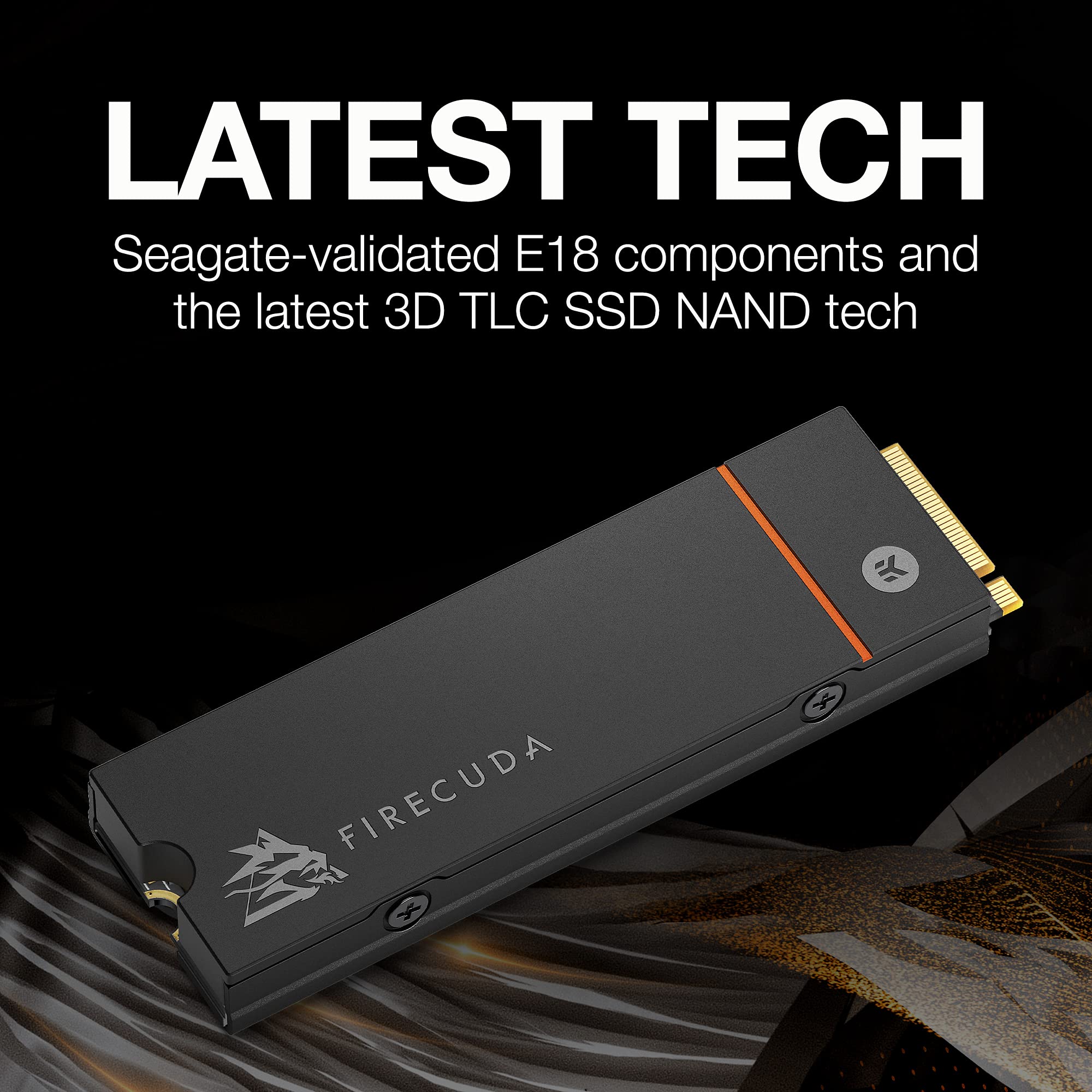

🔥 Dominate your digital world with FireCuda 530 – speed, endurance, and cool confidence!
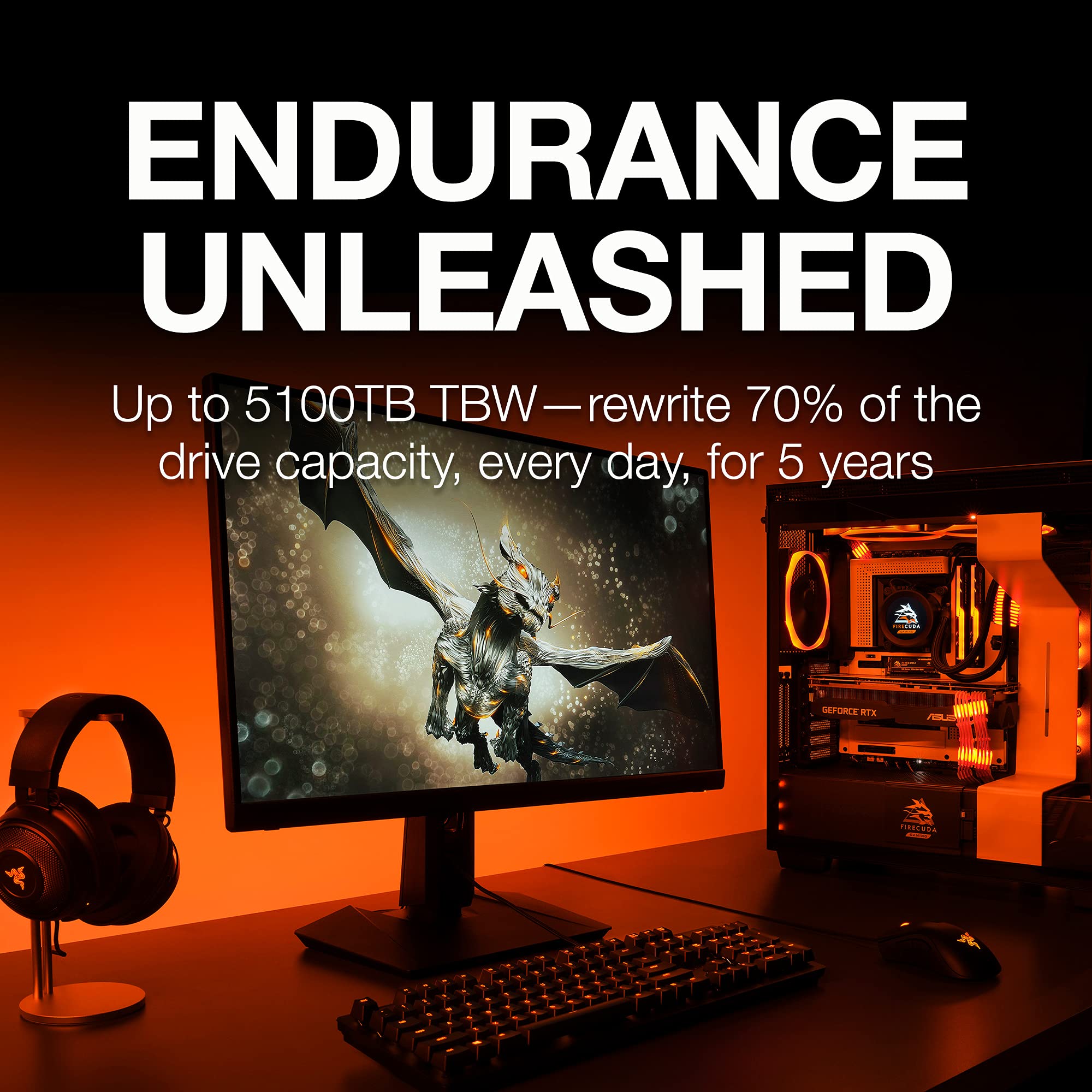
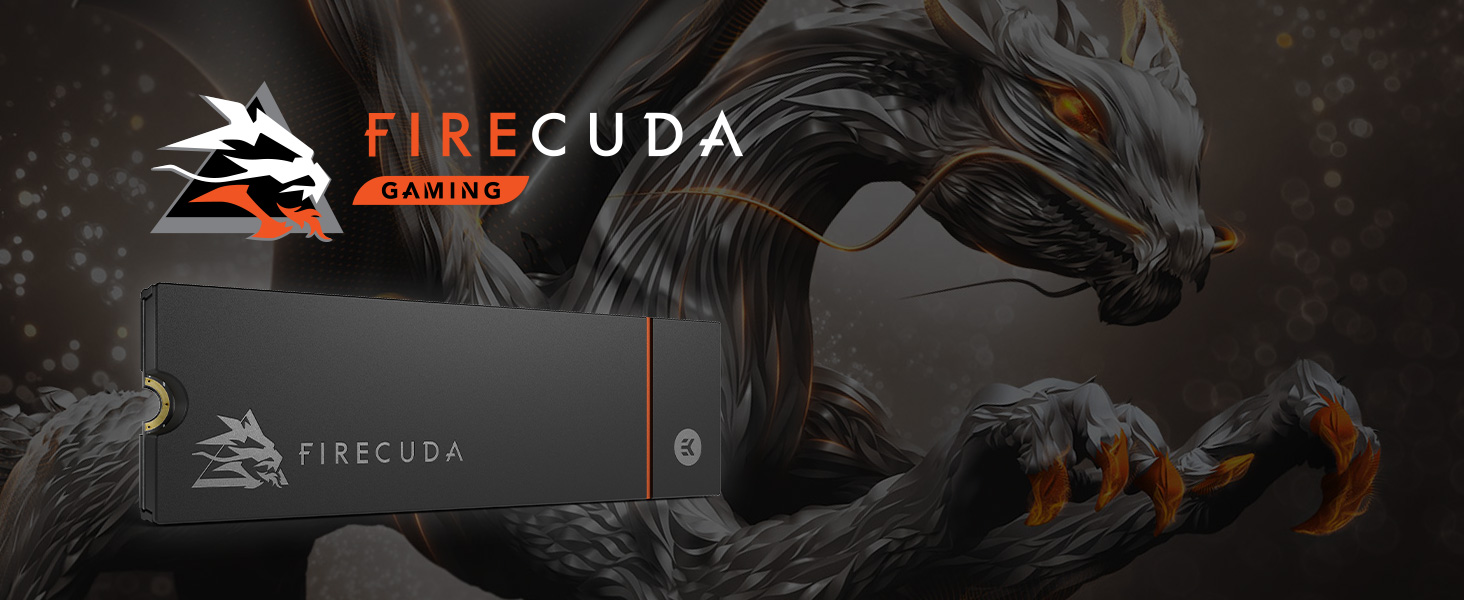
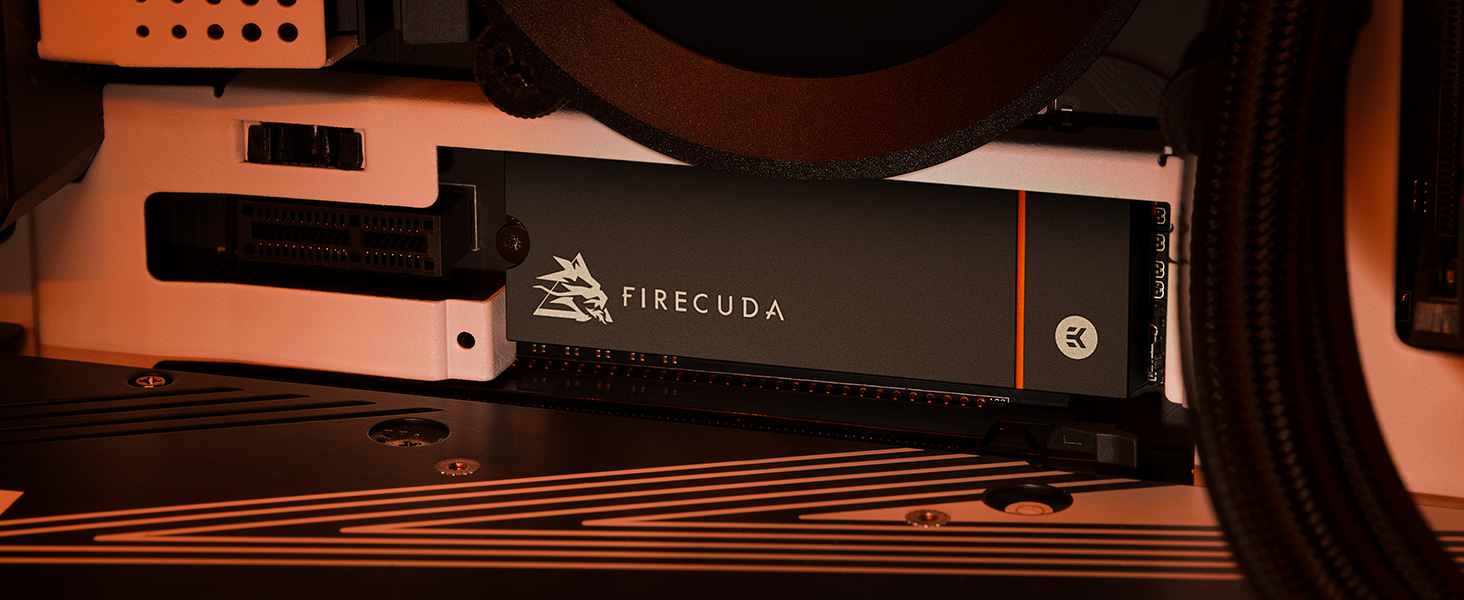
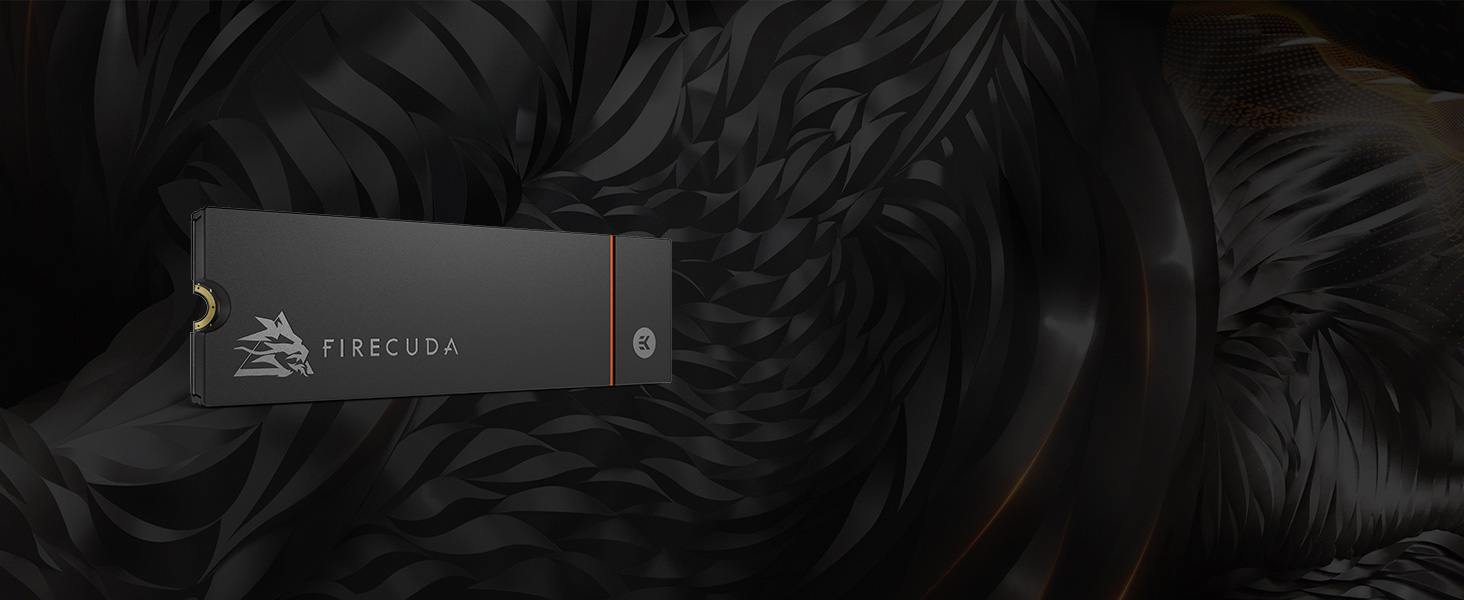
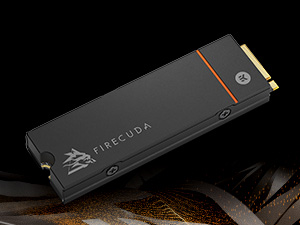
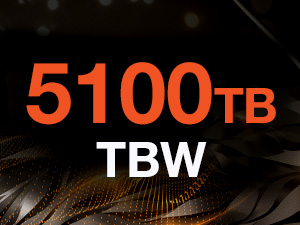
The Seagate FireCuda 530 1TB SSD leverages PCIe Gen4 x4 NVMe 1.4 technology to deliver ultra-fast 7300MB/s read speeds, enhanced by a custom EKWB-designed heatsink to minimize thermal throttling. Engineered for pro-level gaming and content creation, it offers exceptional endurance with 1275 TBW and a 1.8 million hour MTBF, backed by a five-year warranty and Rescue Data Recovery Services.

| Hard Drive | 1 TB Solid State Drive |
| Brand | Seagate |
| Series | FireCuda 530 |
| Item model number | ZP1000GM3A023 |
| Hardware Platform | Linux, PC |
| Item Weight | 0.353 ounces |
| Product Dimensions | 0.87 x 0.09 x 3.16 inches |
| Item Dimensions LxWxH | 0.87 x 0.09 x 3.16 inches |
| Color | Black |
| Computer Memory Type | DIMM |
| Flash Memory Size | 1 TB |
| Hard Drive Interface | PCIE x 4 |
| Manufacturer | Seagate |
| Language | English |
| ASIN | B0977LW48F |
| Date First Available | June 23, 2021 |
A**F
Perfect match for the PS5
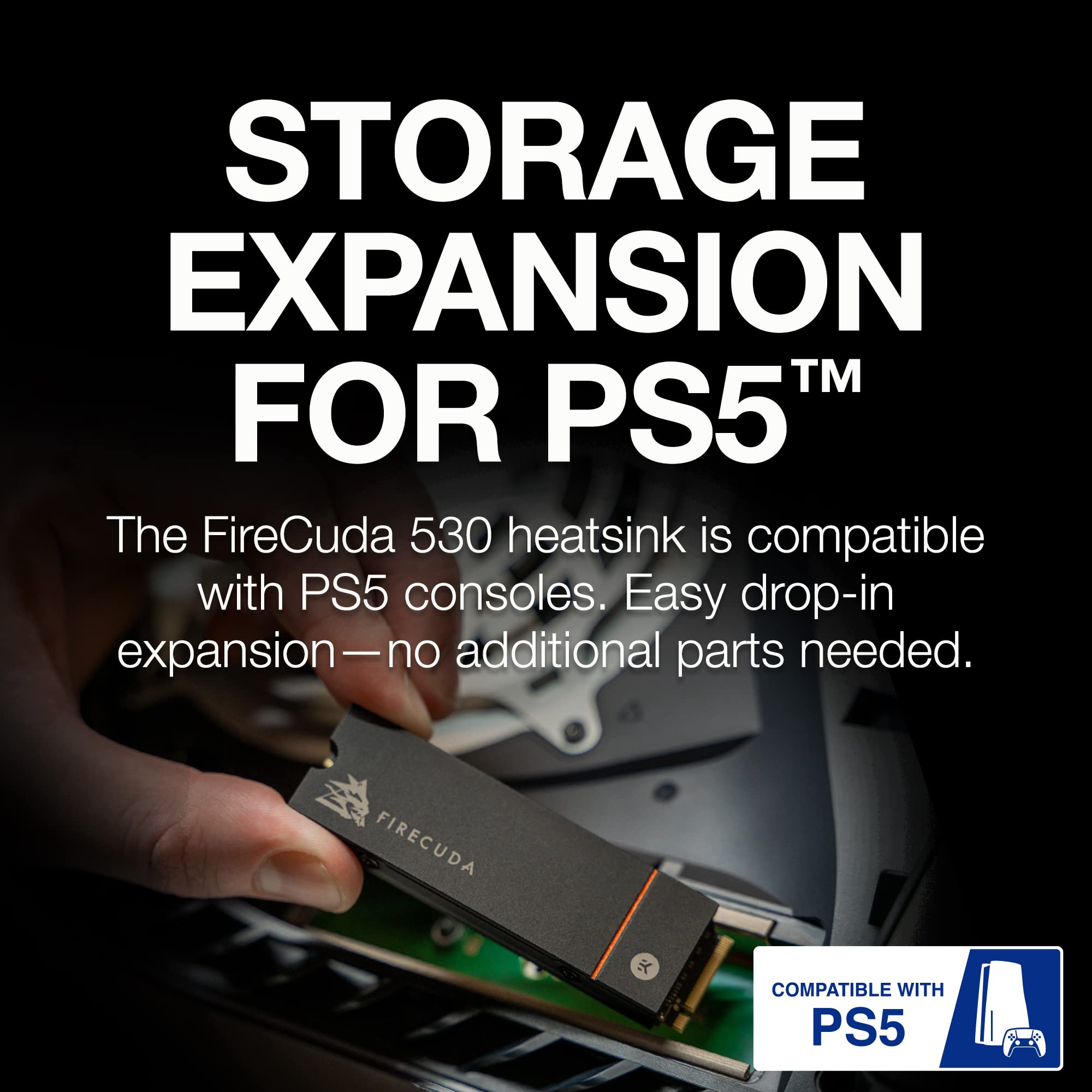
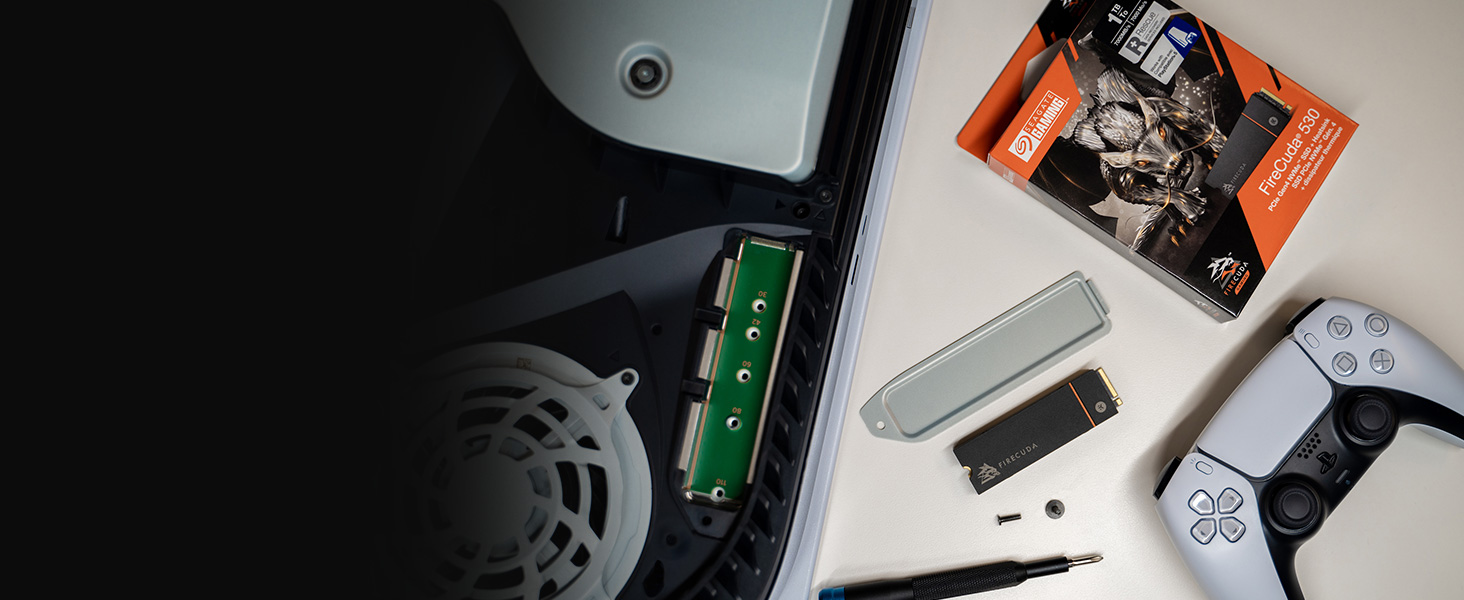
After researching various PCIe Gen4 SSDs for the PS5 (and discovering this drive had the most votes for "best performance" across multiple review/analysis sites) I decided to give it a shot, making sure to get the one with the included heatsink (important!) I was not disappointed, like WOW...For full disclosure, I purchased the 2TB SSD with the included heatsink.# Easy to install:Sony gets points for this category as well for making it so simple to open and add/upgrade the SSD inside the PS5. We simply slid off the white cover, removed the SSD expansion door/shield, and used the already included (with the PS5) hardware to fasten the SSD into the slot. The dimensions of the SSD (including the heatsink it comes with) are a perfect match for the SSD expansion slot on the PS5. It fits like a glove (see pictures). Then it was simply a matter of closing the expansion slot, replacing the cover, and booting up the PS5!# Setup:As soon as the PS5 booted up, it recognized the new SSD and gave me the option to "format" it (required to set it up to recognize the PS5's file system). The formatting process took about 20 seconds and then it was done! It was ready to use. You must make sure you go into the PS5's 'Storage' settings to make sure you designate your new drive as the installation location for new games, or specific content (if you want to use it that way, of course). Or you can simply transfer files to and from the SSD expansion at your leisure.# Performance:While this drive claims read speeds of around 7,300MB/s your mileage may vary on the PS5. The PS5 reported around 5,700MBs - but keep in mind this is not a limitation of the SSD but the data transfer subsystem of the PS5 itself. Rest assured, it's most likely the drive is capable of up 7,300MB/s on compatible hardware, and you can sleep easy knowing that its bandwidth capabilities are well in excess of what the PS5 needs to run at peak performance.I ran a test by copying Uncharted 4: A Thief's End (57GB of data) from the PS5 local storage to the new SSD. It took around ONE MINUTE to transfer! That's insane.I then installed the new Uncharted: Legacy of Thieves collection to this storage and benchmarked the performance/load times of the game, and they were on par with the PS5's local storage, loading up an entire level in just under 2 seconds!I've read that high performance SSDs like this one can even perform a little faster than the on-board SSD that came with the PS5, but, the performance of either drive (internal or expansion) is so fast already, the differences will be too subtle to notice. Especially on PS5 optimized games that load faster than the time it probably takes to start your stopwatch and benchmark.# Final ThoughtsThis SSD (with the included heatsink) is clearly designed with PS5 expansion in mind. If that is why you're looking at this SSD then I can strongly recommend it. It's easy to install, fits like a glove, and performs well in excess of what the PS5 requires. It has been going strong in my PS5 for 6 weeks now and I am extremely happy with this purchase.
R**N
Crazy value, and speed.
As someone who's dived into PC building, the Seagate FireCuda 530 has exceeded my expectations in every possible way. I’ve used it primarily for my custom build with tons of RGB and high-performance components, and it’s made a huge difference. The 7300MB/s read speeds are amazing, especially when handling large files, games, and apps. Whether it's booting up or transferring data, everything is blazing fast.This SSD isn’t just about speed it’s also about durability. With a 1275TBW endurance rating, I know it's built to last, which gives me peace of mind. Plus, the fact that it’s PS5 compatible is a bonus if I ever want to expand storage on my console. Although I haven’t used it on the PS5 yet, it’s nice knowing I have that option.Seagate’s 3-year Rescue Data Recovery is another standout feature. Knowing that I’ve got that extra layer of protection makes this drive worth every penny.It's extremely quiet, I haven't heard a peep from it even when with transfers of 7tb. That and my computer had 0 recognition issues. Crazy value and functionality.I’ve used a few NVMe drives in the past, but this one outshines them all. If you need a reliable, fast, and future-proof storage solution, the FireCuda 530 is the way to go.
J**1
It works for PS5
So far so good! Very easy play g and play. Just format it on start up and go to storage settings to designate where everything writes to. You can transfer what you’ve already downloaded as well. At this moment I’m trying to pull GTA5 off of my old external that’s plugged in. It seems to want to write it straight to the console. This part is kinda slow, but I figured it would be. Everything else is pretty fast. Average speed is just over 6300. From what I read about others everywhere else, I think it’s worth it. Took about 1 minute to transfer 4 games from the console, to this new memory. I’m certain that after GTA5 (PS4) writes to the console, I’ll be able to move it to the new memory. Personally I would at least get the 2TB version. That’s what I picked. It’s pricey, and I’m a bit disappointed in PS5 for not starting you off with at least 2TB in the first place, but it is what it is. It works. All is good.
C**B
Great drive with decent capacity and a straightforward installation process.
While installing it, it took me about 10 minutes to realize the M.2 support screw on my motherboard was already installed instead of being in the bag, so that was a waste of time lol.But other than that, installation was straightforward (bit annoying due to how small M.2 screws are though, but that's not SeaGate's fault).Loving it so far. Didn't have to do any extra setup to get it working, just plugged it in, cloned my drive, removed the old one, and loaded up the computer again.A lot of modern games aren't optimized to take advantage of NVMe speeds, but it is still a great choice for gaming given that it's on the motherboard (so it's *slightly* faster than a SATA drive).I personally use all 2 TB (and need more now, lol), but if you don't have a ton of games installed the 500 GB or 1 TB models will be fine for you.I do recommend getting the model with a heatsink though, as gen 4 drives can get quite hot (and my M.2 slot is located just above the GPU). Oh, and make sure your motherboard supports gen 4 - mine's only gen 3, so it's underclocked right now due to that.TL;DR - Great drive with a lot of space, a straightforward installation process, and no hassle for getting it to actually work.
Trustpilot
3 weeks ago
3 weeks ago
2 months ago
3 weeks ago