
DOWNLOAD THE APP


Customer Services
Copyright © 2025 Desertcart Holdings Limited
DOWNLOAD THE APP
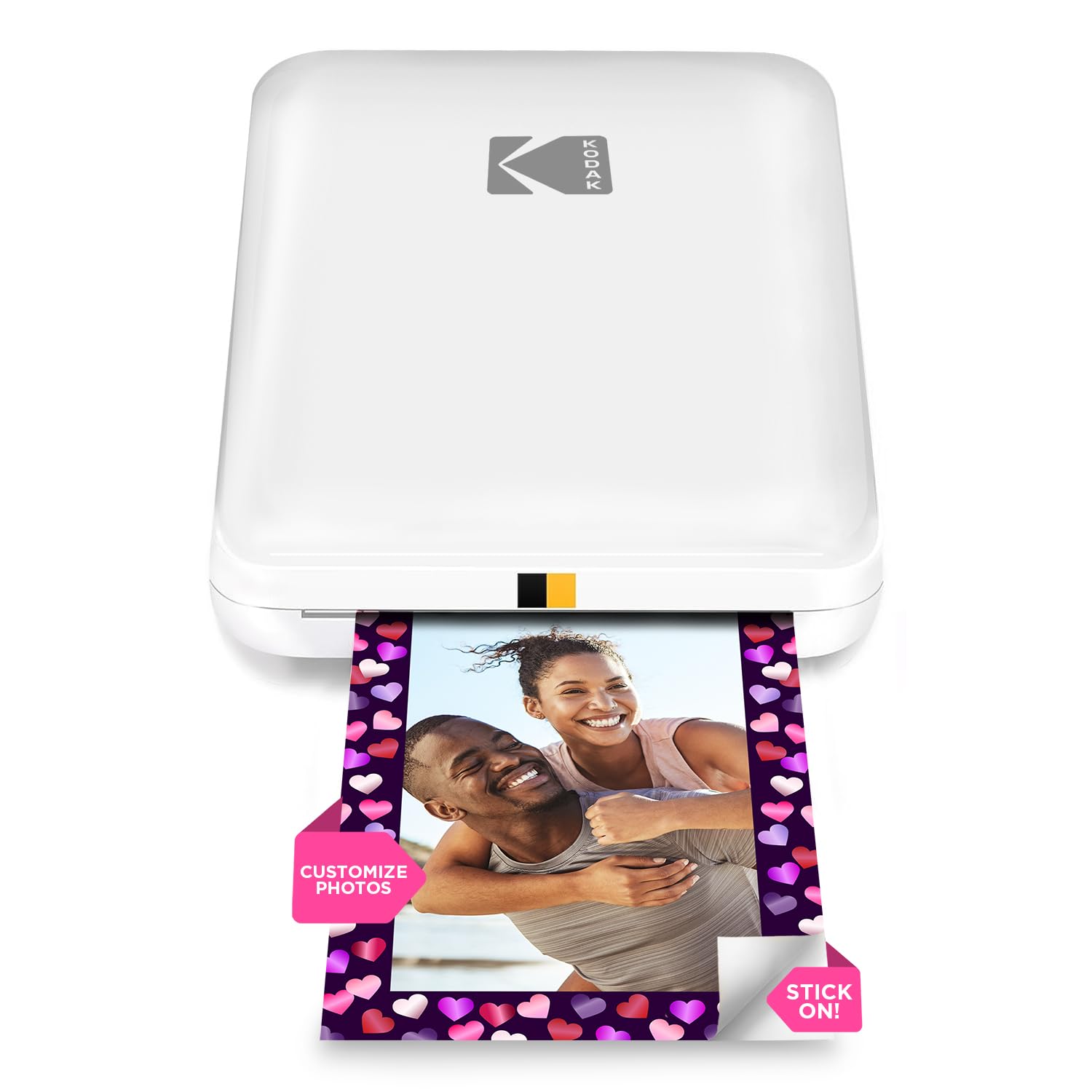
📸 Print your vibe instantly, stick your story forever!
The KODAK Step Instant Smartphone Photo Printer is a compact, wireless mobile printer that uses innovative ZINK technology to produce 2x3 inch vibrant, adhesive-backed photos without ink cartridges. Compatible with iOS and Android devices via Bluetooth or NFC, it offers quick, high-quality prints on the go with a rechargeable battery supporting up to 25 prints per charge. The accompanying app provides creative editing tools, making it ideal for millennials who value instant, shareable, and personalized photo experiences.


| ASIN | B08C72V1LB |
| Are Batteries Included | Yes |
| Batteries | 1 AAA batteries required. (included) |
| Best Sellers Rank | #2,455 in Computers ( See Top 100 in Computers ) #14 in Portable Photo Printers |
| Color | White |
| Colour depth | 24 bpp |
| Compatible devices | Smartphones, Tablets |
| Connectivity Type | Bluetooth |
| Controller type | Application |
| Customer Reviews | 4.3 4.3 out of 5 stars (21,965) |
| Date First Available | 10 August 2020 |
| Dual-sided printing | Yes |
| Form Factor | Printer |
| Hardware Platform | Laptop, PC, Smartphone, Tablet |
| Included components | Printer and accessories |
| Item Weight | 68 g |
| Item model number | RODMP20AMZW |
| Lithium Battery Energy Content | 3.7 Watt Hours |
| Lithium Battery Packaging | Batteries contained in equipment |
| Lithium Battery Weight | 25 Grams |
| Manufacturer | Kodak |
| Max copy speed (black & white) | 1 ppm |
| Max input sheet capacity | 10 |
| Maximum Media Size | 3x2 inches |
| Maximum black and white print resolution | 313 dpi |
| Maximum color print resolution | 313 dpi |
| Maximum copies per run | 10 |
| Number Of Lithium Ion Cells | 1 |
| Operating System | iOS / Android |
| Power Source | Battery Powered |
| Power consumption | 7.4 Watts |
| Print media | Glossy photo paper |
| Processor Count | 1 |
| Product dimensions | 3D x 5W x 1H centimeters |
| Scanner type | Portable |
| Sheet size | 2x3 |
| Software Included | Update via App (After MP) |
| Wattage | 7.4 watts |
F**M
ممتاز جدا لكن السعر عالي
H**F
Color is not good
The color is so dark and it’s not like what i saw before
M**U
Defect
I ordered this recently and after one print it started blinking only and not connecting
C**E
the item does not print on other types of photopaper
It does not print with other photopaper brand and the print quality is not good Hopefully to receive a refund
B**.
Not sure where all the high ratings come from
Bought this for journaling. I didn't expect much, but I did expect pictures to be much better quality. I was printing pictures from a computer 20 years ago with better quality. Not sure if I got a bad one, or what's going on. Very disappointed and scared to try any other competitors. Can't believe they sell these with Kodak name on it.
C**N
Offert a ma filleule de 15 ans. Impression top.
M**.
È stato un regalo, ed è stato super apprezzato. Il design, la qualità della stampa, tutto ottimale, perfetto. L'unica pecca, se vogliamo trovarla, è il costo della carta, un po' eccessivo ma, visto l'assenza dell'inchiostro da sostituire, è una spesa sostenibile. Consiglio
M**A
my daugther loves it ❣👍 but the film is a Little bit pricey 🥲
E**.
Easy to use and connect to mobile app. It’s about the same size as a small portable hard-drive, and lightweight. Picture quality is great, not brilliant but perfectly fine for a relatively cheap mini photo printer. If you’re looking for something that prints top quality photographs, then a printer that uses non-zinc paper, like ones made by Canon would be better, though they are pricier. To place the photo paper in: Slide back off the printer and place the paper in with the blue calibration card first facing down and then the photo paper on top (back facing down - ie. plain white side facing up) App is downloadable on the AppStore using the QR code found in the quick start guide. There are several other Kodak apps, so make sure it’s the Kodak Step Prints app. NB: if you don’t have the QR code to hand, then simply connect to the printer via Bluetooth via your mobile settings (press and hold power button on the side of printer until white light shows) and it will take you to the AppStore link. Charges via USB, but no plug adapter is included, so will either need to plug directly into a USB charge socket, or use any other plug adapter (phone, camera etc) that has a USB port. Can’t speak for Android, but have had no problems connecting to the app using iOS. There size of the photos are 2x3, so may need to edit photos, but can do so easily in the app which has a useful indicator of what will be printed. There are other editing tools within the app and the ability to add borders too. Also included with the pack are five sticky borders that you can stick onto the photo. Very pleased with this so far! Only downside is that there are only five photos sheets included so will need to purchase more! Edited to add more info: Still going strong several months later - occasionally a thin line will appear on the prints. If this happens, just recalibrate the device with the calibration card. Also, the printer will take any 2x3 zinc paper so it doesn’t have to be the Kodak stuff. Only thing to note here is that you’ll need to keep the original blue Kodak calibration card as the other cards (i.e. Canon do not work).
İ**R
Ürün İzmir’e 1 haftada teslim edildi. DHL Express ile geldi, gümrükte 2 3 gün kadar bekledi ve %30 vergi ödemem gerekti. Benzer ürünler burada çok daha pahalı, vergi ile birlikte bile daha uygun oldu. İçinden 5 tane fotoğraf kağıdı çıkıyor. Telefona indirilen uygulaması ile fotoğraflar editlenerek baskı alınabiliyor, güzel ve kullanışlı.
Trustpilot
3 weeks ago
2 weeks ago