We remain fully operational. Our teams are working around the clock to ensure your deliveries continue safely.

DOWNLOAD THE APP


Customer Services
Copyright © 2025 Desertcart Holdings Limited
DOWNLOAD THE APP
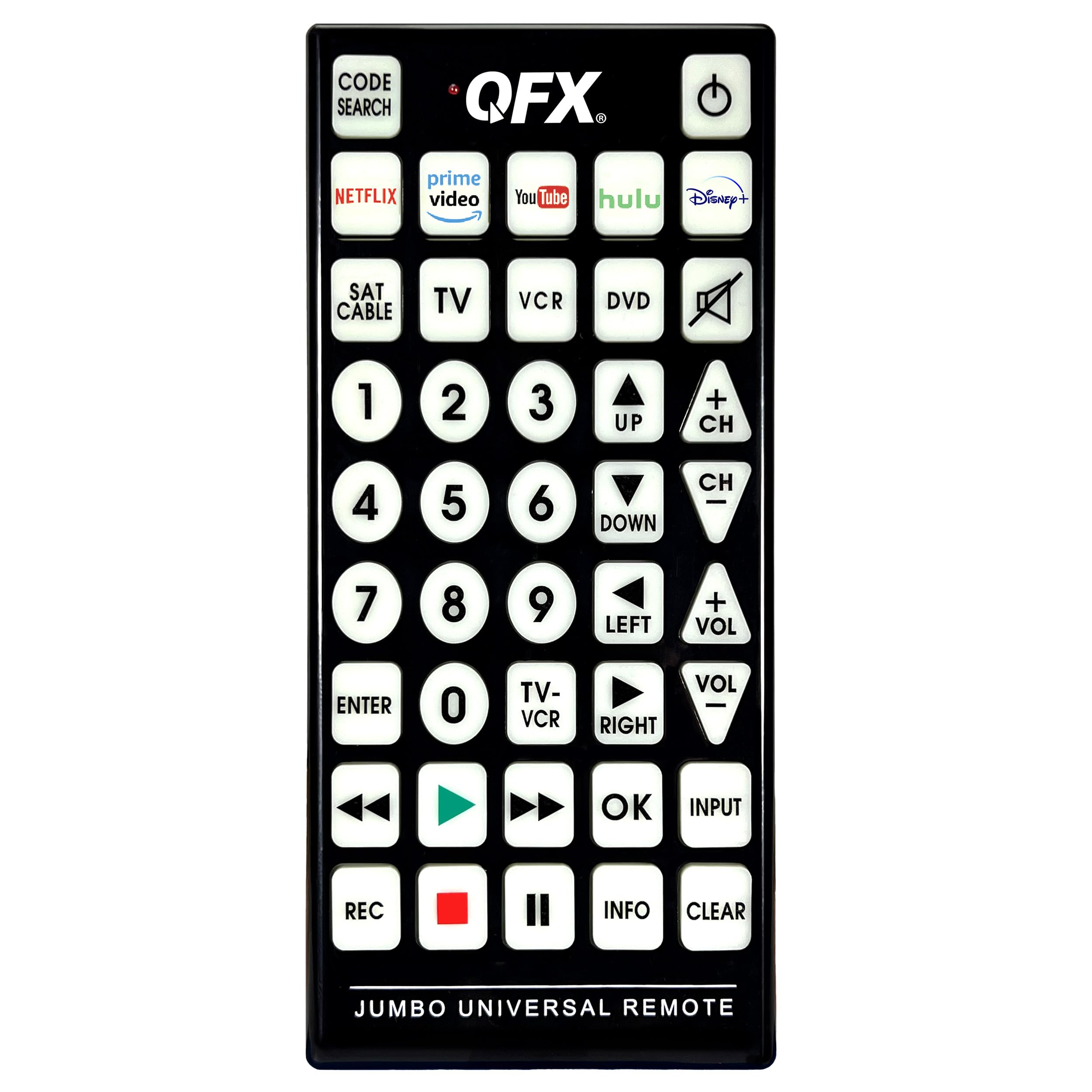




🎮 Own your media kingdom with the REM-115 — the jumbo remote that means business.
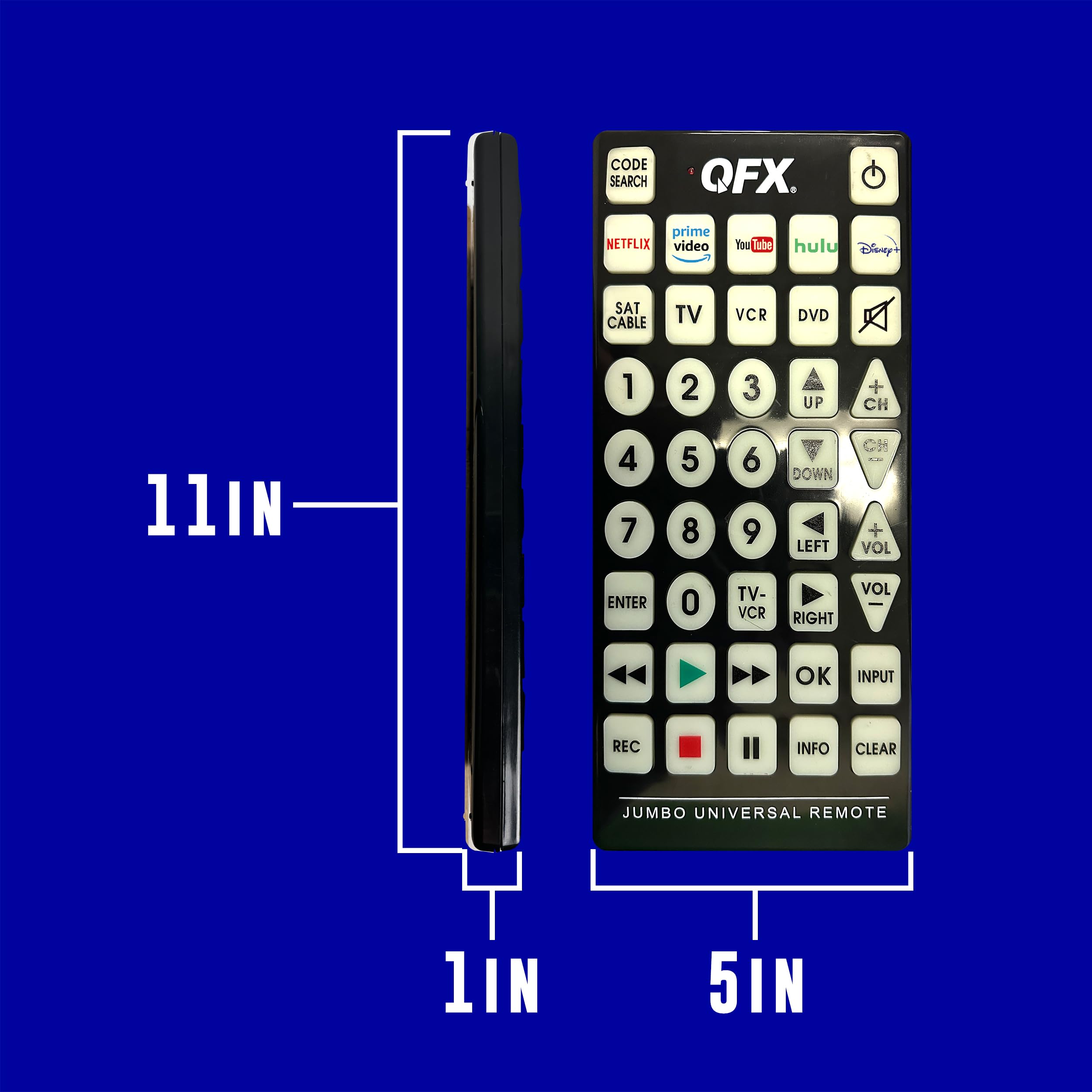
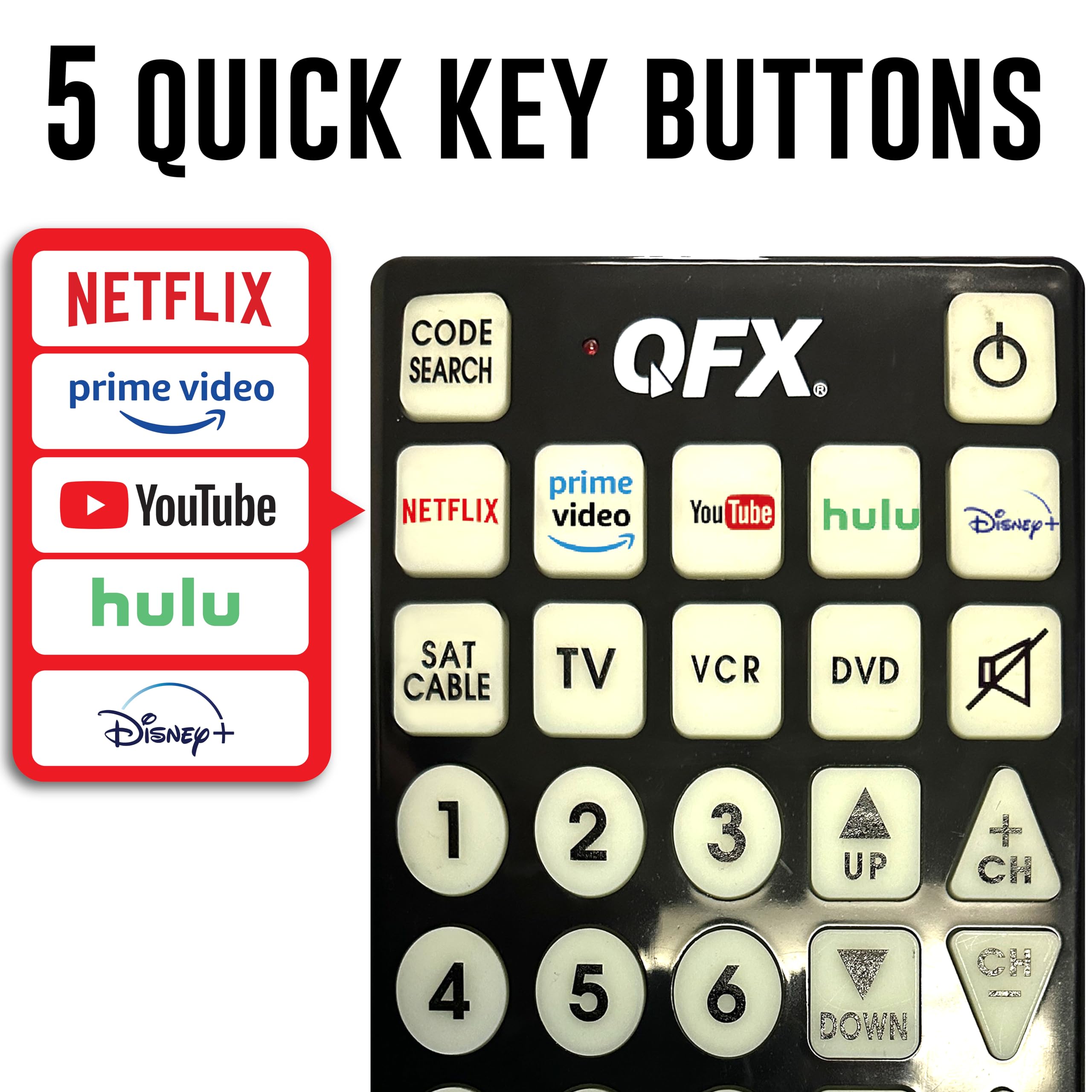
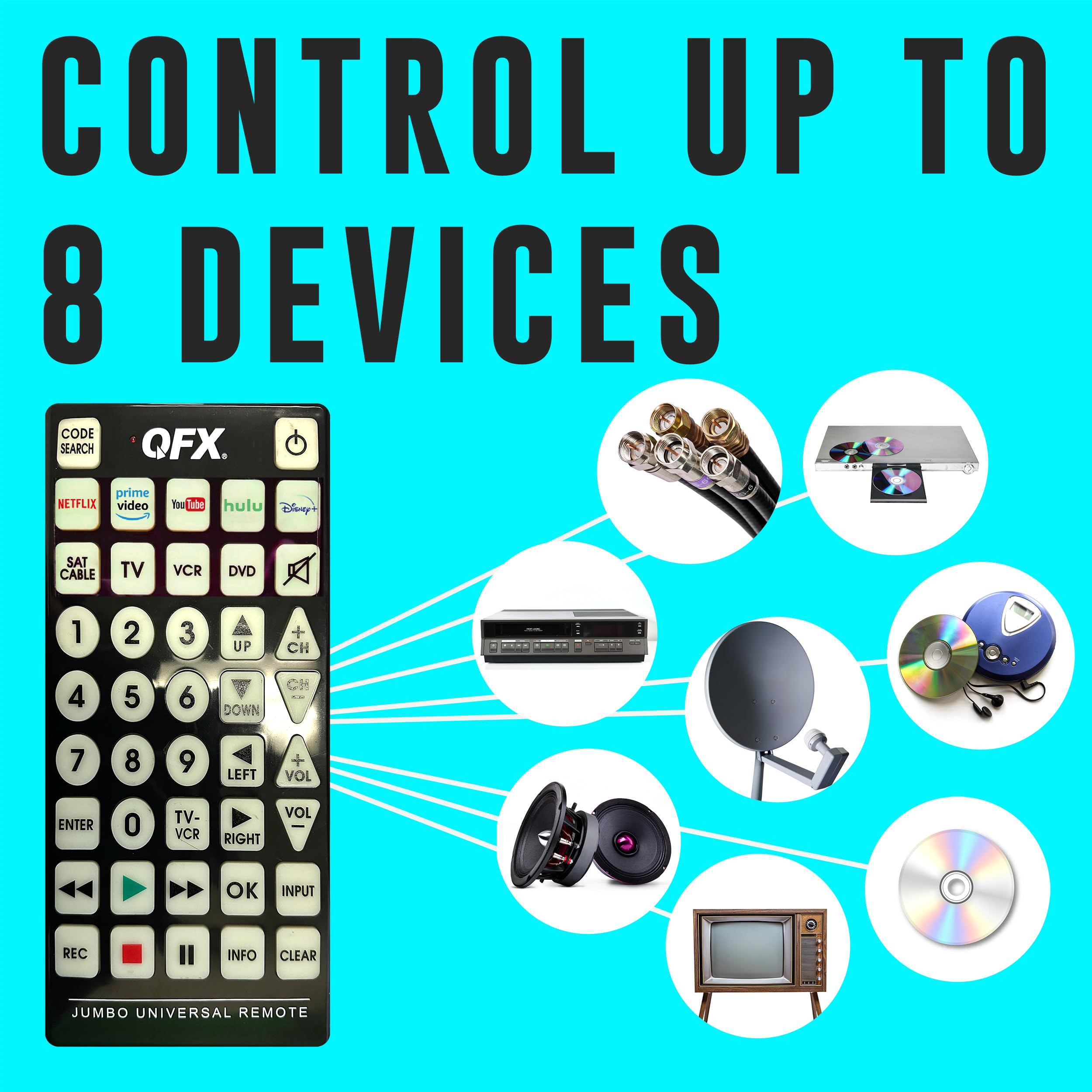
The QFX REM-115 is a jumbo universal remote control designed to replace up to 8 devices including TVs, soundbars, and streaming boxes. Featuring glow-in-the-dark oversized buttons and dedicated shortcut keys for popular streaming platforms, it offers intuitive control day or night. Compatible with smart TVs, it supports multiple device pairing methods and includes a programmable sleep timer. Its large form factor ensures visibility and ease of use, making it ideal for users seeking a consolidated, powerful remote experience.


| ASIN | B003CSXQLW |
| Best Sellers Rank | #175,044 in Electronics ( See Top 100 in Electronics ) #7,867 in Remote Controls |
| Item model number | REM-115 |
| Manufacturer | QFX USA |
| Product Dimensions | 27.61 x 12.6 x 2.21 cm; 272.16 g |
J**N
I mean... Okay, I knew it would be big, but... it's BIG. To get an idea of how big it is, grab a sheet of 8.5"x11" paper. Now fold it in half to make the width of it smaller. You should now have 4.25"x11" in your hand. That's roughly how big it is! While the width is actually closer to 5", this will give you a good idea of what you are dealing with. Yes it's big. VERY big. If you have an elderly or sight impaired person in mind, you'll need to be sure they are able to handle this remote. There are two considerations. First off, only members of the Harlem Globetrotters likely have the hand width necessary to wrap their fingers around the remote. This means most people will need one hand to support the back of the remote, and then use their other hand to operate it. If they lay the remote in their lap, it may not work, since the remote needs to be pointed at the device. Make sure they understand that. One other issue that I had with this remote is that it can operate 5 devices. While it's not a BAD thing, if you are looking to replace just ONE remote, they may accidentally hit one of the other device mode buttons. If they do, the remote won't work until they press the right mode button again. To get around this, you can program the remote manually. You need to find the 4-digit code for your device first. Use the instructions, find your device manufacturer, and try the codes provided. Once you find a code that works, write it down. Now go through the process to manually enter a code for each device, and use the SAME code for all 5 devices. It doesn't matter if you use a 'TV' code on the 'DVD' button, it will work just the same. If you program all 5 modes with the same code, they won't be able to accidentally hit another mode button and cause it to not work. (If they need to use two devices, you could program two modes with one code, and the rest with the other code. It just reduces the chance that they may hit the wrong button.) Buy the best batteries you can afford for this, to reduce battery changes. The reason being is that the instruction manual says that it needs to be reprogrammed after a battery change. In the end, it's the biggest remote I've ever seen for this purpose. If this doesn't help, I don't know what will.
I**N
I ordered 2 of these devices from CRES&SIRI - the first one worked perfectly, meeting all of my requirements. However, when I unpacked the 2nd unit when I needed it some time later, it proved defective. Amazon wouldn't do anything about this due to their 'time window'. Connected me to Seller, CRES&SIRI who has remained unresponsive. I want to buy more, but will not if this example represents their lack of market professionalism.
V**Y
ce ne sont pas tout les codes de programmation des appareils qui sont indiqués, je n'ai qu'été capable de programmer un seul appareil sur les 3 que j'ai.
R**.
Works well with my samsung blueray player. Price was also very good! I recommend this product.
D**E
My kids loved these, they thought it was funny how BIG they are.
Trustpilot
1 week ago
2 days ago