We remain fully operational. Our teams are working around the clock to ensure your deliveries continue safely.

DOWNLOAD THE APP


Customer Services
Copyright © 2025 Desertcart Holdings Limited
DOWNLOAD THE APP


🚀 Upgrade your workflow with speed and security that won’t quit!
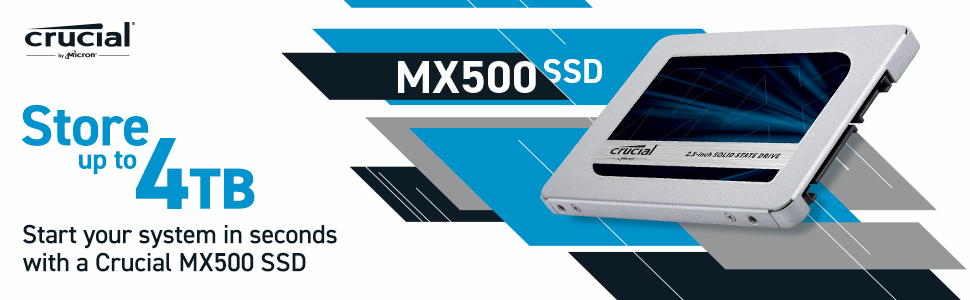
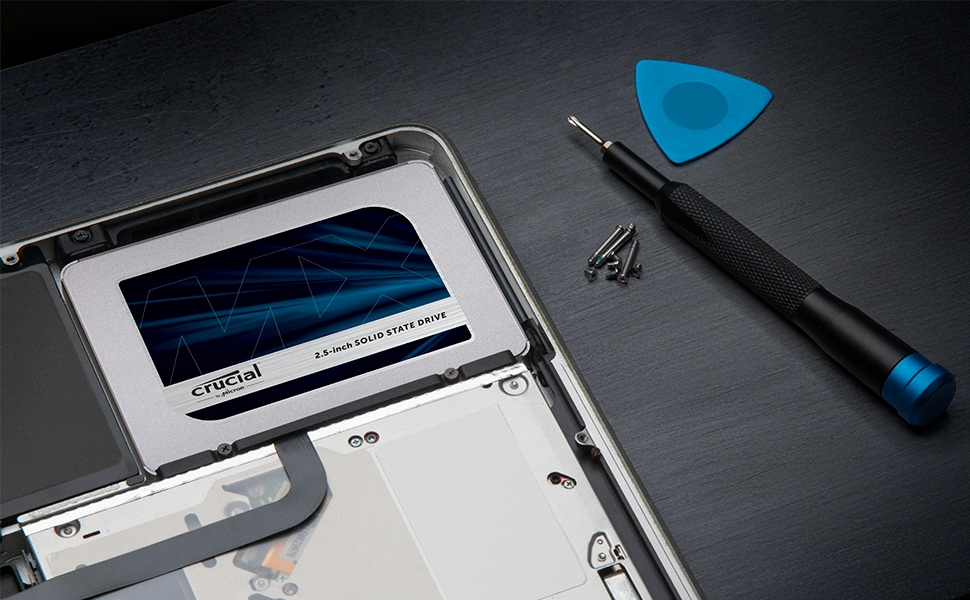
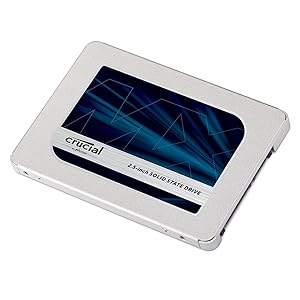
The Crucial MX500 1TB SSD combines Micron’s advanced 3D NAND technology with SATA 6Gb/s interface to deliver lightning-fast read/write speeds up to 560/510 MB/s. Featuring AES 256-bit hardware encryption and Power Loss Immunity, it ensures your data stays secure and intact even during power interruptions. Its slim 2.5-inch form factor with included adapter fits most laptops and desktops, making it the ultimate upgrade for professionals seeking reliable, high-performance storage backed by a 5-year warranty.



| ASIN | B078211KBB |
| Additional Features | Hardware Encryption |
| Best Sellers Rank | #14,771 in Computers ( See Top 100 in Computers ) #152 in Internal Solid State Drives |
| Brand | Crucial |
| Built-In Media | SSD |
| Cache Memory Installed Size | 256 |
| Color | Blue/Gray |
| Compatible Devices | This drive is compatible with desktops and laptops that accept 2.5" 7mm SATA drives |
| Connectivity Technology | SATA |
| Customer Package Type | standard packaging |
| Customer Reviews | 4.7 4.7 out of 5 stars (40,362) |
| Data Transfer Rate | 6 Gigabits Per Second |
| Digital Storage Capacity | 1 TB |
| Enclosure Material | aluminum or steel |
| Form Factor | 2.5-inch |
| Global Trade Identification Number | 00649528785060, 00649528787392 |
| Hard Disk Description | Solid State Drive |
| Hard Disk Form Factor | 2.5 Inches |
| Hard Disk Interface | Solid State |
| Hard Disk Rotational Speed | 7200 RPM |
| Hard-Drive Size | 1024 GB |
| Hardware Connectivity | SATA 6.0 Gb/s |
| Installation Type | Internal Hard Drive |
| Item Dimensions L x W x Thickness | 10.3L x 7W x 0.7Th centimeters |
| Item Type Name | Crucial MX500 1TB SATA 2.5 Inch Internal Solid State Drive - CT1000MX500SSD1 |
| Item Weight | 0.04 Kilograms |
| Manufacturer | CRUCIAL |
| Media Speed | 510 |
| Model Name | CT1000MX500SSD1 |
| Model Number | CT1000MX500SSD1 |
| Number of Items | 1 |
| Read Speed | 560 Megabytes Per Second |
| Specific Uses For Product | personal, gaming, business |
| UPC | 649528787392 649528785060 649528785152 |
| Warranty Description | 1 year manufacturer |
B**T
Excellent Product
I had an old Dell laptop XPs15Z, which had HDD with bad sectors over the years. The laptop was deadslow and programs will never load. My nephew suggested to change to SSD and upgrade RAM to 16GB, which I purchased and this Crucial SDD gave me 100% relief from my trouble. Now improved from 8GB to 16GB with my new Crucial SSD, my laptop is superfast now. I am really satisfied and will recommend this to every one who do not want to buy a new laptop spending heavy
Q**R
value for money ssd
I upgraded my 4 year old pc which was running on snail pace with this and now machine works faster than before. Boots in seconds. I shortlisted this one and samsung evo. I purchased this because price was very less compared to samsung ssd. Disk cloning was little difficult with the supplied tool. The system never boots with the cloned disk. I had to make bootable usb with acronis and do some boot configurations updates to boot from the new SSD.
W**D
Good Quality
Good Quality
S**H
يعمل بشكل جيد
M**A
Firmware Update Difficulty + Speed isn't maxed out But very good & solid performance !
It's impossible to update firmware version on a Mac using macOS only but on windows its very easy then it'll be updated & could be used on a Mac, I couldn't update the firmware on my MacBook Pro mid 2012 9,2 model while running macOS but when I installed windows 10 pro using Bootcamp on the same device I could really update the firmware easily using the Crucial Storage Executive and it's a free software tool that helps optimize the performance of your Crucial SSD as the said in their official website, The read / write speed is not reaching the maximum they mentioned after I've tested it with Blackmagic software despite having an : Intel 7 Series Chipset Link Speed: 6 Gigabit Negotiated Link Speed: 6 Gigabit SATA Onboard but it's not bad also & it's also very good in other test parameters other than the speed but it's really very good in overall performance and my old MacBook Pro can recognize the updated firmware after booting in macOS Ventura and even after removing windows 10 pro and reinstalling macOS, It is fast in every day usage including browsing the net ...etc After I could successfully update the firmware version I can recommend it for Mac users, It was also faster on windows 10 pro or even windows 11 pro on my MacBook Pro mid 2012 9,2 it's very good in Overall performance I can recommend it especially after the price dropped after I've purchased it directly :-)
S**R
Wow ! my laptop is flying now !
Over time Microsoft Windows slows down and causes slowness. I am in IT Field for last 28 years and I know that the old hard disk is the one causing slowness. I cloned my hard disk with this crucial SSD with the help of the free software that comes with this product. You need a USB to SATA cable for this, I have left the link below cheap and best cable you can buy online. Replaced the hard disk myself and bingo my Laptop is flying at super speed. Faster booting, Quicker application response and more over it gives your laptop energy to run for longer time ! as the SSD consumes less power than the spindle type hard disk. Dont replace your hard disk, try this one first. https://www.amazon.ae/gp/product/B07Y825SB8/ref=ppx_yo_dt_b_asin_title_o05_s00?ie=UTF8&psc=1
D**K
Best Buy!!
It was Much Needed Purchase As My really OLD laptop with HDD was dead! And needed an upgrade with Sata SSD! Now it runs Smooth As Butter & All thanks to Amazon for Getting my Requirements meet at easiest And Cheapest @ My Door Front!! Thanks a lot!! Will keep shopping for more Here🫰🏻
A**Y
Great
Bought it and cloned my laptop HDD into it and I am now enjoying the speed of SSD. The cloning instructions are clear and the Acronis cloning function can be downloaded from Crucial web site. You just need a Sata-USB cable to connect the SSD to the laptop via the USB to clone it. I Bought a very cheep cable that did the job (https://amzn.eu/d/1a2yffY). Then replace the HDD with the clobed SSD and that's it. And it arrived quickly.
S**M
I purchased this SSD a few months back. I was not sure if I can do the installation of the SSD myself. But thanks to Crucial website for the excellent step by step guide that helped me to do everything myself. The instruction was very crisp and clear. After installation, the boot process was completed in few seconds rather than 3 or 4 minutes in the past. Also the entire performance of the system improved drastically making it to a treat to work with. I have save more than 1000 AUD by doing the upgrade rather than investing in a new product. I would definitely recommend anyone to invest in this product as the quality is very robust and performance is awesome.
B**A
شغال معايا وحلو وسريع
R**N
Muito bom. Produto exatamente como descrito
D**U
After a year and months later, this storage medium held up well, doing the same fast transfer speeds at an old laptop. I recommend this for people who doesn't want to spend a alot on computer parts.
W**X
Ok
Trustpilot
2 months ago
5 days ago