Some deliveries may take a little longer than usual due to regional shipping conditions.

DOWNLOAD THE APP


Customer Services
Copyright © 2025 Desertcart Holdings Limited
DOWNLOAD THE APP
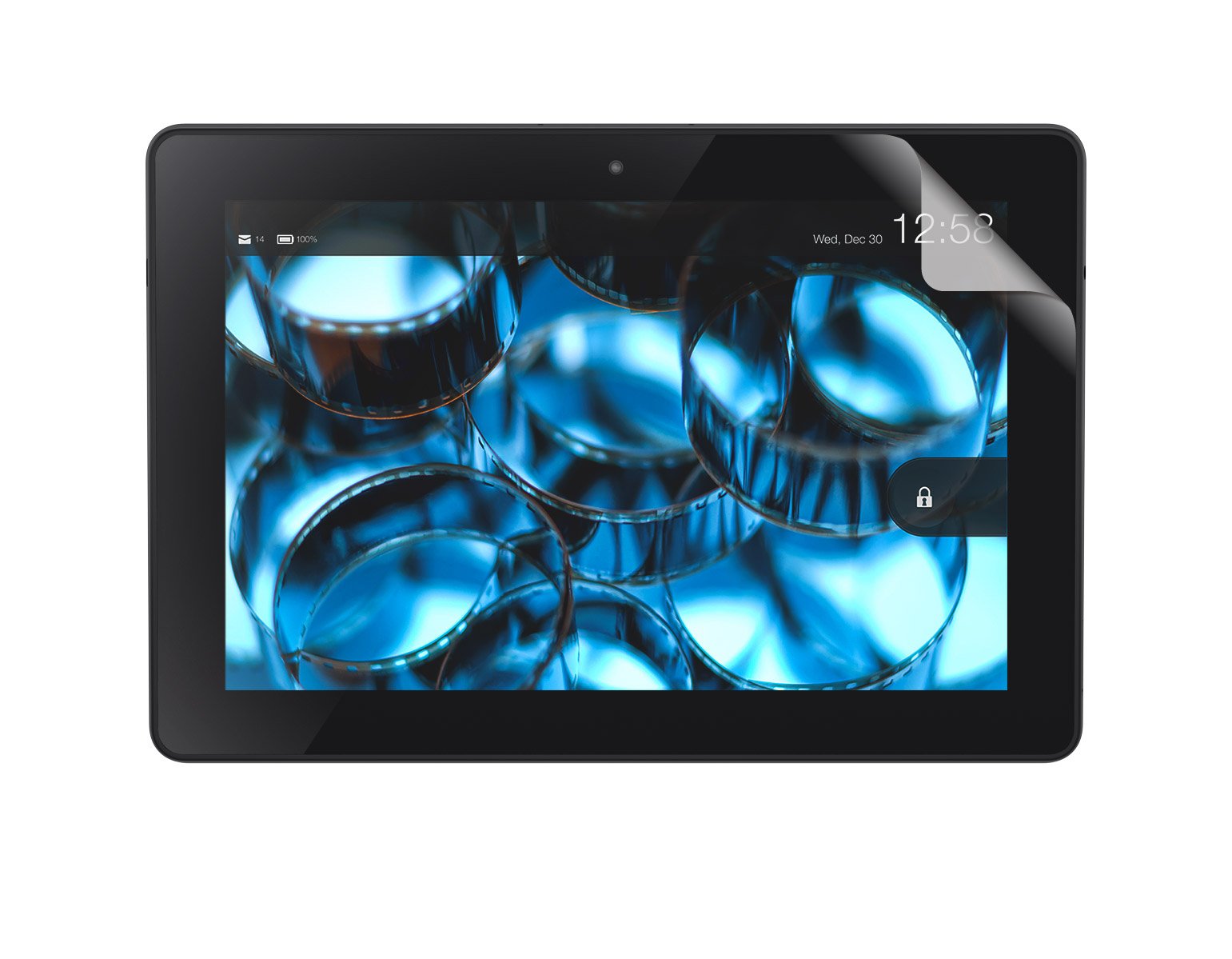
📖 Protect Your Kindle, Elevate Your Reading Experience!
The BUFFALO Clear Screen Protector Kit is a certified accessory designed specifically for the Kindle Fire HDX 8.9. This 2-pack features a unique silicon material that eliminates air bubbles over time, a fingerprint-resistant coating for a pristine display, and easy-to-use separator tabs for seamless installation and removal.
J**E
Great!
I messed up the first one in the pack, but that was all me. The directions are clear, and the dual-sided protection with numbered removal tabs is easy to use. (I tried to clean an area I thought had a speck of something on it causing a bubble, and I ended up making a mess of it, but that was me, not the product... however, if you were thinking of doing that, don't! Plus, when I put the other one on, the bubbles were easy to work to the side, where they disappeared.) Good visual clarity, and my stylus works just fine through it. I will buy more of these. :)
B**M
Great protector, have used on several tablets.
Buffalo screen protectors are my favorite. I try to buy these each time. They're incredibly easy to apply and have a nice fit.They are tougher than some of the other screen protectors that I've tried; they also have a nice matte finish without lessening the screen's impact. I just wish they made them for more tablets.
W**L
Good anti-glare screen
I am giving this 4 stars because of the price for just two thin peace's of plastic. I was able to get the screen protector on without any permanent bubbles but on the outer left edge where I removed the arrow from the plastic is a wrinkle that I can not get out. I have a cover on the Kindle so the wrinkle does not bother me but without the cover I would have had to use the second and last plastic screen cover. I find the anti-glare made a big difference in the reduction of glare and it is for this reason that I am giving this 4 stars. Also I have been using this for about 3 weeks and just looked at the face of the Kindle so I could write this review with accuracy and there are no finger prints on the face of the tablet.
L**K
Bubble-Free, Easy Peasy
No bubbles. No hassles. Easy to apply. The two-piece inner layer makes all the difference in preventing bubbles and allowing you to easily adjust the alignment once started. I decided to check out the anti-glare and love it. The instructions are a little vague but nothing the pictures couldn't clarify.
D**C
Easy to install might be the only positive aspect....
I'll give it two starts for ease of application but that's the end of my praise. The scratches from removing the bubbles have never left after more than a month. It is impossible to keep it from smudging from fingerprints which a bummer when we're talking about tablets- even one such as mine that utilizes a keyboard for most input. Will be going back to the more expensive glass version.
A**E
Too glossy and reflective
The description of this product does not highlight that it is extremely glossy and reflective. Poor description led to a purchase that didn't need to be made.
K**P
Didn't work for me
Despite cleaning the Kindle's screen thoroughly, there were two specks of dust left that I didn't see, and those caused bubbles and of course I couldn't get them out. I tried to lift the screen protector to remove the specks of dust but that was impossible as they were stuck to the screen protector and invisible to my eyes. I tried to live with the bubbles, but my stylus wouldn't work very well either. So the Buffalo went into the drawer with all my other useless purchases, and I bought a better screen protector. Three stars since it does what it was designed to do if you don't mind bubbles and don't use a stylus.
S**R
perfect
It is very good. Fits the HDX 8.9 perfectly, I got it on with the first try (this was a first for me). I can read outside now although I can't tell any difference in the look or feel of the screen. I am very happy that I chose this item.
M**O
ゴミが入らないで貼ることができた
ゴミが入らないで貼ることができた。普通は静電気でゴミが入ってしまうが、問題無く貼ることができた。製品に秘密があるように思われる。
T**A
妹と買いました
昨年買ったKindleを母にあげ新しく買い替えましたので、このフィルムを買いました。妹もKindleを買うと言うので2枚入りというのはちょうどよかったです。昨年もフィルム(別メーカー)を貼りましたが、私は右手が少し不自由なので貼るのに苦労しました。でも、この製品の方が貼りやすかったです。気泡は入ってしまいますが、上下左右をピッタリ貼っておけば翌日にはきれいになくなっていました。反射もせず見やすいです。
バ**ナ
気泡は消えるけど・・・
発売日に非光沢がコレしかなかったので2枚入りしかなくて残念でしたが買いました。気泡は確かに消えます。ただ、貼る時に粘着力が強すぎるせいか、埃が非常につきやすいので、もう少し貼りやすいように工夫をして欲しいです。フィルム面についた埃がテープでなかなか取れないので、悪戦苦闘してるうちにさらに埃が・・・てな感じです。気泡は消えるけど埃が結構ひっつきます。ですが残り1枚をもっとキレイに貼れないと思い、もう諦めて使用しています。非光沢で確かに反射は防ぎますが、手垢や油がちょっと気になります。1枚入りで半額でも良かったが、そうすると埃が付きやすく失敗しやすいから2枚入りにしたのか、と思います。強制的にフィルム2枚でこの金額なら「絶対に気泡がつかないシリーズ」を選びたかった。あれは高くても良かったのに発売されてなくて残念です。
A**R
なんとか貼れました。。。^^;;
Kindle HDX8.9を購入して。。保護シートをしたほうがいいとのアドバイスがあり購入しました。貼るのに難しいとのレビューが多いので躊躇はしましたが。。エイヤで購入しました。確かに貼るのは難しかったです。一枚は失敗で ゴミ箱行き。。コツがわかったのでなんとか 二枚目で満足のいくように貼れました。。私の貼りかたは。。1)液晶の画面を無水アルコールーで綺麗に洗浄。(無水アルコールは”イソプロ50、イソパール、イソプロピルアルコール、・・の商品名で 一般の薬局で売っています。コピー機のメンテナンスをするエンジニアの人に教えてもらいました。コピー機の投影ガラスなどの 掃除に使っています。私は マウスの掃除、液晶ディスプレイの掃除。。に使っています。精密電子機器でも 水と違い すぐに揮発してしますので安心ですし。。水気があるので ゴミ、埃も綺麗にとれます。)2)保護フィルムの接着面のシートの上面をはがし保護シートが長手方向で貼れるように左側から 下面の接着面のシートを少しはがしました。3)左側を液晶の短い方向にあて 気泡がぬけるように左から右へ 少しづつ はっていきました。4)貼るさいに 気泡が入った時には一度 少しはがして また貼っていきました。5)貼りおえたら すこし残っている気泡を指で 外へおしだしました。コツは。。・液晶面を無水アルコールでゴミ、油分がないように綺麗に洗浄すること。。・保護フィルムの貼り方を 長手(接着面のシートのはがしやすい方向ではなく)で貼ることかな。。(接着面シートは はがしにくですが。。)ただし 液晶面のカメラの穴はうまくあいませんが^^;;メーカーさん カメラの穴をあわせることばかり気にして 接着面シートの分割を長手でしてますがうまく貼るには 短手から 気泡を逃がしながら貼るほうが 実用的だと 思います。メーカーさんもケチらずに 昔みたいに 無水アルコールをつけてくれればいいのにと思います。(昔は 標準で ついていましたよね。。)なんとか 保護シートが貼れたのでおまけで ☆四つにします。。みなさんのご健闘を お祈りします。。
月**者
気泡は残る・・
もう少し良い商品がないのかな・・完璧に気泡を除くのは難しいと思います。多少あってっもという人ならいいでしょうね
Trustpilot
1 month ago
2 months ago