Some deliveries may take a little longer than usual due to regional shipping conditions.

DOWNLOAD THE APP


Customer Services
Copyright © 2025 Desertcart Holdings Limited
DOWNLOAD THE APP
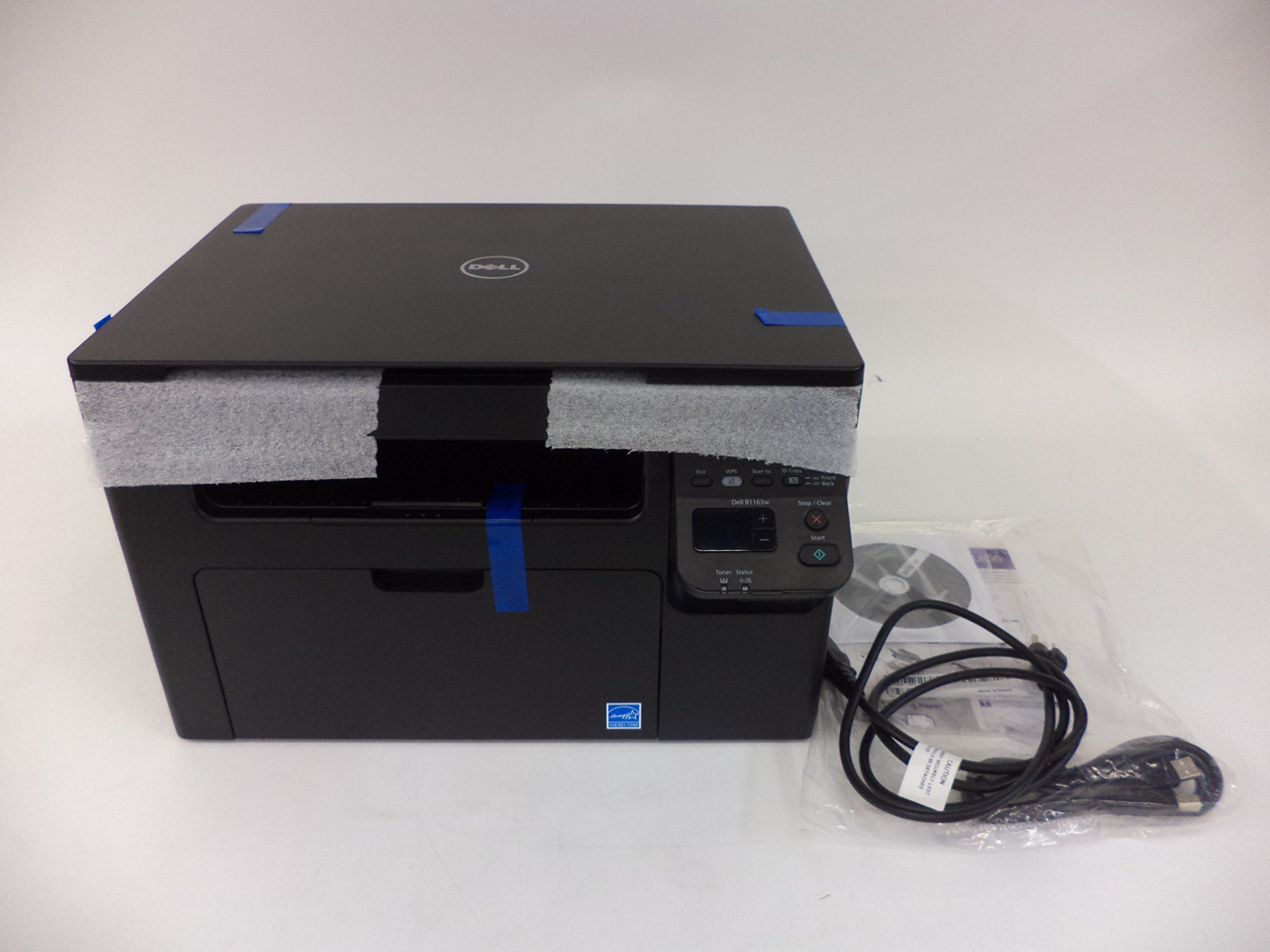
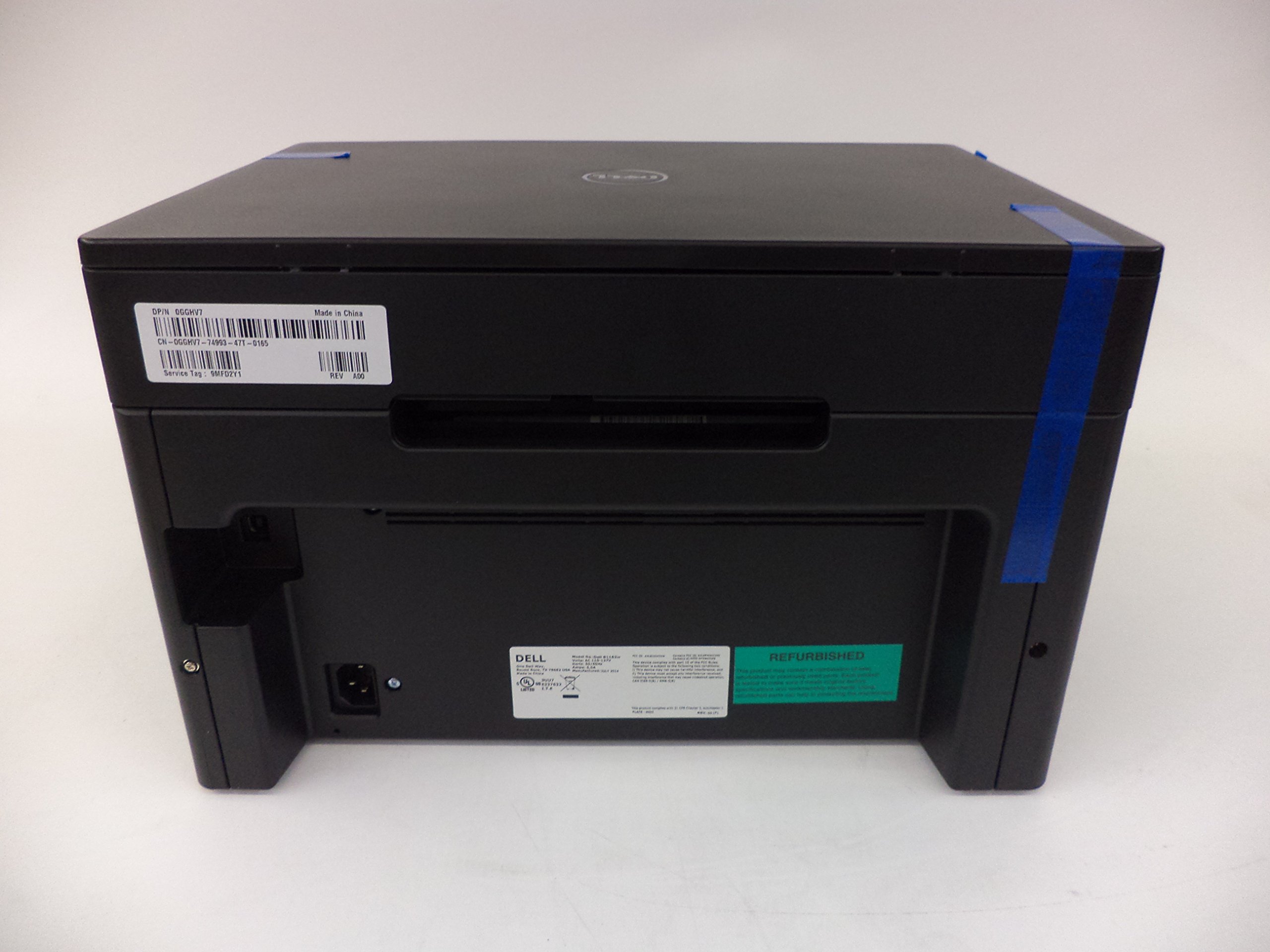
📈 Elevate Your Office Game with All-in-One Efficiency!
The Dell B1163w is a versatile wireless monochrome printer, scanner, and copier designed for modern professionals. With easy setup, mobile printing capabilities, and advanced document management software, it streamlines your workflow while saving space.
S**C
Good printer for students
It's a good printer for house working and students.The size is small so that it would not take too much space in my room.Print speed is satisfying.I love the copy and scan function.But I haven't figured out how it work with its wireless connecting....
M**N
Won't stay connected to the network!
You get what you pay for. This printer won't stay on my wireless network! The only viable solution is to send it back to Dell to get a "refurbished" replacement or downgrade the network to 802.11g from 802.11n or 802.11ac and WPS not WPA/WPA2. How stupid is that? I won't buy another Dell product, ever.
R**Y
Two Stars
IT DIDN'T HAVE ALL THE PARTS AND THE INSTRUCTIONS WERE VERYVAGUE, I SENT IT BACK
D**J
Does not copy in color. Do not want a ...
Does not copy in color. Do not want a printer that does not copy in color. Impossible to tell from website description that is does not copy in color. Very disappointed
D**M
Overall a great B&W laser printer
Overall a great B&W laser printer, perfect considering I am currently in college. Setup was a little obtuse due to requiring a USB connection, but this was for initial setup....after that the printer was able to be connected to all my computers via wifi. Also, it does support wifi printing from tablets and smartphones (I tested with only an Apple iPad, I'm assuming Android tablets work too), which was a nice bonus. Scanner does a decent job as well. Only thing missing would be scanning to storage (USB stick or SD card), as this would allow saving a scan to a tablet and/or smartphone. That said, considering the price I got for this little combo printer, I'm still very satisfied with what I got.
T**E
A Great Printer by DELL
The printer arrived on time, was well paced, was easy to install, AND it does EXACTLY what it says it would & could do. I am very satisfied.
N**0
would not buy again
Needed a new scanner when my Canon would no longer work when I bought a windows 8 laptop. decided to give this Dell printer a try since it included a scanner. initial setup was easy, I was even able to install without having to use the CD as I was able to just download the software from the Dell website.the printer worked fine and I really liked the wireless feature and not having to use a printer cables anymore. until I changed a setting on my wireless network at home. the wireless feature on the Dell printer stopped working and I was back to having to use a cable again. on a wireless printer. ridiculous. I using the WPS button, WPS PIN number, Dell's wireless setup utility (always told me I had to connect the printer cable initially) but nothing worked. I even tried to connect to the wrong wireless network using a random pass-phrase before trying to connect to my wireless network with the correct passphrase but still not able to connect. The instructions calls it "Dell Easy Printer Install" feature. Definitely not.Reading through the Dell support notes (didn't want to spend hours with their support number), I found one solution is to use WPA security and I was finally able to reconnect to my printer via my wireless network. This meant having to go back to wireless G as WPA2 security is the only option I have on the faster wireless N network.the Dell instructions says this printer should be able to connect to a WPA2 secured wireless network. my initial setup worked when I was using wireless N and WPA2 security. I don't get why I change one setting on my network (20 mhz only) and now I have to downgrade to wireless G and WPA to have wireless printing/scanning back. printer/scanners are commodities and the technology is old and Dell still can't get it right. my Brother wireless printer works just fine on wireless N no matter how many settings I change on my wireless network. I just wish I bought one with a scanner too.If I was still within the return period, I would return this Dell printer/scanner immediately. If I knew Dell requires downgrading to wireless G to have wireless printing, I would never have bought this piece of junk. I still don't get why this printer won't accept my passphrase when trying to connect to a wireless N network. This is the same password I use to connect my laptop, tablet, Brother printer, smart TV, and chromecast. but try to use that same password with the Dell B1163W and its says it can't connect. Why not? Because this Dell wireless printer is garbage.I will never buy another Dell anything for the rest or my life. Ever. How I wish I could get my money back for this worthless paperweight. The charge for this Dell printer came through on my credit card immediately, no problems, no issues. Can't say the same for my experience with this Dell printer/scanner. If you want a wireless printer that won't connect to your wireless N network consistently, this is the printer for you.Follow-up: Needed to scan some paperwork. After page 30, looked like the printer lost connection and the WPS light started blinking. When it decided it was ready for another page, it started over at page 1. This is the slowest scanner on the planet and now it was going to start over to page 1 after all that time it took just to get to page 30?? I had the patience to try again just one more time. Same result. This Dell is the worst ever. If you want an amateur toy printer, this is the one for you!
D**N
Undependable.
Hardly intuitive. Installed on 2 computers (w/ windows 7 and 8)PROS: 1 Prints decent quality black and white pages at a quick rate.2.Relatively quiet for a laser printer.3.Rarely jams.4.Good at scanning and copying.CONS: 1. Drivers for Windows 8- 64bit took 4 tries to install. After error message the 4th time, printer seemed to work anyway, but wireless only worked the first time. No wireless contact with the printer since then.2. Error messages are vague and contain no usable information in troubleshooting.3. Sometimes the printer won't wake up and several options are tried before it works again. This wastes LOTS of time when you need to print a page.4. Seems impossible to cancel a print job from the desktop. You have to manually press the button on the printer.5. On larger print jobs more than one sheet of paper gets pulled into the printer at some point, requiring 1 or 2 pages to need reprinting... always a hassle
Trustpilot
3 weeks ago
5 days ago
1 month ago
5 days ago