Desert Online General Trading LLC
Dubai, United Arab Emirates
Desert Online General Trading LLC
Dubai, United Arab Emirates
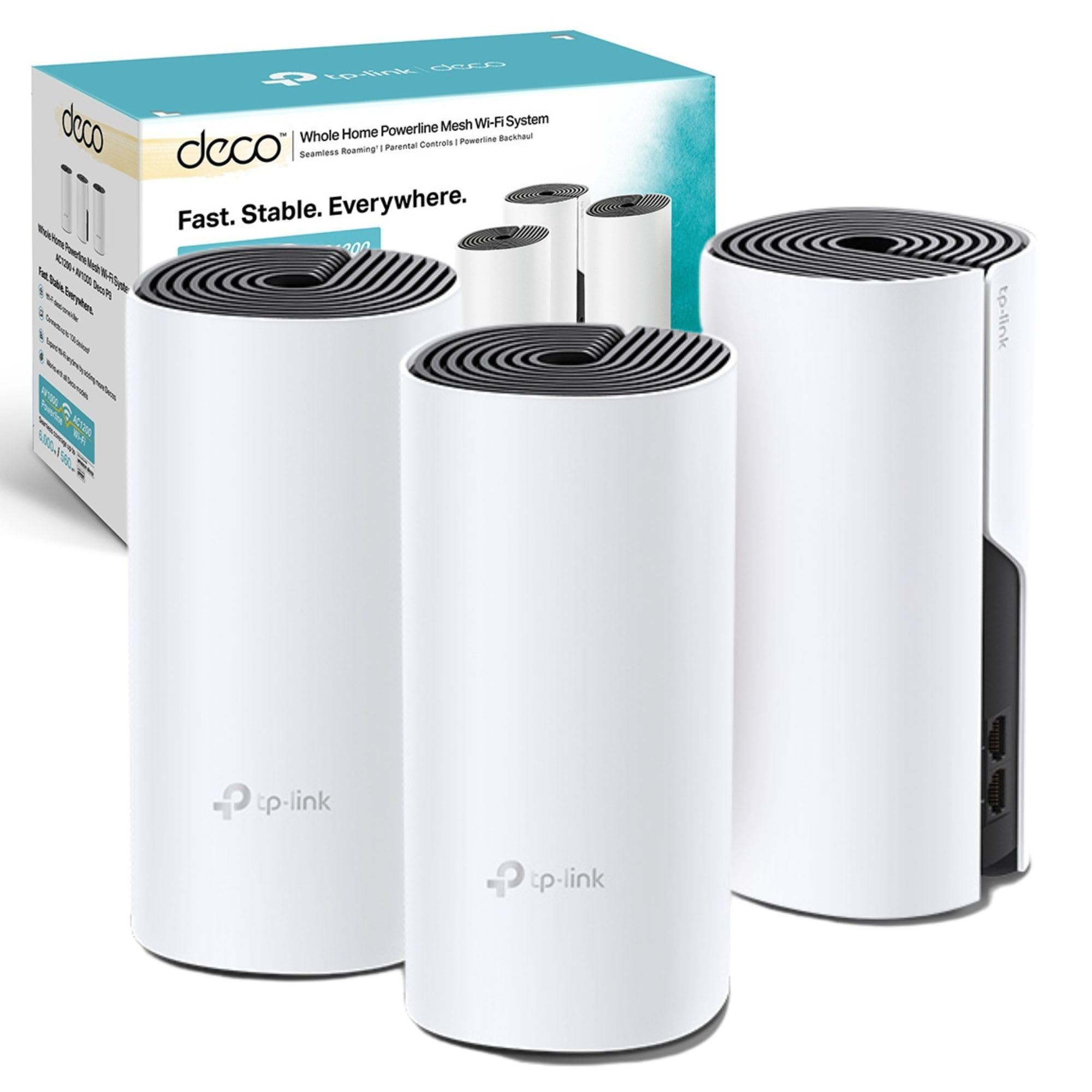
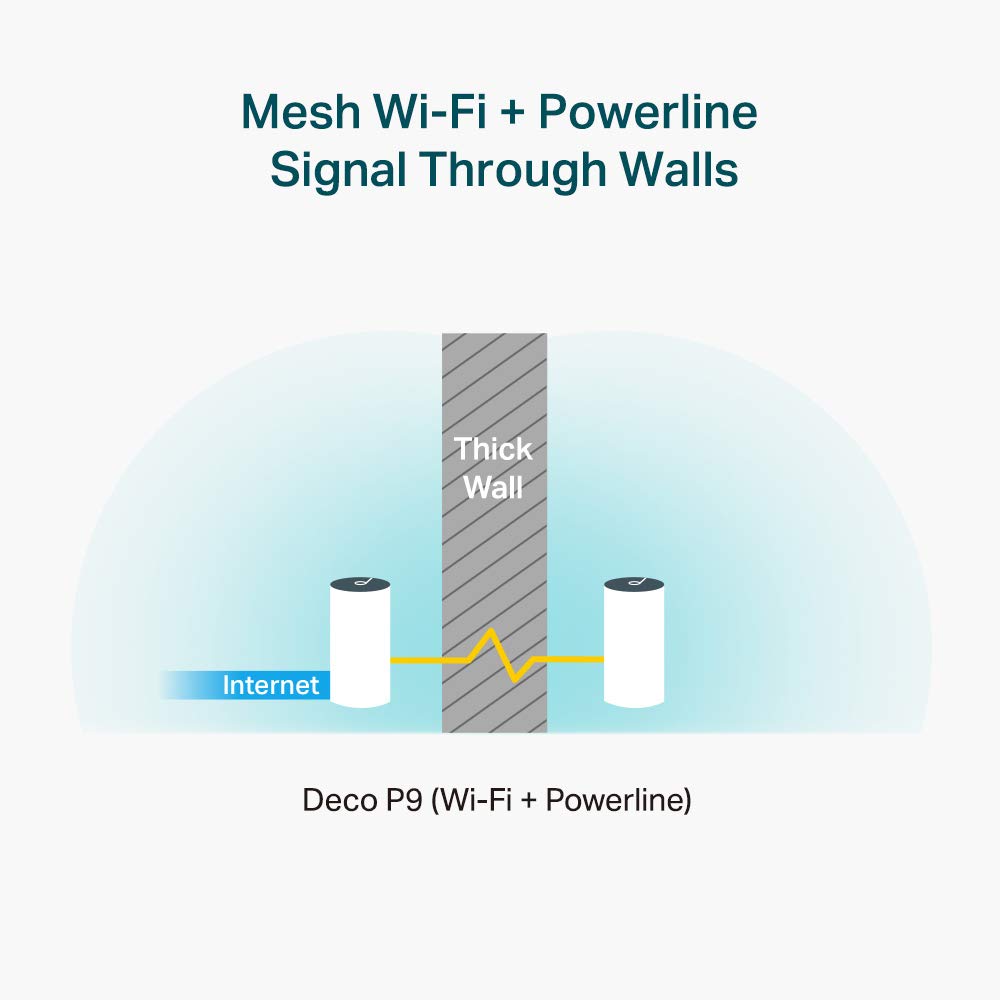

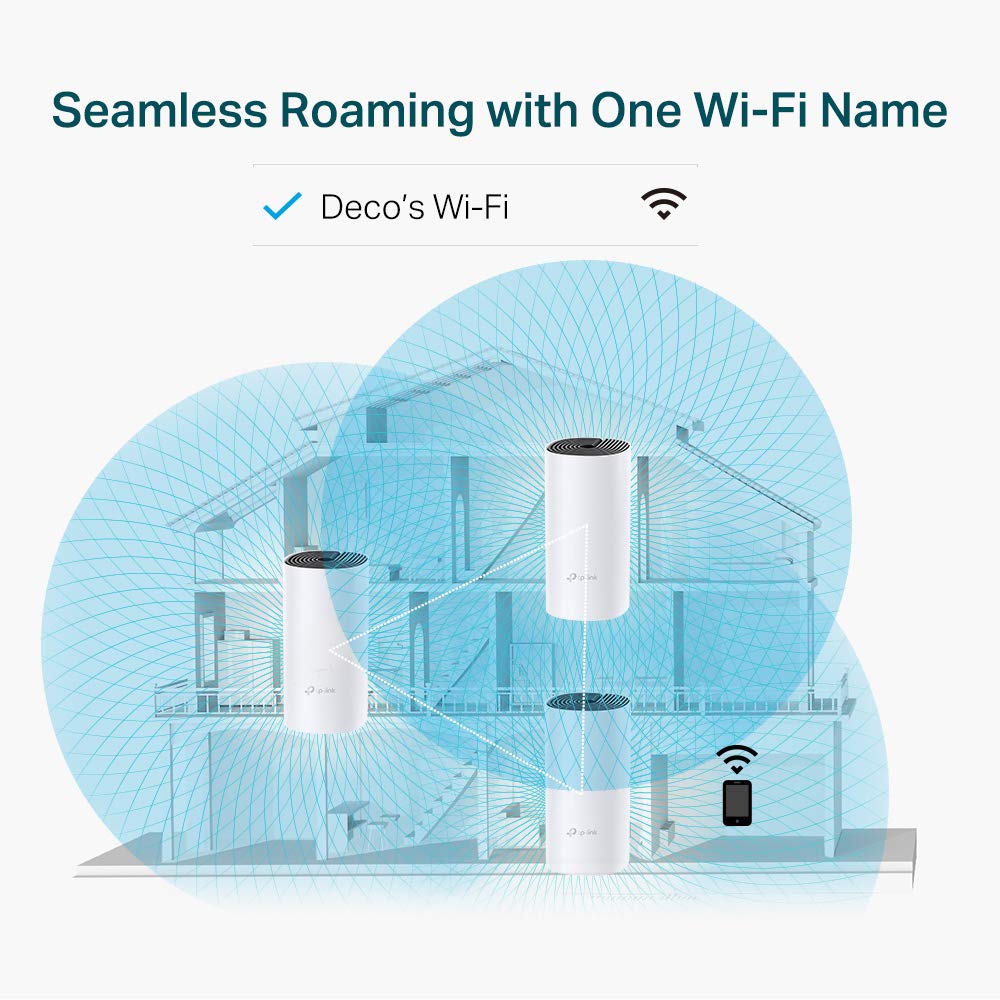
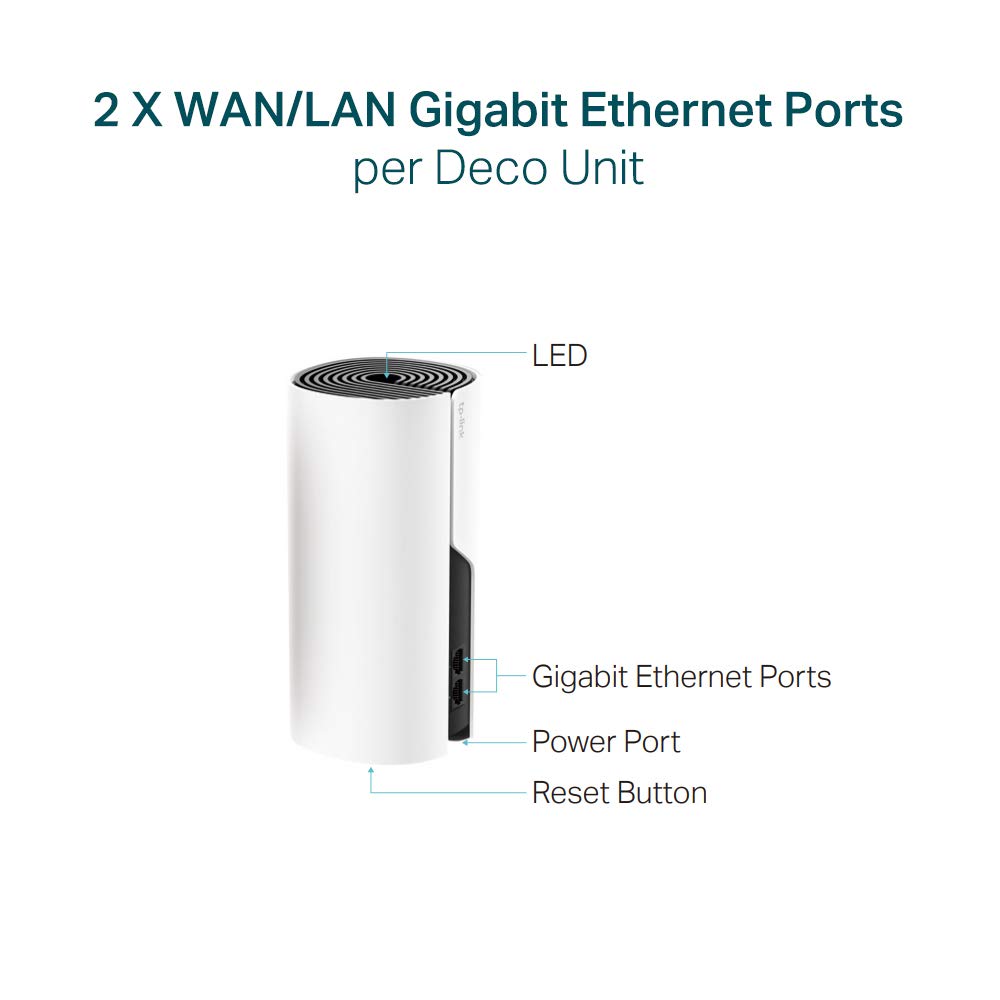

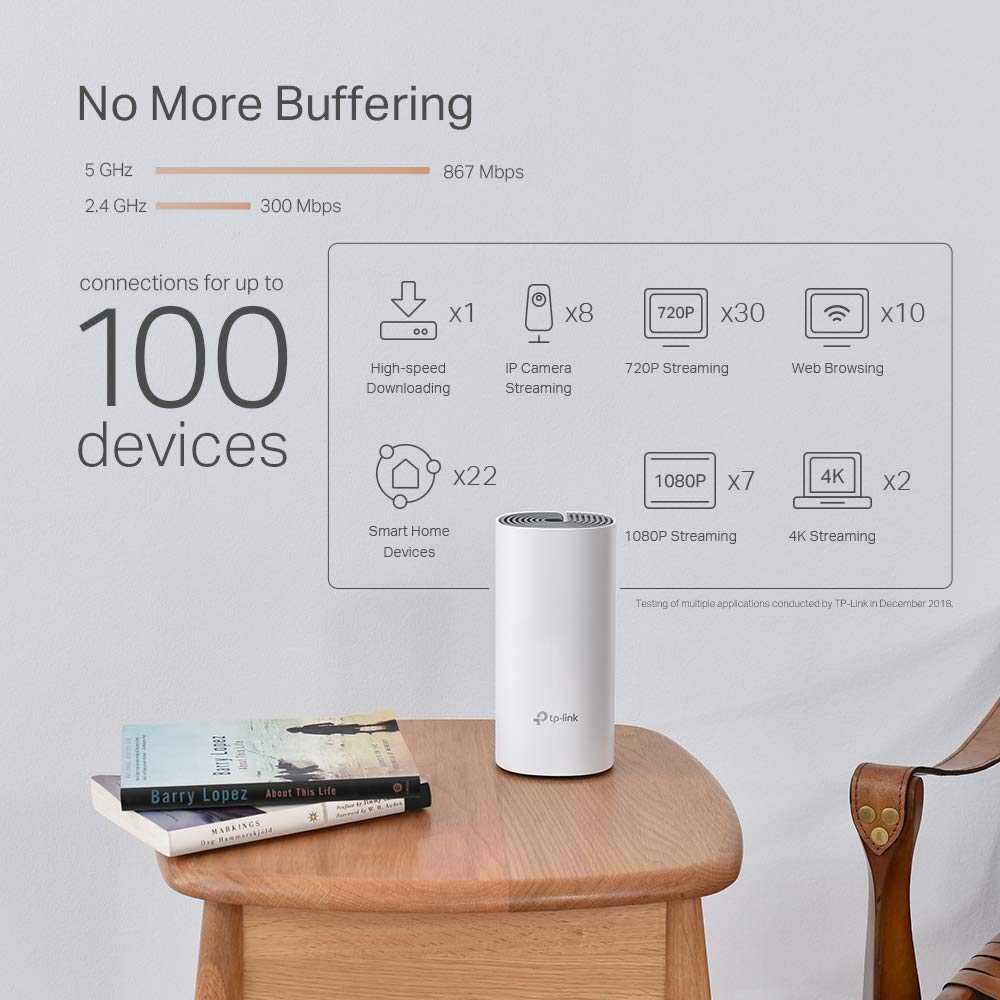
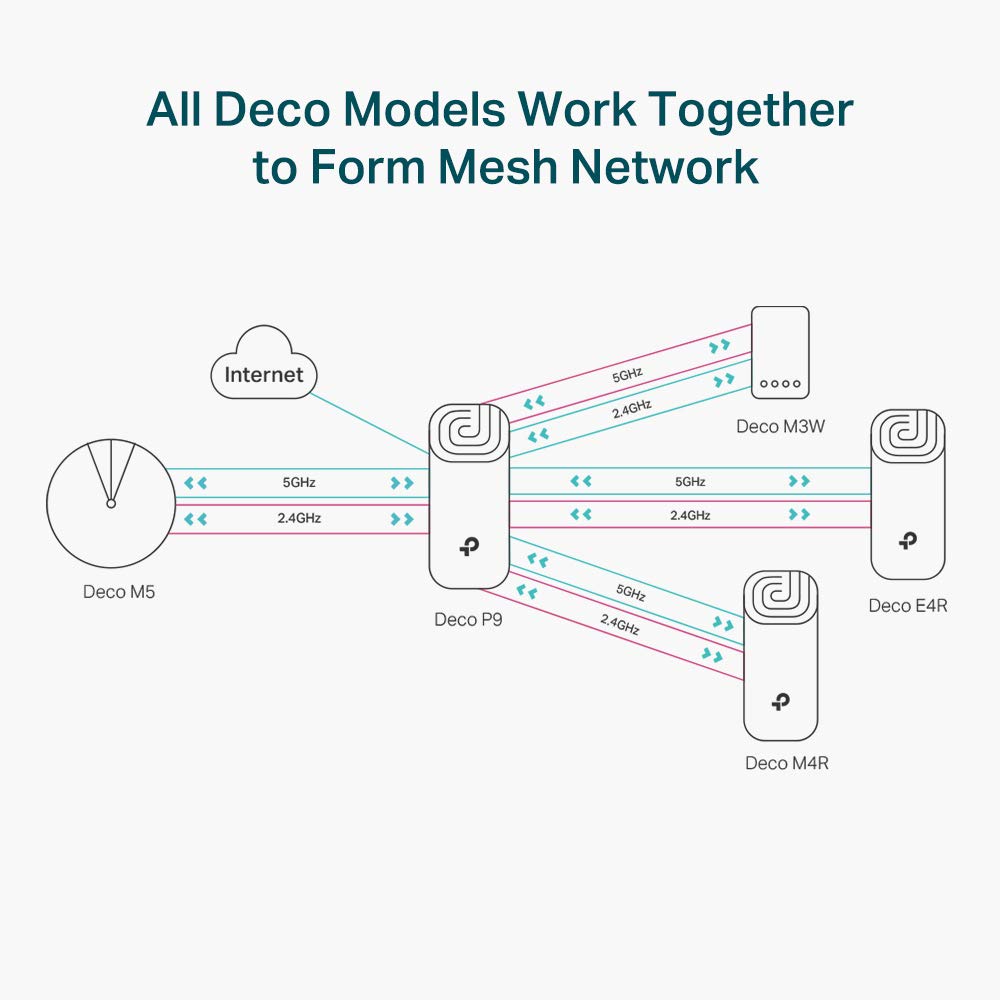
🚀 Power up your space with mesh that means business!
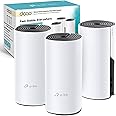
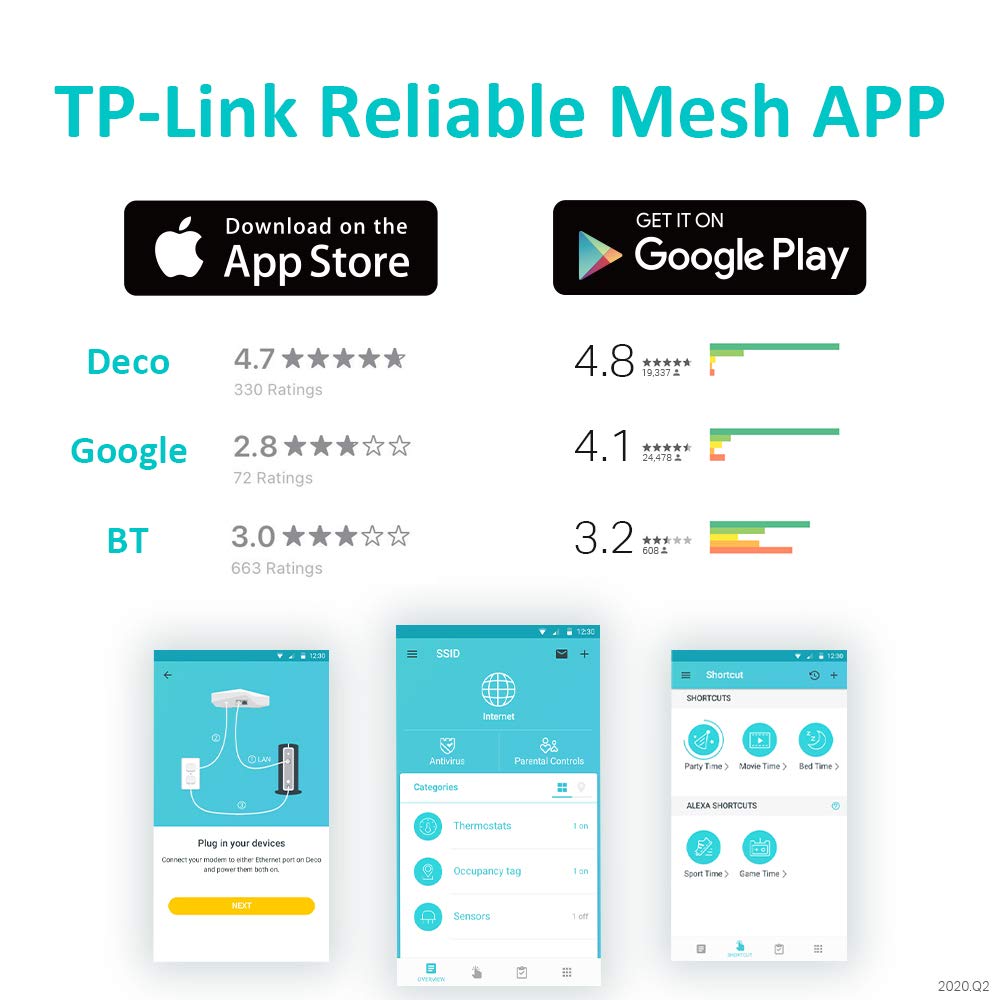
The TP-Link Deco P9 (3-pack) is a cutting-edge AC1200 whole home mesh Wi-Fi system that leverages hybrid Wi-Fi and powerline technology (HomePlug AV1000) to deliver seamless coverage up to 6000 sq ft. Featuring dual-band Wi-Fi, gigabit ports, and a Qualcomm quad-core CPU, it ensures robust, high-speed connectivity ideal for demanding home or office environments. Easy to set up and manage via the Deco app, it’s designed for professionals who demand reliable, fast internet everywhere.


| Brand | TP-Link |
| Product Dimensions | 9.1 x 9.1 x 19 cm; 2.24 kg |
| Item model number | Deco P9(3-pack) |
| Manufacturer | TP-Link |
| Series | Deco P9 |
| Colour | White |
| Connectivity Type | Wi-Fi |
| Wireless Type | 802.11ac |
| Voltage | 100 Volts |
| Operating System | Linux |
| Are Batteries Included | No |
| Lithium Battery Weight | 2 Kilograms |
| Item Weight | 2.24 kg |
| Guaranteed software updates until | unknown |
H**0
This is super easy to set up and works extremely well
I love good wifi and I have a difficult house to cover. I've tried so many things. What I want to achieve is this, in priority order:1. Wifi everywhere, same name (SSID) so phone doesn't have to switch wifi2. Good handover ("roaming") when moving from one room to another, even on a video call, to not gap too much.3. Decent speed everywhereI first tried the TP link M5. It does a good job but it struggles with walls and isolation in walls.I then tried the Ubiquiti range (which I love), but it needs cabling to work well. (But when it has this, nothing beats it)I am not getting rid of my ubiquiti kit but I supplemented with the TP LINK P9. I feed both from the main router and so have two independant wifis in the house. And the TP LINK P9 is VERY VERY good. It achieves all the points 1-3 above and is set up in 5 minutes. All my rooms are covered in spite of the wall insulation because the P9 does the powerline backhaul. I complement with a couple M5s. Amazing wifi everywhere.The units create a very good mesh, a very nice roaming, handover gaps are very comparable to my ubiquiti kit. Frankly connecting to the TP LINK is faster than to unifi, which is saying something, for a £200 kit versus £2000 unifi setup.So very very highly recommended this one.Here is what it does NOT do, which is why I am keeping my unifi kit, and want to cable my house ultimately: It does NOT give you multiple VLANs and multiple Wifi networks routed to different switch ports, say if you want a VPN on one wifi and flat internet access on the other.In short this P9 is amazing for the price
J**N
Wow! So much better! / hmm so so
We live in a 3 bed Victorian terrace (London) using SKY Q as our broadband provider. Internet speed test (c.30 download, c.7 upload) check your speed for free by typing “speed test” into Google.Internet okay downstairs but is choppy upstairs (sometimes download drops to 7!) and sometimes signal falls out.This has been a real problem regards working from home. Video calls have been horrific at times, loading software, opening emails, internet searches.. Urgh. No explanation, just some days it works ok (not fine just ok) but sometimes everything is slow (very). Yes, I’m aware of actions to do, switching off every night, resetting sky box etc. but these have not fixed the problem.So.. I looked into this lots - wifi extenders, or this - a mesh system with “power line” backup.First off, just plugging a single unit into the sky box made an immediate difference (I don’t know why but it did). Noticeably different - speed tests upstairs were better, connection stable, video streaming and calls whilst using multiple devices.I did set up the other two units anyway just incase as the box came with 3 units.Setup, really simple, and took no longer than 20mins.Performance - wow. (Re. Powerline - I should add we had our house rewired last year so electrics are good and circuits are clear - but as stated earlier, our internet performance worked with just one unit).So £150.. but given our change in performance (and what it has meant for productivity) and the simplicity of setup - more than happy.I have tried other devices in the past (Apple airport express, wifi extenders) none have worked as well as this.Delighted.///Update July 2023.These are now disappointing. Why?Regular drop out, despite standing next to the unit and the app is not helpful nor is the support.I don’t know why these have stopped being useful, nothing changed but we were so fed up with our internet and service we switch provider and ditched these also.Keep in mind if your provider is not great, then these won’t make a difference.FWIW we were with Sky but service was abysmal despite being on the premium package. Regular throttling and slower speeds than advertised so we switched to a proper fibre broadband and no longer need these units
G**T
Great improvement from ViriginMedia Hub
For a long while, we've experienced really poor Wifi connection in our house. Blackspots, random dropouts, can't see some devices (Sonos was the main culprit, would be there one minute, gone the next), slowness etc. So I decided to pick up some powerline Wifi extenders. While that helped clear a few blackspots, all it really did was amplify the crappy Wifi from the VM Hub. So no improvement on reliability at all. No-fault of the extenders.So I decided to switch to a mesh system to replace the VM Wifi completely. As we've got a few areas in the house that are hard to reach and over three floors, I was holding out for a mesh with a Powerline option. As this was in the sale, I took the plunge.Set up was ok, although I needed to create a TP-Link account which seemed a bit OTT. Anyway, getting all three units set up was actually pretty painless via the app on my iPhone. The main issue I had was actually with how the VM router was set up. If your a VM customer, please take note of the following:For a while, I had it set up in parallel to the new Deco network. While everything worked, I had the occasional issue with some devices getting lost or not being able to connect properly. So I decided to switch the VM Hub into "modem mode". What was supposed to happen was the VM Hub is now just providing Internet and DHCP and the Deco the Wifi/connectivity. However, everything fell apart. Any device connected to the Deco didn't have internet or might not connect.Turns out, the VM Hub will only work properly if you connect your new network (in this case, the Deco) into ethernet port 1. As I had the Deco plugged into port 4, nothing seemed to work right. As soon as the Deco was plugged into port 1, everything sprung back to life. Found this out by trial and error, save yourself a few hours.Since then, Wifi and connectivity, in general, has been faultless. My TV and VM TV box are plugged into the ethernet ports on a Deco unit and we've not had any issues watching any streaming services like we used to. Every other device on the wifi works perfectly and every blackspot has been eliminated. Sonos no longer randomly vanishes. No dropouts. Speed is consistent. It just works, which I'm pleased about.If your a VirginMedia customer and are experiencing issues with your Wifi connection, then I highly recommend you consider checking out this product, or a product like this. It will improve your connection no end.As for the Deco, it works just fine. The features with the system are pretty basic, but it's not an issue as it's a major step up from what we had. One thing I would like to see is detail on the Powerline, there is nothing in the app to indicate if powerline is being used, or the backhaul is pure wifi. However, as mentioned, as it just works, it's no biggie.
Trustpilot
1 month ago
5 days ago