🖤 Light up your build, cool like a pro.
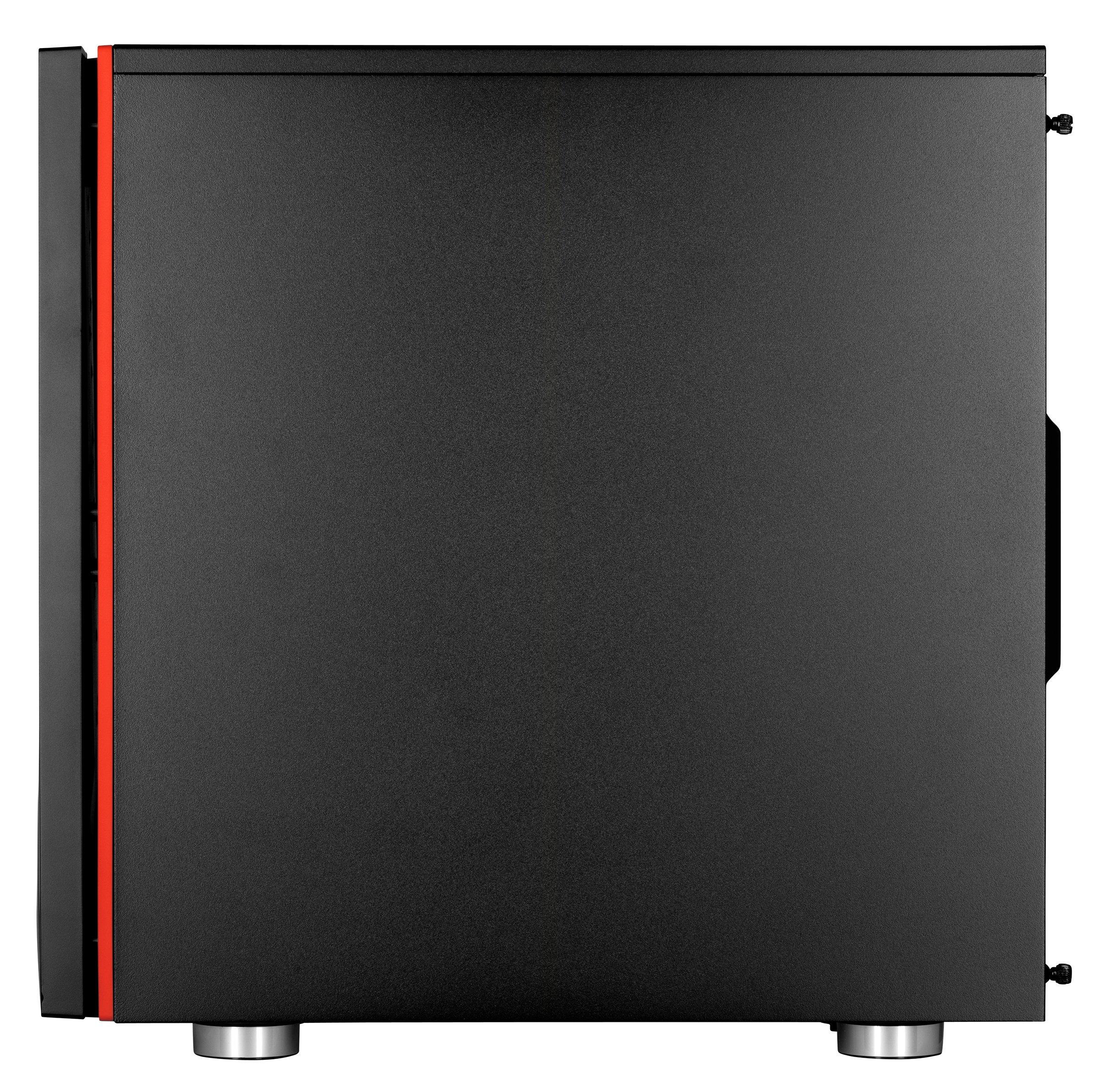
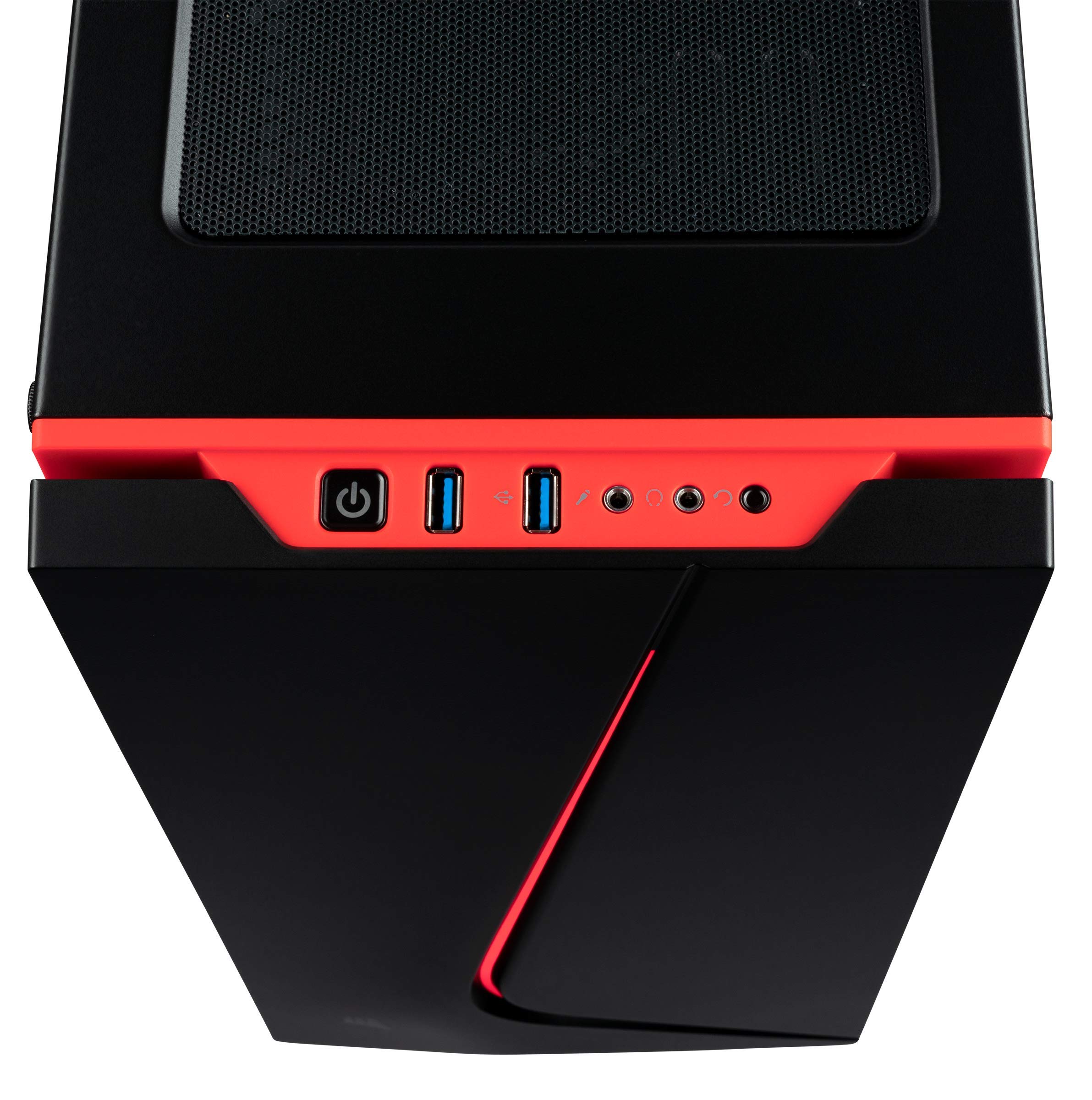
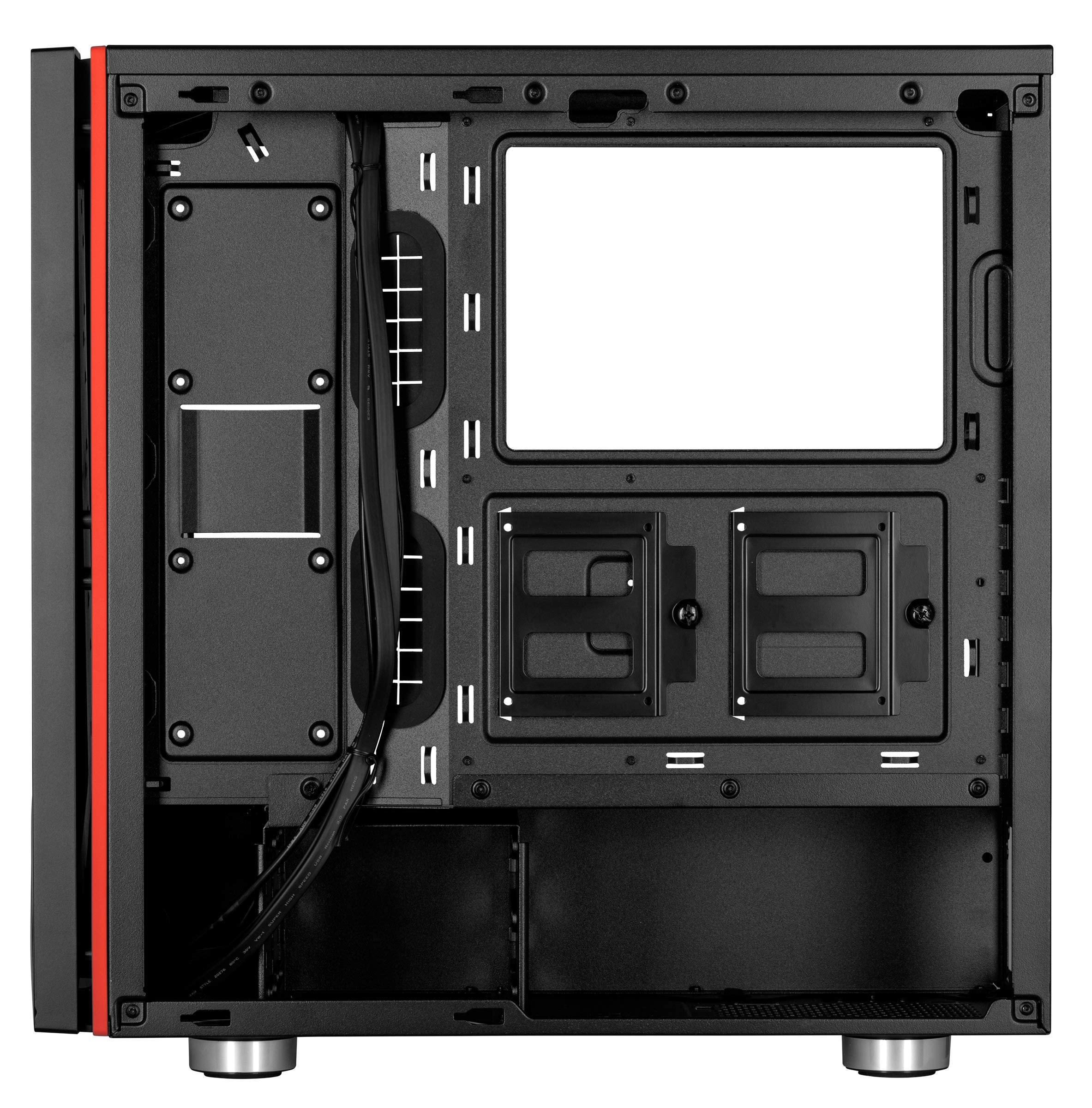
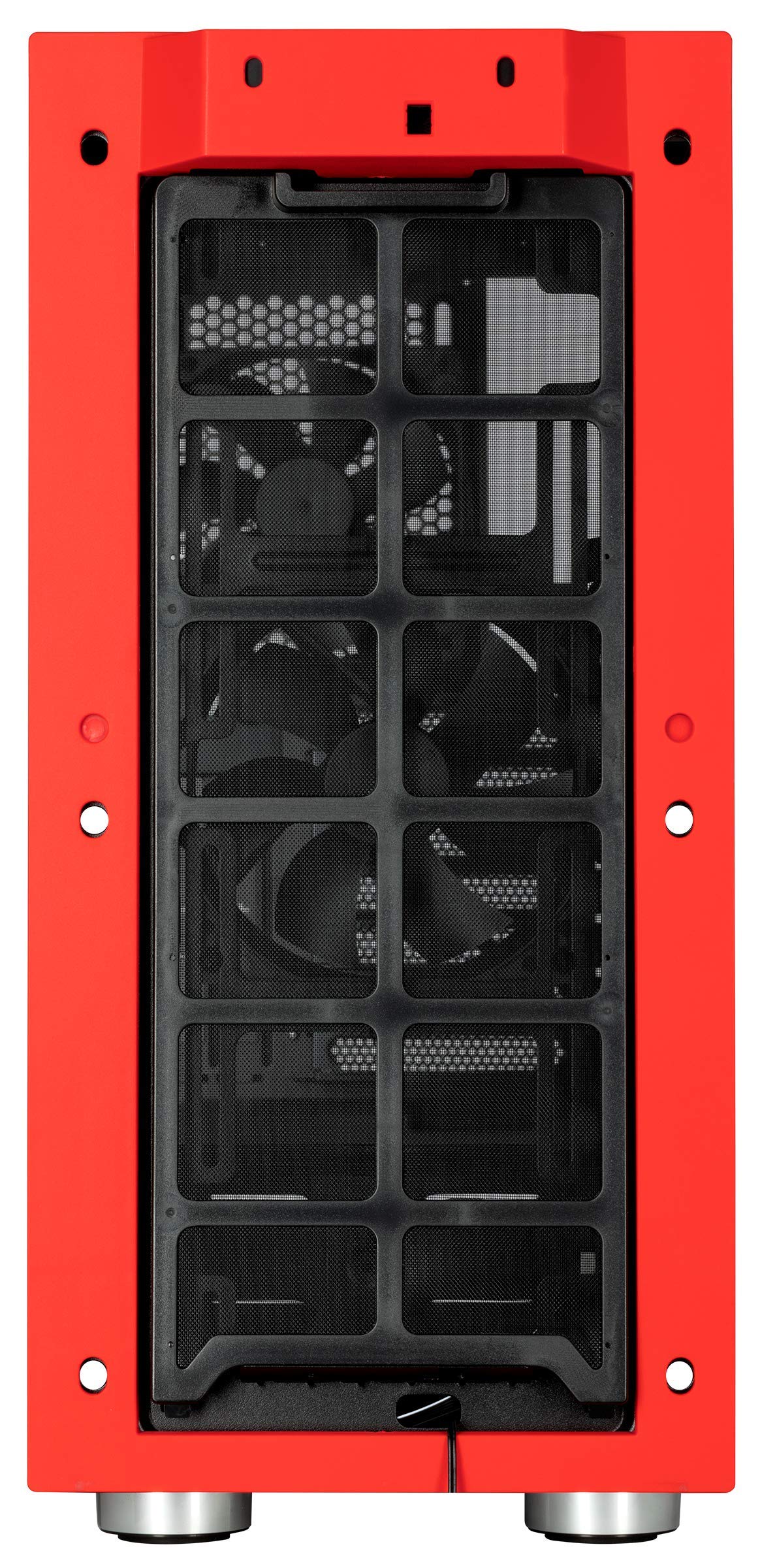
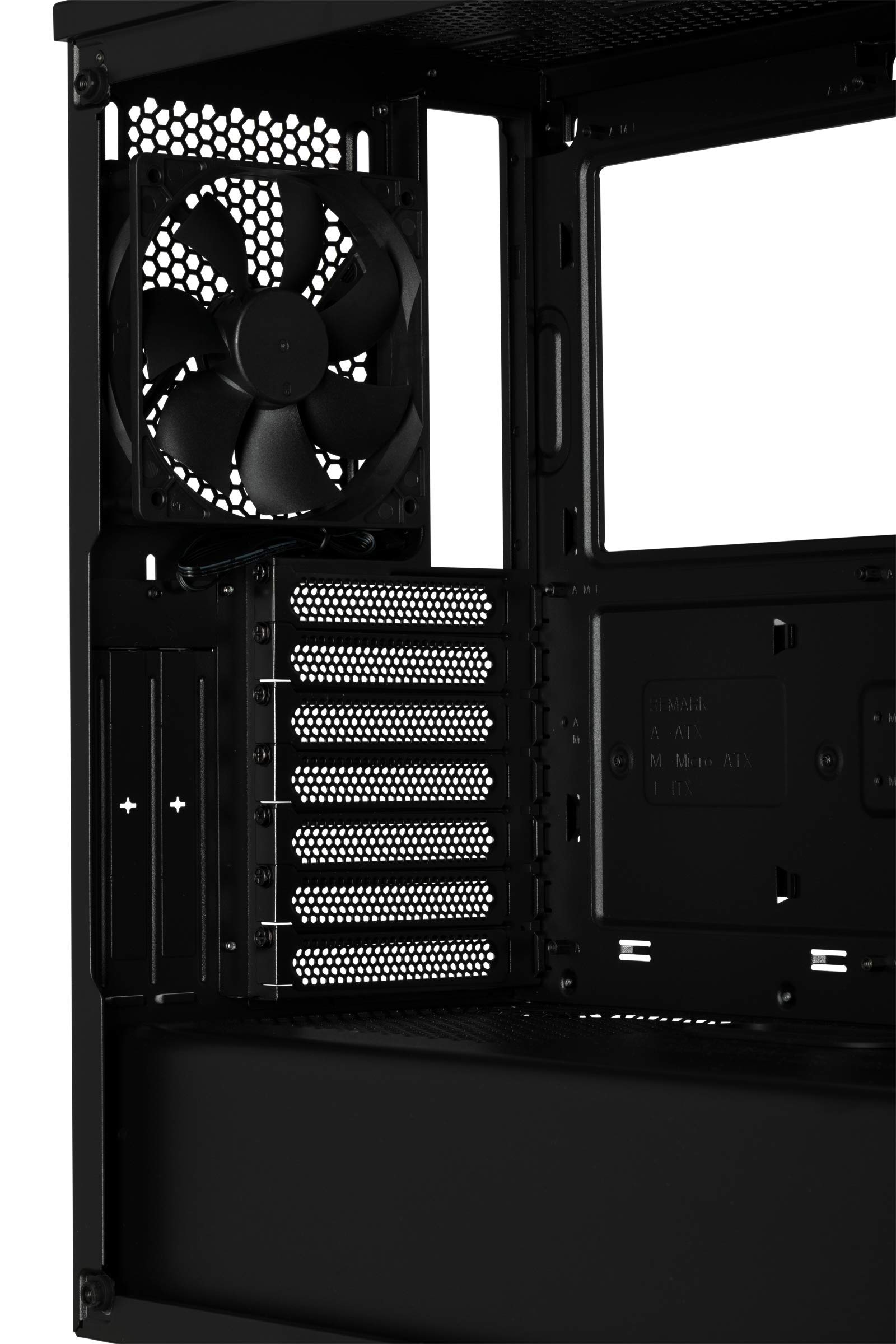
The Corsair Carbide Series SPEC-06 is a black mid-tower ATX case featuring a stunning tempered glass side panel and integrated red front lighting. It supports up to six 120mm fans and multiple radiator configurations for superior cooling. With ample storage options and a builder-friendly design, it’s engineered to showcase and protect your high-performance PC.

| Brand | Corsair |
| Series | CORSAIR Carbide Series SPEC-06 Tempered Glass Mid-Tower ATX Case, Black |
| Item model number | CC-9011177-WW |
| Item Weight | 19.05 pounds |
| Product Dimensions | 18.66 x 8.46 x 17.91 inches |
| Item Dimensions LxWxH | 18.66 x 8.46 x 17.91 inches |
| Color | Black |
| Manufacturer | Corsair |
| ASIN | B07PM2M1J6 |
| Date First Available | March 11, 2019 |
D**K
Great looking case. Use an AIO and your temps should be fine!
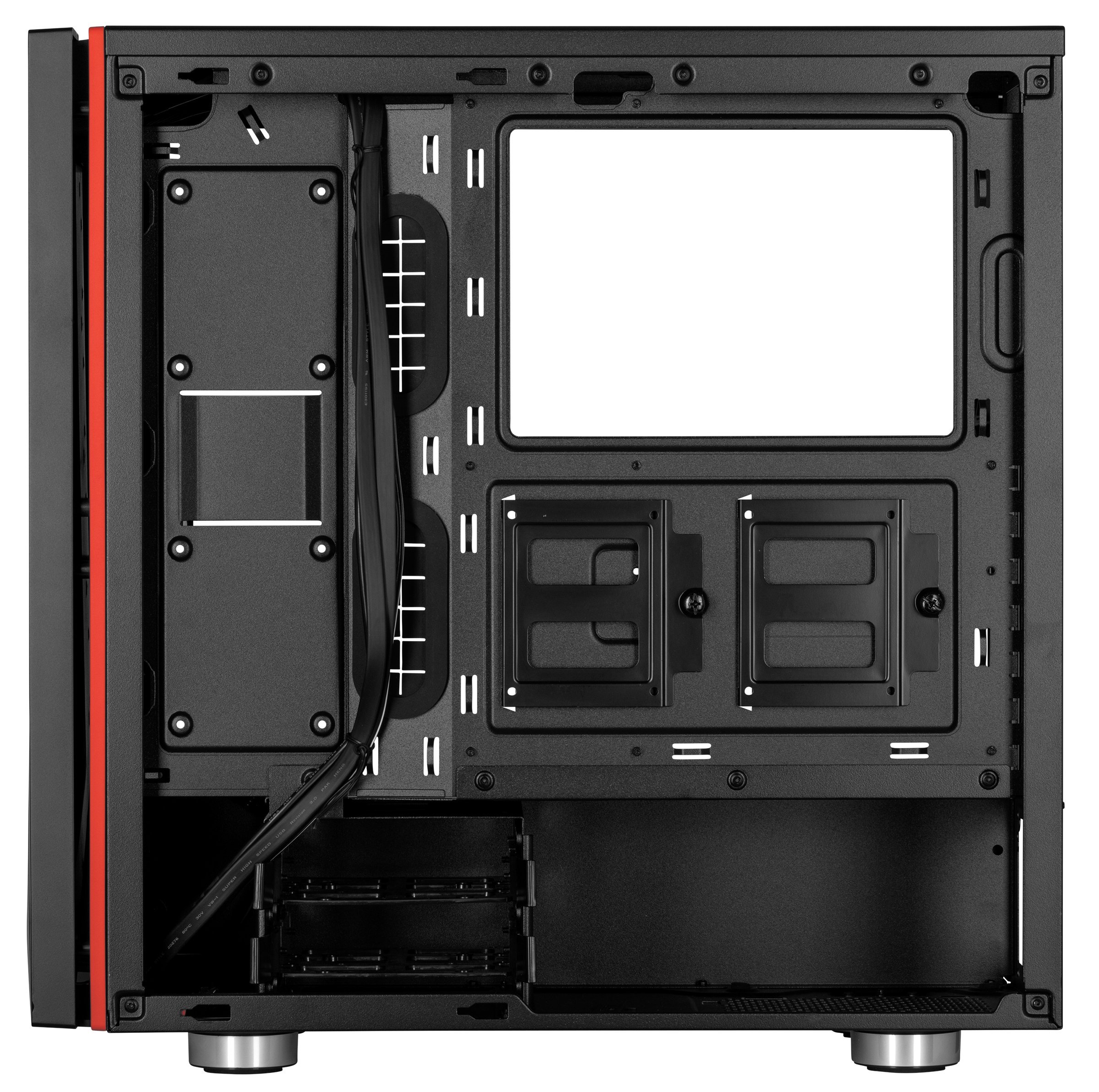
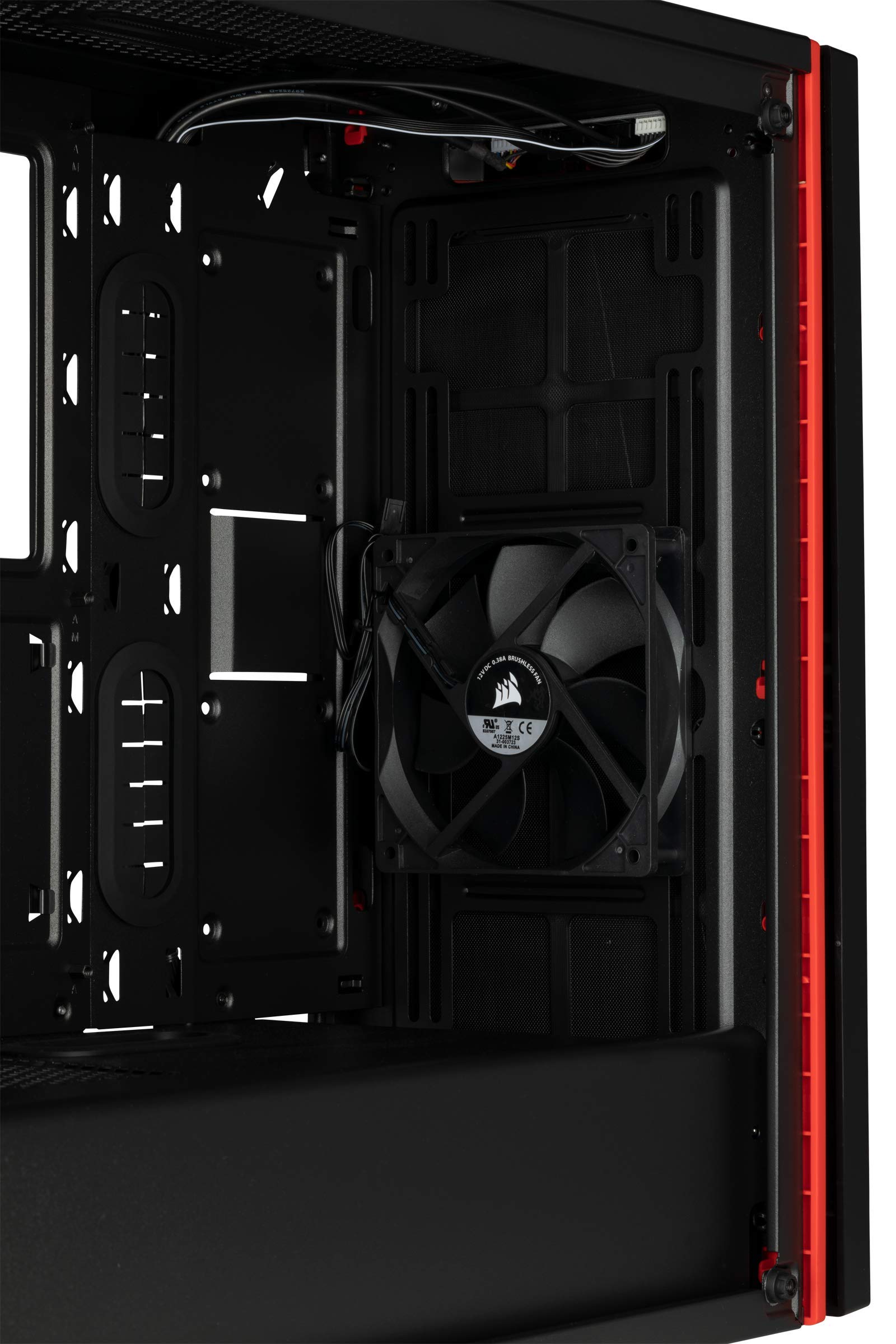
All in all a beautiful case and easy to build in!Pros:1. Incredible aesthetics, eye popper!2. Easy to build in (this was my first build ever)3. Very spacious interior with good cable cut outs for easy routing (includes pre installed grommets for cable cutouts)4. Includes 2 Corsair HD120mm fans. I swapped mine but its still a nice bonus (Corsair ML120mm fans shown in picture)5. Includes pre installed "Lighting Node Pro" (This is really nice for RGB controlling, however keep in mind you still need to attach the power connectors to the MB headers. Depending on how many fans you have, you may need a "Commander Pro" to hook up all the power as well)6. Pre installed 3 compartment 2.5" bay rack behind motherboard tray. As well as a 2 compartment 3.5" bay cage below the PSU shroud. Its worth noting too that the 3.5" bay cage cab be slid more towards the back or the front of the case which helps with either a front mounted 360 rad, or easier cable management coming from Power Supply.Cons:1. Tempered side glass panel can only be taken off or put on by hex bolts (This makes for a clean look, but is quite annoying for someone like me who cleans my pc once a month)2. To take off the front panel you must:Take off glass side panelTake off top panelTake of back side panelThen you have to reach in through both sides and simultaneously push in on both of the tabs hold the front panel in place and slowly work down till it pops off( I've read other reviews about these tabs breaking on people. I haven't had any trouble with that, abd seeing how tedious it is; I'm assuming others forced it and broke because of that)3. Cable management is pretty tough when it comes to the back side panel. My trick to solving this was to make multiple runs of bunched up cables. Instead of trying to make 1 or 2 clean runs.4. This is probably the BIGGEST PROBLEM with this case. The airflow is not the most optimal. You only have 1 small triangle of air inlet on this case. A lot of reviews talk about how hot this case gets, but luckily I haven't seen an issue. However I am running a 240mm Corsair H100i water cooler on my Ryzen 7 3700x I have a total of 3 intake and 2 exhaust. My cpu temps on idle are between 35°c-45°cI personally highly recommend this case to anyone who wants something different than a rectangular case, but I advise a water cooler on the cpu minimum.
F**E
Great budget case!
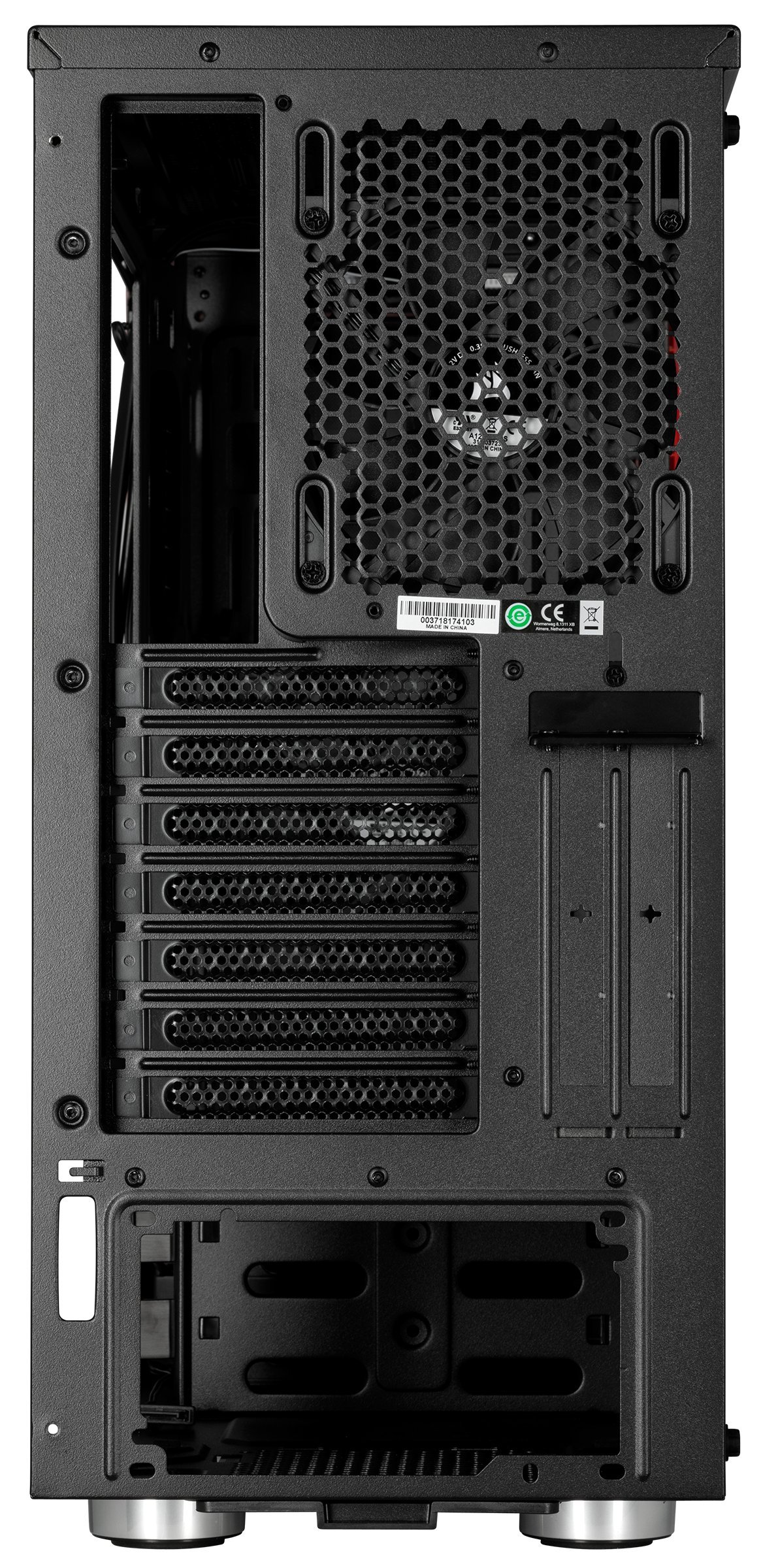
The media could not be loaded. My husband wanted to replace his old NZXT Phantom 410 so I looked around for a little while before stumbling upon this little gem. He wanted a black case with 3 fans in the front and RGB. Pretty easy.I moved everything over for him and I have to say some of the features in this case I don't even have in my $160 Silverstone Primera PM-01, though that is a couple years old now. The removable/adjustable hard drive bay is fantastic, though I did have to move it as far forward as possible to fit any PSU cables. This case is SMALL for a mid tower, but maybe that's the norm now.Things to keep in mind:1.) Space. Not so much in the front but cable management in the back is a bit tight. I have extensions on the cables and there was barely enough room for me to stuff them. The bottom HDD tray was removed to cram the 24 pin cable in the open space, otherwise it never wouldn't fit.2. The fans. Corsair sells additional ones for just $5 each on their website but as of this post they are out of stock. I replaced the front three with Deepcool RF120's and added the same to the rear.3. Airflow. The most air comes in from the bottom fan. If you're like me and had to move the hard drive bay all the way to the front, though, it negates a lot of the benefit. That being said there's still plenty of air; I just wouldn't go crazy overclocking.I really like how clean everything looks now. I think this case has convinced me to get a Corsair when I finally replace my Primera.
D**E
Good case with few things to keep in mind
I am overall very happy with this case. I was doing a facelift of my Sandy Bridge workstation, and I decided to use spec omega RGB for that. Whole transition was relatively smooth, but there are few things to be aware of (- negative, +positive, * neutral)-/+ fan cables are zip-tied to the case. While this would be normally a good thing, because they are preinstalled and you don't have to touch them, I needed to place an AIO radiator in the front and move the second fan elsewhere. Which meant cutting and redoing zip ties on the back side* the case is much deeper than it looks on the pictures- (but even then) space for cable management on the back side is limited, especially if you need to run multiple SATA power cables for the RGB, AIO and SSD/HDDs. I was able to squeeze everything in, but it was really a tight fit- SSD cages could be better. There are three on the back side, and they do the job, but I would rather see something like in regular HDD cages, where you first place a HDD into an enclosure and slide the whole thing into the cage. In this case, you place SSD alone into the cage- there is not much room for HDD cages if you put all cables inside the PSU shroud (and there is not much room behind the motherboard). It is doable, but I ended up removing mine completely since I don't have any 3.5 HDD+ some reviews mention missing PSU shroud - but mine was present in the case+ I don't really need a superior airflow in the case due to the AIO radiator on the intake side and only 45W Quadro K1200 GPU (this is a workstation, not a gaming rig), but the front air intake seems to be reasonable large and there is enough room between the radiator and front of the caseWhile none of these "problems" is critical, I could imagine the case could be little bit better if they were addressed in the future iterations, therefore 4 stars from me
Trustpilot
1 month ago
3 days ago