Some deliveries may take a little longer than usual due to regional shipping conditions.

DOWNLOAD THE APP


Customer Services
Copyright © 2025 Desertcart Holdings Limited
DOWNLOAD THE APP
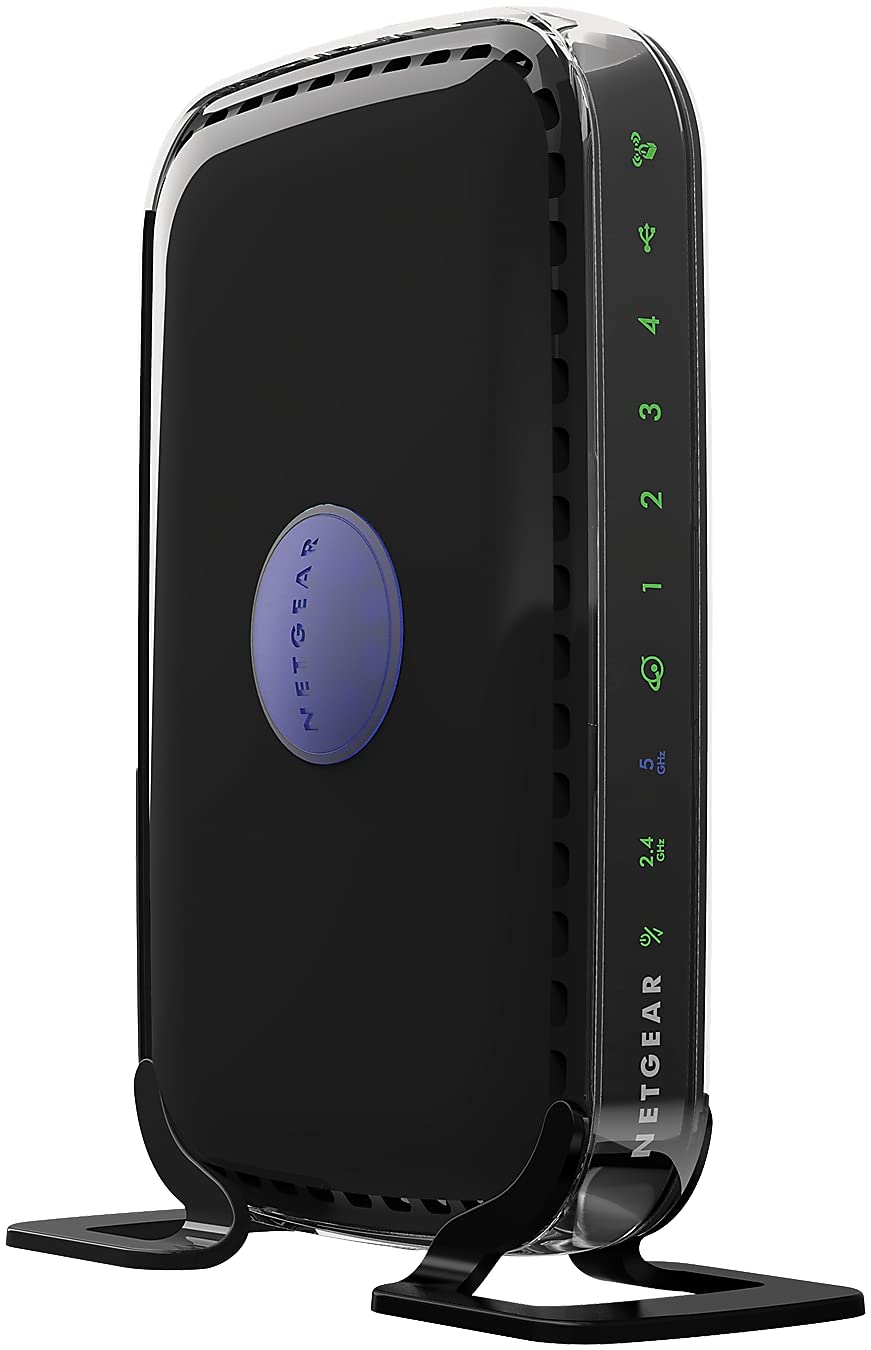
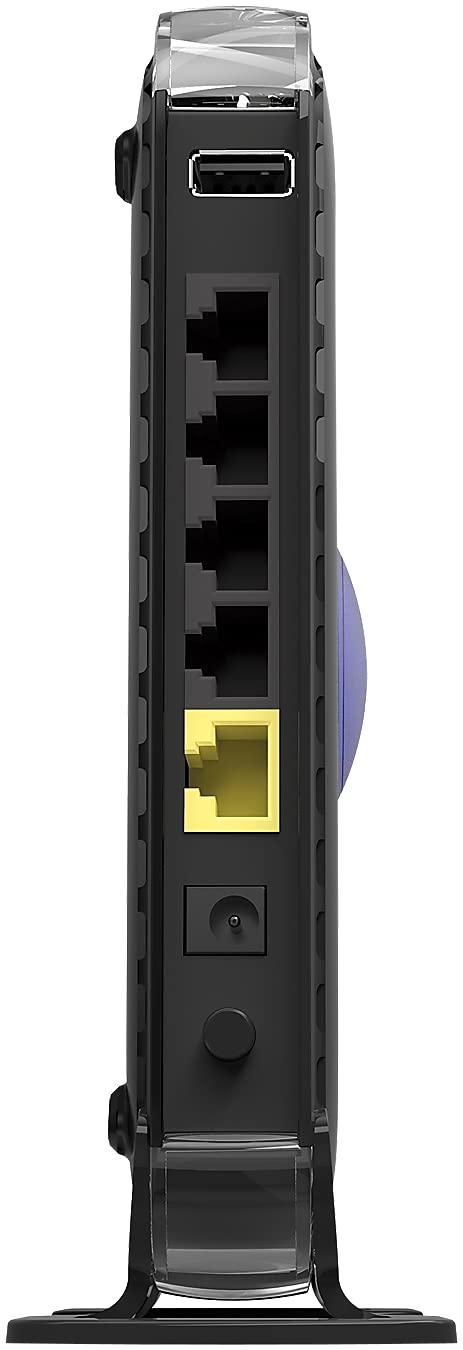
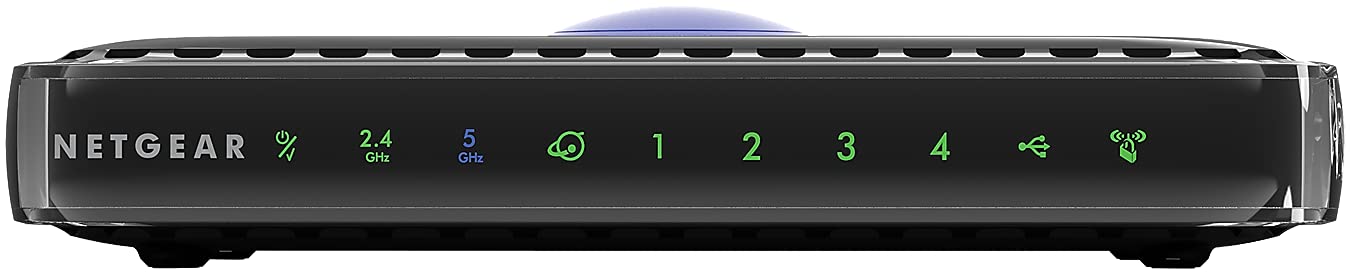
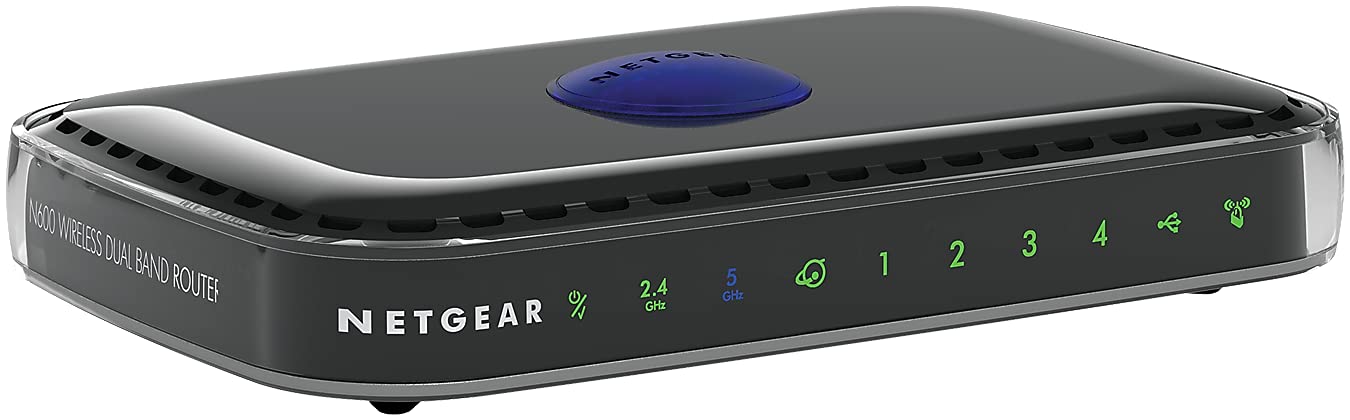
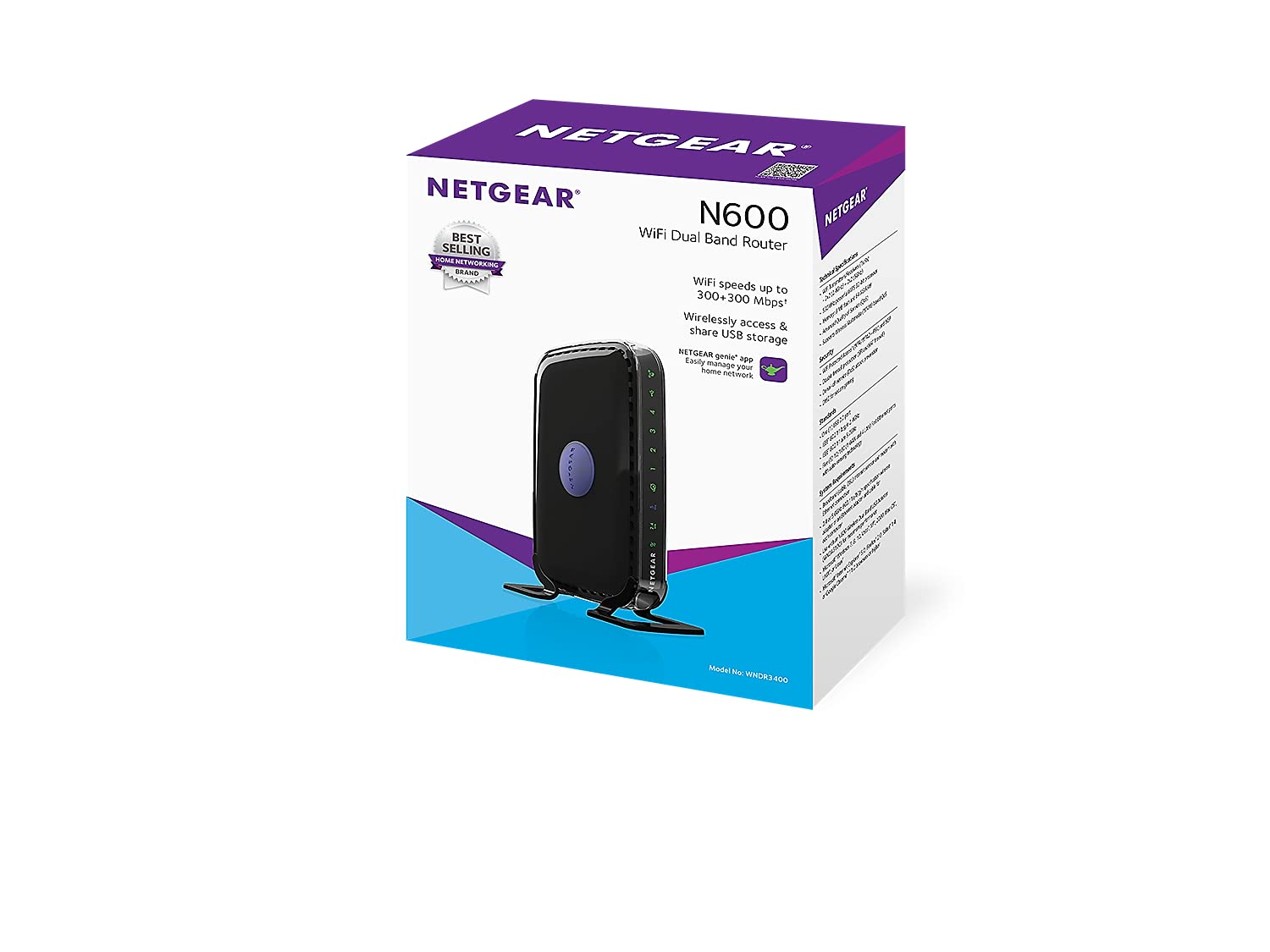
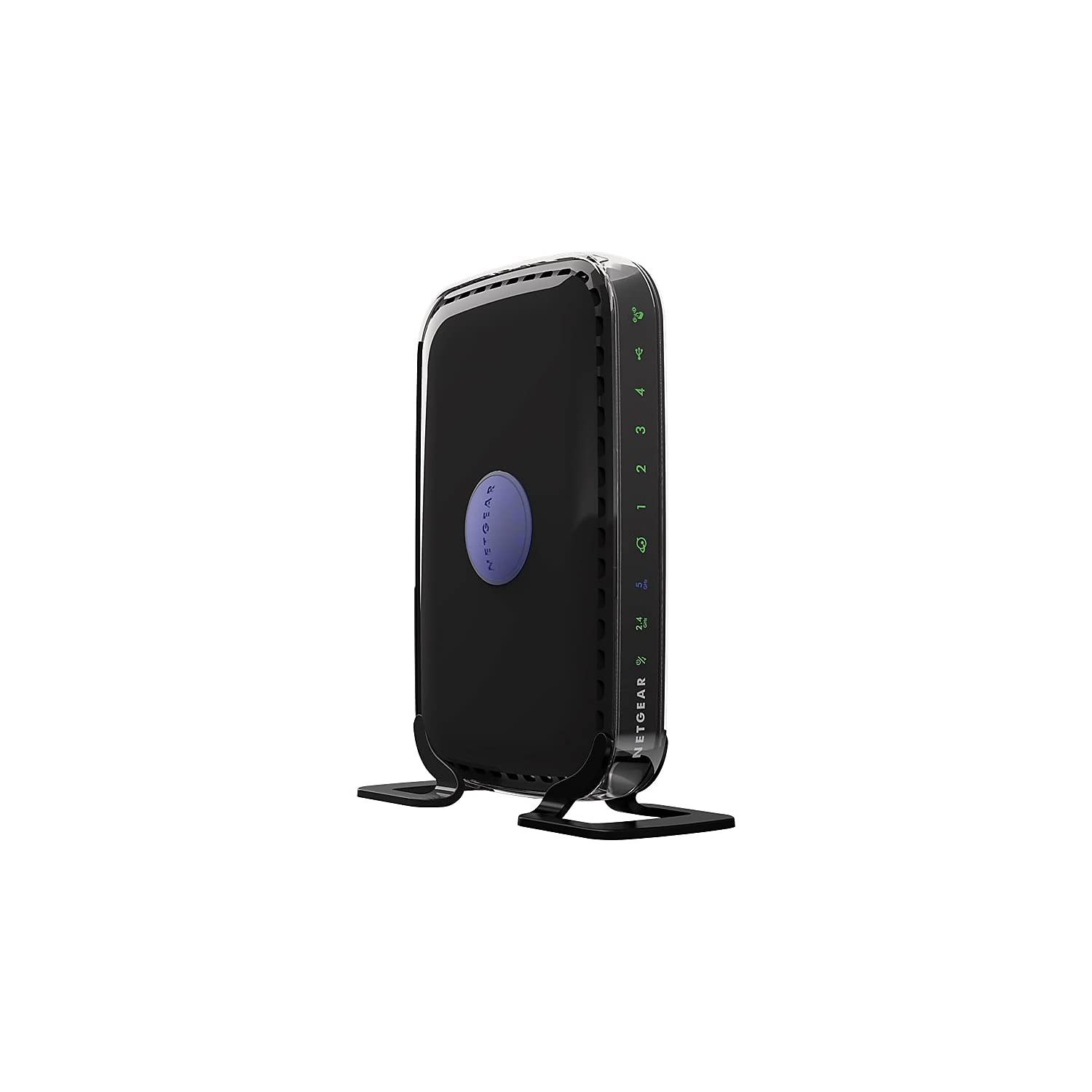
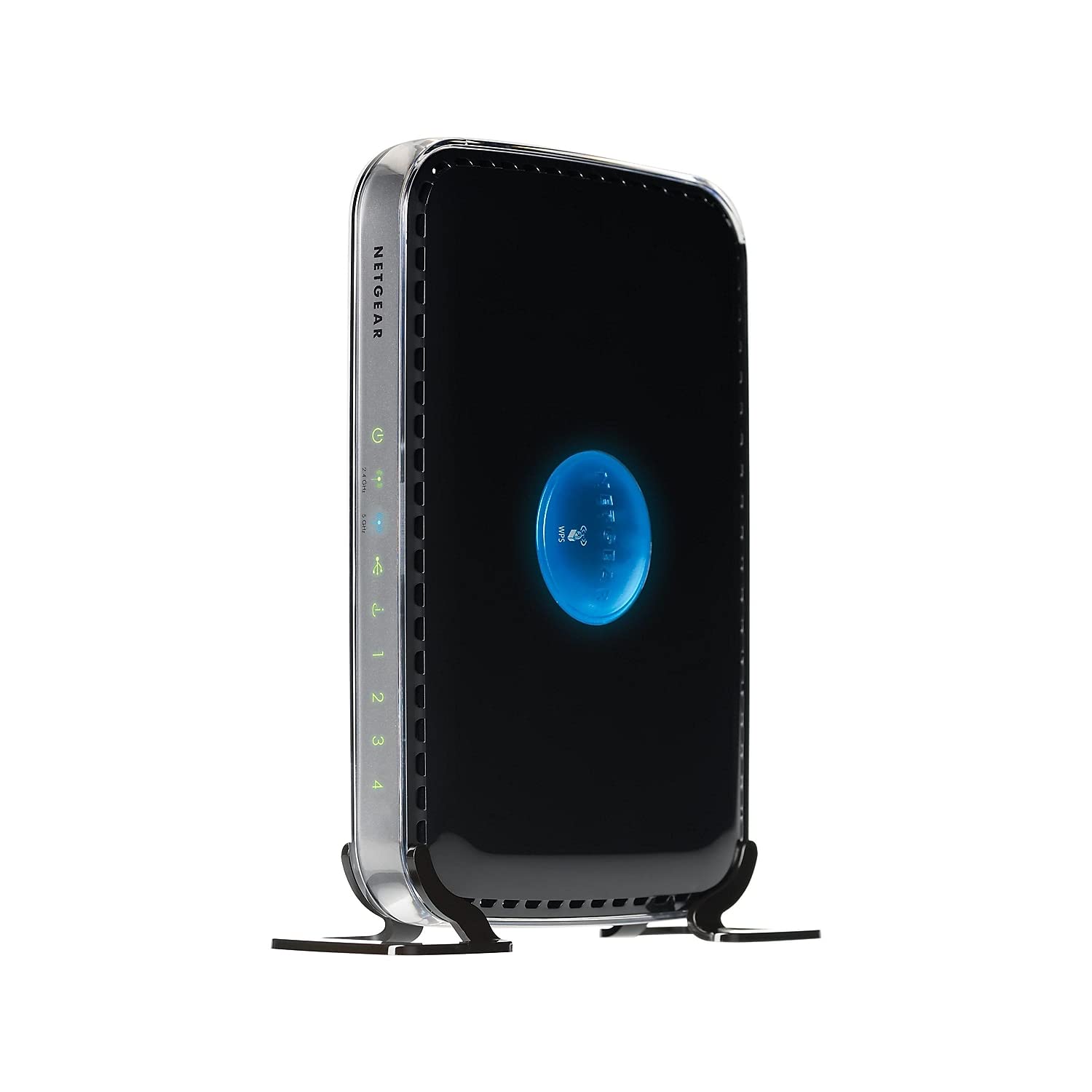
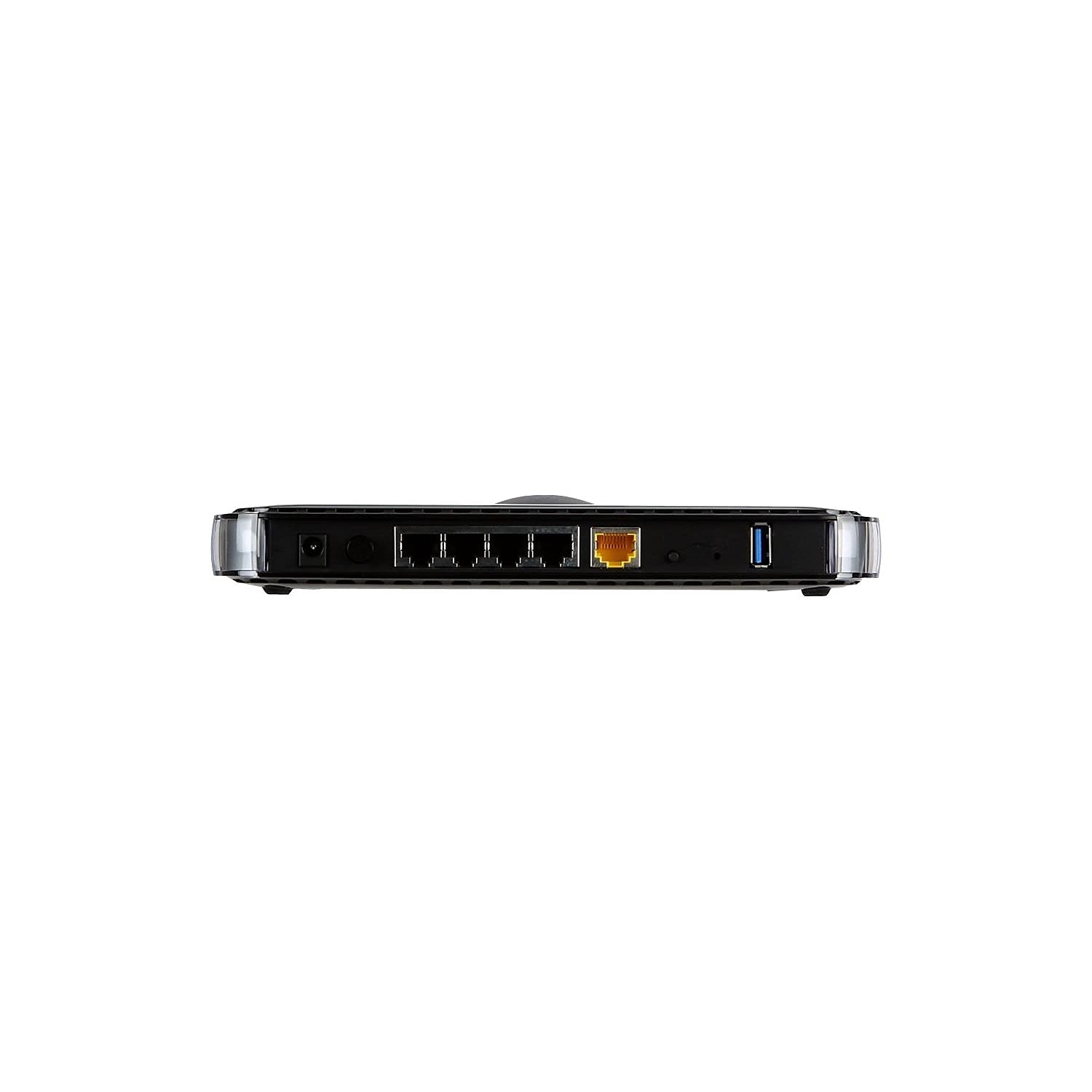
🚀 Upgrade your home network to pro-level speed and control — don’t get left buffering!
The NETGEAR WNDR3400 N600 Dual Band Wi-Fi Router delivers combined wireless speeds up to 600Mbps across 2.4GHz and 5GHz bands, ideal for medium to large homes. Featuring simultaneous dual band technology, it reduces interference for reliable connections to multiple devices. With ReadySHARE USB storage access, advanced QoS for smooth media streaming, and easy network management via the NETGEAR genie app, it’s a budget-friendly powerhouse designed for seamless HD streaming, gaming, and secure family internet use.


| ASIN | B0041LYY6K |
| Batteries | 1 AAA batteries required. |
| Best Sellers Rank | #79,884 in Electronics ( See Top 100 in Electronics ) #546 in Computer Routers |
| Customer Reviews | 4.4 4.4 out of 5 stars (4,876) |
| Date First Available | September 1, 2010 |
| Is Discontinued By Manufacturer | No |
| Item Weight | 8 ounces |
| Item model number | WNDR3400-100NAS |
| Language | English |
| Manufacturer | Netgear |
| Product Dimensions | 6.89 x 4.53 x 1 inches |
A**S
An excellent choice at a great price.
At under $30, this N, dual band router is a great choice. The router worked, unsecured, as soon as I connected it. By logging into it's setup page, it was easy to set up the SSID and pass-phrase (= password) for each band. (This router has a "normal' 2.4 GHz band, and also a 5 GHz band, hence "dual-band"). This router replaced an older Linksys "b/g" router, which is ok up to 54 Mbps (mega bits per second). That is way faster than the bandwidth that Cablevision provides, so, on paper at least, the old router was more than adequate. But, my new Dell Inspiron only measured 9 Mbps download and 3 Mbps upload. My wife's HP Pavilion Dv6 measured a miserable 2 Mbps download and 1 Mbps upload speed whatever we did, or wherever we placed the laptop. (I use Speedtest.net by Ookla for these numbers). The other "issue" with the Linksys was drop-outs, now happening every couple of days as the unit got older. The new NETGEAR WNDR3400 router has changed all that. The Dell Inspiron now measures 17 Mbps download, and 5 Mbps upload. The HP Pavilion is almost the same: 16 down and 5 up - what a difference in web performance! (note - the "N" band supports up to 145 Mbps on the 2.4 GHz band, but in our case it is limited by the incoming Cablevision signal.) I connected a Seagate "Go Flex" 2 TB NAS (= network attached storage) drive to the USB port on the Netgear router. The NAS drive continued to connect and operate as it did on the old router, with no change or adjustment. One difference, though, is how much faster the initial backup takes place after you start up either laptop. One other point - neither of the laptops can see the 5 GHz signal, but my Samsung 4G LTE phone, my company Dell Latitude and a Motorola Zoom tablet can see and connect to the 5G signal. That's cool, but the download and upload speeds are exactly the same on the 5G band, because it is limited by the incoming Cablevision signal. I fitted the plastic feet (included), so this router stands upright, takes less shelf space than the older Linksys, and probably cools better. Remember to remove the plastic sheets protecting the front and back surfaces, which block the cooling vents around the edges. An Ethernet cable is included, which I used during setup - it's just quicker and easier than doing the setup wirelessly. During setup, I opted to use the higher security "WPA2-PSK [AES]" setting. The older router used WPA-PSK. I used the same SSID and passphrase as the old router, but because I changed the security setting, I had to "reconnect" the other devices in the house - Smart TV, Blue Ray Disk, ROKU, tablets and laptops. This only took a minute or so for each unit. Any downsides? The setup screen does take almost a minute to save each change that you make, but you will only ever do this setup once, so who cares? The refurbished unit does not include the setup instructions, but does give you a link to the user manual on line (if you need it, download the manual BEFORE you disconnect the old router - duh!) Both are minor points, considering how much less you pay for the refurbished unit. So far, no dropouts in the week or so that it has been installed - hooray!. Easy setup, much better performance, and all for less than $30!
M**E
For $30, it's a no-brainer. Just hope you don't get a lemon. This refurb router is actually the first version of WNDR3400
I originally have the Netgear WNR3500L first version as my only router. Over the past 4 years, it's been working perfectly. I am able to stream music and videos to from my USB readyshare to HTPC wirelessly without pauses and hiccups. About a year ago I noticed more and more routers are showing up in my hotspot lists and the WIFi interference is now affecting my streaming. So I found this router which I plan to use as AP and my WNR3500L as my main router. I was impressed by how easy to set this up as an AP. Just turn off DHCP, set a LAN IP outside of DHCP of the primary router then setup your SSID for 5 GHz and you can also turn off the 2.4 GHz radio (not just disable SSID broadcast) if you just want to add 5 GHz functionality to your primary single band router. Then just connect the Ethernet from the lan port of the primary router and the AP works right away (no need to power cycle the modem, primary router and the AP). I was super impressed with the speed and especially the ping of 5 GHz WiFi N. To test the reliability of the 5 GHz connection, I pinged the router 500 times and I get the summary below: Pinging 192.168.1.1 with 32 bytes of data: Reply from 192.168.1.1: bytes=32 time=1ms TTL=64 Reply from 192.168.1.1: bytes=32 time<1ms TTL=64 Reply from 192.168.1.1: bytes=32 time<1ms TTL=64 Reply from 192.168.1.1: bytes=32 time=1ms TTL=64 Reply from 192.168.1.1: bytes=32 time=1ms TTL=64 Reply from 192.168.1.1: bytes=32 time=1ms TTL=64 Reply from 192.168.1.1: bytes=32 time<1ms TTL=64 Reply from 192.168.1.1: bytes=32 time=1ms TTL=64 Reply from 192.168.1.1: bytes=32 time<1ms TTL=64 Reply from 192.168.1.1: bytes=32 time=1ms TTL=64 . . . . Reply from 192.168.1.1: bytes=32 time<1ms TTL=64 Reply from 192.168.1.1: bytes=32 time=1ms TTL=64 Reply from 192.168.1.1: bytes=32 time<1ms TTL=64 Reply from 192.168.1.1: bytes=32 time<1ms TTL=64 Reply from 192.168.1.1: bytes=32 time=1ms TTL=64 Reply from 192.168.1.1: bytes=32 time=1ms TTL=64 Reply from 192.168.1.1: bytes=32 time=1ms TTL=64 Reply from 192.168.1.1: bytes=32 time=1ms TTL=64 Ping statistics for 192.168.1.1: Packets: Sent = 500, Received = 500, Lost = 0 (0% loss), Approximate round trip times in milli-seconds: Minimum = 0ms, Maximum = 3ms, Average = 0ms I have NEVER achieved this ping consistency with the 2.4 GHz band from my WNR3500L due to WiFi interference. This is why the brand new dual band routers are expensive. It's like having a virtual wires attached to your laptop! I can play 3D online games with ping as good as wired and it never lags on your side. Also, the readyshare USB also works even in AP mode. Since my Netgear WNR3500L also features USB readyshare, I now have 2 readyshare storage over my LAN network. The only negative side that I notice is that this doesn't support IPv6 when setup as a primary router. My 2009 Netgear WNR3500L amazingly has this feature which I never thought when I purchased that router a long time ago. The good thing with this WNDR3400 as AP is that it passes through your primary router's IPv6 capability as well as QoS and other premium features, except for Gigabit wired speeds of course! All in all, if you want to extend your network or just want to add 5 GHz capability to your existing feature-packed single band router, I highly recommend to get this router.
M**O
Good Buy, Performs as per specifications
V**I
Top quality product. Great range and easy to install.
M**I
Fácil de instalar, sólo se enchufa, se conecta a la red y listo. Lo estoy usando hace 6 meses y realmente no tengo ninguna queja. La frecuencia 5G hace una gran diferencia (aunque tiene un alcance más corto) y puedo disfrutar del 100% de la velocidad que pago a mi proveedor de internet.
P**H
Router is really good. Range is good. But sometimes there is heating problem. Overall 4/5.
S**S
The router is not that strong as per my previous Belkin router. But it provides 2 wifi. The genie app is good to control wifi while guest are in house. Admin features it provides. Overall size is little bigger but quality is worth. This router should be priced lower than what it is having.
Trustpilot
2 weeks ago
1 day ago