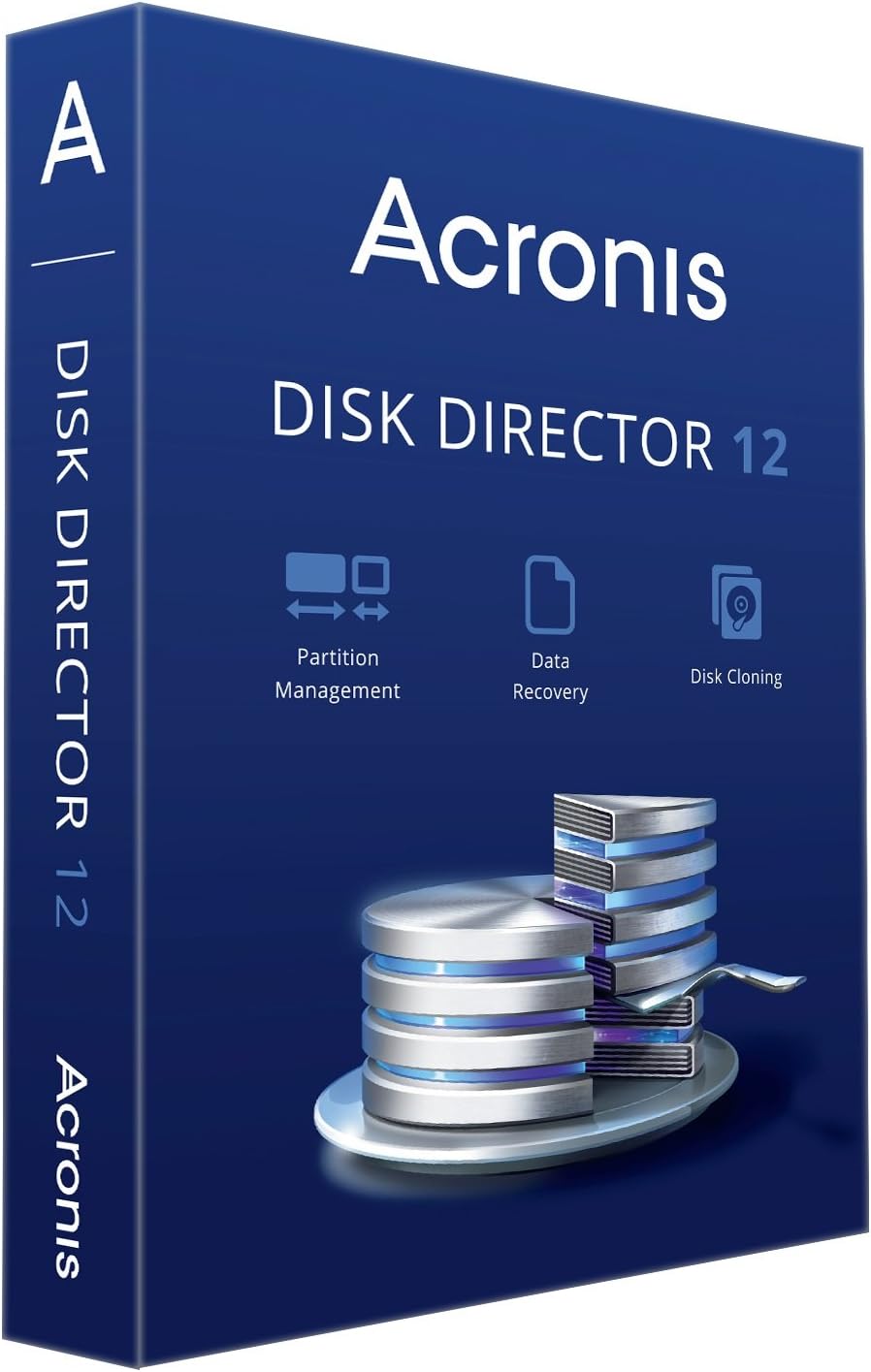
Acronis Disk Director 12
Product ID: 9335965
🔄Seamless volume management
⏱️Time-saving cloning
🗂️Easy partitioning
🚀 Elevate Your Data Game with Acronis Disk Director!
Acronis Disk Director 12 is a powerful disk management software that simplifies the process of mapping hard drives, creating partitions, and cloning disks. With its user-friendly interface, it allows users to efficiently manage their data, reducing time spent on complex tasks while minimizing the risk of errors.
| ASIN | B00KX75WZS |
| Customer Reviews | 3.7 3.7 out of 5 stars (118) |
| Date First Available | March 28, 2014 |
| Is Discontinued By Manufacturer | No |
| Item model number | DD-12-MB-RT-W-EN |
| Manufacturer | Acronis |
| Product Dimensions | 0.75 x 5.5 x 7.5 inches; 3.21 ounces |
K**.
Must produce boot CD or USB drive to get full function
Great software for EXPERIENCED USERS due to the somewhat deficient documentation. The documentation covers everything, but in a minimalist manor. The key to this software is to produce a linux based boot cd or usb drive first thing after installing and updating it - this is not given much attention in the documentation. Many functions are not available running from the same hard drive partition you are modifying. For example you can't resize or merge the "boot" partition unless you boot from the linux cd or usb drive as far as I can tell. Once you boot from the linux CD or USB drive the full power of the software is available to you - and it is much more straight forward to use. DD12 was half the price of competing products so I am quite happy with it. Have not tried to clone a disk with it yet - so can not comment on that function.
D**R
Good Software, but BE CAREFUL!
I wanted this software to give me more options with hard drives than is offered by "TrueImage". such as setting up dynamic disks. But, use caution....this software has a lot of capability including the capability to hose your hard drive...at least the data on it...if you are not careful. Experimenting is not advised. I am pretty capable with computer hardware and still managed to mess up a dynamic disk import...my fault. The one feature I don't like about DD12 is the fact that if the software detects a dynamic disk with a corrupt LBA file (ie, from a failed dynamic disk export/import) it freezes you out of all operations on any disk on that system until you disconnect the bad disk...which means data recovery with this software is unlikely in that situation...I had to go to other software working from the command line to even be able to re-initiate the drive, and of course lost all data. Acronis TrueImage, which I also own, sees the disk as "Invalid" if you try to use the "add disk" feature. So even though you can convert back and forth between dynamic and basic disks and change partitions, etc. without data loss, moving a dynamic disk from one pc to another is tricky, as some of the dynamic disk's boot record is stored in the OS's registry. I found out the hard way. In fact, stick with basic format unless you really need the added features of dynamic disks (mirroring, striping, spanning). I attach a couple of screen shots that show some of this software's features.
E**L
easiest software I've ever installed - worked perfectly to clone failing 1T disk to a 2T
felt C: was starting to fail. wanted not only a replacement but to double space available. was going to "copy" C: to D:, but looked up possibilities. Was advised by two Amazon users that I must clone if I wanted to transfer operating system; didn't know that. both advised this software. it was easy to install and although I do not understand all it's capabilities, it easily/simply allowed me to clone. worked perfectly!
B**H
Could not clone my GPT hard drive
I bought this product to clone from a 1TB hard drive from a Windows 8 system by Lenovo, onto an identical replacement hard drive. Based on product description and reviews, Disk Director 12 was the right Acronis product for the job. However, I was never successful. And I never did find out why. For my hard drive, Disk Director 12 did not display the "clone" option, nor any explanation why cloning was unavailable. Apparently there is something special about a GPT format (guid partition table) disk instead of a FAT (file allocation table) disk. The product documentation claims to support Windows 8, and the user interface looks pretty slick, but it couldn't handle my Win8 hard drive. I had problems with Acronis online product registration, and then with Acronis customer support. Their registration website was not working for a few hours on Dec 3, 2014. (When is the last time you saw a any company fail to keep their product registration service working?) This is the main web link plastered all over the printed documentation, and also used by the setup program. I sent a problem report to Acronis Customer Central. They promptly replied "it works for me, the problem must be at your end" but no apparent effort was made to check with anyone in their own IT group. And product registration magically worked again. Then I received a series of customer support emails in Italian (huh??) over the next two weeks. I gave up. I figured there's no point in asking a technical question about cloning if they can't handle a simple product registration matter. For me, Disk Director 12 was a waste of time and money to clone my Lenovo terabyte GPT hard drive. I found other, free, software for cloning and partition editing (EaseUs Partition Master, and Windows diskpart.exe). The computer runs great now, but by the way, I never did get its Lenovo OneKey Recovery partition to work properly.
D**S
Can't clone floppy disks. That was the main thing I wanted to do. It does see jump drives.
My PC runs Windows XP. It has an external hard drive connected via USB. It has an internal 5/14" Floppy drive and a USB connected 3/12" floppy drive. Windows XP has no problem recognizing both floppy drives. Acronis Disk Director recognizes the PC's internal and external hard drives. It does not recognize either of the floppy drives even when there is a floppy in them. It does recognize USB jump drives when they're inserted. Installation of Acronis Disk Director requires entering 8 sets of 8 characters separated by dashes - bit of a pain.
E**Y
NOT FOR GPT (guid) systems.MBR works ok
Will not work with GPT partitons at all If I would have known this I would not have bought. I works fine for MBR partitions. In my case this software is useless for the reason I bought. 2 stars is generous. Forget contacting them about it...
A**R
For An Old Computer
This was used on an older (ca. 2009) hand-me-down computer that I wanted to get just a little more life out of by installing a solid state drive that was pulled from my "daily driver" for upgrade. In other words, I wasn't spending any money on it. It really wasn't worth spending money on the newer version, and to be honest I'm not even sure the machine will even be used. I've been using Acronis products for years on my main machine and with the exception of one weird glitch when I first started using it have been quite happy. The weird glitch? For some reason it insisted on backing up the back up files, so my shiny new 4TB drive filled in less than a week when I had it set to only back up the boot drive. (500GB and nowhere near full.) I finally gave up and reformatted the back up drive and reinstalled the software, and everything was OK after that. It's still a bit of a space hog (not to be confused with the alt rock band) but manageable. That didn't apply to this version in my case, but as they say, YMMV.
C**O
Powerful tool. Not for faint of heart.
I was able to repurpose two older but well conditioned drives into newer computers using this program. ADD12 performs many more functions than the Windows disk management console. But watch out! You better have a good idea of what you are doing or you can very easily render your computer unbootable from the hard disk. I succeeded by trial and error and the error part got real scary for awhile. The software licenses to an operating system rather than a motherboard so it is somewhat transferable between machines but the best option is to get it onto a bootable stick, which I could not figure out how to do. This is cheaper than buying used disks if you need to move more than a couple between machines. The usefulness of the software substantially increases with an external drive bay. The most common error that wrecks boot sectors is forgetting to change NTFS disks to 'offline' before removing them from a machine. Another is not copying the drivers onto a USB before upgrading an operating system.
Trustpilot
2 months ago
2 months ago