Desertcart purchases this item on your behalf and handles shipping, customs, and support to Hungary.
🔥 Elevate your living room with the TCL QM6K — where premium tech meets unbeatable value!
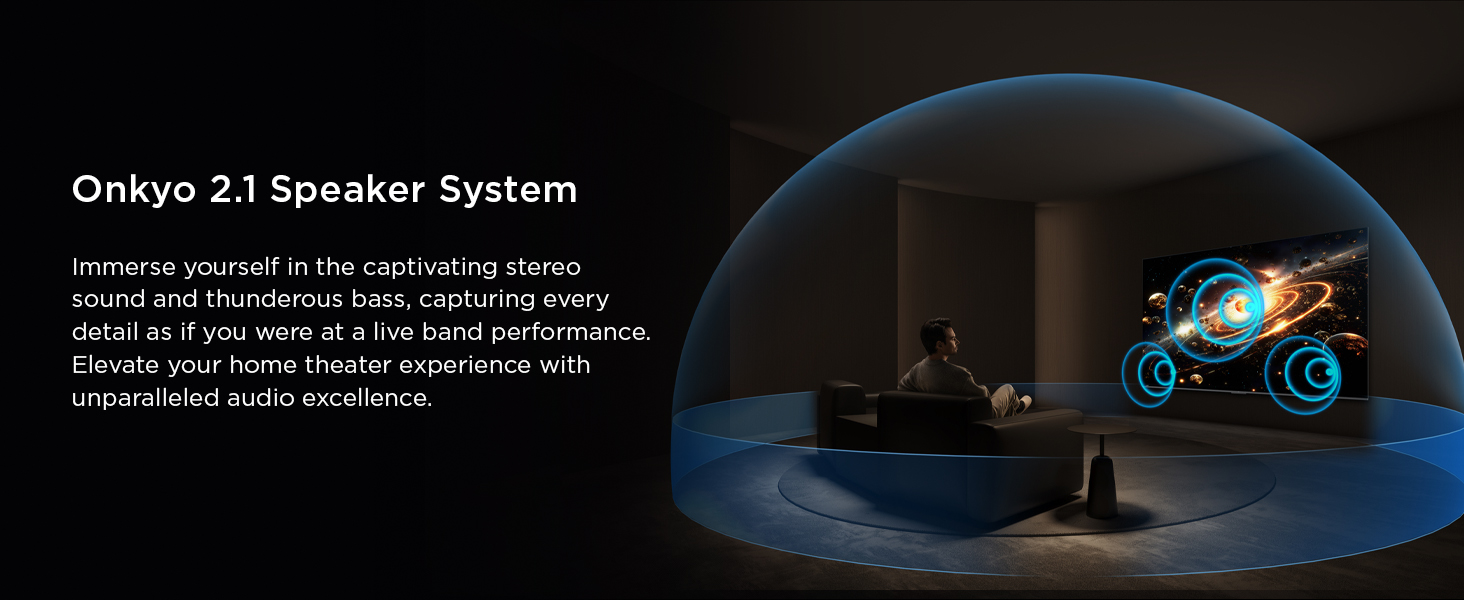
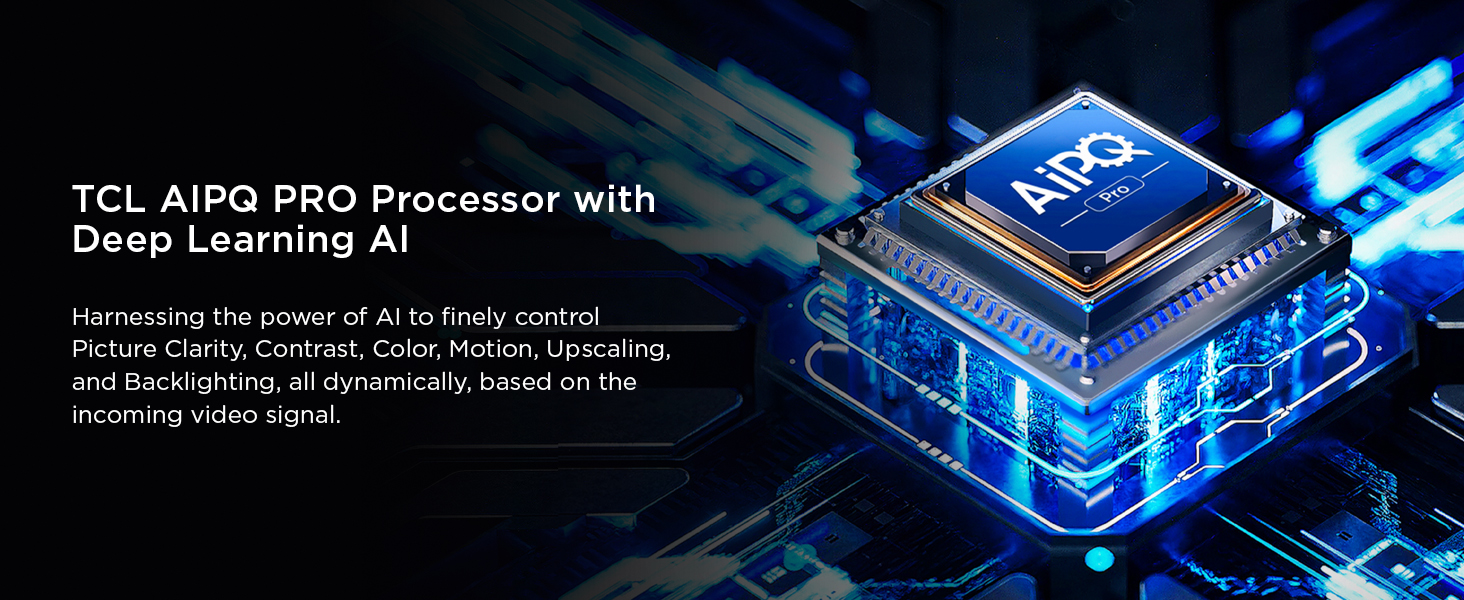
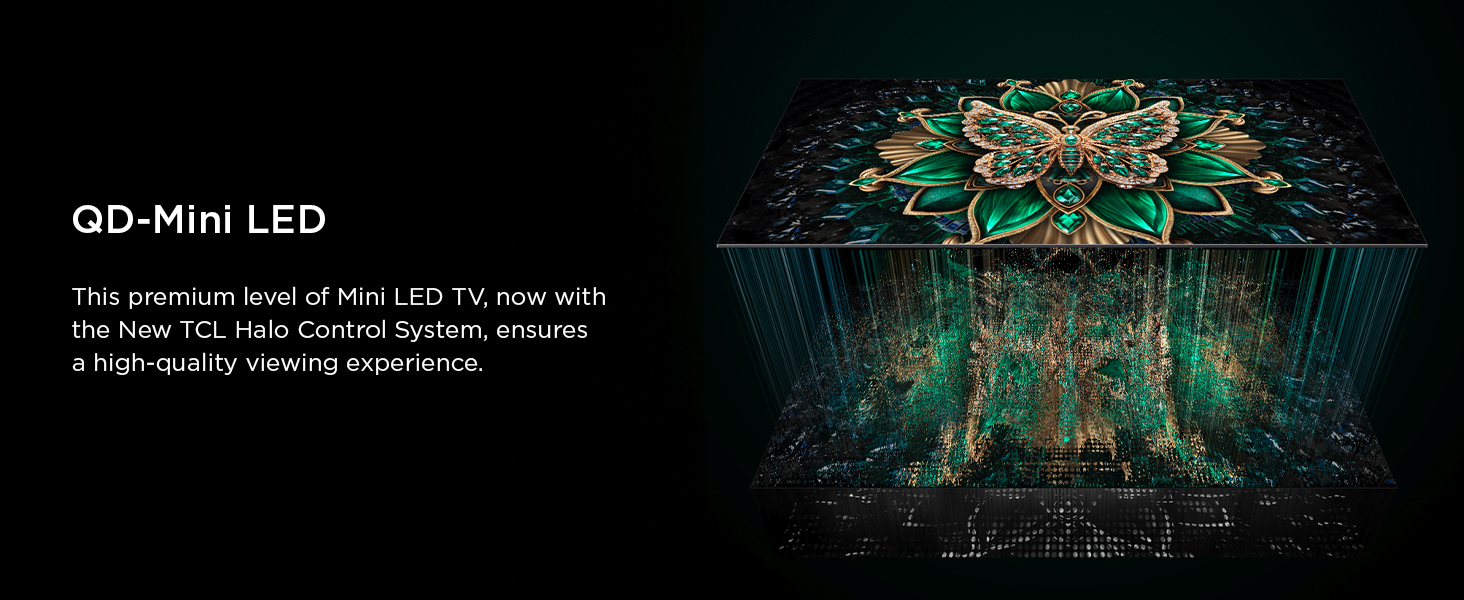
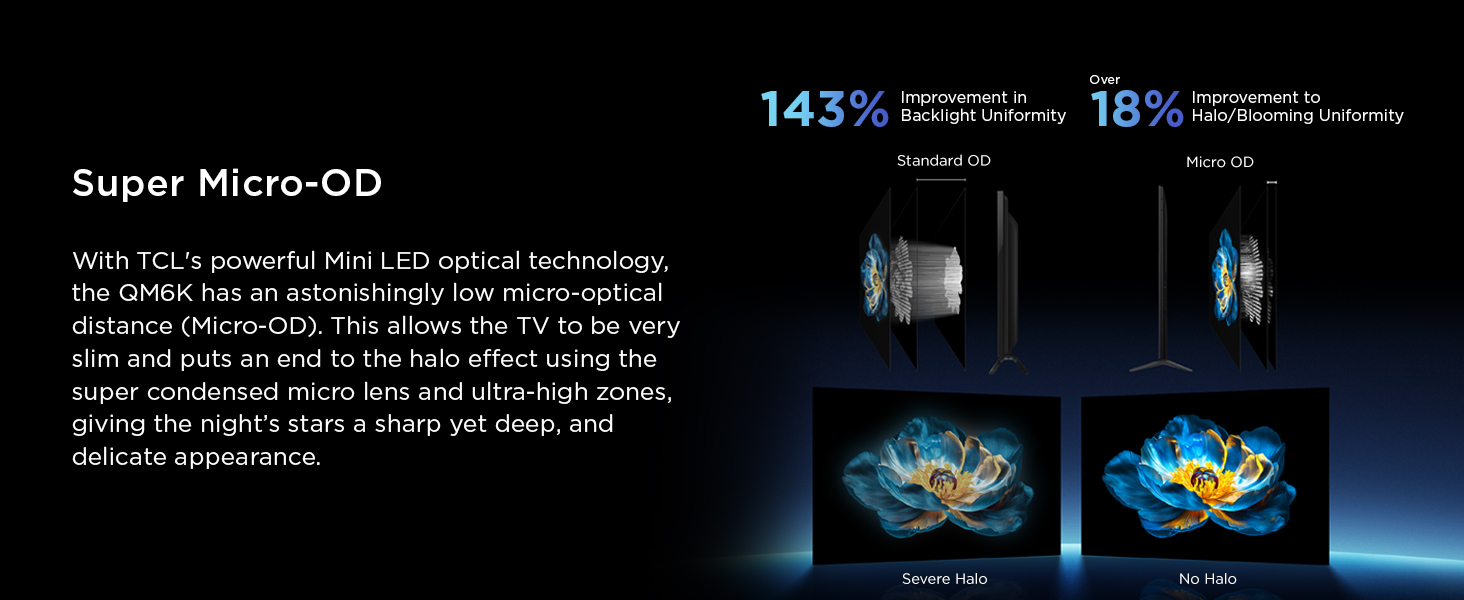
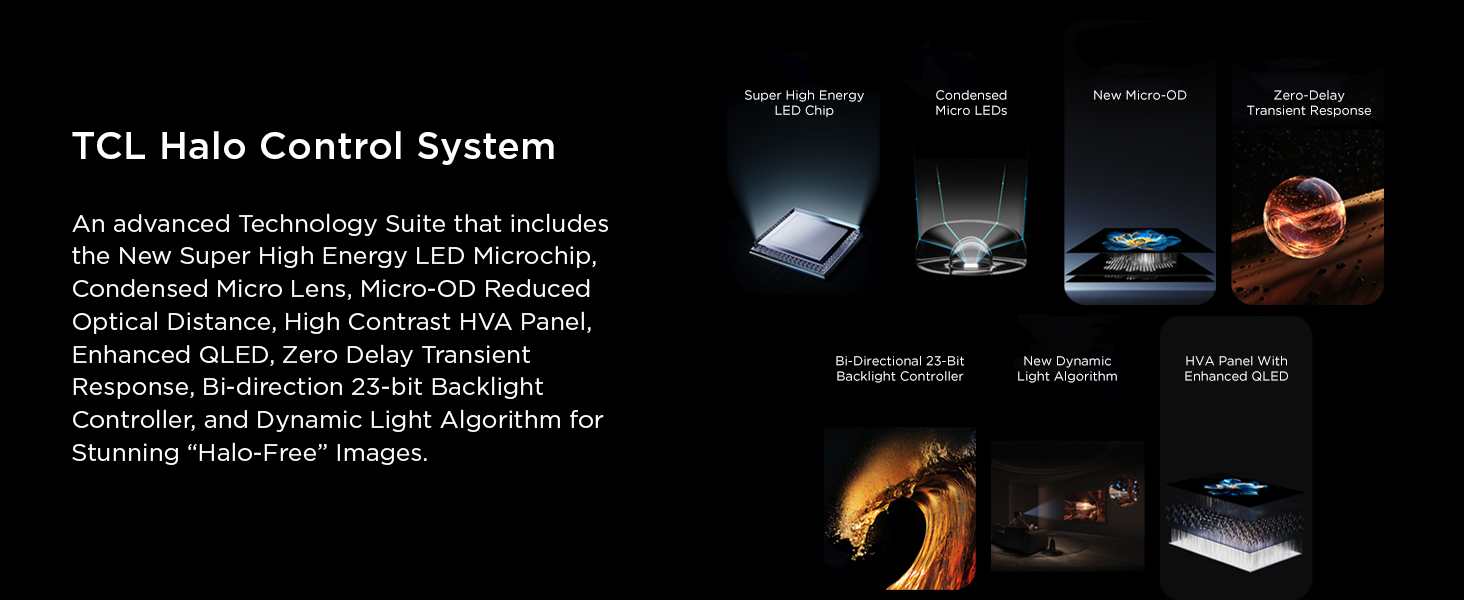
The TCL 75QM6K is a 75-inch Mini LED QLED 4K HDR Smart TV featuring a 144Hz native refresh rate and advanced Halo Control local dimming for superior picture quality. Equipped with Dolby Vision, HDR10+, and Dolby Atmos via an Onkyo 2.1 speaker system, it delivers stunning visuals and immersive sound. Powered by Google TV and enhanced with Game Accelerator 288 VRR, it’s designed for seamless streaming, gaming, and voice control, making it the ultimate affordable premium entertainment centerpiece.
| ASIN | B0DSRHTGYG |
| Additional Features | 144hz Refresh Rate, 288hz Variable Gaming Refresh Rate, Dynamic Contrast Enhancer, Google TV, Onkyo Audio System |
| Annual Energy Consumption | 600 kwh |
| Antenna Location | Gaming, Home Entertainment |
| Aspect Ratio | 16:9 |
| Audio Encoding | DD, Dolby Atmos, Dolby Digital Plus |
| Audio Input | HDMI |
| Audio Output Mode | Surround |
| Best Sellers Rank | #998 in Electronics ( See Top 100 in Electronics ) #12 in QLED TVs |
| Bluetooth Version | 5.4 |
| Brand | TCL |
| Built-In Media | Power Cable, Remote Control, Stand, User Manual |
| Color | Black |
| Connectivity Technology | Ethernet, HDMI, RF, USB, Wi-Fi |
| Connector Type | Ethernet, HDMI, Optical, USB |
| Content Sharing Direction | Mobile to TV |
| Contrast Ratio | High (based on HDR support) |
| Control Method | Push Button, Remote |
| Controller Type | Remote Control |
| Customer Reviews | 4.3 out of 5 stars 2,013 Reviews |
| Display Backlight Configuration | Edge LED |
| Display Backlight Setting | Full Array Local Dimming |
| Display Backlight Technology | Mini-LED |
| Display Language Options | English, French, Spanish |
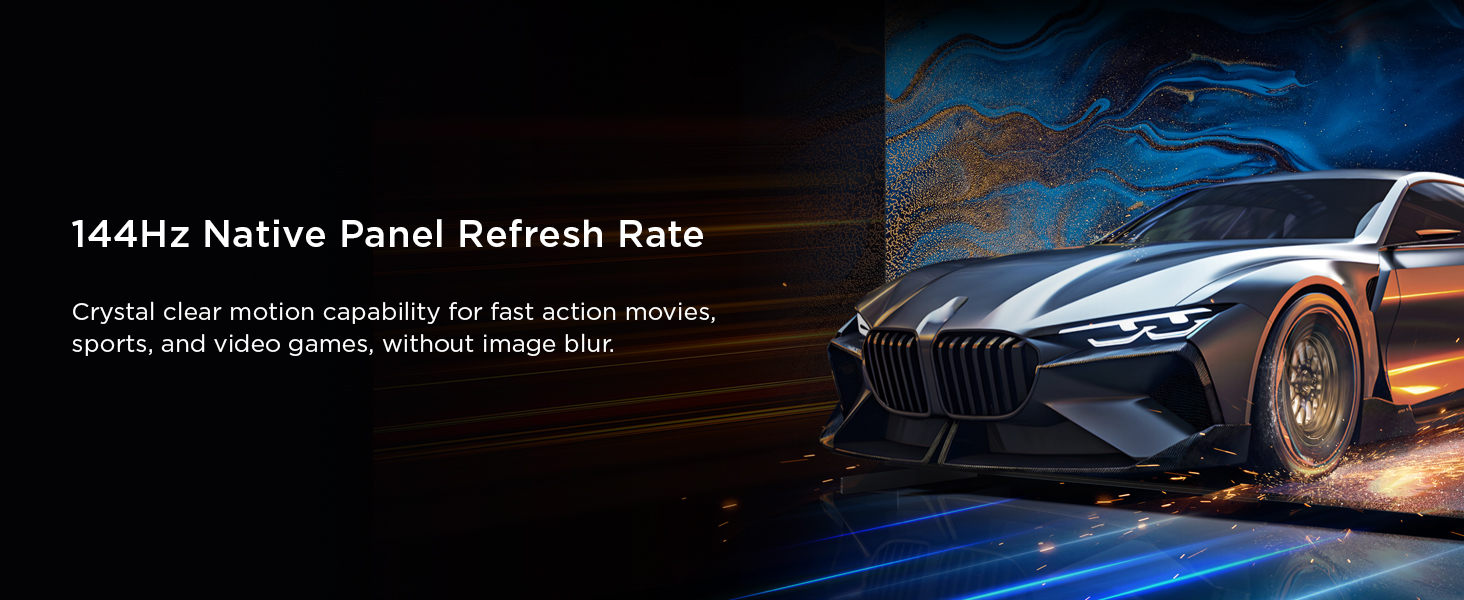
| Display Refresh Rate in Hertz | 144 |
| Display Size Class | 75 inches |
| Display Technology | 4K UHD, Mini Led, QLED |
| HDR Format Supported | Dolby Vision, HDR10+, HDR18, HLG |
| Hardware Interface | HDMI |
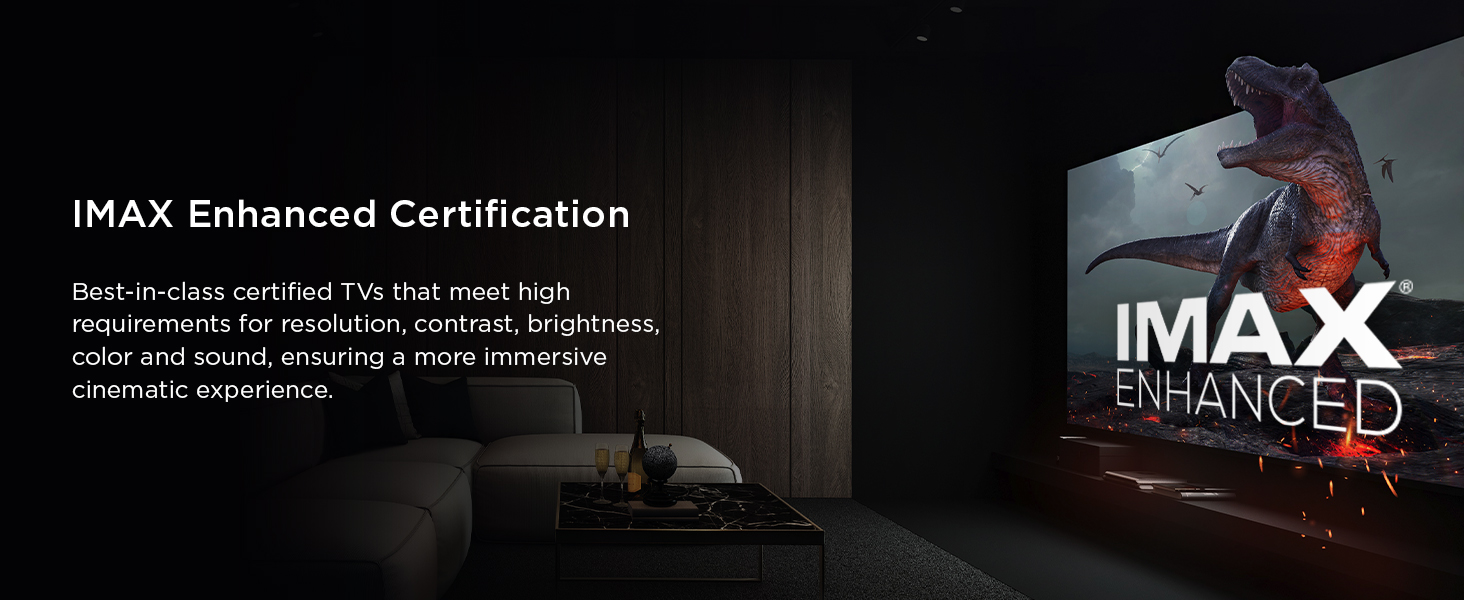
| Integrated Surround Sound Format | DTS:X, Dolby Atmos, Dolby Digital, Imax Enhanced |
| Internet Applications | Amazon Prime Video, Apple TV, Disney Plus, Hulu, Netflix |
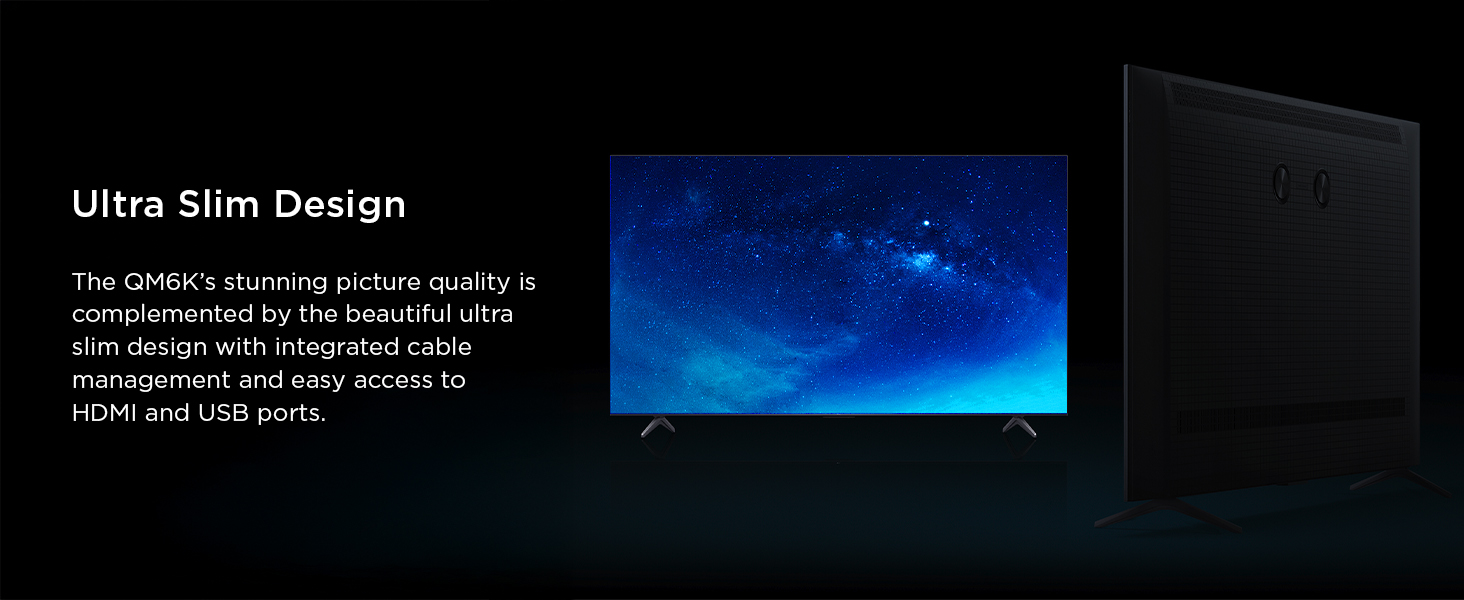
| Item Dimensions D x W x H | 2.2"D x 65.8"W x 37.8"H |
| Item Highlight | Latest Model, 144HZ High Brightness, IMAX Enhanced, HDR10, Dolby Vision, Dolby Atmos Audio, Voice Remote, Premium Gaming |
| Item Weight | 51.8 pounds |
| Item Weight Without Stand | 50.7 pounds |
| Line Voltage | 110 VAC 60 Hz |
| Manufacturer | TCL |
| Maximum Display Brightness | 1000 nit |
| Mfr Part Number | 75QM6K |
| Model Name | 75QM6K |
| Model Number | 75QM6K |
| Model Series | QM6K |
| Model Year | 2025 |
| Motion Enhancement Technology | Motion Rate 480, Game Accelerator 288 VRR |
| Mounting Type | Wall Mount |
| Number of Audio Channels | 2.2 |
| Number of Batteries | 2 AAA batteries required. |
| Number of Items | 1 |
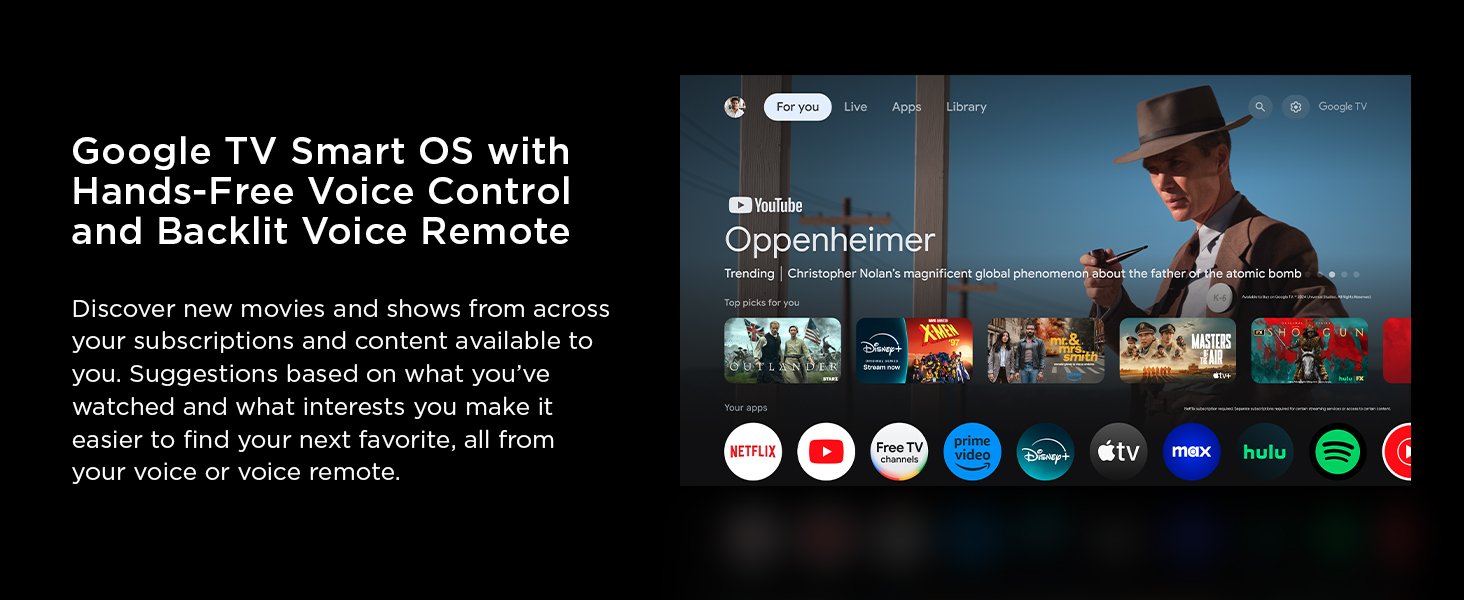
| Operating System | Google TV |
| Parental Control Technology | V-Chip |
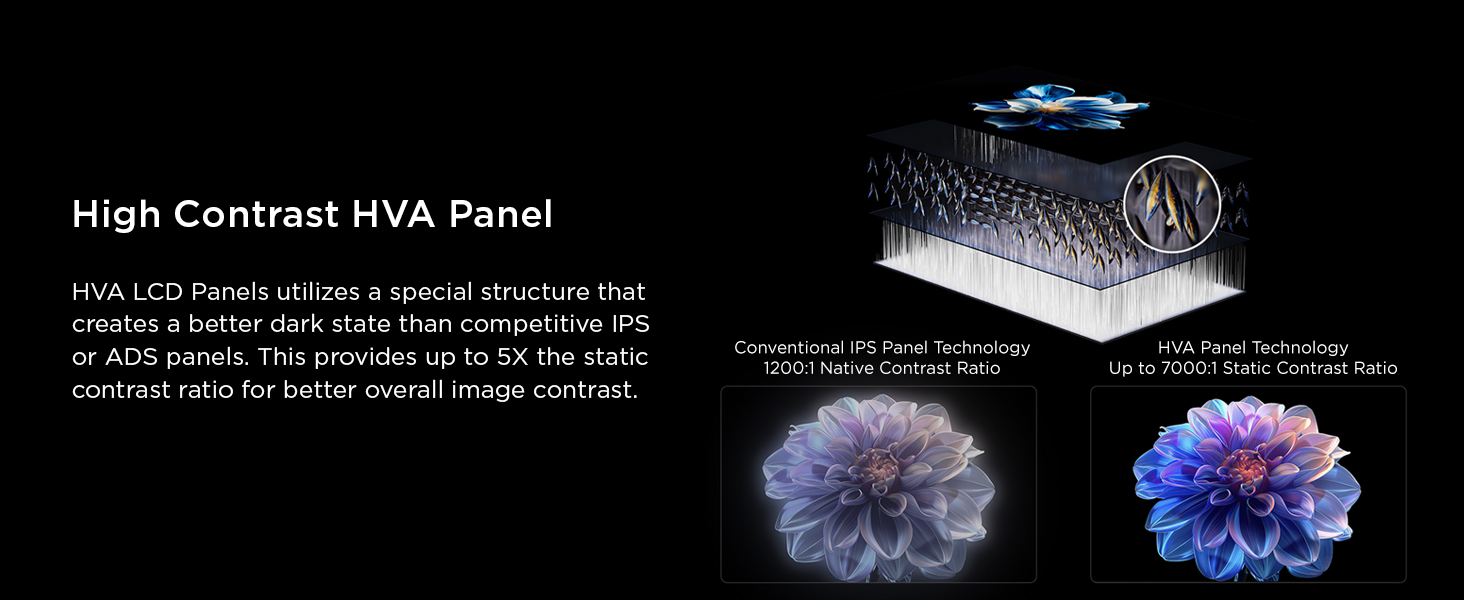
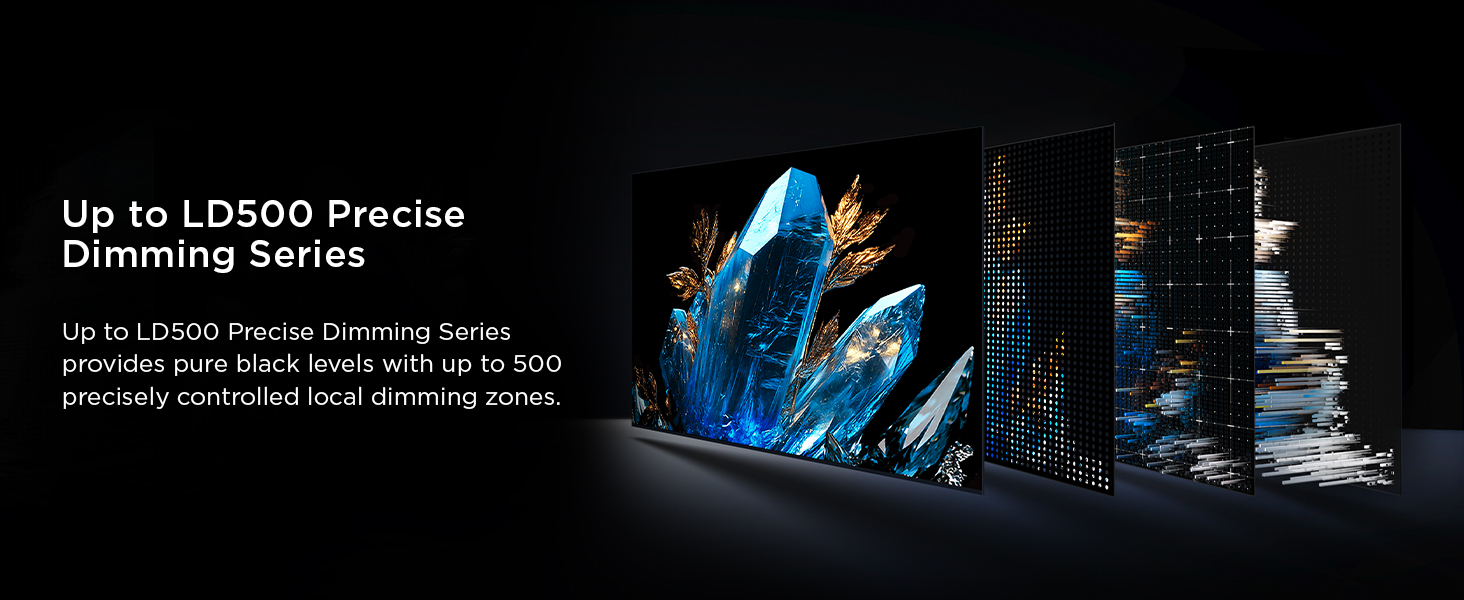
| Picture Quality Enhancement Technology | 144hz Native Refresh Rate, Enhanced QLED, Halo Control Technology, Precise Dimming Zones, QD-Mini LED |
| Refresh Rate | 144 hertz |
| Remote Required Battery Quantity | 2 |
| Remote Required Battery Size | AAA |
| Resolution | 4K |
| Screen Finish | Glossy |
| Screen Mirroring Technology | AirPlay 2, Google Cast |
| Screen Size | 75 inches |
| Signal Format | ATSC |
| Size | 75-Inch |
| Software Update Supported to Date | unknown |
| Speaker Description | ONKYO 2.1 Speaker System with built-in subwoofer |
| Special Feature | 144hz Refresh Rate, 288hz Variable Gaming Refresh Rate, Dynamic Contrast Enhancer, Google TV, Onkyo Audio System Special Feature 144hz Refresh Rate, 288hz Variable Gaming Refresh Rate, Dynamic Contrast Enhancer, Google TV, Onkyo Audio System See more |
| Specific Uses For Product | Entertainment, Gaming |
| Total Audio Out Ports | 1 |
| Total Number of HDMI Ports | 4 |
| Total USB 2.0 Ports | 1 |
| Total USB 3.0 Ports | 1 |
| Total Usb Ports | 2 |
| Tuner Type | ATSC, NTSC |
| UPC | 846042043076 |
| Unit Count | 1 Count |
| VESA Mount Standard | 300 x 300 mm |
| Video Encoding | H.264 / H.265 / MPG1/2/4 / WMV / VC1 / VP8 / VP9 / AV1 |
| Viewing Angle | 178 degrees |
| Warranty Description | 1 Year Manufacturer |
| Warranty Type | Limited |
| Wireless Technology | Bluetooth, Wi-Fi |
S**G
Great TV, GREAT bang for the buck.
-10-15-2026 Update, Not regretting this TV one bit, doesn't miss a beat connecting to my PS5 Pro. Great picture, 4k playback is exceptional, no dimming whatsoever.- Purchased the 75" model on 12 Dec. 2025. This replaced my dimming 75" Sony XBR. First and foremost, this is still a great bang for the buck. It's 120-144hz is really nice, I use the 120mhz with my Playstation 5 Pro, and fast action FPS games don't miss a beat with this TCL, I did A LOT of research prior to buying it, and inspected this tv at a electronics store. The sound quality is decent, but I run audio from a home theater reciever, which is also able to input and output 120hz. (I tried it via it's 60hz HDMI ARC/eArc option, and that performed great) The features and options are excellent, as is it's ease of use. The backlit remote is appreciated. -Only downside is that in a super bright room, there are better choices, my living room isn't super bright, for my needs I bought this tv knowing it's brightness is dimmer than others. If it lasts half as long as my Sony XBR, I'll be a happy camper.
S**.
A surprisingly competent “budget” TV.
I needed a replacement for an older 55” Samsung LED set that developed dark areas on its display. I was not looking for a high end set, since I already have a 65” Sony OLED as my primary unit. Aside from a decent picture I also really wanted something with good audio, particularly for voice. Cheaper sets all seemed to have poor audio quality without a sound bar, and I really did not want to use a sound bar with this. So, after a lot of research, the TCL QM6K kept coming up as a recommended budget TV. At $450, it certainly comes in s an affordable choice. I ordered the TCL and it arrived via UPS in a few days. The package was fine, and the TV was perfect out of the box. The two legs for the non-wall mount simply attach with two screws for each one. If you look at the instructions they show the screw brackets pointing in, and that has to be the orientation for the legs to line up properly. Set up, which I dreaded, was surprisingly simple and required just pairing my iPhone through the displayed bar codes. The WiFi was recognized and operational with no other input required. I had to enter my Gmail account information to access the full slate of Google TV options, and then wait while the unit downloaded the latest updates. Functions of the remote are explained in the manual. The menus, accessed through the gear button, are very inclusive and provide many options for the picture and sound quality. I tried the settings recommended by several online sites, but found working with the TCL preset options produced more pleasing results. Sound quality is better than expected, and can easily be adjusted to produce very clear voice quality. I tried the TCL auto volume adjust feature, and found it boosted and lowered the volume at odd times and seemed very artificial and annoying. I turned it back off. So, after a week of use and some fiddling with the settings, I have a $450 TCL that is giving me an excellent image with clear and pleasing sound. Is it as good as my Sony OLED? No, it's not. The Sony has more detail in blacks, and a much wider viewing angle. But the difference is not as great as I thought it would be, and the Sony was over $2,000 when I bought it. At only a week, I can’t comment on reliability, but “budget” TV’s generally do not do as well as more expensive ones. I will be holding on to the shipping box and packing material until the 30 day Amazon return period is over. If there are no issues, and I really don’t expect there will be, this TCL is an easy recommendation within its modest price range.
D**I
Nice low cost HighDef TV
I bought this purely on price difference compared to bigger brand names. At first I was a little disappointed on how the apps worked as some did not load or exit properly, and there was always a hesitation and choppiness to the video. I connected a Chrome cast and that fixed the app choppiness issue, but I was disappointed that I could not use it as a Google TV as that it why I bought it. The interface was a little different than normal Google TVs or Chrome Cast devices, but it was easy enough to figure out. I connected a high end Bose sound bar and the audio was a little off from the video, but Bose has options to fix that. Once the TV did an update it seemed like everything was adjusted and fixed. The interface trued up to real Google TV, the sound bar connected and worked perfectly with it. The hesitation in the apps went away and the apps worked great. The picture is steady and true, and the processing speed increased so that I could watch higher def channels and movies. All in all, the update seemed to fix any issues I had originally. At this point I am pleased and would recommend it.
K**T
Wonderful picture, easy to use OS, great price.
I'm so glad I chose a Google TV. The operating system is easy to navigate, and I haven't found an app yet I can't get. I even have my favorite music streamer (Qobuz) on my TV natively! I was able to retire my PS4 finally. And that's nothing compared to the picture quality. It looks so much better than my previous TV (a Samsung). The blacks are super black and the colors are really vivid. I also like how the built-in screensaver prevents burn-in, eventually turning the TV off completely when I fall asleep. I only quibble is sometimes it's difficult to find the broadcast channel list (I don't have cable) with descriptions of the programs. A small civil for what is an excellent television. If you're considering it, buy it! You will not regret it.
R**R
Great TV after some adjustment
I don't know if I can add much that hasn't already been said in previous reviews but here goes. I'm not a super power user. I don't like watching sports, I don't play video games, but I do watch a lot of streaming and disc based based content. I HATE all the new motion "enhancing" stuff they put on TV's that give that soap opera look so I always turn that stuff off first. In fact most of the time I turn off all the real tine image processing type stuff because I find personally that it makes stuff look artificial, or some may call it hyper real. Edges too sharp and details too detailed. HDR is a bit different because it seems to enhance things more naturally and som of it is done with the actual filming or mastering so the content is actually made for it. All the other stuff is happening after the fact so it just never looks good to me for most movies and shows that I watch. I watch a lot of sci-fi type stuff with a lot of dark imagery and I love OLED picture. I have an old (gotta be 10+yrs) 65" LG B6 from back when LG was the only OLED name in TVs and they had 2 or maybe 3 levels. At the time, the B6 was the "base" model (at $3k) but I couldn't stand LCD tvs at the time because I was coming from an old Panasonic plasma. OLED was really the only option for me since they no longer produced plasma and everything was focused on 4k, even though there wasn't really any content meant for it. Anyway, fast forward to today, my beloved LG OLED just stopped one day without warning. The screen was still looking great with minimal burn in and no dead pixels that I can see. Pretty amazing actually, especially for older OLED tech. I needed a TV now so I can take apart my other one and see about fixing it (likely just a power supply which is easy to fix). I knew I didn't want to spend a ton as this will be a spare, "bedroom" type TV when I fix the LG, but not knowing how long it would take to fix, I wanted something decent so mini-led tech seemed the ticket as it would be a big upgrade for the bedroom later on. Also it would give me some experience with the new tech these days. Didn't take me long in my research to narrow it down to TCL or Hisense. I settled on TCL because it seemed to match up best for the features of the type of content I watch most. I'm sure Hisense is a good tv as well. After pouring over the QM6, QM6PRO (only at costco) and the QM7, I settled on this one, largely due to the price point, I'm pretty happy with it. I still love the richness of OLED but this is still pretty satisfying. If I was going to dump OLED as my main set, I would likely get a QM7 because it definitely is a big upgrade. I saw them side by side at best buy and the difference was significant. But the price was just more than I wanted to spend for a secondary screen. I don't have super bright rooms or at least no direct glare where the TV's go so the lack of brightness in the QM6 is not an issue. I'm used to lower brightness with OLED so it seems pretty normal to me. I use the adaptive brightness which is great because you set it where you want at a certain ambient light level and then the sensor adjusts accordingly when that ambient level changes. The Google TV format is fine, runs pretty quick and has everything I'm used to coming from using a Fire TV Cube with my other TV and other fire tv's and sticks. Its relatively familiar because fireOS is android based anyway. Not super impressed with sound but I haven't messed around a lot with it yet because I have a sound bar with subwoofer so that is what is used the majority of the time. The thing that really impresses me (and scares me at the same time) is how intelligent these things are. Just plugging in my blu-ray player brought automatic basic function of the remote and routing of the audio to the soundboard, even though they are all different brands. I always thought this shouldn't be incredibly hard to do but in the past this functionality was usually only brand specific because all the big names love their propriety, to get you to buy only their products, and even make things harder on purpose (looking at you apple). I settled on the 55" after originally thinking I was going to get another 65" and I'm glad I did because after putting my dead (for now) 65"OLED in the bedroom to put this in the living room, 65" is too big for the bedroom. This one that is in the living room for now, is going to be great for the bedroom when we feel like watching movies in bed. Though I may end up getting a sound bar set up for the sound. Oh, lastly, I will say that the motion activated back light on the remote is pretty frickin cool. I don't see that a lot. All in all, I wouldn't hesitate to buy this again or other products from TCL. At least until they start going to crap, which eventually seems to happen with just about everything. That's why I'm never a brand loyalist.
D**N
Fantastic TV at a great price
I bought my 65” QM6K to replace my aging Samsung. I am very happy with it so far. The setup process was painless - installing the feet and logging in to my various apps took minutes. I had never used the Google TV interface before, but I was pleasantly surprised. It’s much more responsive than my Samsung. The picture on this TV is fantastic… way better than my old set. My only slight complaint is that I don’t love the performance of the speakers, but I’m mostly watching at night with headphones anyway (bluetooth connectivity is flawless by the way). It’s not terrible, but not great either. I would recommend a soundbar if you watch a lot of movies or just generally care about vivid sound.
D**S
Worth every Penny!
For the price, this is an awesome TV. I have had several TCL TVs, but this is my 1st Google TCL TV; the others were Roku TVs. The quality of this TV is amazing for games, which is mostly what I use it for.I was gaming on a TCL 75 Inch R635-Series. But this is leagues and bounds better ( for gaming). I love that, since it runs Android, I can install several apps I couldn't on the other TV. I am not fully satisfied with the OS, and I don't like that it's tied to my main Google account, which gives anyone who has access to the TV access to some of my private Google Content. You can opt out of this, but I feel like I am not fully utilizing the TV's features if I do. I am used to the Roku setup, so I think I will get used to it eventually. I really wanted an OLED, but the mini-LED is not bad. The tech is getting better and better, and right now I am more than happy with the results. I have not noticed any Haloing (it's there, but it's such a small amount). Yes, there are better-looking TVs out there, but I haven't found any at this price point. For the money, I dont think there is a better TV (maybe the newer model, which is about the same price). I would 100% recommend
R**N
TCL QM6K 65in. Excellent bang for your buck! Punches WAY above it's weight. These are going fast!
First of all.guys, I apologize for my awful picture taking skills. I am disabled, and my hands do not work as good as they used to.I was buying groceries at Wal-Mart and decided to look at their TV selections. It turned out to be VERY underwhelming. They had some decent TCLs but nothing that you would consider mid range, and definitely not high end. I mean sure you can get a 75 inch TCL for under $500, but the tech is years old and they usually max out at 60hz refresh. I don't think they had even one mini LED. So I was off to do my research, on what the newer tech was, and was OLED still king, and crazy expensive? Of course it was, but I read some great articles on Mini LED and how bright they get without edge bleed, and how amazing the blacks were (they really are), which I took with a grain of salt. I then went to YouTube to see some reviews and comparisons and finally came down to my final two choices. Either the TCL QM6K or the Hisense 7 series. They were neck and neck but the TCL had a few more features, with more picture modes, including an IMAX mode. So if it came down to it, I'd prefer the TCL. Upon checking Amazon both were available with the TCL being $60 cheaper. I ordered it and 2 days later at 8am, it arrived. Since I'm disabled I got the set-up which left a ton to be desired. Luckily I wasn't hanging it on the wall! These guys had to borrow a screwdriver from me to install the legs which I pointed out he was doing backwards! I mean c'mon guys there are arrows to show the correct way. I weep for the future but that is another story for another time. So theY were supposed to clean up and remove the trash, etc. Yeah right... They did remove the outer box cover but my floor was COVERED with little foam balls, and they left everything else. So think about all that, before you pay for deluxe set up. Maybe YOU will have better luck. I hooked up my Mini-PC, Samsung UHD Player, and NVIDEA SHIELD TV to the tv and fired it up. I did not realize how much better 120hz would look with PC Games. Just awesome. You have 4 HDMI, two of which have up to 144hz. That would be HDMI 1&2. I connected my Shield TV to the second one so I could use that feature in the XBOX APP on the Shield. I pay for Game Pass Ultimate, which is now very worth the price. As long as you have fast internet service you can stream most of the best XBOX games out there. For just the price of Game Pass, you don't even need to own an XBOX!!!! I REPEAT, YOU DON'T NEED TO OWN AN XBOX to stream games from the app! That could kill Sony in the long run. Oh, and the games run super smooth on the Shield TV Box. I'm very satisfied with my Amazon purchase for the TV. Deluxe setup, NOT SO MUCH. Total money waster. EDIT: JULY 28, 2026. So I still think this TV has the best picture and deepest blacks for any in its price range. I'm taking a star off for the problems with Bluetooth always having to reconnect, and also for the Googie AI randomly stating up, which interups everything. It also randomly exits aps and switches inputs. All these problems should ge able to be fixed by firmware updates I assume, but have NOT yet been addressed. If not for these problems this would easily be a 5 star product!
Trustpilot
2 weeks ago
2 months ago