Buy anything from 5,000+ international stores. One checkout price. No surprise fees. Join 2M+ shoppers on Desertcart.
Desertcart purchases this item on your behalf and handles shipping, customs, and support to Hungary.
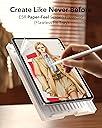
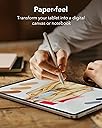
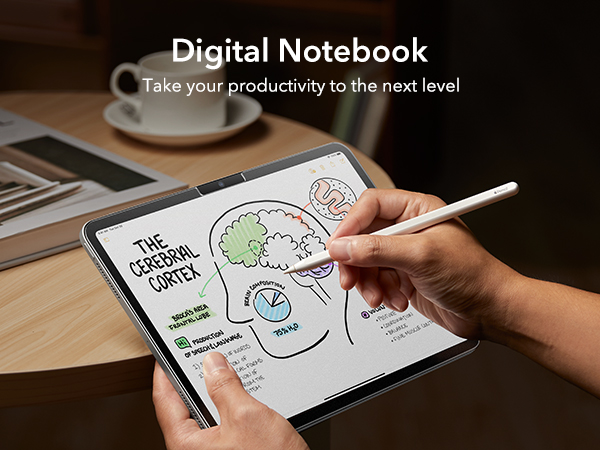
✍️ Transform your iPad Air into a digital notebook with paper-perfect precision!
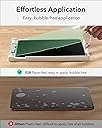
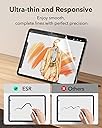
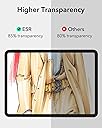
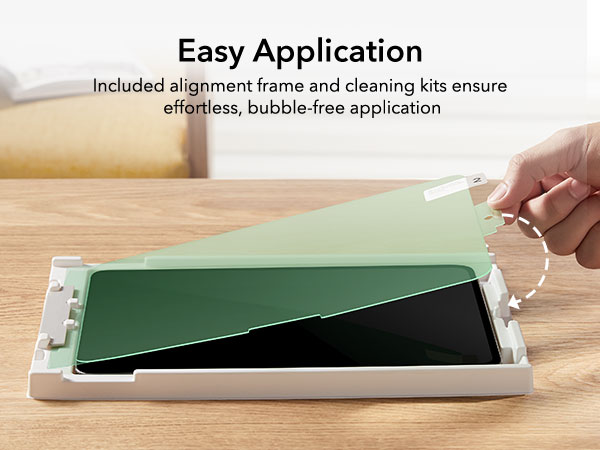
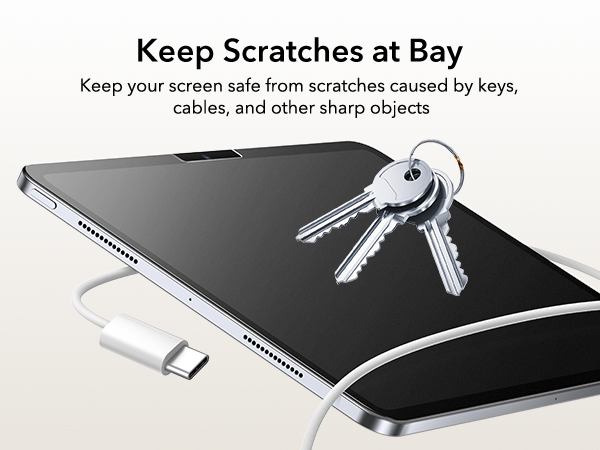
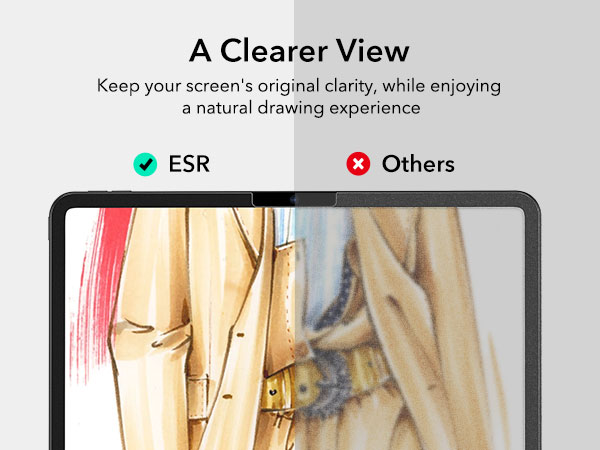
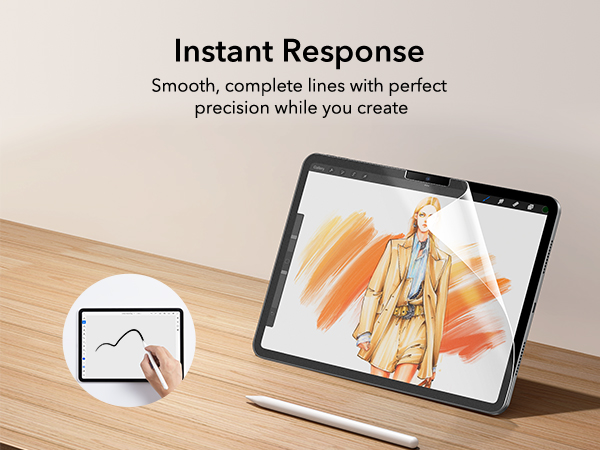
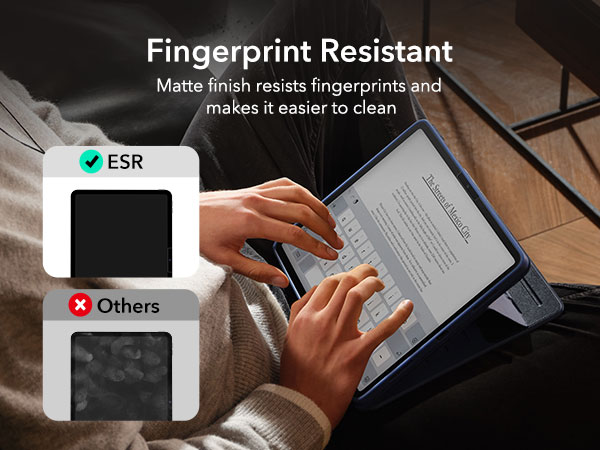
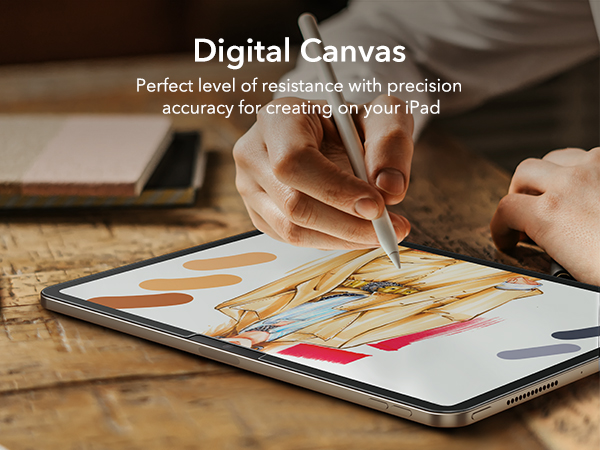
The ESR 2 Pack Paper-Feel Screen Protector is designed exclusively for iPad Air 13-inch models (M4/M3/M2, 2026-2024). Ultra-thin and matte-textured, it delivers a natural paper-like writing surface with Apple Pencil, while maintaining 95% screen clarity and reducing glare. The included application tray ensures bubble-free installation, and its fingerprint and scratch-resistant finish protects your device from everyday damage. Backed by comprehensive support and a 12-month protection plan, it’s the perfect upgrade for creative professionals and note-takers seeking premium screen feel and protection.


| ASIN | B0CZ88DPDD |
| Best Sellers Rank | #62 in Tablet Screen Protectors |
| Brand | ESR |
| Brand Name | ESR |
| Clarity | 95 |
| Color | black |
| Compatible Devices | iPad Air 13-inch (M4/M3/M2) |
| Compatible Phone Models | iPad Air 13-inch M4/M3/M2 (2026/2025/2024) |
| Compatible Tablet Computer Models | Apple iPad Air 13-Inch (M3) |
| Customer Reviews | 4.2 out of 5 stars 4,557 Reviews |
| Item Weight | 34.2 Grams |
| Model Name | iPad Air 13" (2024) |
| Model Number | A2898 |
| Number of Items | 2 |
| Part Number | 1e_dea3_in_chs |
| Screen Size | 13 Inches |
| Screen Surface Description | Matte |
| Unit Count | 2.0 Count |
B**R
Great price and quality... but not the best. Read if you want the Big Brand.
Highly recommended... but not the best. Just great for the price. I've used the expensive brand for years. The name is... like paper ("Big Brand"). They are the best... but also the most expensive. Is it worth it? I dont know. Application: Great application system and instructions. Easy to install; great included tools. It's insane that the expensive brand doesn't include these same tools. Surface: This is where it starts to fall short. It's fine. Feels high quality. Feels like it will last. BUT, it is VERY matte and rough. The Big Brand gives the pencil a light matte surface to write against, but this is VERY rough. And that's fine. But not as good as the Big Brand. It will be fine for writing and drawing, but if I was still doing high end photo editing, I WOULD NOT USE THIS. There is noticeable display quality degradation. Longevity: I dont know yet, but it doesn't seem as firmly attached to the screen as the Big Brand was. The adhesive just doesn't seem as robust, and I feel the corners will start peeling. I DID give this FIVE STARS though, and the reason is the PRICE. The quality if good enough that I can live with it, but even if this doesn't last last long, the replacement price is MUCH better than the Big Brand. If you want a light matte surface that maintains screen display quality, spring for the Big Brand. If you want to save a bunch of bucks and want a better installation system, get this ESE brand.
S**A
Excellent product.
Works excellent. Doesn’t affect the visuals of the screen and I’ve started to like the sensory input on my fingers when I use it. I combined this product with the paper like pen nub attachments for my apple pen and they feel great when drawing. Haven’t noticed any kind of drifting at all with the pen, everything works as stated. I think this is definitely the best product to get for a paper screen cover because it’s quality and affordable. Came with screen cleaner, a compression card, and a nice placement tray to make sure the cover was placed on the screen perfectly. Easy application that left no air bubbles. It's been a few days and there’s no peeling or scratch marks on the material, and I still have a second one that came in the package if I ever decide to remove this one. The adhesive was easy to peel up and place back when applying, and I even use my tablet in the tub (in a case of course) for prolonged periods and it hasn’t moved an inch. It’s perfect. I’d definitely buy again, but as of now I have no inkling of why I would want to remove it at all.
K**A
Easy
This was perfect and easy to install
T**D
Tactile paper feel but slightly blurry display
I’ve been using the ESR Paper-Feel Screen Protector on my iPad Air 11 Inch M3, and I have some mixed feelings about it. On one hand, it really does deliver on that specific texture it promises. It has a kind of paper like feel if thats any consideration for your drawing or note-taking needs. It makes using the stylus feel much more natural than sliding around on a glass surface, which I appreciate for my daily tasks. It’s also very thin and responsive, so I haven't noticed any lag or issues with the touch sensitivity while navigating apps. However, I’m kind of sad it makes the screen a little blurry with this screen protector on. That’s the main trade-off here. While it protects against scratches and gives you that tactile feedback, the matte finish definitely impacts the display's clarity. If you’re someone who watches a lot of high-definition videos or does color-precise work, that slight fuzziness might bother you. The application was pretty straightforward thanks to the included tray, and you get two in the pack, but I just wish it didn't dull the screen quite so much. It’s a solid choice if you prioritize the writing experience over a crystal-clear image.
S**A
Great protector, but please read on...
I think anyone with a brand new 13" iPad will agree that fingerprints are a real problem. This screen protector absolutely takes care of that, without any degradation to what you will view, whatsoever. Additionally, it provides a fine writing surface for the Apple pencil. Even better, it makes the screen more responsive to the touch such as in highlighting something. IF you can get this thing on your iPad perfectly you may forget there is even screen protection on it. But therein lies the challenge. I hate to do it, but I am going to minus this two stars. This comes with a nice kit to get this screen protector on your screen. If you scan the QC code you should be able to view a video that will make it easier to understand than the directions do. But instead, I got a 404 not found. Apparently even the support page is not there. The instructions weren't that great. In fact they are confusing. It shows pulling tab #1 to remove the bottom protective film. Then you put a peg in a hole to secure everything, and then pull off the top protector with tab #2. Personally, I do not believe you can lay this down in one fell swoop without big problems. This is where the video would have been most helpful. Prior to all this, the screen was absolutely spotless without one speck of dust, but apparently during the process a few microscopic dust particles hit either the screen or the underside of the protector. I took the dust remover to both the screen and under the protector with some success. There is no way on earth I could lay that down without plenty of bubbles. So I put an exacto blade under the corner just enough to be able to lift it. There is a little squeegee that comes with the kit but I did not find it helpful at all. DO NOT try to squeegee the bubbles out AFTER you apply the protector, because it will be to no avail and if you use too much pressure thinking you can, you will ruin the screen, as I learned with my very first iPad. You must get those bubbles out AS YOU GO and along the way, and if you can't, it's because there is dust that you will have to remove with the dust remover. For me, it took about four tries. I wanted to get out 1 or 2 remaining dust particles but after so many times of lifting and resetting I figured it would eventually lose its ability to stick. The only way I could get this on with a 98 percent success (a few little dust particles remain), was to go verrrryyyyy slowly, pushing the bubbles out with my hands and fingers. And holding my breath so as not to disturb the air around it. I would not want a job doing this. You may think there is no dust around, but there is. I am very glad I ordered the package with two screen protectors in it.
R**L
Great Product
Best iPad screen protector ive had. Very durable, fits well, scratch-resistant. Its great. The price is also great.
J**I
So good!!!!!!!!
Really worth the money. Is a much much cheaper but just as effective version of the Paperlike screen protector. I've been using this for about 10 months now and it stays clean, stays on, and hasn't damaged m pencil nib in an way.
K**Z
Good
I did everything the instructions told me but still got couple little bubbles. It fits perfectly and feels like a real paper. Especially if you read or write on iPad a lot. Remember, it leaves so many finger prints but thats the nature of paper like screen protectors.
J**S
Very pleased...
Incredibly easy to apply to your iPad thanks to the unique positioning system. The more time you take preparing the iPad for the screen protector, the happier you'll be with the results. the screen protector has a great texture and is very reminiscent of drawing on paper - an amazing feature for someone making the jump from traditional to digital art
D**L
Great Product. Even better Packaging!
I don’t add reviews frequently but this product is a great buy. Paperlike feel is good. Very professional packing with all the required tools. Have been using ESR products. They are the best in quality.
D**S
Absolute value for money
Absolute value for money. The installation makes life easy and the quality is ideal. Please do watch the set up video from the QR code scan as they advised. The set up video was easy to follow and replicate. Ended up with a flawless install within minutes and no bubbles or whatsoever. And it fits my 11inch M4 iPad Pro just right. I also love the material. It’s not that kind of matte display that makes everything look less sharp. Instead it preserves the display vibrancy and quality of the iPad, yet giving just enough friction for writing. So while this may not be exactly paper-like, it’s a significantly improved experience than the feel of writing on slippery glass. I’d say this is similar to writing on a whiteboard. Which is just fine for me. It doesn’t look like this would prevent the screen from cracking in an accident, but it sure would prevent scratches. The durability remains to be seen overtime. I literally just installed it 20 mins ago or so, so I can’t speak to that yet. Might comeback here to leave a follow up update in about 3 months.
K**Y
Beyond expectations
Such easy application!! The easiest and cleanest screen protector I have ever applied! Also fits perfectly on the 2026 M4 iPad Air
D**D
Uwaga
Szklo ochronne jest matowe, imitujace papier, i faktycznie w jakims stopniu tak jest. Nie mialem porównania z innymi producentami. UWAGA: matowy efekt papieru psuje niestety ostrosc i jakosc obrazu. Nie obejrzysz juz z tym szklem filmu z poczuciem, ze ogladasz 4K, gdyz szko nadaje lekko matowy filter niestety. Wez to prosze pod uwage przy zakupie.
Trustpilot
1 month ago
2 weeks ago