Desertcart purchases this item on your behalf and handles shipping, customs, and support to Hungary.
๐ฅ Elevate your video presence with EMEET NOVA 4K โ clarity that commands attention!
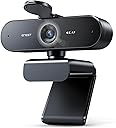
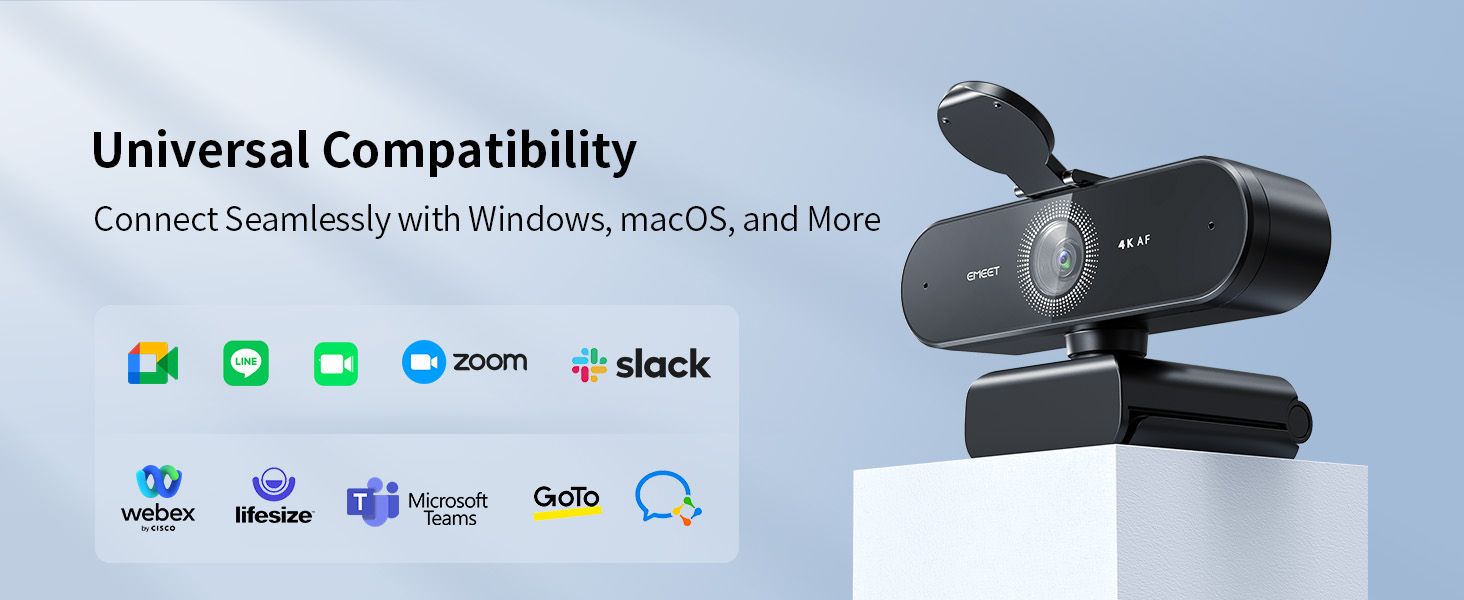
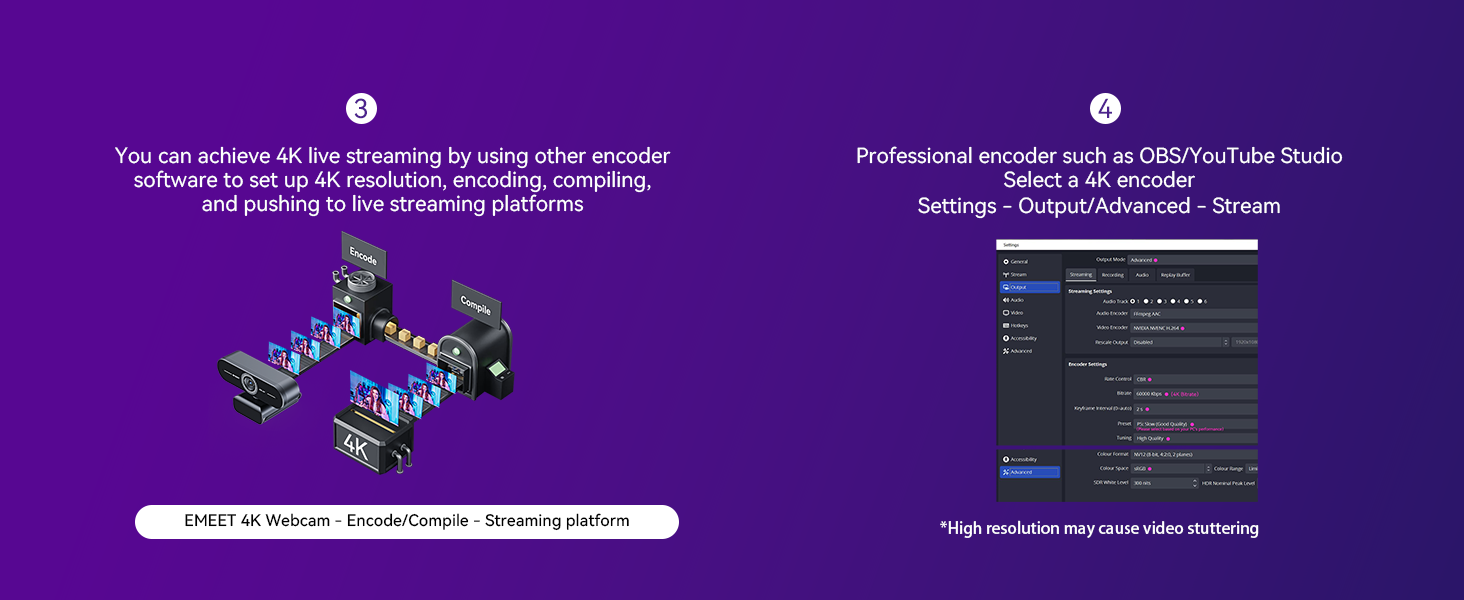
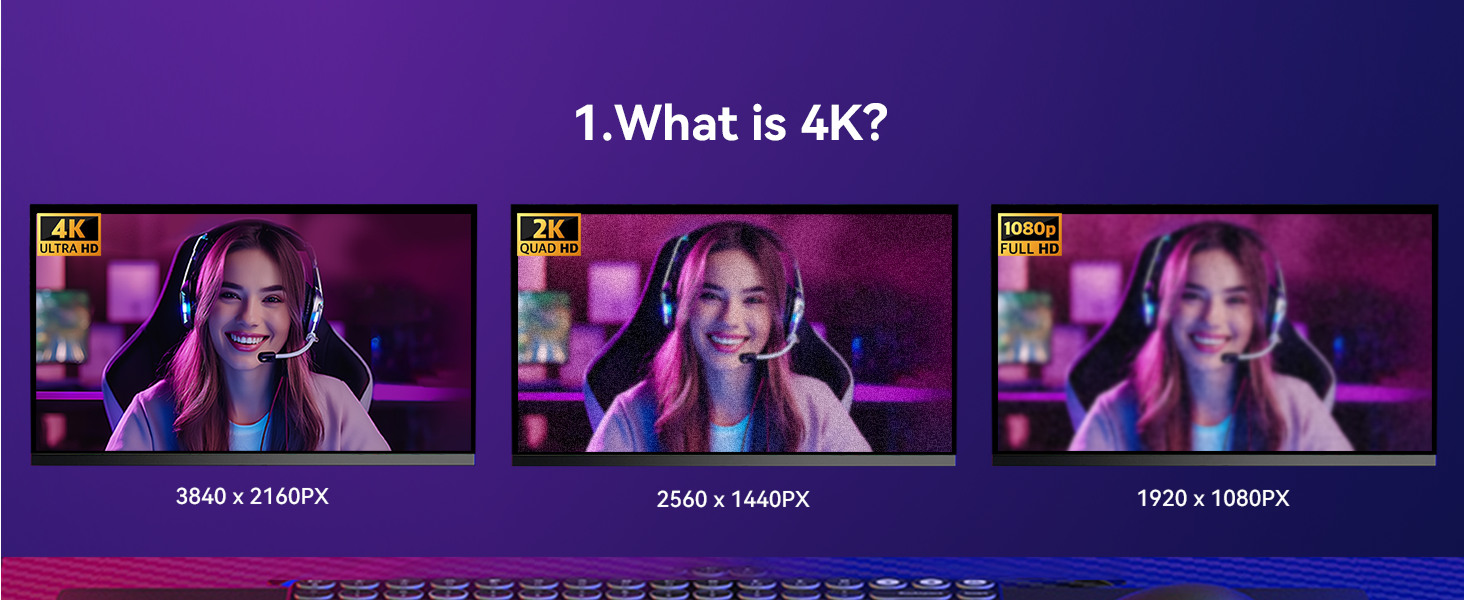
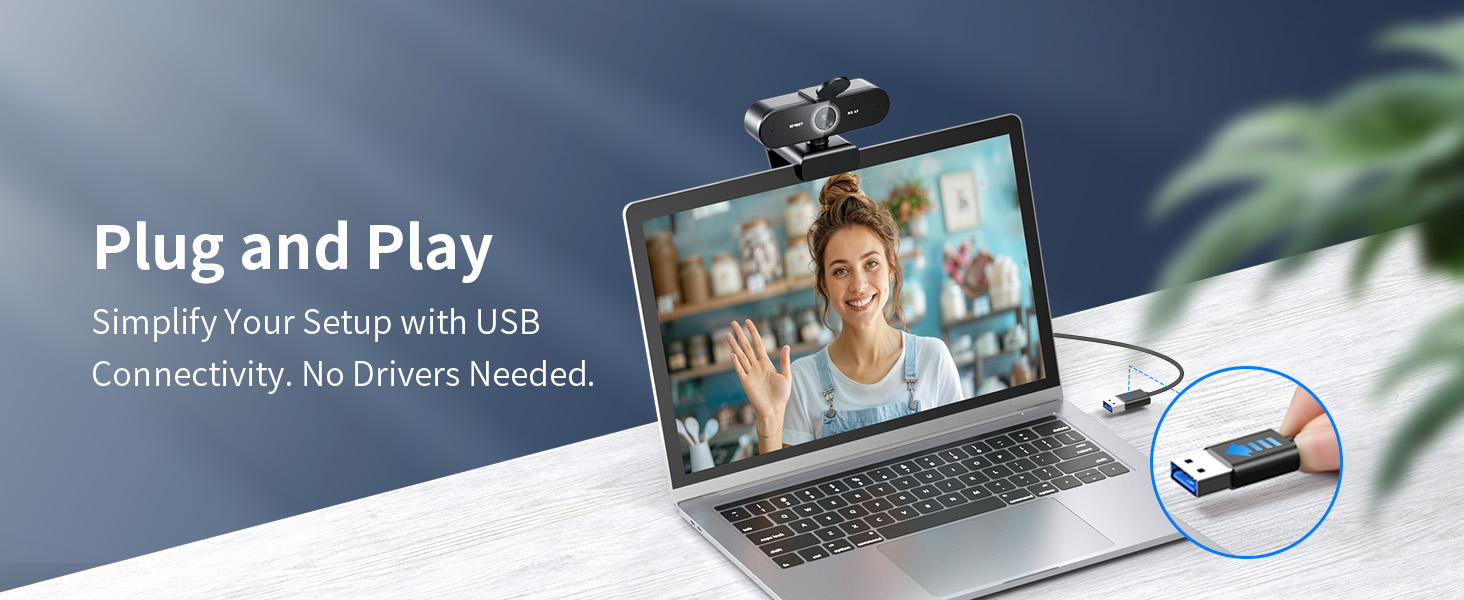
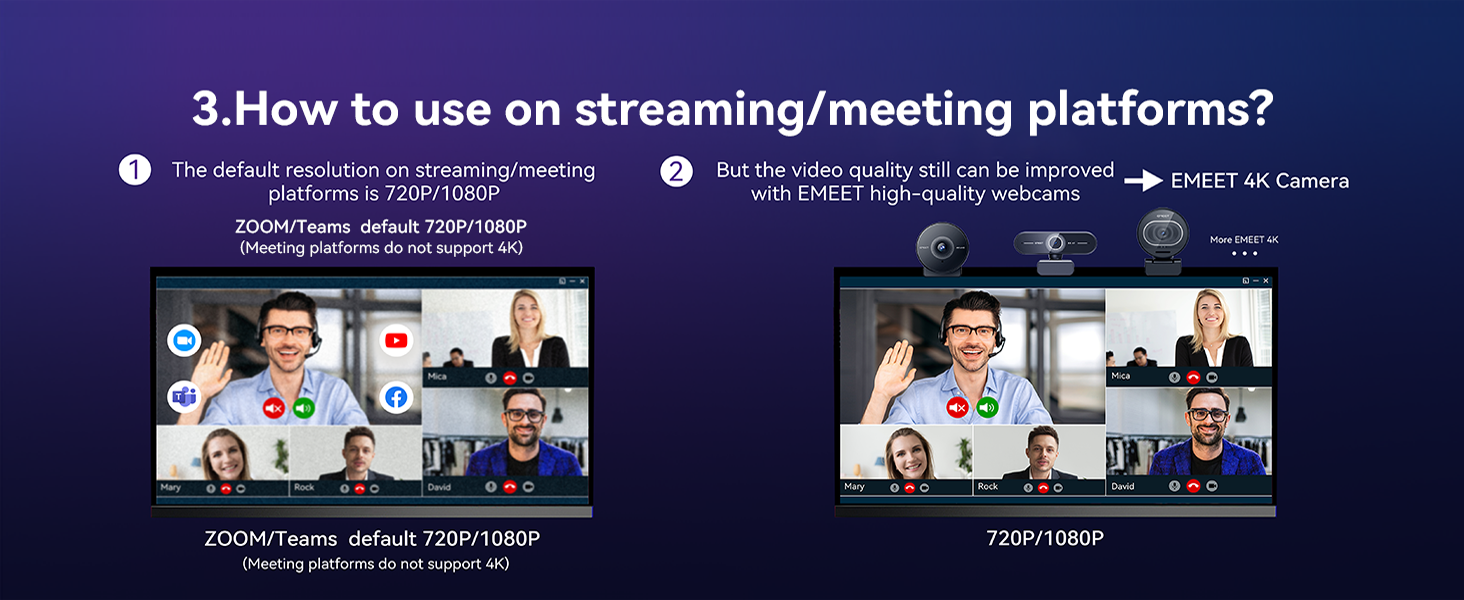
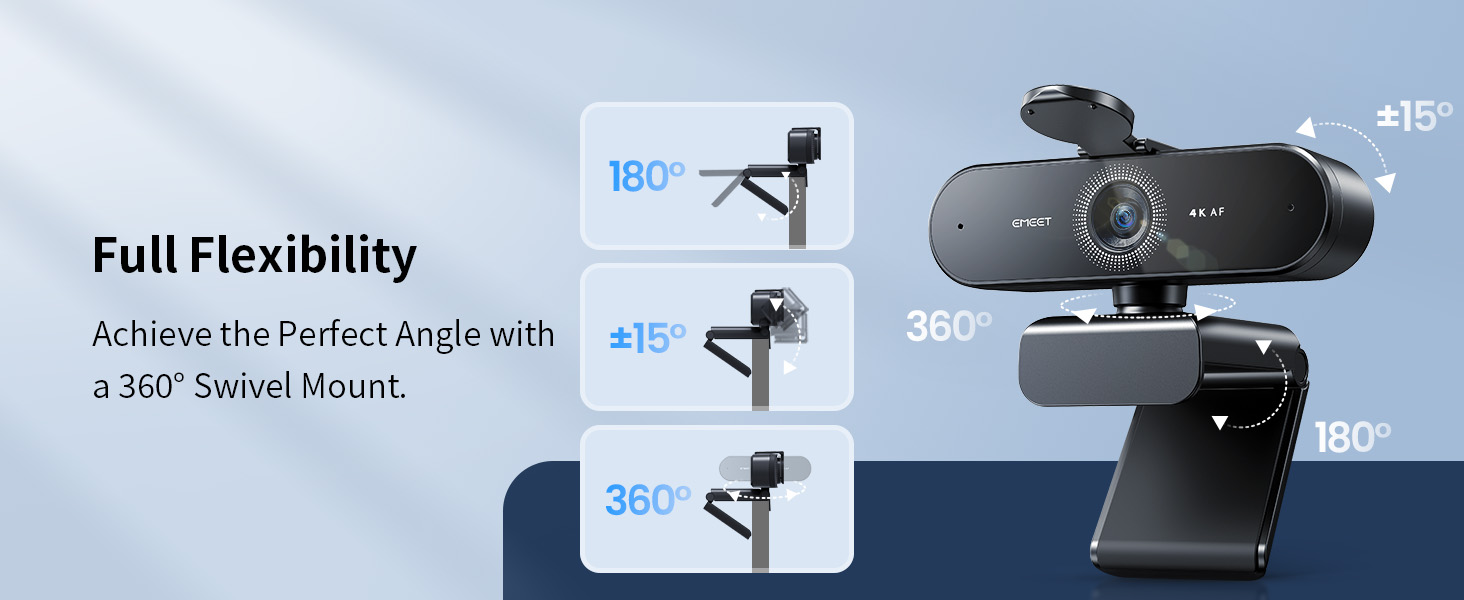
The EMEET NOVA 4K Webcam is a professional-grade USB webcam featuring ultra-high-definition 4K video at 30FPS, fast PDAF autofocus, and dual omnidirectional microphones for crystal-clear audio. Designed for seamless plug-and-play use across Windows, macOS, and Android TV, it includes a privacy cover and flexible mounting options to ensure secure, versatile, and premium video conferencing or streaming experiences.


| ASIN | B0CY2C7H6S |
| Antenna Location | Content Creaters, Live Streamers, Online Education, Online Remote Workers |
| Best Sellers Rank | #9 in Webcams |
| Brand | EMEET |
| Built-In Media | Privacy Cover, USB Cable, User Manual, Webcam |
| Camcorder Type | Webcam |
| Color | Black |
| Compatible Devices | Devices with a Type A USB port running on Windows, macOS, or Android TV |
| Connectivity Technology | USB |
| Customer Reviews | 4.5 out of 5 stars 2,354 Reviews |
| Display Resolution Maximum | UHD |
| Effective Still Resolution | 8.3 mp |
| Effective Video Resolution | 2160 pixels |
| Exposure Control Type | Automatic |
| File Format | MP4, MP3 |
| Flash Memory Speed Class | C10 |
| Flash Memory Type | NOT Available, Rely on Your PC/Mac |
| Flash Memory Video Speed Class | V60 |
| Focus Type | PDAF Auto Focus |
| Form Factor | Compact |
| Global Trade Identification Number | 06971337724416 |
| Image Aspect Ratio | 16:9 or 1.78:1 |
| Image stabilization | false |
| Item Dimensions D x W x H | 2.16"D x 3.94"W x 2.32"H |
| Item Weight | 4.64 ounces |
| Lens Type | Zoom |
| Manufacturer | Shenzhen eMeet technology Co.,Ltd. |
| Maximum Aperture | 3.3 f_stop |
| Maximum Focal Length | 3 meters |
| Minimum Aperture | 4 millimeters |
| Minimum Focal Length | 10 centimeters |
| Model Name | NOVA 4K |
| Model Number | E3131 |
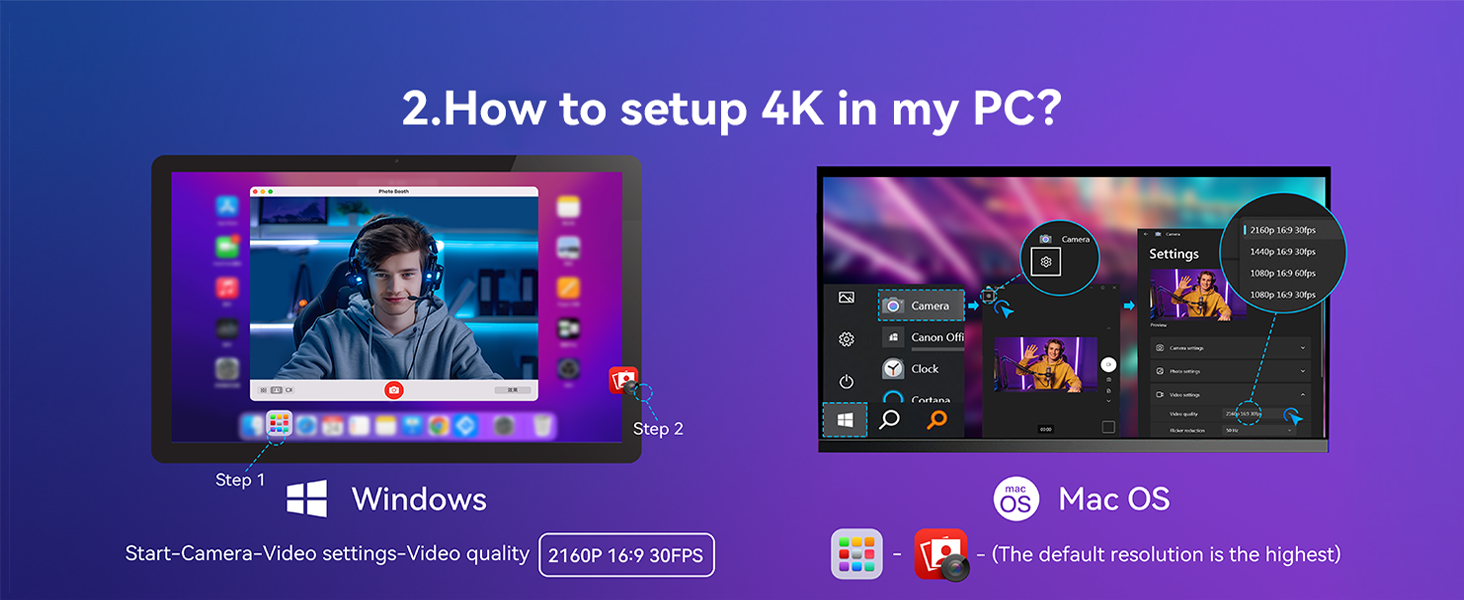
| Operating System | Android TV (V7.0 and above), We recommend using the mainstream operating systems instead of Chrome OS which may not be compatible with all versions and models., Windows (10, 11๏ผTips: Incompatible with Window Hello functions), macOS (10.14 and above) |
| Photo Sensor Technology | CMOS |
| Screen Size | 3.8 inches |
| Sensor Type | CMOS |
| Shooting Modes | Automatic |
| Special Feature | 4K@30fps, Auto Light Correction, Dual Omnidirectional Mics, PDAF Autofocus, Privacy Cover |
| Style Name | 4K PDAF Focus 2 Mics |
| Supported Audio Format | Multiple (including but not limited to MP3, WAV, AAC, FLAC, OPUS) |
| Supported Image Format | JPEG |
| Unit Count | 1 Count |
| Video Capture Format | YUY2 / MJPEG |
| Video Capture Resolution | 4K |
| Video Resolution | 4K |
| Viewing Angle | 73 degrees |
| Warranty Description | 2 Years Warranty |
| Water Resistance Level | Not Water Resistant |
| White Balance Settings | Auto |
| Wireless Compability | Bluetooth |
| Zoom | Digital |
D**.
It actually works for Windows 10!
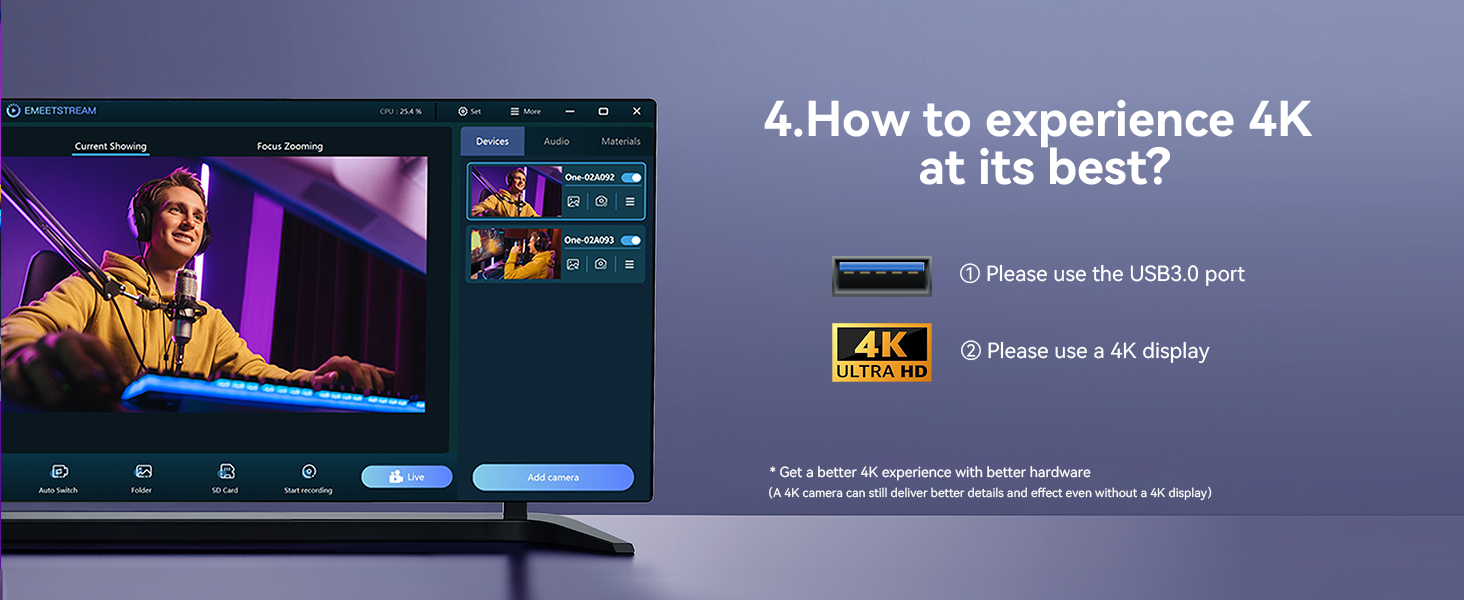
I was super excited to purchase this 4K webcam to help myself have crisper, clearer video chats when teaching online. Since changing from an established workplace to freelance, I had to return my previous company computer, and that left me with my old 2012 HP running Windows 10. The built-in webcam on my laptop is terrbile! At my brother's recommendation, since I needed something better (and since simply using my cell phone wouldn't work for the long-term), I began looking into external webcams. I asked Google's AI to help me find something suitable for my laptop in particular, and somehow this 4K camera came up. However, when it came in the mail and I plugged it in, my computer didn't seem to recognize it at all. No blue light! Anyway, I was beginning to wonder if I'd have to return it, but I had already attached the "privacy" adhesive over the lens and was concerned that this might mean I couldn't send it back. Also, I really wanted it to work! So I did a ton of troubleshooting, updating things on my computer here and there, installing drivers, etc. Nothing worked. I then bought an external USB 3.0 hub since my laptop's hubs aren't powerful enough for a 4K webcam evidently. Plugged everything in. Still, nothing! Then finally, I asked AI for recommendations regarding that particular webcam and my specific laptop, once again. The final recommendation it gave me was to "install Native EMEET Software." I had read earlier that everything would be supplied automatically as soon as you plug it in, but it turns out that's not always the case. I went onto the website, and there's a place listing "downloads" where you can get the needed software for either Windows PC or Mac. So, I downloaded the Windows one ... and voila! At long last, after installing that software, the camera worked! Apparently it's still not perfectly displaying in 4K, but no matter! The quality is is a step down from that, since my computer cannot quite support 4K. What it can display though is still a MASSIVE upgrade from what I had before! The low-light performance is excellent, and you can adjust the camera settings (contrast, saturation, etc.). I've never used an external webcam before so to me this is pretty cool. Plus, I can always use this camera on a newer laptop whenever I'm able to purchase one, and then I can have perfect 4K. But for now, attached to the laptop that I have, this camera quality is still beyond "good enough"; it's great. I'm glad I didn't give up and send this back. So it's completely worth it -- just know that if you have an old computer running Windows 10, you might have to jump through multiple hoops first before getting it to work. ;)
C**E
Impressive Picture Quality Without Breaking the Bank
I have been using the webcam for over a year now for video calls and online classes, and it has honestly exceeded my expectations. The video quality is incredibly sharp and clear, especially considering the price. Colors look natural and accurate instead of washed out or overly saturated, which makes a huge difference during long calls. Setup was simple, it has been reliable from day one, and I have had zero issues with connectivity or performance. It works great for both professional meetings and virtual classes. I expected decent quality for the price, but this webcam performs far above what I anticipated.
C**E
Bought It for the Mic, Accidentally Got a Great Webcam
Believe it or not, I originally bought the EMEET NOVA mainly for the microphone. I needed something on top of my desktop monitor for meetings and voice chat, and figured if the camera was decent too, great. Turns out the camera might actually be the better part of the purchase. The picture is genuinely sharp, autofocus is quick without constantly freaking out every time I move, and the 73ยฐ field of view is actually perfect for sitting at a desk. It gets me in the frame without showing everyone half my room and whatever questionable decisions are currently sitting on my desk. The built in microphones have also been perfectly good for what I wanted. I can sit at a normal distance from my monitor and people hear me clearly without having a dedicated microphone sitting 6 inches from my face. Obviously, if you are recording a podcast, buy a real microphone. For meetings, gaming, and normal computer use, I have zero complaints. Setup was basically the technological equivalent of doing nothing. Plug it in, select it, and it works. The 4K image looks surprisingly good for what this costs, and even in less than perfect lighting I still look like an actual human being instead of security camera footage from a gas station. I bought it because I needed a microphone and figured I might as well get a webcam attached to it. Somehow I ended up with a genuinely good webcam that also happens to have microphones. Very happy with it.
R**N
Decent, but only average color balance knocks off a star
This is a very good, solid webcam for business or personal use at a good price. The field of view is great, just about perfect in my opinion. The durability is solid, and it has good adjustability options for angle and direction. A big selling point for me was the manual cover that can be folded down whenever you like and left that way unless you're using the camera. The only real drawback of this camera is that its color balance is a bit off. It can get easily washed out by bright light and will over-expose nearby light sources and anything that is caught in nearby light sources. This is particularly likely to happen if there is a strong source of white light or sunlight in the field of view such as strong sunlight coming in from a side window or a window behind the camera. So if you use this camera, you will have to carefully manage the on camera light sources or point the camera away from direct strong lighting. Other than that, the picture is sharp and clear and transmits in high resolution with no trouble. All in all, I like the camera and expect it to provide good service in the years to come.
K**G
GET IT!! โขโฉโข
Bought this webcam to start streaming on Twitch & the quality & built in mic are actually sooo good! The autofocus is really nice as well. Setup was extremely easy, just had to plug it in ยจฬฎ 10/10 recommend! Especially with this price! (Picture attached is from me using the webcam from when i streamed ยจฬฎ )
L**R
works great, huge upgrade to 4K
This made a big difference for me on my client calls. The low light setting is fantastic, and you get crystal clear images. I highly recommend this camera!
J**Y
Excellent quality webcam
Excellent upgrade over my previous webcam. The video quality on my most recent Teams call was outstanding. Highly recommend, especially for the price.
R**N
Nice camera
Works great easy to set up and happy with the lens cover it comes with so I donโt gotta worry if I turned it off or not
R**T
Impressive Quality and Effortless Setup Great Value 4K Webcam with Sharp Picture
Early days but first impression on day one is 5 stars. The EMEET NOVA 4K Webcam Iโm very impressed so far. The picture quality is sharp and clear, iand the autofocus reacts quickly. Setup was genuinely plugโandโplay with no hassle at all, which I really appreciated. The microphone is clear for calls, and the camera handles lighting well without needing adjustments. Overall, itโs an excellent webcam for the price and Iโm very satisfied with it and would reccomend
M**N
Simple install easy to operate
Great picture quality, good value works as described on my Apple Mac mini.
A**D
Great value, really worth it.
0 regrets getting this webcam, it's just professional and budget at the same time. Bought it on the old pricing, it got pricier by 10 dollars. old price = 5 stars. current price = 4, still one of the best options.
O**R
Excellent quality
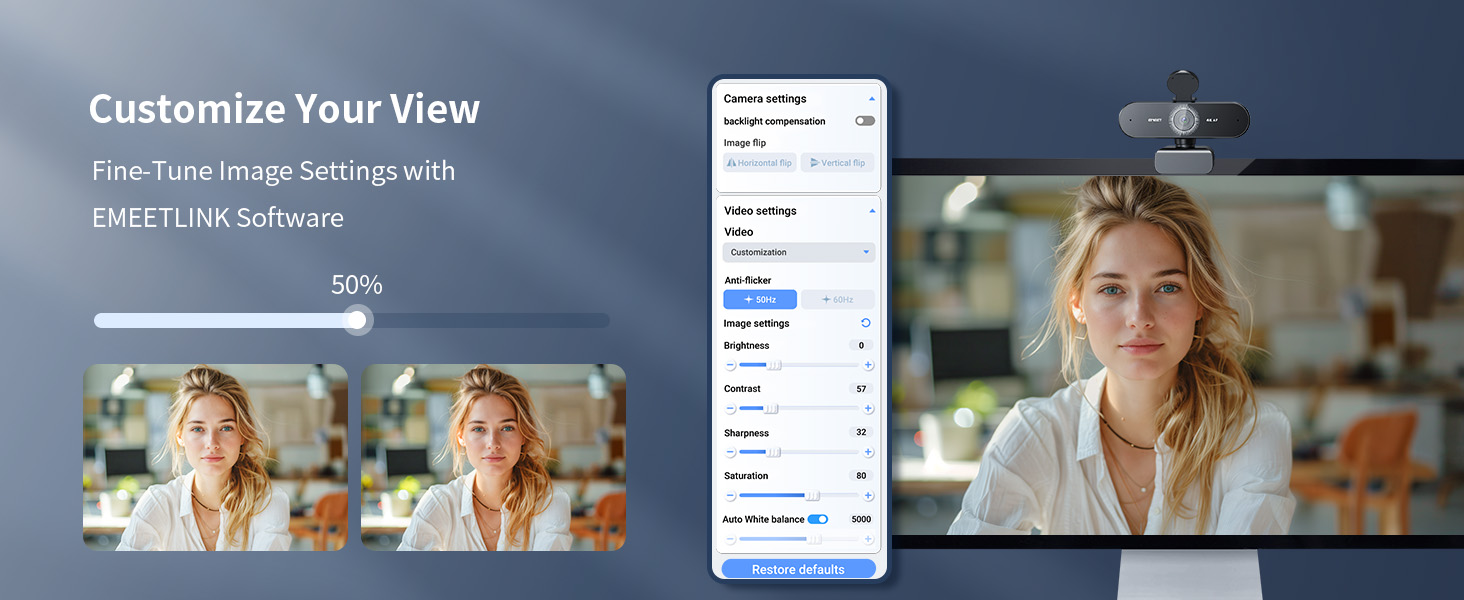
Excellent quality, and decent software
A**H
Solid 4K@30fps Webcam !
Excellent 4K Video Quality: The EMEET NOVA delivers really sharp and detailed 4K footage at 30 fps. Itโs one of the few cameras that actually lives up to its high-resolution claims. Great for Meetings & Streaming: I've found the video performance to be great for everything from professional business calls to casual live streaming. Solid Light Correction: It handles lighting changes really well, keeping the image looking natural and balanced even if your room lighting isn't perfect. Reliable Autofocus: In my experience, the autofocus is on point about 90% of the time. Every now and then it might need a quick manual nudge to refocus if you're sitting right in front of it, but it's generally very reliable. Decent Built-in Mics: The microphones are perfectly fine for everyday Zoom or Google Meet calls. If you're looking for professional-level audio you'll still want an external mic, but these are great for standard office use. Overall Value: This is a strong contender if image quality is your top priority. It offers really dependable performance and solid features for the price point.
Trustpilot
2 weeks ago
2 weeks ago